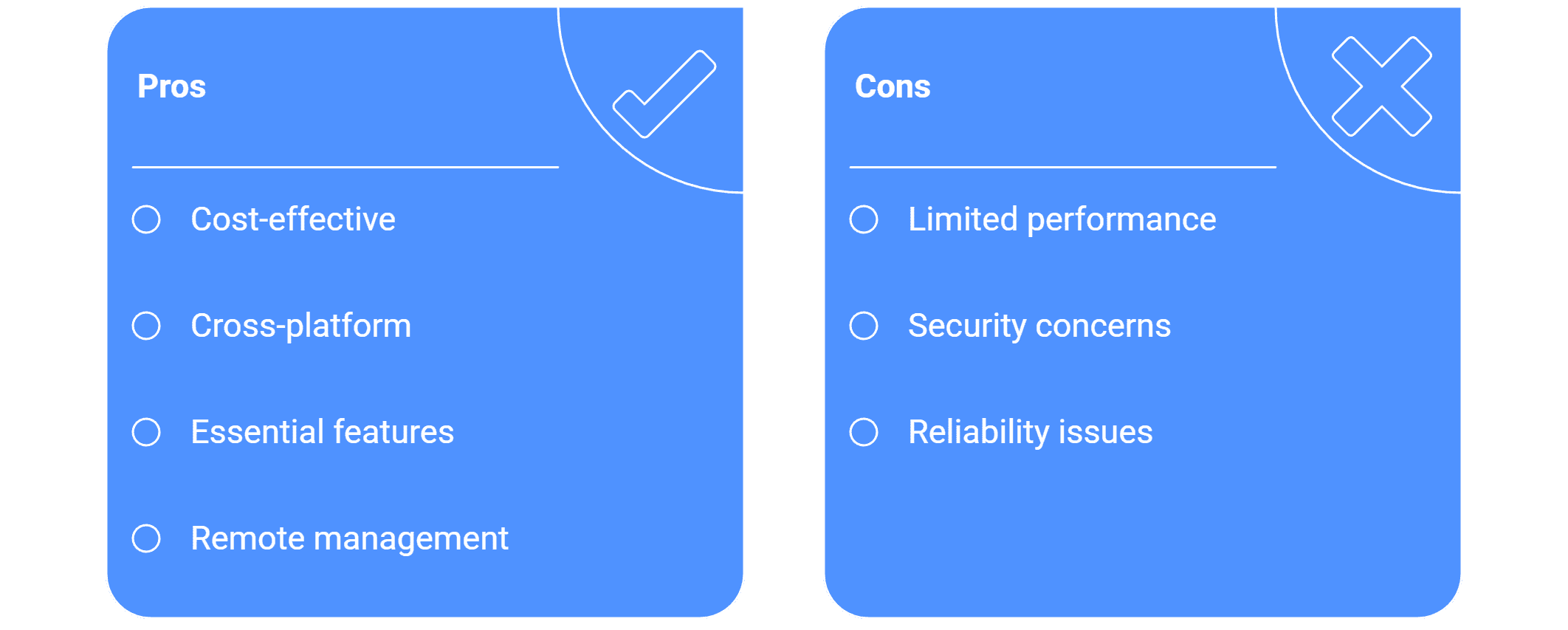
توافق
هل يمكنني استخدام صناديق أندرويد منخفضة التكلفة لبرمجيات الإعلانات الرقمية؟
مشغلات الوسائط الخاصة بنظام Android بأسعار معقولة لأداء لافتات رقمية سلس.
نعم، يمكنك استخدام صناديق أندرويد ذات التكلفة المنخفضة لبرامج اللافتات الرقمية، حيث تم تصميم المنصة لدعم التوافق عبر المنصات و تدعم بشكل خاص نظام تشغيل أندرويد لتطبيق التشغيل الخاص بها. إن استخدام أجهزة أندرويد يعد أساسياً لاستراتيجية نشر المنصة، مما يوفر حلاً فعالاً من حيث التكلفة ومرناً.
إليك ملخص للمعلومات الرئيسية التي تدعم استخدام صناديق أندرويد ذات التكلفة المنخفضة:
1. التوافق عبر المنصات
تم تصميم برنامج اللافتات الرقمية ليكون غير معتمد على الأجهزة ويقدم توافقاً سلساً مع أنظمة التشغيل.
المنصات المدعومة: فإن تطبيق التشغيل له توافق مع أنظمة تشغيل متنوعة، بما في ذلك أندرويد.
المتطلبات الدنيا: البرنامج يدعم الشاشات/العرض من نوع أندرويد المفعلة بدءاً من إصدار أندرويد 5.1 فصاعداً. يعني هذا التوافق الواسع أن صناديق أندرويد القديمة أو منخفضة التكلفة التي تلبي هذا الشرط الأدنى يمكن استخدامها.
متطلبات مشغل الوسائط: بالنسبة للافتات السحابية، تشمل الموارد اللازمة صندوق مشغل وسائط أندرويد وصلة إنترنت.
2. الفعالية من حيث التكلفة وأمثلة الاستخدام
يعني استخدام أجهزة أندرويد غالباً انخفاض تكاليف الأجهزة، مما يجعل الحل أكثر وصولاً.
حل اللافتات عبر USB: تتطلب الحلول الرقمية القائمة على USB بشكل خاص 1 صندوق وسائط أندرويد مع نظام تشغيل أندرويد 5 وما فوق مطلوب لشاشة واحدة. وهذا يبرز الاعتماد على أجهزة أندرويد حتى في الحلول الأكثر اقتصاداً.
دراسة حالة DOOH: تضمن دراسة حالة تتعلق بـ 7amdaan.io، وهي شبكة DOOH بشاشات روبوتية، التحول إلى حل أكثر كفاءة من حيث التكلفة من خلال الانتقال إلى مشغل وسائط أندرويد مخصص. وقد أدى هذا التحول إلى تقليص تكاليف البرنامج بنسبة 30% وإلغاء الحاجة إلى مشغلات الوسائط باهظة الثمن من ويندوز، مما يوضح الميزة الكبيرة من حيث التكلفة لاستخدام أجهزة أندرويد.
أجهزة منخفضة التكلفة المحددة: تشمل الأجهزة المتوافقة خيارات استهلاكية منخفضة التكلفة مثل Amazon FireStick وChromeCast (التي غالباً ما تعمل بأنظمة تشغيل قائمة على أندرويد).
3. ميزات أندرويد الأساسية
يوفر البرنامج ميزات محددة مصممة لأجهزة أندرويد لضمان التشغيل المستمر والموثوق حتى مع الأجهزة الأساسية:
الإقلاع التلقائي/التشغيل التلقائي: تم تصميم التطبيق لبدء تشغيل التطبيق تلقائياً عند إقلاع الجهاز وبدء تشغيل الوسائط تلقائياً بعد بدء الشاشة، مع تشغيل المحتوى على مدار الساعة طوال أيام الأسبوع في حلقة. وهذا يضمن أنه حتى إذا تمت إعادة تشغيل الجهاز منخفض التكلفة، فإن محتوى اللافتات يعود على الفور.
تشغيل غير متصل: يمكن للشاشات التي تعمل بالتطبيق الاستمرار في عرض المحتوى المجدول حتى بدون اتصال نشط بالإنترنت (الإنترنت مطلوب فقط لتحديث المحتوى). هذه الميزة حيوية للإتصالات التي قد تكون أقل استقرارًا والتي غالباً ما توجد مع الأجهزة منخفضة التكلفة.
وضع الكشك: يقدم النظام وضع الكشك، أو وضع التطبيق ذو الغرض الواحد، الذي يقفل الجهاز على تطبيق ذو غرض واحد ويمنع خروج التطبيقات. وهذا يضمن أن صندوق أندرويد منخفض التكلفة مخصص فقط لتشغيل محتوى اللافتات دون أي تشتت أو تلاعب.
الإدارة عن بُعد: يمكن للمستخدمين إرسال أوامر عن بُعد إلى أجهزة أندرويد، بما في ذلك القدرة على إعادة تشغيل تطبيق اللافتات عن بُعد. قد تتطلب إعادة تشغيل الجهاز عن بُعد وصول الجذر لنظام أندرويد.
في الجوهر، تم تصميم برنامج اللافتات الرقمية للاستفادة من affordability ووفرة صناديق أندرويد، مما يجعلها الخيار الأول الموصى به لمشغلات الوسائط لمقاييس النشر المختلفة.