Digital Signage Software for Corporate Offices
Wilyer's digital signage software for corporate offices helps in boosting transparency, employee engagement, and workflow efficiency. It streamlines internal communication and enables real-time content sharing across departments making them dynamic.
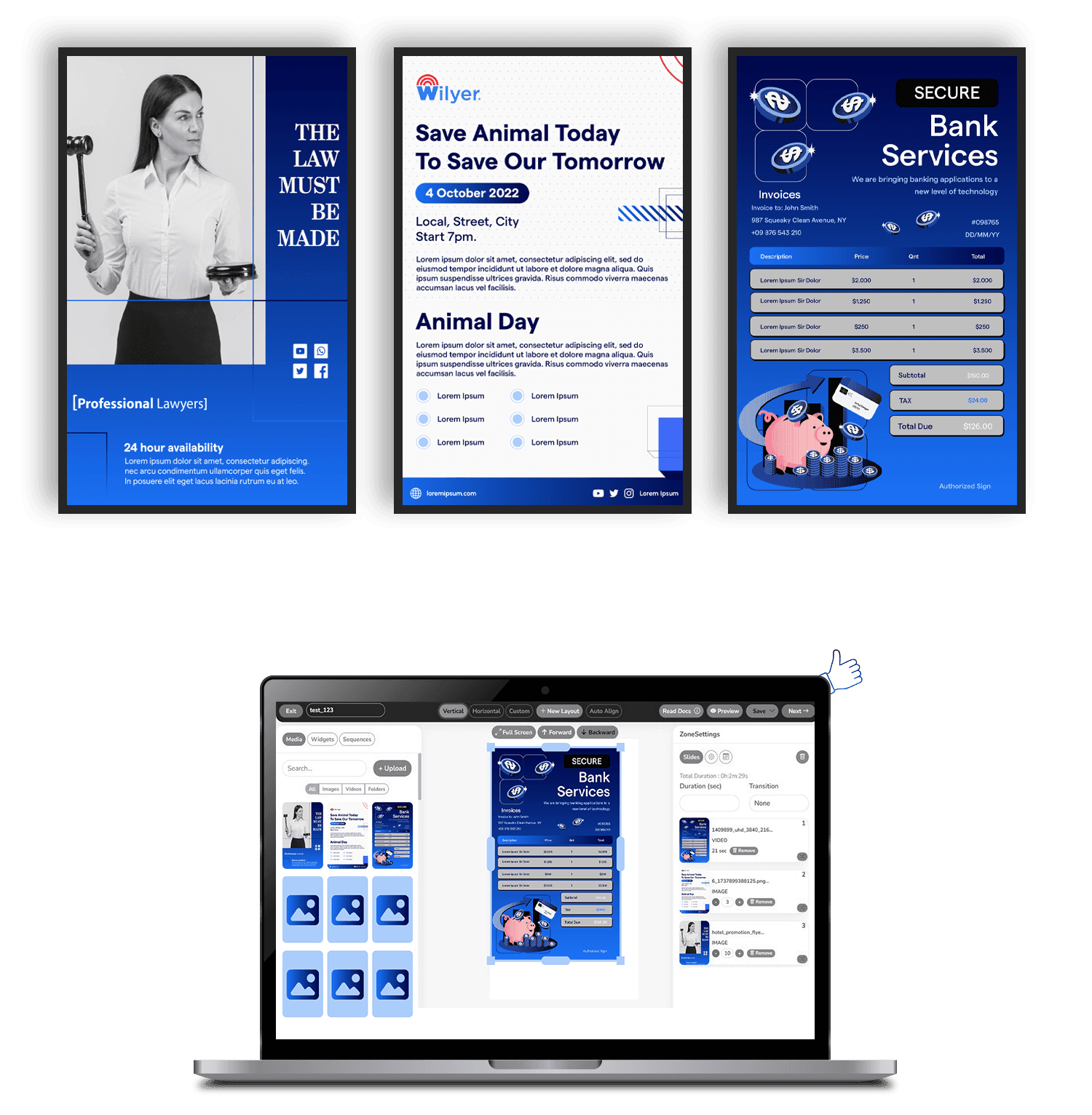
Corporate Office Digital Signage Software Core Features
Interactive Meeting Room Displays
Enhance conference rooms with interactive displays. Show room availability, booking schedules, and meeting details, helping employees find free rooms quickly and avoid conflicts for smoother operations.

Real-Time KPI Dashboards
Digital signage software allows you to sync real-time dashboards on digital screens in workspaces. This allows people to make data-driven decisions. With this sync feature, you can also showcase sales metrics, project progress, or customer satisfaction data to keep teams motivated and informed.

Event and Training Updates
Use digital signage in corporate offices to promote events, workshops, and training. Keep employees informed about skill-building and team activities efficiently without relying on constant emails.

Visitor Management Displays
Make a long-lasting and impressive impression on the people visiting your office premises for the first time. Welcome visitors with personalized greetings, show branded content about your company or guide visitors through office spaces with wayfinding features.

Digital Recognition Boards
By leveraging digital signage software, publicly acknowledge employee accomplishments and foster a culture of appreciation and motivation. Boost employee morale by celebrating achievements, anniversaries, or team successes on recognition displays.

Corporate Communications
Create seamless communication with centralized digital displays. Share announcements, policy updates, and performance metrics to keep employees informed and aligned with organizational goals in break rooms, lobbies, or workstations.

Wayfinding Solutions
Simplify navigation in large office campuses with interactive wayfinding systems. Employees and visitors can easily locate departments, meeting rooms, and key facilities which results in improving their experience and saving time.

Interactive Meeting Room Displays
Enhance conference rooms with interactive displays. Show room availability, booking schedules, and meeting details, helping employees find free rooms quickly and avoid conflicts for smoother operations.
Real-Time KPI Dashboards
Digital signage software allows you to sync real-time dashboards on digital screens in workspaces. This allows people to make data-driven decisions. With this sync feature, you can also showcase sales metrics, project progress, or customer satisfaction data to keep teams motivated and informed.
Event and Training Updates
Use digital signage in corporate offices to promote events, workshops, and training. Keep employees informed about skill-building and team activities efficiently without relying on constant emails.
Visitor Management Displays
Make a long-lasting and impressive impression on the people visiting your office premises for the first time. Welcome visitors with personalized greetings, show branded content about your company or guide visitors through office spaces with wayfinding features.
Digital Recognition Boards
By leveraging digital signage software, publicly acknowledge employee accomplishments and foster a culture of appreciation and motivation. Boost employee morale by celebrating achievements, anniversaries, or team successes on recognition displays.
Corporate Communications
Create seamless communication with centralized digital displays. Share announcements, policy updates, and performance metrics to keep employees informed and aligned with organizational goals in break rooms, lobbies, or workstations.
Wayfinding Solutions
Simplify navigation in large office campuses with interactive wayfinding systems. Employees and visitors can easily locate departments, meeting rooms, and key facilities which results in improving their experience and saving time.
Join businesses worldwide using Wilyer for seamless digital signage management.
























Why Choose Wilyer for Corporate Office Digital Signage Software?

Seamless Integration with Office Tools
Our software integrates with tools like Google Suite, Microsoft Office, and Power BI - enabling real-time updates, schedules, and metrics to be shared across departments for better collaboration.

Customizable Templates and Zones
Tailor your corporate digital signage to match your office's unique needs. Display project updates, HR news, and performance metrics in different zones - all from one powerful platform.

Scalable On-premise Solutions
With Wilyer's digital signage software, security comes first. Every solution is protected by AES-256-bit encryption. As your business grows expanding to new locations stays seamless and secure.

Versatile Display Options
Wilyer's signage software works with all display types - video walls, compact screens, or interactive panels. Easily manage content across your office with flexible layouts and seamless control.

Dynamic Content Scheduling
Wilyer's digital signage for corporate enables smart content scheduling - automate updates like morning announcements, midday wellness tips, or end-of-day performance highlights.

Environmental Responsibility
With our digital signage, corporate offices can remotely control screens, schedule display times, adjust brightness, and lower power usage - all while staying eco-friendly.
How to Get Started
Unlock the potential of Wilyer's Cloud Digital Signage in 3 easy steps:
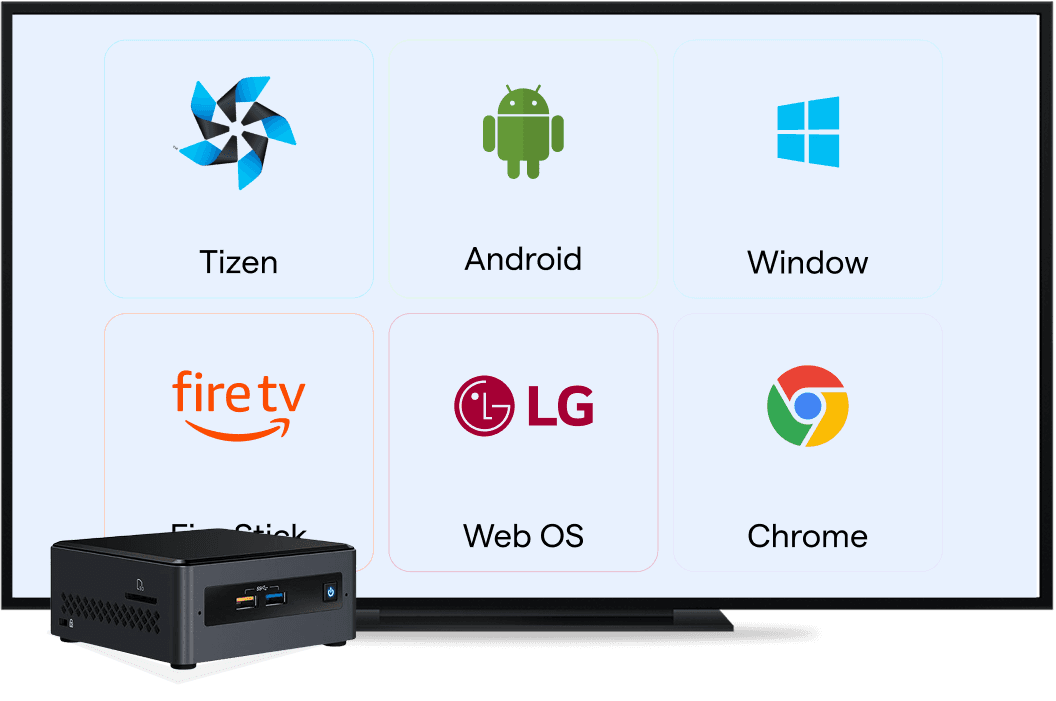
Select Hardware
Choose your preferred type of hardware such as a Smart TV, Digital Billboard, or Digital Screen. If you are using a non-smart display prefer using Android Media Player or Windows Mini PC.
Install the Wilyer App
Download and install our app on your preferred device from the Google Play Store or USB Stick. From smart TVs to media players, the installation is a quick one-time hassle-free process.
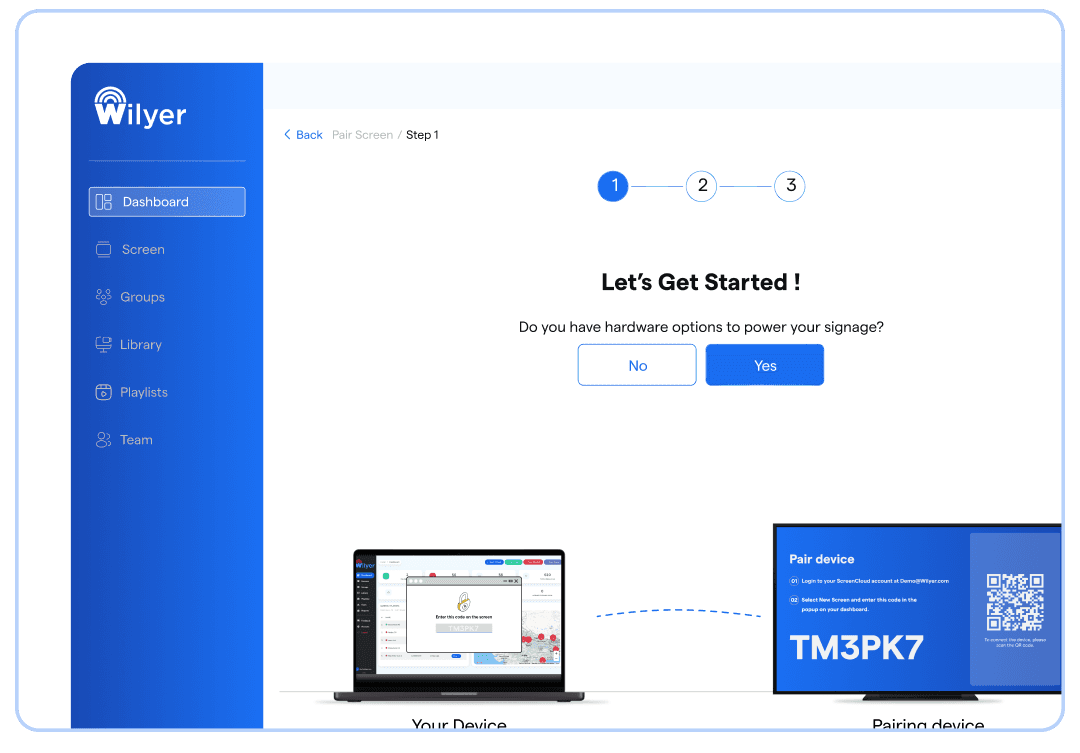
Pair & Publish Content
Connect your screens to the app via a unique pairing code, upload your content, and publish with a single click. Your screens will be live and ready to engage your audience.
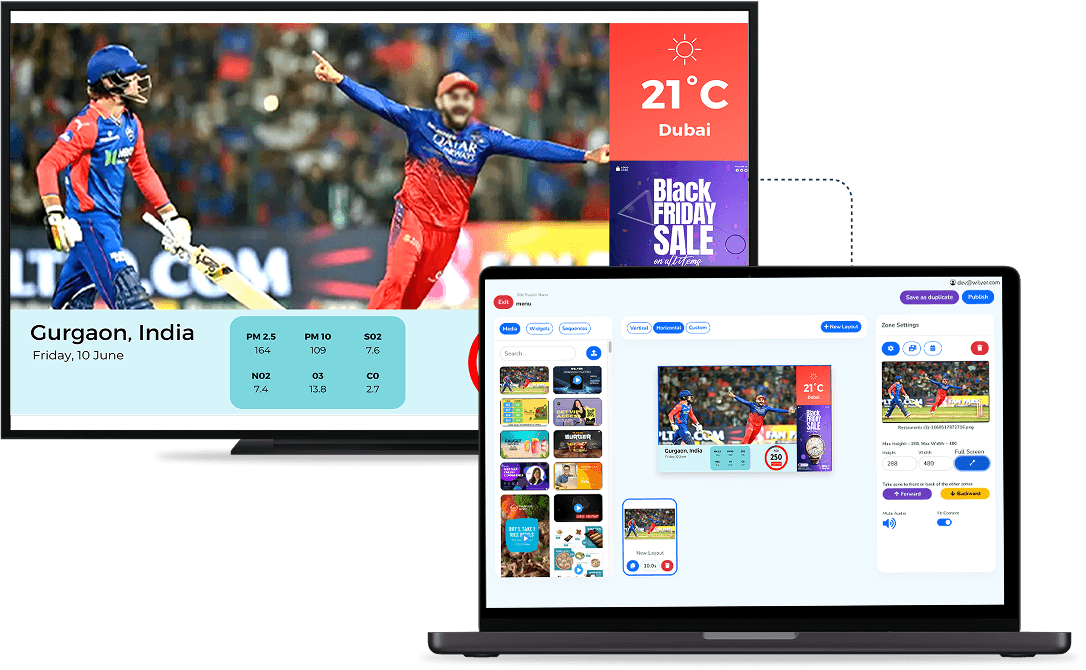
Optimizing Employee and Visitor Experiences with Digital Signage

Lobby and Reception Areas
Highlight your brand story right from the lobby with Wilyer's digital signage. Share milestones, updates, and personalized greetings to impress clients and visitors - creating a professional and welcoming atmosphere that reflects your company's values.

Employee Engagement
Boost employee engagement and alignment with Wilyer's digital signage for corporate offices. Display motivational content, celebrate team wins, and share real-time updates to foster a connected, informed, and positive workplace culture.

Conference Rooms and Huddle Spaces
Transform your conference rooms and huddle spaces with Wilyer's digital signage. Display real-time meeting schedules, room availability, and key updates - while empowering teams to collaborate, present, and make data-driven decisions effortlessly.

Break Rooms and Cafeterias
Digital displays in elevators can be a major source to establish communication with visitors. These displays can show content related to hospital events, health tips, or safety reminders educating and making people aware when they interact with them.
Applications of Digital Signage in Corporate
Boardrooms and Executive Suites
Elevate the decision-making process in high-stake environments with digital signage software. By adopting this software in boardrooms and executive suites it can transform the meeting experience by displaying relevant content dynamically. It becomes convenient to display real-time financial metrics, performance dashboards, or market trends to provide decision-makers with actionable insights.

Frequently Asked Questions
Have more questions? Visit our complete digital signage FAQs page.
Industries with Similar Use Cases
Discover how digital signage supports communication, branding, and information sharing across professional environments.
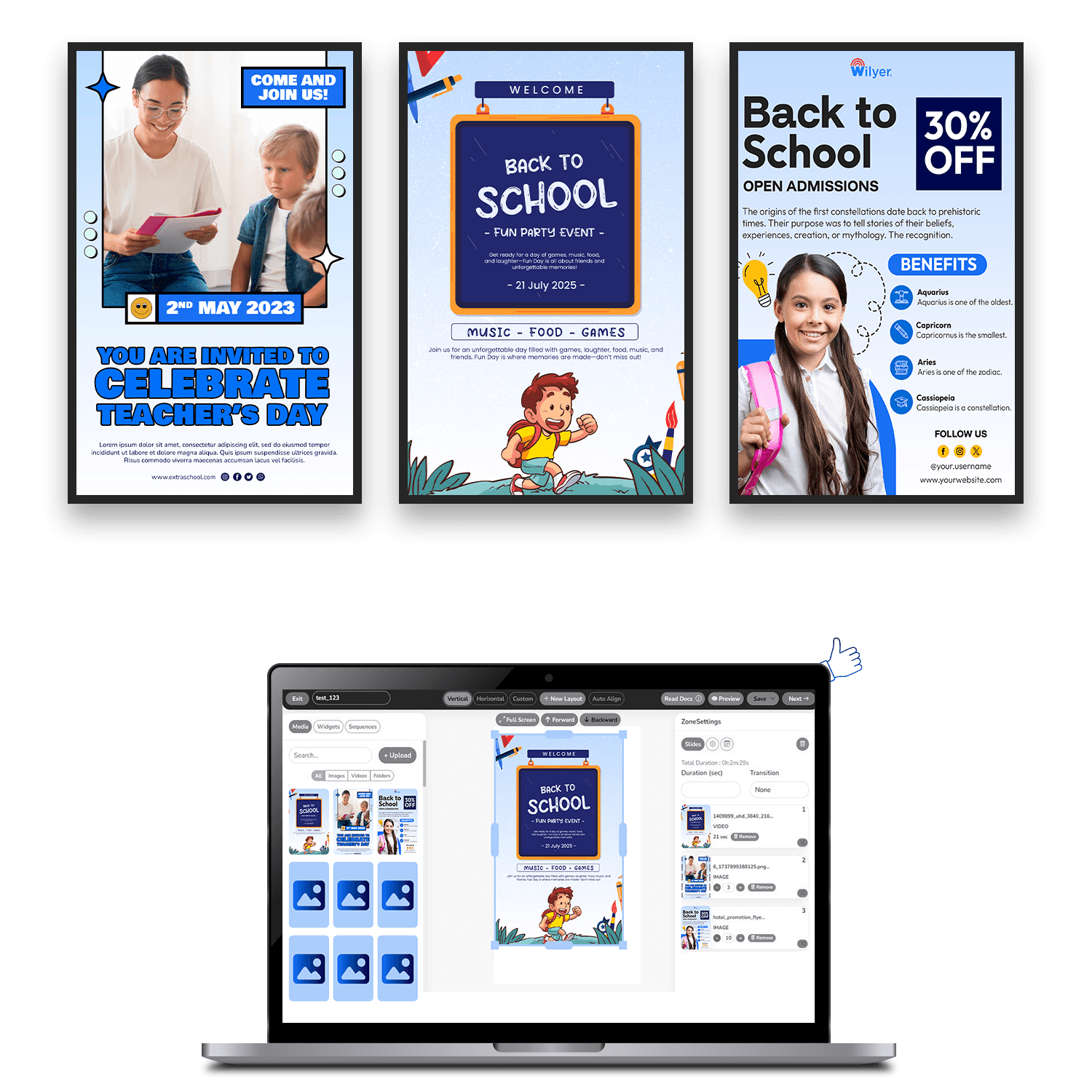
Education
Enable campus-wide communication, training updates, and announcement displays across institutions.
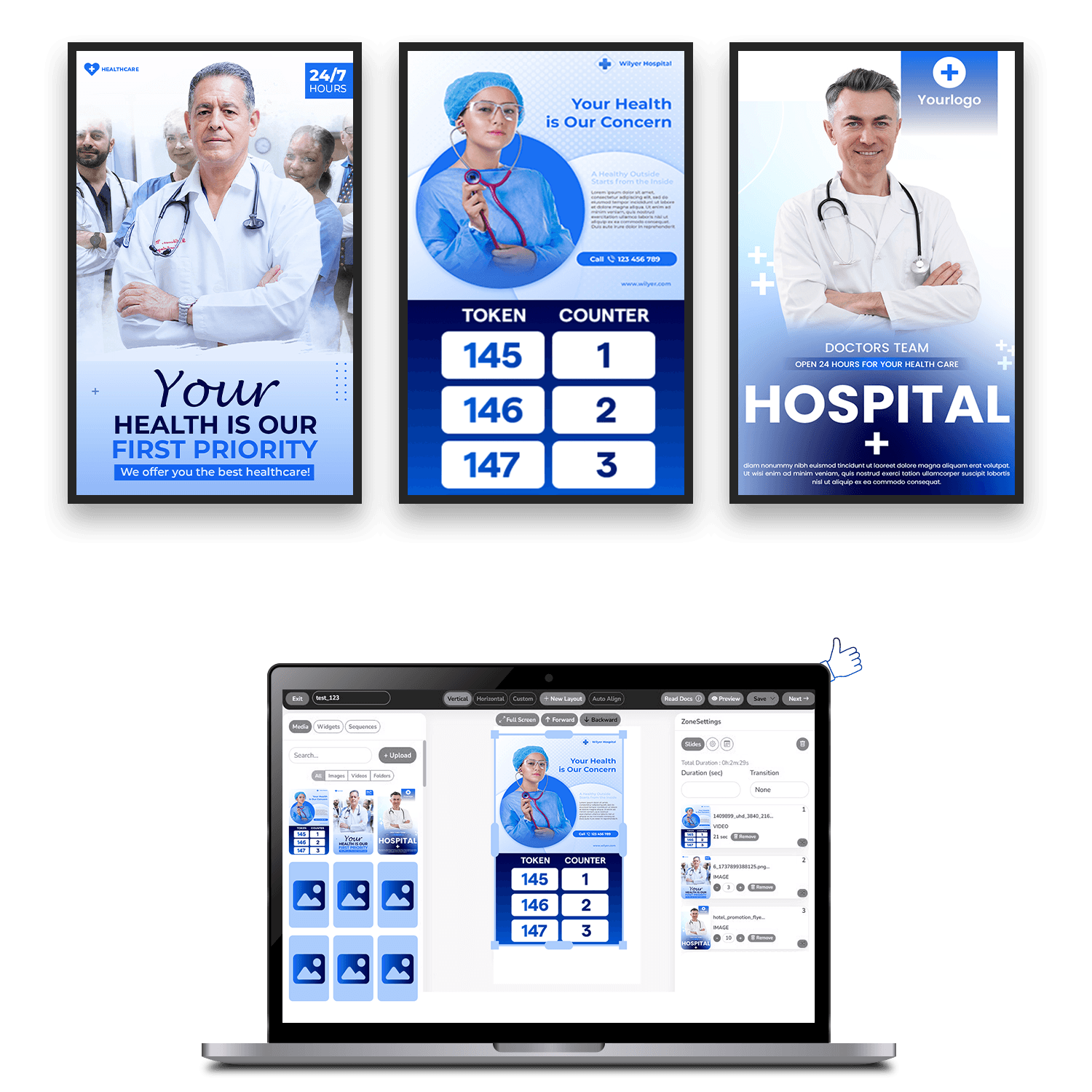
Healthcare
Display important notices, wayfinding, and internal communication across hospitals and medical facilities.
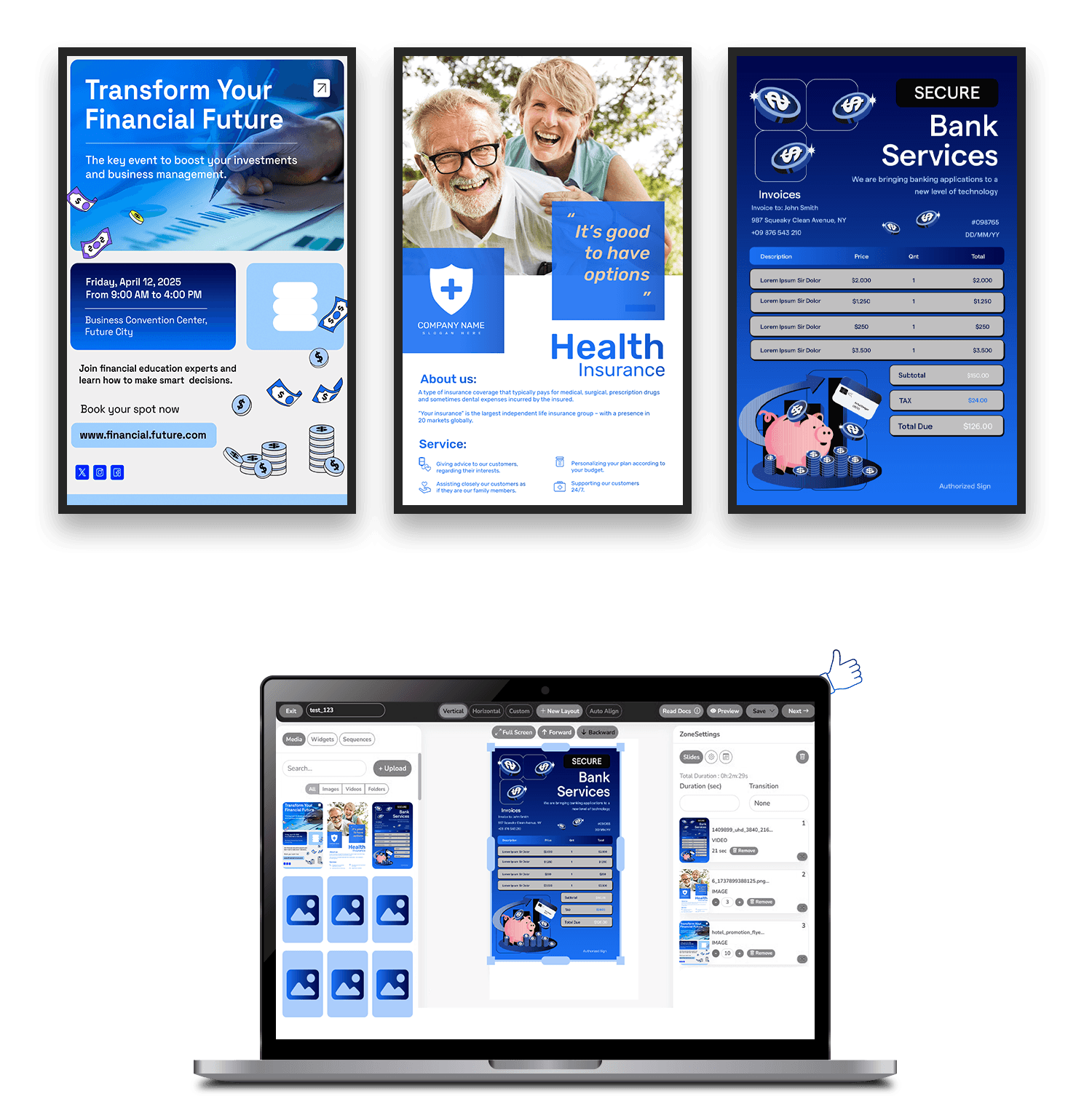
Bank
Share service updates, queue information, and compliance messaging across financial branches.