توافق
هل تعمل برامج الإعلانات الرقمية مع شاشات LG webOS؟
التوافق الأصلي لإشارات الرقمية مع شاشات LG webOS.
نعم، برنامج الإعلانات الرقمية يعمل بسلاسة مع شاشات LG webOS.
البرنامج مصمم ليكون غير معتمد على الأجهزة ويوفر توافق نظام التشغيل السلس. قائمة توافق تطبيق المشغل تحدد بشكل خاص أجهزة SoC (نظام على شريحة) LG WebOS.
يوفر النظام برنامج الإعلانات الرقمية LG WebOS خاصًا للتنزيل مصمم لـ دعم شاشات LG SoC التجارية.
مثال دراسة حالة أساسية: إدارة شاشات متنوعة (تاكو بيل ماليزيا)
التوافق مع LG webOS يعد أمرًا حيويًا للشركات التي تعمل مع مجموعة مختلطة من الشاشات، وغالبًا ما تُعرف باسم حل التوافق عبر الأنظمة الأساسية.
سيناريو: لوحات قائمة رقمية لمطاعم الخدمة السريعة
مثال رئيسي على سبب أهمية هذا التوافق يأتي من صناعة مطاعم الخدمة السريعة (QSR)، كما هو مذكور في دراسة حالة تاكو بيل ماليزيا.
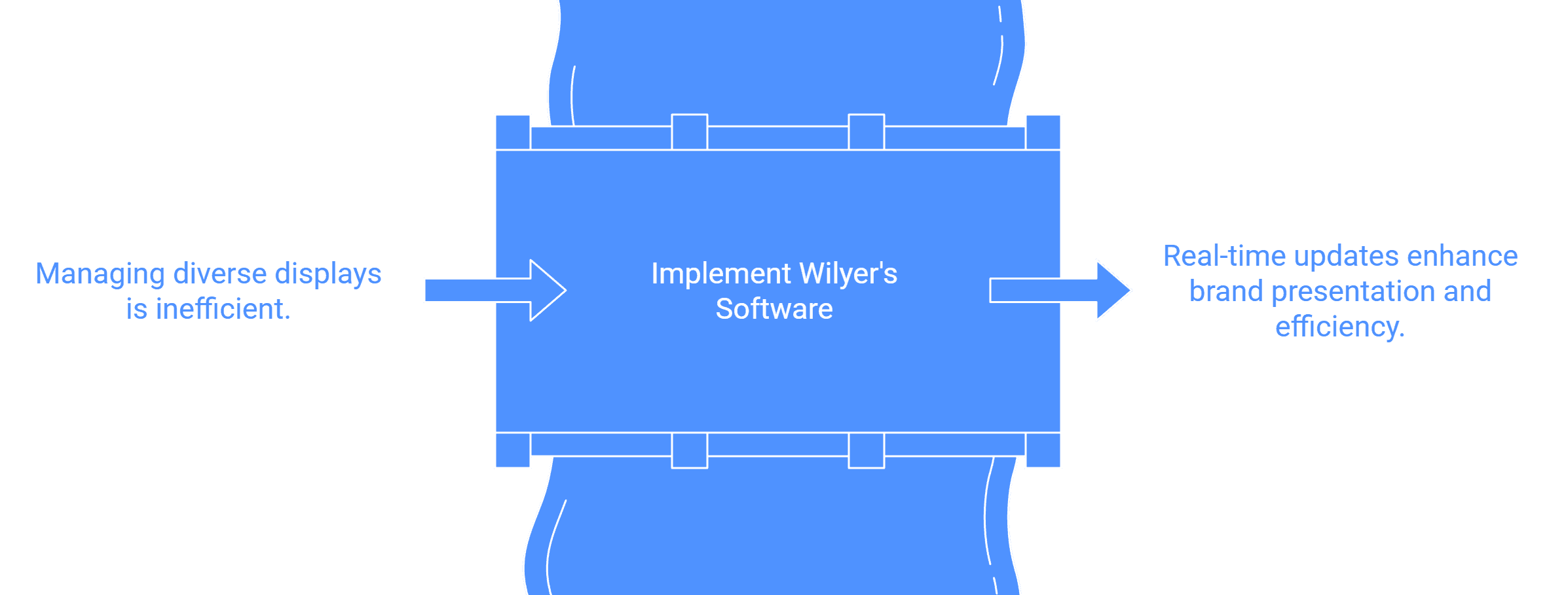
التحدي: كان على تاكو بيل ماليزيا إدارة أكثر من 200 شاشة عبر أكثر من 50 متجرًا في جميع أنحاء البلاد، باستخدام علامات تجارية متنوعة لشاشات العرض الرقمية. هذه التنوع يتطلب نظامًا موحدًا لإدارة جميع لوحات القوائم الرقمية بشكل فعال.
الحل: قدم برنامج وايليير توافق متعدد الأنظمة التشغيلية، مما سمح لتاكو بيل ماليزيا بدمج جميع علامات عرضها المختلفة في نظام موحد يتحكم فيه نظام إدارة محتوى واحد. إذا كانت بعض الشاشات من LG webOS وأخرى من Android أو Samsung Tizen، كان نظام إدارة المحتوى قادرًا على إدارتها جميعًا.
النتيجة: هذه التكامل السلس مكّن تحديثات القوائم في الوقت الحقيقي وحافظ على عرض موحد للعلامة التجارية عبر جميع المواقع، مما عزز الكفاءة التشغيلية وتفاعل العملاء دون الحاجة إلى التدخل اليدوي لأنواع الأجهزة المختلفة.
دليل التثبيت لشاشات LG webOS
نظرًا لأن شاشات LG webOS هي أجهزة SoC (نظام على شريحة)، فهي مصممة لتشغيل التطبيق مباشرةً دون الحاجة إلى مشغل وسائط خارجي. تتبع عملية التثبيت والنشر هذه الخطوات العامة:
3 خطوات لنشر المحتوى
العملية العامة سلسة لإدارة سهلة:
إنشاء حساب: سجل في بوابة وايليير للإعلانات الرقمية.
تثبيت تطبيق وايليير: قم بتنزيل التطبيق إلى الأجهزة التي تريدها، والتي تشمل شاشات LG WebOS. برنامج الإعلانات الرقمية LG WebOS متاح لهذا الغرض.
توصيل ونشر المحتوى: بمجرد تثبيت تطبيق وايليير على شاشة webOS، سيتم عرض رمز الاقتران على الشاشة. يمكنك استخدام هذا الرمز لتوصيل الشاشة بحساب نظام إدارة المحتوى الخاص بك وبدء تحميل وجدولة المحتوى الخاص بك.
ملاحظة حول تفاصيل التثبيت: بالنسبة لأجهزة SoC مثل LG webOS (و Samsung Tizen)، غالبًا ما يتطلب التثبيت الوصول إلى مشغل التطبيقات المدمج في الجهاز (مثل "مشغل URL" المستخدم في إعداد Tizen) وإدخال عنوان URL محدد لتنزيل تطبيق المشغل مباشرةً على الشاشة. بمجرد تثبيت التطبيق، يصبح رمز الاقتران متاحًا لتمكين الإدارة عن بُعد على الفور.

