توافق
هل برنامج عرض العلامات الرقمية من سامسونج Tizen أفضل من الذي يعتمد على أندرويد؟
مقارنة بين Tizen و Android من حيث أداء اللافتات الرقمية.
لا توجد ادعاءات بأن نظام Samsung Tizen أفضل من Android للإشارات الرقمية. لكل منهما ميزاته الخاصة، والاختيار الصحيح يعتمد على احتياجات عملك. تم تصميم البرنامج لضمان توافق نظام التشغيل السلس عبر أجهزة وأنظمة تشغيل مختلفة، بما في ذلك كل من Samsung Tizen وAndroid.
ومع ذلك، هناك اختلافات مهمة في نشر الأجهزة والوظائف، ويمكن أن يكون كل نظام أكثر ملاءمة اعتمادًا على الاحتياجات المحددة للأعمال.
مزايا Samsung Tizen (نظام على رقاقة - SoC)
شاشات Samsung Tizen مُصنفة على أنها أجهزة SoC (نظام على رقاقة). يوفر هذا التصميم مزايا متأصلة للتبسيط والتكامل:
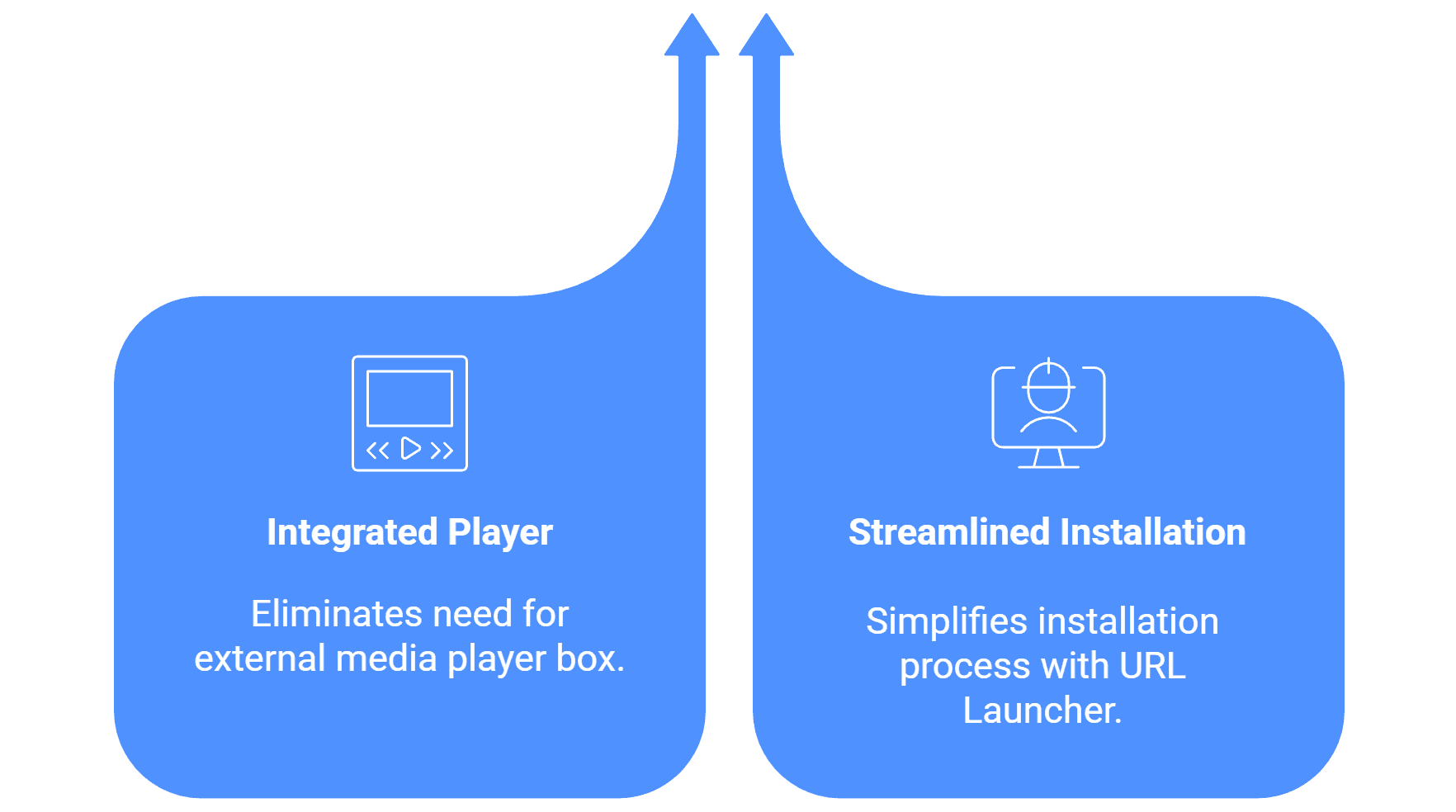
مشغل مدمج: لأن نظام تشغيل Tizen مدمج مباشرة في الشاشة التجارية، فإنه يلغي الحاجة إلى صندوق مشغل ميديا خارجي (مثل جهاز Android منفصل أو جهاز كمبيوتر صغير).
تثبيت مبسط: تتضمن عملية التثبيت على شاشات Tizen ببساطة الوصول إلى مشغل العناوين URL على منصة Samsung Smart Signage (SSSP)، وتثبيت التطبيق عبر عنوان URL محدد، ثم اقتران الشاشة مع CMS باستخدام رمز اقتران.
مزايا الحلول المستندة إلى Android
Android مدعوم على نطاق واسع ويشكل الأساس للعديد من نشرات الإشارات الرقمية منخفضة التكلفة ومرنة:
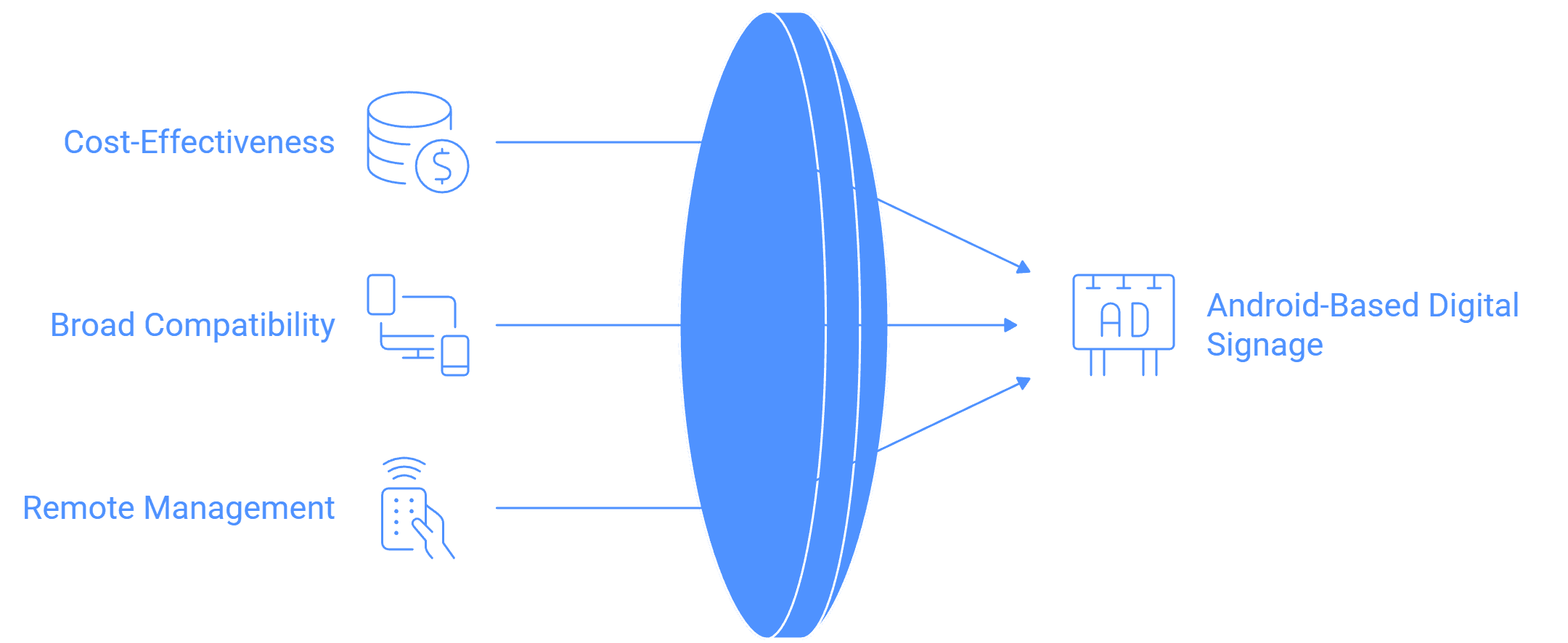
الفعالية من حيث التكلفة والمرونة: يعتبر Android أساسيًا للنشر الذي يعطي الأولوية لتكلفة الأجهزة المنخفضة، حيث إن البرنامج متوافق مع مجموعة واسعة من الأجهزة، بما في ذلك مشغلات منخفضة التكلفة مثل Amazon FireStick. أظهرت دراسة حالة واحدة أن الانتقال إلى مشغل وسائط Android مخصص قلل من نفقات البرامج وألغى الحاجة إلى مشغلات وسائط Windows باهظة الثمن.
توافق واسع: يدعم البرنامج الشاشات / العروض المُفعلة بنظام Android من إصدار Android 5.1 وما بعده، مما يضمن التوافق مع الأجهزة المتاحة بسهولة في السوق.
مرونة الإدارة عن بُعد (مع تحذير): تسمح أجهزة Android بتنفيذ أوامر قوية عن بُعد، مثل إعادة تشغيل الجهاز وتشغيل التطبيق في وضع الكشك (مقفل على تطبيق واحد). ومع ذلك، يتطلب تنفيذ إعادة تشغيل الأجهزة عن بُعد الوصول إلى جذر Android.