Compatibility
Can I manage multiple screens with digital signage on FireStick?
Manage multiple FireStick-powered screens from one CMS.
Yes, you can manage multiple screens using the digital signage software on Amazon FireStick devices. The software is explicitly compatible with the Amazon FireStick.
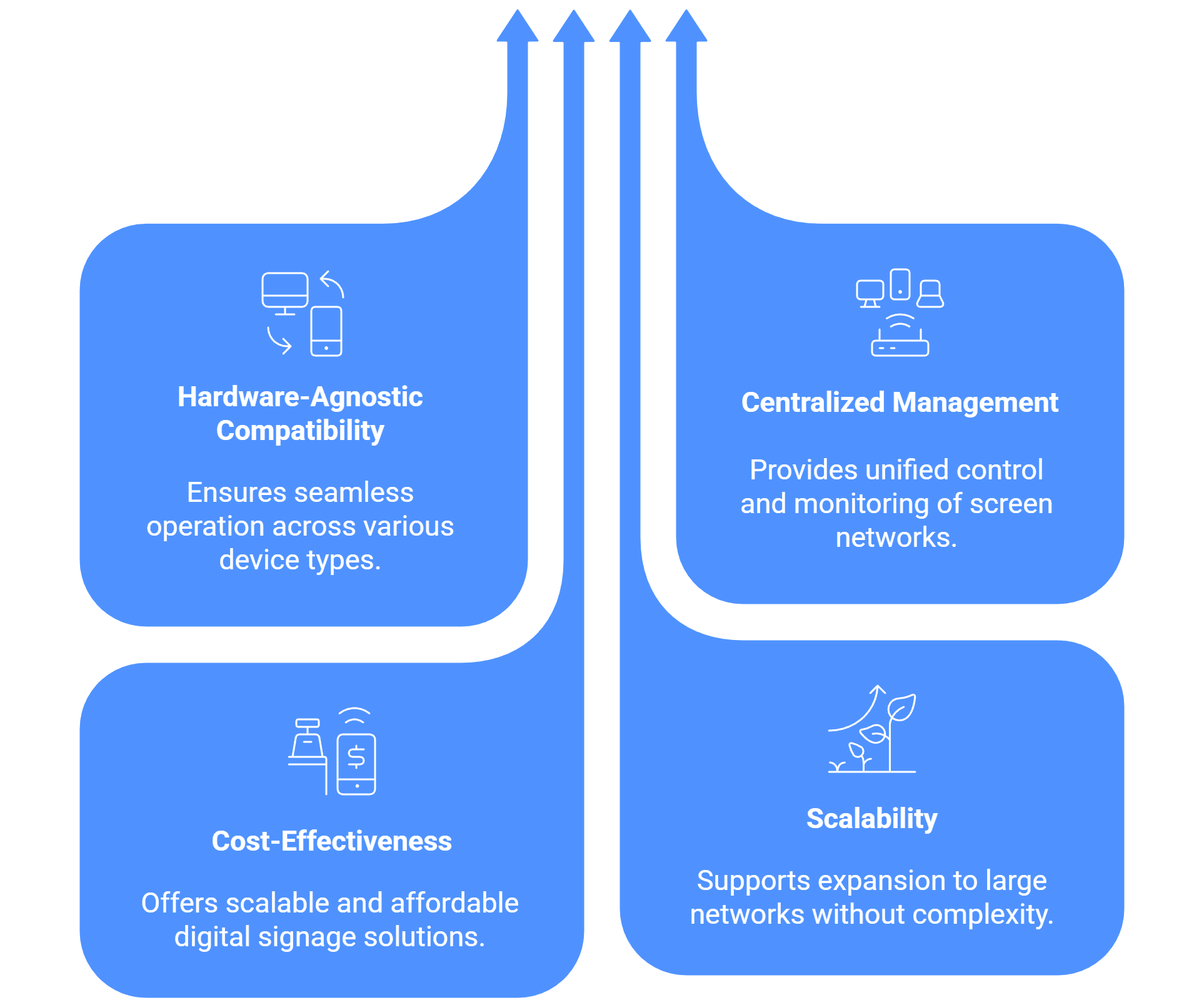
The core strength of the digital signage software lies in its Content Management System (CMS), which is engineered to manage large, multi-device networks, regardless of whether the player is a FireStick, a Windows PC, or an Android box.
Here is how the system enables efficient multi-screen management with devices like the FireStick:
Centralized Management and Compatibility
The digital signage platform is Hardware-agnostic, ensuring compatibility across diverse devices, including Android, Windows, Samsung Tizen, and the Amazon FireStick. The player application for the FireStick Digital Signage Player can be downloaded directly from the Amazon App Store.
The entire network of screens is controlled from a single point via the Informative Dashboard, which gives a clear view of the entire signage network, including the Total Screen Count and the Online/Offline Status of each screen.
Addressing the Perception of Non-Recommendation
Firestick is not recommended for commercial digital signage deployments because it lacks commercial-grade features and is designed primarily for consumer use. It does not allow control over OTA updates, it cannot be locked into kiosk mode, and it may display system or app pop-ups that can interrupt the signage application.
Using devices like the FireStick, which runs on an Android-based OS, can be a viable, scalable, and cost-effective option for large digital signage networks, and it is not necessarily discouraged.

Multi-Platform Compatibility for Every Digital Signage Display
Run Wilyer’s digital signage software on your preferred operating system with zero hassle.