Features
How do interactive digital signage software features benefit retail stores?
How Interactive Signage Enhances the Retail Experience

Interactive digital signage features bring significant advantages to retail stores by making the shopping environment more engaging, providing better information, and streamlining store tasks.
Here is how these features benefit retail stores, explained in simple terms:
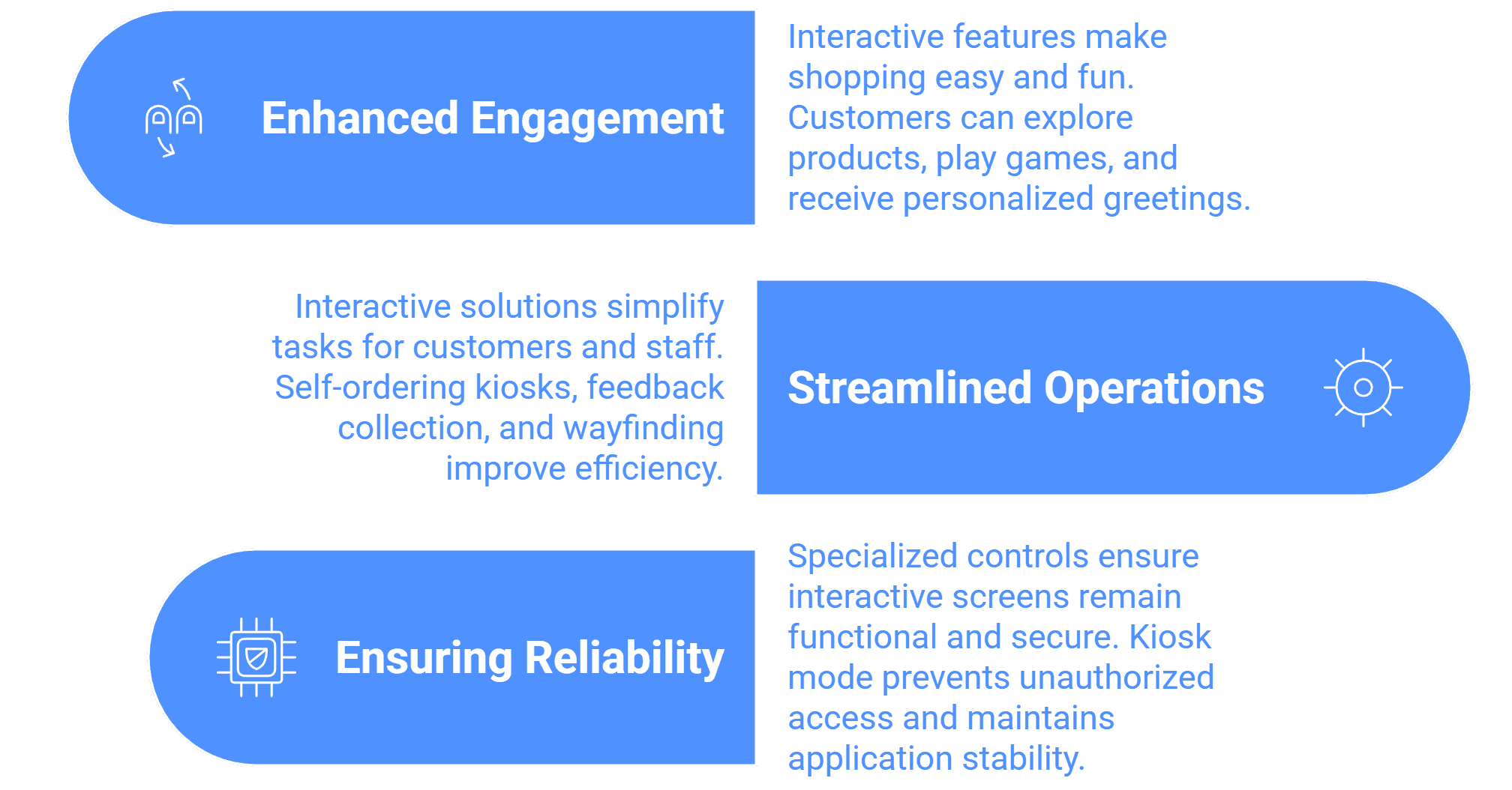
1. Making Shopping Easy and Fun (Enhanced Engagement)
Interactive features turn static screens into helpful, engaging tools that customers can actively use.
Product Exploration: Instead of hunting for a sales associate, customers can use interactive touchscreens to browse product catalogs, check prices, and get detailed information about items. This makes shopping more convenient and enjoyable.q
Driving Fun and Sales: Using engaging features like "Spin the Wheel or Other Games" powered by our digital signage software, help boost engagement…can be used to make the shopping experience more exciting for customers. This increased attention often helps boost sales and improves the store's overall atmosphere.
Personalized Greetings: The system can display "Welcome Msg Trigger" features, which can be set up to instantly show a personalized message when a new customer arrives or after they make a purchase, making them feel recognized.
2. Streamlining Store Operations
Interactive solutions help simplify tasks for customers and staff, leading to faster service and better efficiency.
Self-Ordering and Service: For retail locations that include food or service counters (like QSRs), Self-ordering Kiosks allow customers to place their orders themselves, which speeds up the process.
Quick Feedback Collection: Retailers can deploy Feedback Kiosks (using Wilyer’s retail digital signage solution) that allow customers to quickly give their opinions, such as satisfaction ratings right at the Payment Counter. This helps the store know immediately what's working and what needs fixing.
Easy Navigation (Wayfinding): Large retail environments or malls can use Interactive 3D/2D Wayfinding Solutions. These interactive screens show customers directions and maps, helping visitors quickly find their way around the store or property without confusion.
3. Ensuring Continuous Availability (Reliability)
Since interactive screens are often in public view, the software includes specialized controls to ensure they remain functional and secure.
Screen Security (Kiosk Mode): The software uses a Single Purpose Application Mode (Kiosk Mode), which locks the device to the signage application. This is crucial for interactive kiosks because it prevents customers or unauthorized users from accidentally exiting the application, closing the catalog, or accessing the device settings.

Multi-Platform Compatibility for Every Digital Signage Display
Run Wilyer’s digital signage software on your preferred operating system with zero hassle.