Features
What are the features of digital signage?
Core Features That Make Digital Signage Effective
The features of digital signage software, encompass a comprehensive range of capabilities that can be categorized into Player Application features, Content Management features, Screen Management and Control features, and Administrative/Security features.
1. Player Application Features (On-Screen Functionality)
These features relate directly to the software running on the display devices, ensuring reliability and compatibility:
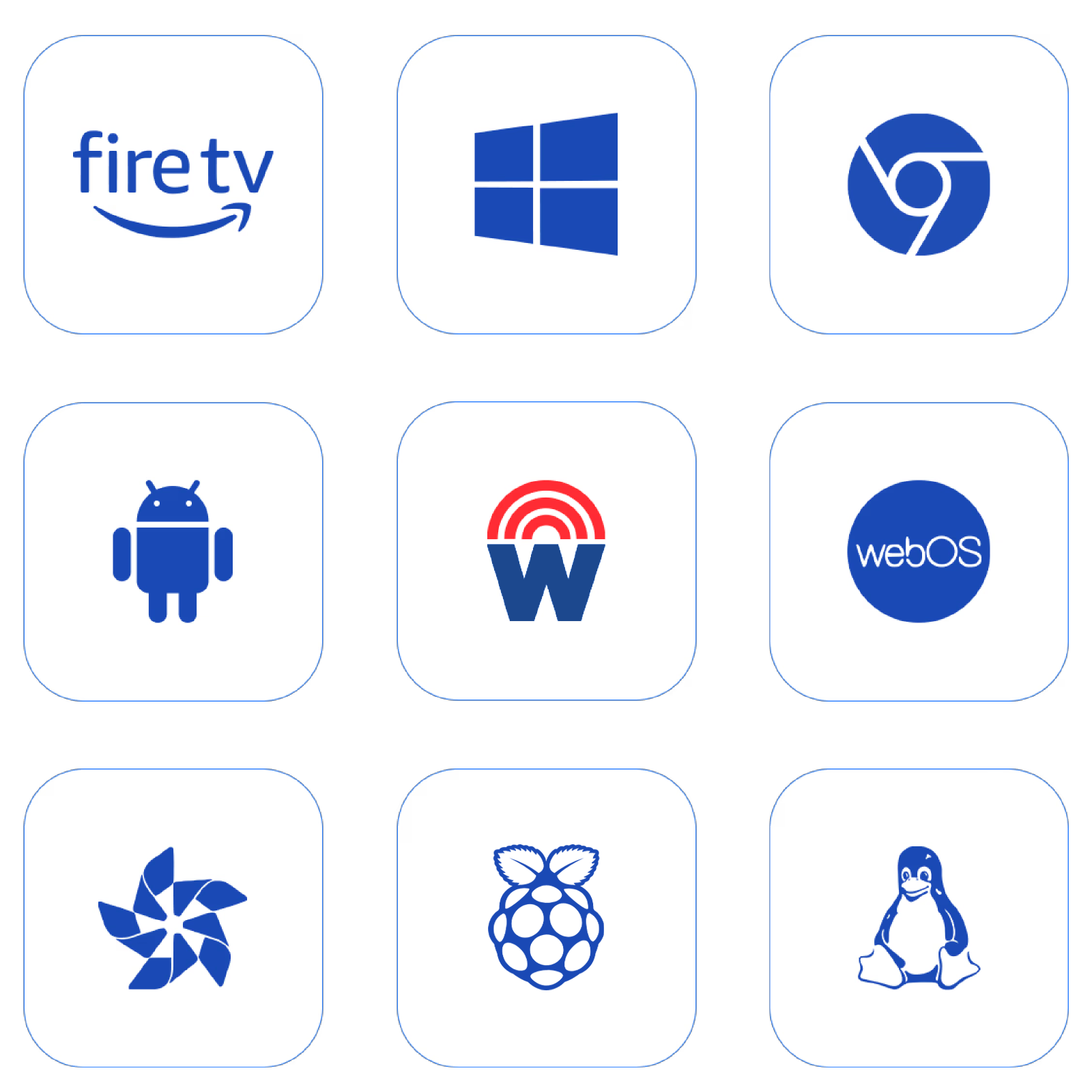
Multi-OS Compatibility: The software is hardware-agnostic, designed to perform seamlessly across a variety of operating systems and devices. It supports platforms including Windows, Linux, Android, SoC (System on Chip) Devices (LG WebOS, Samsung Tizen), RaspberryPi, Amazon FireStick, and ChromeCast.
Security: Data exchange between the server and the screen is secured using Secure AES-256 Encrypted Data Exchange.
Auto-Start and Resilience: The application will Auto-start at the boot of the device. Screens are built for resilience, designed to automatically restart after any malfunctions to maintain continuous performance.
Offline Media Playback: Screens can continue to play scheduled content even without an active internet connection, although internet is necessary for content updates.
Single Purpose Application Mode (Kiosk Mode): This feature locks Android and Windows screens to the signage application, preventing unauthorized app exits.
2. Content Management System (CMS) Features
These features focus on the creation, organization, scheduling, and dynamic delivery of content:
Library Management: The CMS allows for easy organization of content and media assets using a Folder System. It supports various media files, including Images (.png, .jpeg, .jpg) and Video (.mp4). It also supports Large Files Uploads (Upto 2 GB).
Dynamic Widgets: A variety of Live Data Widgets are available, such as Scrolling Ticker and Static Text, Time, Weather, AQI, YouTube, live streams (RTMP, RTSP, HLS), and RSS Feeds. Enterprise Widgets are available for dynamic data rendering, including Webpage, Power BI, Google Slides, and PDF.
Custom Layouts and Zones: The Custom Layout Builder with Zone Flexibility offers a tool to create custom screen layouts with multiple zones for mixed content display. It also supports Custom Resolutions compatible with Outdoor LED Walls and Displays.
Adaptive Content: Media Sets for Dynamic Screen Resolution Adaptive Content allow the system to automatically run portrait files on portrait screens and assign landscape content to landscape screens.
Advanced Scheduling: The system includes Advanced Scheduling Features based on playlists, layouts, and single file time conditions. It supports Trigger-based Schedule and Display Time Conditions-based Repeating Schedules for automation.
Content Deployment: Content can be published via Direct Media File Publishing or Playlist content to any number of screens using advanced filtering. Content can be assigned in an overwrite or append manner to the screen's configuration.
3. Screen Management and Control Features
These features provide remote operation, monitoring, and control across the entire network:
Informative Dashboard: The central CMS dashboard provides an overview of the signage network, showing Online screen Status, Offline Screen Status, and the Total Screen Count.
Remote Monitoring: Users can fetch Live Screenshots Remotely for playback verification. They can view Screens OS and Hardware Details Overview, including RAM, Resolution, Storage, IP, MAC, Model, and Network Signal Strength.
Remote Commands: Managers can Remotely send commands to the screens to Restart Signage Application Remotely, Clear Cache, or Restart Device. They can also Adjust the device volume from the CMS itself and manage settings like Built-in Screen Rotation.
Bulk Management: Bulk-screen actions allow users to send configurations, add playlists, take live screenshots, and restart applications on 100+ screens with a few clicks.
Screen Grouping and Hierarchy: The Groups-in-Group feature allows screens to be allocated into a nested hierarchy (e.g., Country > State > City) for faster, controlled access and content scoping.
Scheduling for Hardware: Features include the ability to Schedule Screen Brightness and Schedule Screen On/Off.
4. Administrative, Analytics, and Security Features
These support large-scale enterprise operations, reporting, and team accountability:
Team Access Management: The system supports Team Access Management with Granular Permissions, allowing for the creation of different user roles (viewer, editor, manager, etc.) with specific access rights assigned to screen groups.
Workflow Security: The Maker and Checker Approval System implements a workflow where content changes or deployments by sub-users require manager approval before going live.
Proof of Play and Analytics: Proof of Play Reporting generates reports confirming content playback, including Screen wise playback report and Media file playback report for advertising DOOH businesses.
Audit Logs: The system captures Audit Logs for all user activity track history, storing each action with a timestamp for accountability.
Uptime Tracking: Provides Screens Network Uptime History, capturing statistics for the last 15 days or 30 days, which can be exported as CSV or PDF.
Notifications: Offline/Online Email Notification sends a summary of online and offline screens at set frequencies.
DOOH and Advertising Features: Includes Direct Support for Programmatic DOOH Content Support (integration with programmatic advertising platforms).
Security: Offers Two-factor email authentication (2-FA) for secure login.

Multi-Platform Compatibility for Every Digital Signage Display
Run Wilyer’s digital signage software on your preferred operating system with zero hassle.