Features
What are the top digital signage software features for cloud-based platforms?
Top Features Found in Cloud Digital Signage Platforms
The top digital signage software features for cloud-based platforms are those that enable remote, scalable management, centralized control, content flexibility, and system reliability, as the cloud architecture is defined by accessibility and ease of use across multiple locations.
Here are the essential cloud-based features, focusing on basic elements and simple examples:
1. Centralized Control and Remote Management
A cloud CMS (Content Management System) is hosted online, allowing users to manage their digital signage content from anywhere with an internet connection.
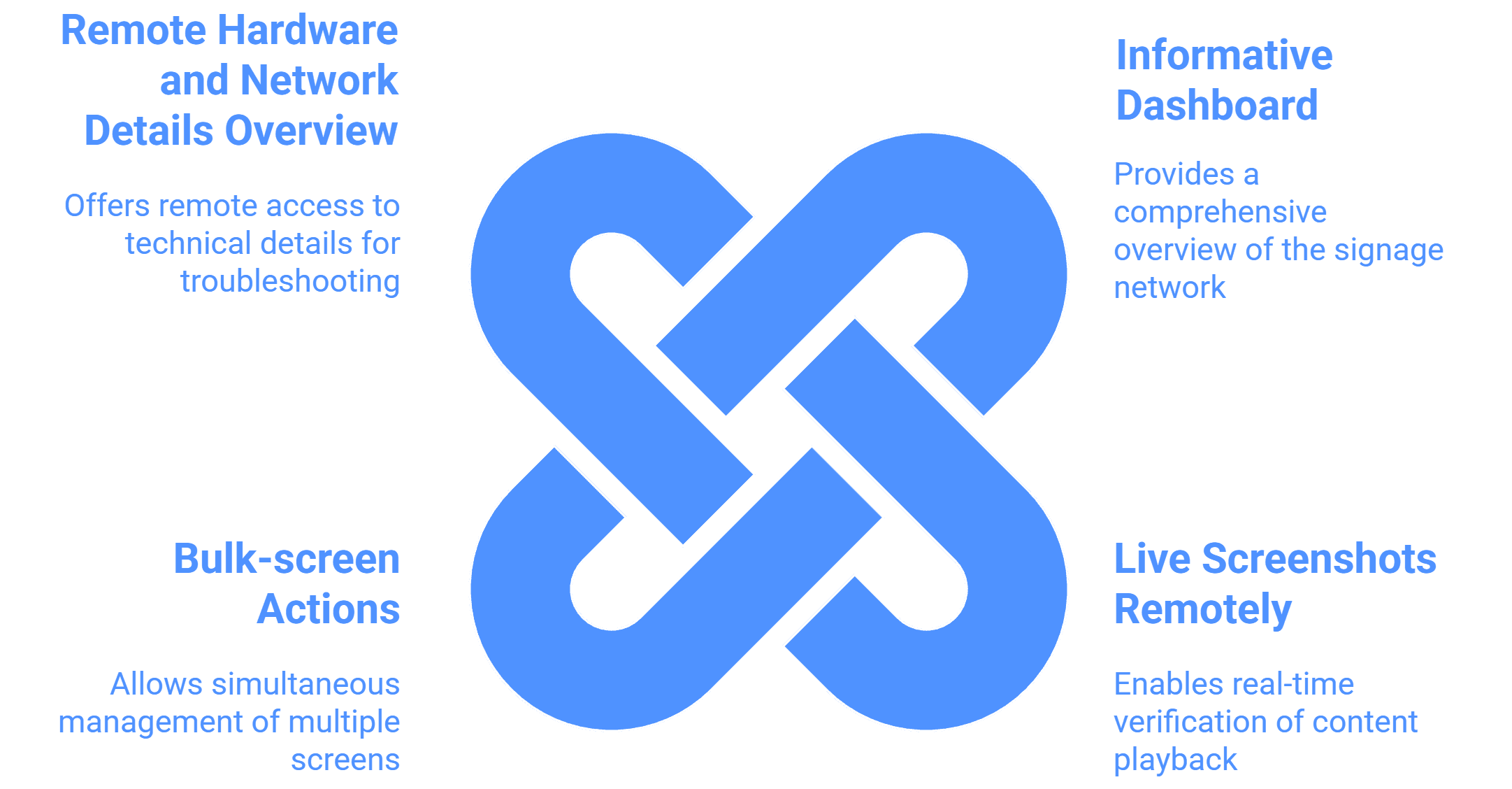
Informative Dashboard: This central feature provides an overview of the entire signage network, showing the Total Screen Count, Online screen Status, and Offline Screen Status.
Basic Example: A store manager can quickly log in from their phone (or any location) to see if all their digital menu boards are currently running without having to be physically present in the restaurant.
Live Screenshots Remotely: The ability to fetch a Live Screenshot of content currently playing on any screen for real-time playback verification.
Basic Example: A headquarters team can verify that the new weekend promotion graphic is correctly displayed on a specific screen in a remote city just by clicking a button in the CMS.
Bulk-screen Actions: Offers the option to send configurations, restart applications, or add playlists to a large bulk unit of screens with just a few clicks.
Basic Example: If the application crashes on several screens, a manager can send a command to Restart the Signage Application Remotely on all affected devices simultaneously.
Remote Hardware and Network Details Overview: Allows viewing technical details remotely, such as RAM (In Use / Total), Storage, IP, MAC, Model, and Network Signal Strength.
Basic Example: Support staff can check the Network Signal Strength of a display to troubleshoot slow content downloads before escalating the issue.
2. Content Flexibility and Deployment
Cloud platforms excel at ensuring the right content reaches the right screen at the right time, irrespective of the physical display hardware.
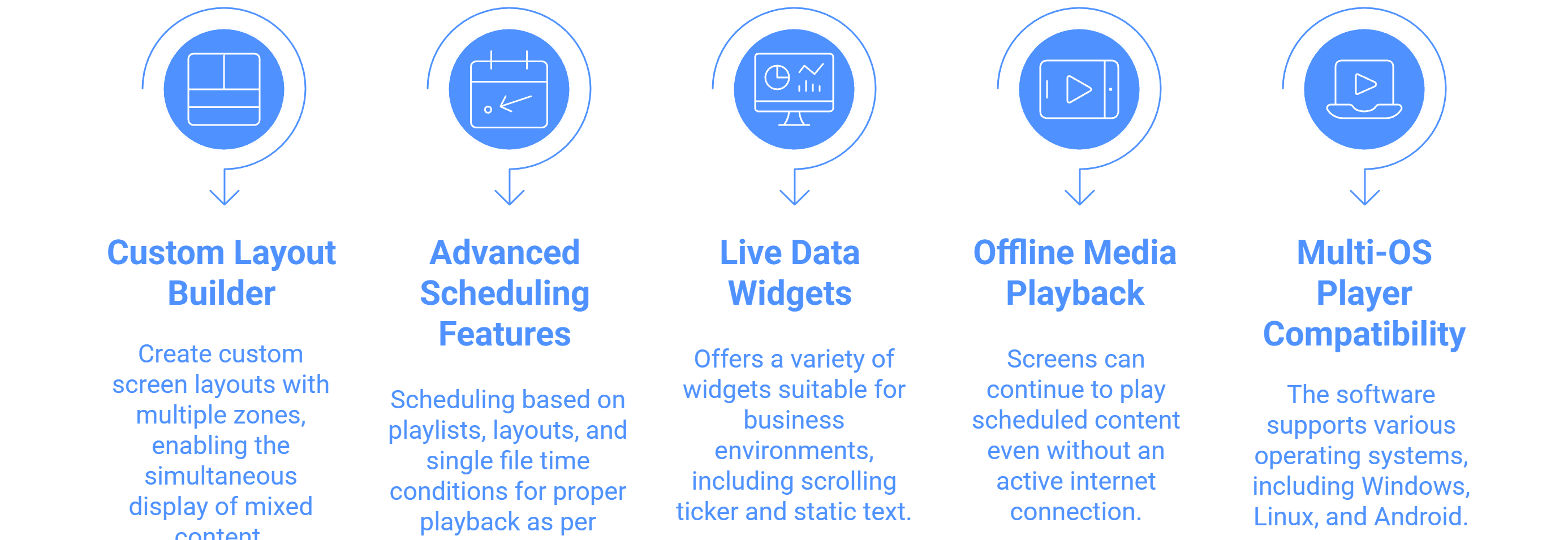
Custom Layout Builder with Zone Flexibility: A tool to create custom screen layouts with multiple zones, enabling the simultaneous display of mixed content.
Basic Example: A screen can be divided to show a live weather update in one small zone and a dynamic video advertisement in the main zone.
Advanced Scheduling Features: Includes scheduling based on playlists, layouts, and single file time conditions for proper playback as per specified time. The system supports Day-part and Flexible Trigger Schedules.
Basic Example: A retail store schedules a layout showing "Morning Coffee Deals" to automatically switch to the "Lunch Sandwich Specials" layout at 11:30 AM every weekday.
Live Data Widgets: Offers a variety of widgets suitable for business environments, including Scrolling Ticker and Static Text, Time, Weather, YouTube, live streams, and RSS Feeds.
Basic Example: Corporate screens display a Scrolling Ticker (RSS feed) of current news headlines alongside internal announcements to keep employees informed and engaged.
Offline Media Playback: Screens can continue to play scheduled content even without an active internet connection (internet is only needed for content updates).
Basic Example: If the Wi-Fi temporarily drops in a coffee shop, the digital menu board continues displaying the full menu and pricing without interruption.
Multi-OS Player Compatibility: The software supports various operating systems, including Windows, Linux, Android, SoC Devices (LG WebOS, Samsung Tizen), RaspberryPi, Amazon FireStick, and ChromeCast.
Basic Example: A multi-national company can use the same cloud CMS to manage screens running on inexpensive Android media players in one region and professional Samsung Tizen screens in another.
3. Organizational Structure and Accountability
These features allow large teams and multi-location businesses to manage access and track content performance effectively within the cloud structure.
Team Access Management with Granular Permissions: Allows for the creation of different user roles (viewer, editor, manager) with specific permissions, assigning them to screen groups for delegation and control.
Basic Example: A marketing department can grant a local store supervisor "Viewer" access so they can confirm content is playing, but prevent them from making any changes to the core playlist ("Editor" permissions).
Screen Grouping (Groups-in-Group): Enables organizing screens into a nested hierarchy (e.g., Country > State > City) for faster content pushing and controlled access.
Basic Example: A regional manager needs to deploy a specific regional sales ad. They push the content directly to the "Western Region" group, ensuring only screens in that geographical group receive the update.
Proof of Play Reporting: Generates detailed reports (in Excel or charts) that confirm the playback of content for verification and client transparency.
Basic Example: An advertiser selling space on the screens can download a Media file playback report to show a client exactly how many times their advertisement played and on which screens.
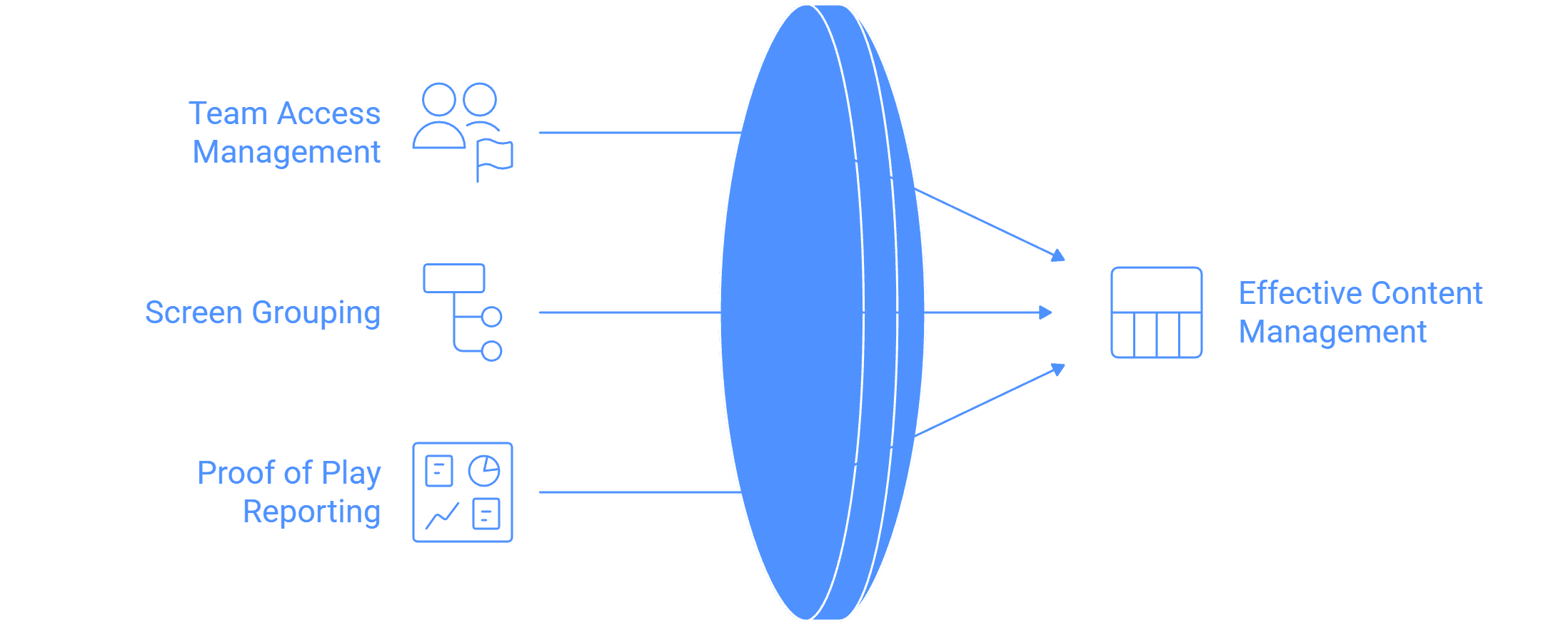
The digital signage software system is comprehensive, comprising features designed for performance at the player level, flexibility in content delivery, efficiency in remote management, and accountability in reporting.
The features can be grouped into the following categories:
Feature Category | Core Feature | Description and Details |
Player Application & Compatibility | Multi-OS Compatibility | The software is hardware-agnostic, running on Windows, Linux, Android, SoC devices (LG WebOS, Samsung Tizen), RaspberryPi, Amazon FireStick, and ChromeCast. Regular updates are provided for each OS. |
Offline Media Playback | Screens can continue to play scheduled content even without an active internet connection; internet is only needed for content updates. | |
Auto-Start and Auto-Recovery | The application runs Digital Signage Content 24/7 in Loop and will automatically start when the display powers on and restart after any malfunctions. | |
Kiosk Mode (Single Purpose App Mode) | Converts Android and Windows screens into interactive kiosks, locking the device to a single-purpose application to prevent unauthorized app exits. | |
Content Creation & Library Management | Media File Support & Organization | Supports Images (.png, .jpeg, .jpg) and Video (.mp4), organized using a Folder System hierarchy for easy sub-user access and content scoping. |
Live Data Widgets | Offers a variety of widgets, including Scrolling Ticker and Static Text, Time, Weather, AQI, YouTube, live streams (RTMP, RTSP, HLS), and RSS Feeds. Enterprise Widgets support Webpage, Power BI, Google Slides, and PDF for dynamic data rendering. | |
Custom Layouts and Zones | The Custom Layout Builder with Zone Flexibility allows creating screen layouts with multiple zones for mixed content. It supports Custom Resolutions compatible with Outdoor LED Walls and Displays. | |
Adaptive Content | Media Sets for Dynamic Screen Resolution Adaptive Content ensure the system runs portrait files on portrait screens and landscape content on landscape screens. | |
Scheduling & Deployment | Advanced Scheduling | Features include scheduling based on playlists, layouts, and single file time conditions. It supports Trigger-based Schedule and Display Time Conditions-based Repeating Schedules for automation. |
Content Publishing | Content can be published via Direct Media File Publishing or Playlist content to any number of screens using advanced filtering. Content can be assigned in an Overwrite or Append manner. | |
Hardware Scheduling | Functionality to Schedule Screen Brightness and Schedule Screen On/Off. | |
Screen Monitoring & Remote Control | Informative Dashboard | Provides an overview of the signage network, detailing Online screen Status, Offline Screen Status, and Total Screen Count. |
Remote Monitoring | Allows fetching Live Screenshots Remotely for playback verification. Also views Screens OS and Hardware Details Overview (RAM, Storage, IP, MAC, Network Signal Strength). | |
Remote Commands | Ability to Remotely send commands to the screens to Restart Signage Application Remotely, Clear Cache, Restart Device, Control Volume, and manage Built-in Screen Rotation. | |
Uptime History & Notifications | Captures Screens Network Uptime History (Last 15 days or 30 days) and sends Offline/Online Email Notification summaries. | |
Network Management & Scalability | Screen Grouping (Groups-in-Group) | Allows allocation of groups and sub-groups for location hierarchy (e.g., Country > State > City) to push content directly from the group section. |
Bulk-screen Actions
| Ability to send configurations, add playlists, take live screenshots, and restart applications on 100+ screens with a few clicks.
| |
| Geo-Location Mapping | Map the Location of each screen to view displays in a Map Interface. |
Reporting, Analytics, & Security | Proof of Play Reporting | Generates detailed reports (Excel sheet/charts) confirming content playback, including Screen wise playback report and Media file playback report for advertising DOOH businesses. |
Team Access Management | Allows creation of different user roles (viewer, editor, manager, etc.) with Granular Permissions and assignment to specific nested groups. | |
Audit Logs & Security
| Captures Audit Logs for all user activity track history and enforces security using Two-factor email authentication (2-FA) for login.
| |
Maker and Checker System | Implements a workflow where content changes or deployments by sub-users require approval from managers before going live. | |
Unique/Enterprise Features | Programmatic Ads Integration | Direct Support for Programmatic DOOH Content Support is available, enabling integration with DOOH SSPs and VAST players. |
| NTP Screen Content Synchronization | Ensures multiple screens show the same graphic at the same time for synchronized ads or video walls. |
| Interactive Solutions | Support for Interactive Touch Screen Events, Touch Kiosk solutions, and Self-ordering Kiosks. |
HDMI Screen Capture | Ability to capture content directly from screens connected via HDMI, specifically mentioned for smart displays. | |
Remote MDM Capabilities | Includes functions like Remote Application Updates OTA Installation in background silently and remote control of Kiosk mode. |

Multi-Platform Compatibility for Every Digital Signage Display
Run Wilyer’s digital signage software on your preferred operating system with zero hassle.