Features
Which advanced digital signage software features help improve engagement?
Advanced Signage Features That Enhance Viewer Engagement
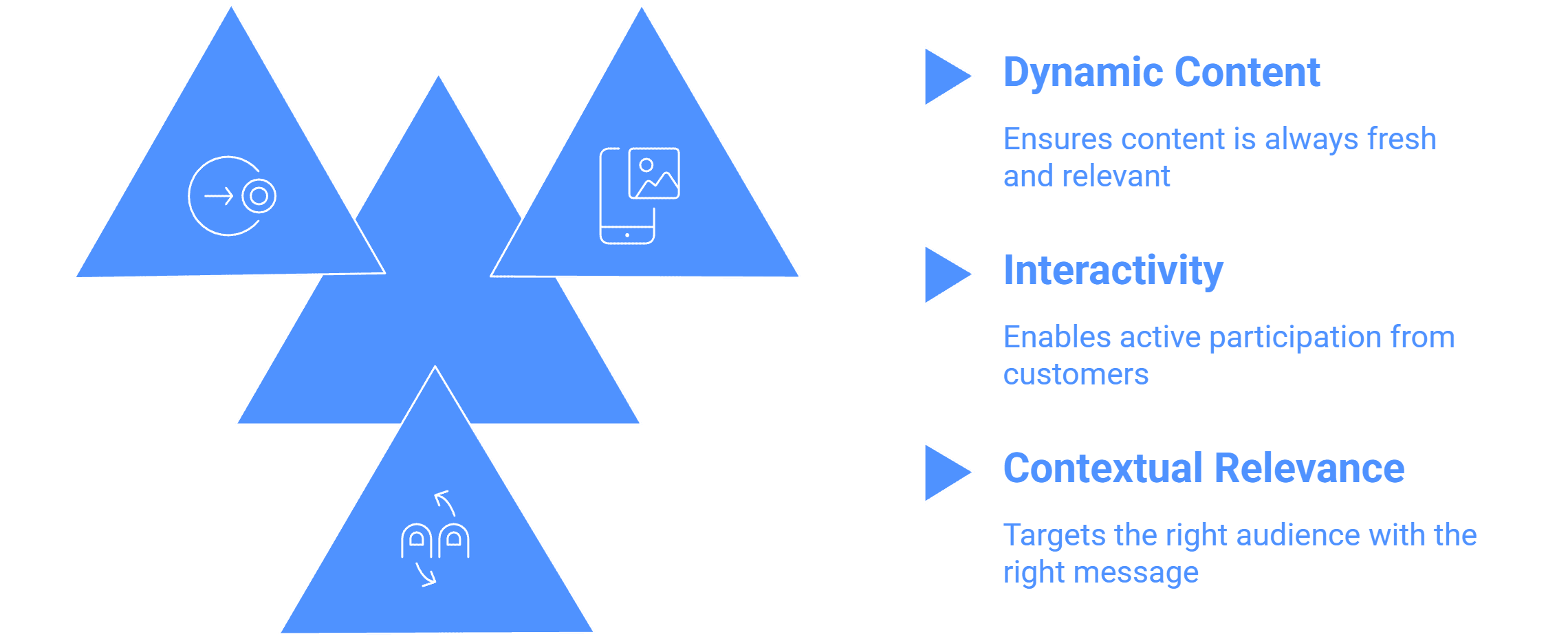
The advanced digital signage software features that significantly boost ** customer engagement** focus on providing dynamic, real-time, interactive, and personalized content. These features help transform static communication into captivating experiences that drive sales, brand awareness, and customer loyalty.
Here are key advanced features that improve customer engagement, along with simple examples:
1. Dynamic and Real-Time Content Delivery
These features ensure the content is always fresh, relevant, and visually stimulating, capturing immediate attention.
Live Data Widgets and Streams: The system integrates various Live Data Widgets suitable for business environments, including YouTube, live streams (RTMP, RTSP, HLS), RSS Feeds, Time, Weather, and AQI. Furthermore, Enterprise Widgets support dynamic data rendering from sources like Webpage, Power BI, Google Slides, and PDF.
Simple Example: A bank lobby screen displays real-time stock market data using a Power BI widget alongside promotional videos, keeping waiting customers informed and engaged with current events and financial services.
Custom Layout Builder with Zone Flexibility: This tool allows the display to be divided into multiple zones to show mixed content simultaneously. This feature makes content complex and visually engaging.
Simple Example: A Quick Service Restaurant (QSR) uses a custom layout to dedicate one large zone to show a mouth-watering video of a limited-time offer and a smaller adjacent zone for the scrolling ticker displaying the price and nutritional information.
Custom Parameters for Dynamic Text/Data: Offers advanced options for customizing how scrolling text and other data are displayed.
Simple Example: A retail store implements a "Welcome Msg Trigger on New Sales or New Welcome Msg to new customers". When a loyalty member completes a purchase, the screen can instantly display a dynamic message like "Thank you, Sarah, for your purchase!".
2. Interactivity and Immersive Experiences
These features enable active participation from the customer, leading to deeper engagement and memorable interactions.
Interactive Touch Screen Events and Kiosk Modes: The software supports Interactive Touch Screen Events, including Touch Kiosk solutions, Self-ordering Kiosks, and Feedback Kiosks for Retail.
Simple Example: In a retail store, a customer uses an Interactive Touch Kiosk to browse a full product catalog or check pricing, making the shopping experience more convenient and enjoyable.
NTP Screen Content Synchronization (Screen Sync): This feature ensures that multiple screens show the same graphic at the same time.
Simple Example: A video wall in a high-traffic area, like an airport or mall, runs a synchronized advertisement (Sync NTP Videowalls Effects) across several adjacent displays, creating a massive, cohesive visual impact that demands customer attention.
Geofencing Date and Time/Targeting Triggers: The use of location, time, and other conditions to customize content play.
Simple Example: Screens near a coffee shop exit can trigger a "Takeover Campaign" promoting a lunch special based on the time of day, ensuring the message is highly relevant to the customer who is about to leave or enter.
3. Advanced Integration and Contextual Relevance
These features target the right audience with the right message at the right moment, maximizing engagement through relevance.
Queue Management System (QMS) Integration: Integration with visitor or token management systems allows the display of Live Queue Status, token numbers, and waiting times.
Simple Example: In a bank or hospital, the digital display shows the live status of tokens being served. This reduces customer anxiety and allows the screen to intersperse essential information with entertainment content while customers wait.
These advanced digital signage software features act like a sophisticated conductor in an orchestra, ensuring that every piece of content whether it’s a dynamic stock ticker, a synchronized video wall, or an interactive menu plays in harmony, resulting in a performance that captivates the audience and drives measurable business results.

Multi-Platform Compatibility for Every Digital Signage Display
Run Wilyer’s digital signage software on your preferred operating system with zero hassle.