
Chromecast Digital Signage Software
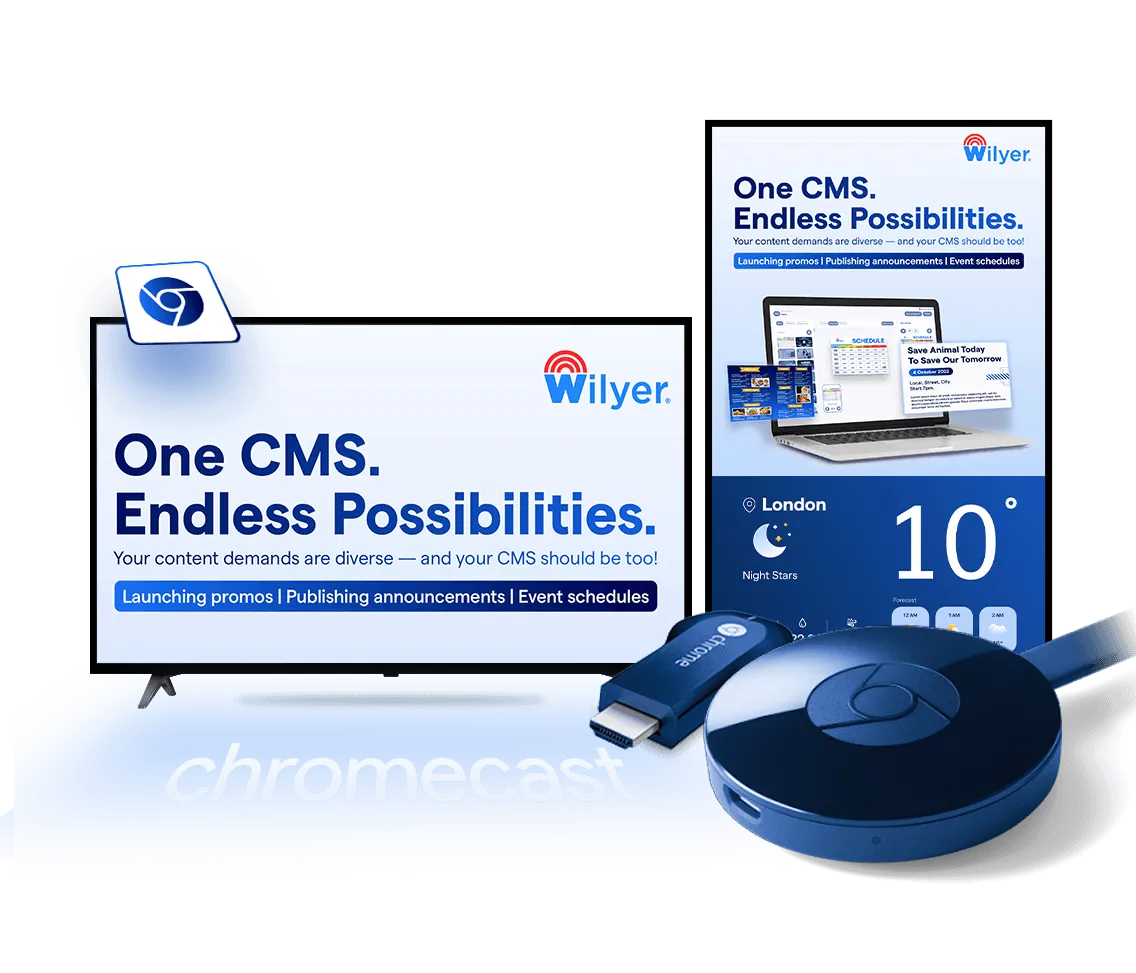
Wilyer's Chromecast digital signage software is specially designed for modern businesses. It is the ultimate solution for businesses that demand smooth and efficient content delivery and easy screen management with precision.
The Pro plan costs ₹1,200 + GST or $15 per screen a month after the 14-day free trial. See pricing

Join businesses worldwide using Wilyer for seamless digital signage management.
























Why Choose Wilyer Digital Signage Software for Chromecast?
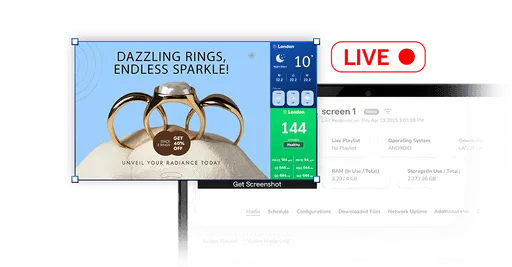
Live Screenshot Capture
Monitor your screens in real-time with live screenshot capture. This feature lets you verify content playback, troubleshoot remotely, and ensure display integrity, making it easier to manage content across multiple screens.

Smooth Support of Widgets
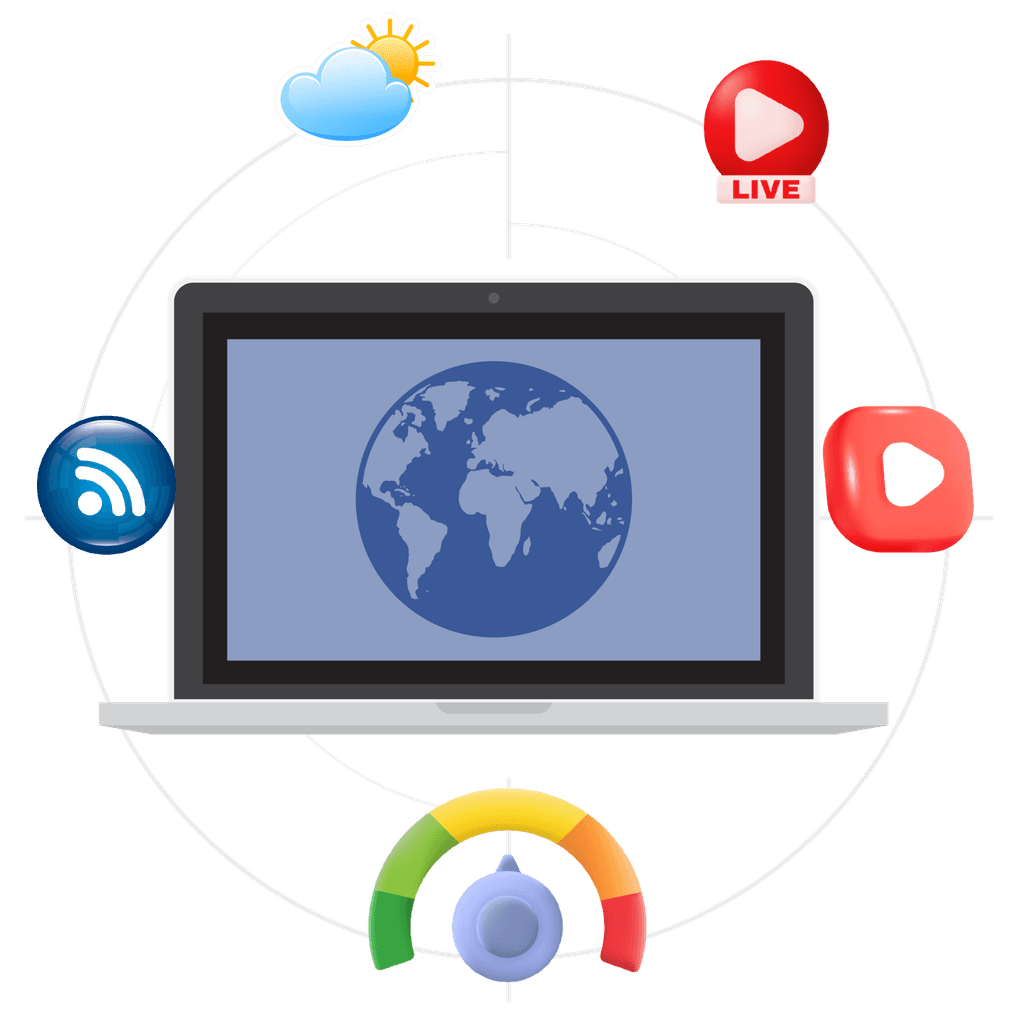
Enhance your displays with Wilyer's dynamic widgets, showcasing real-time updates like live broadcasts, weather reports, social media feeds, news tickers, and more. Use the live streaming feature to engage your audience with live events.
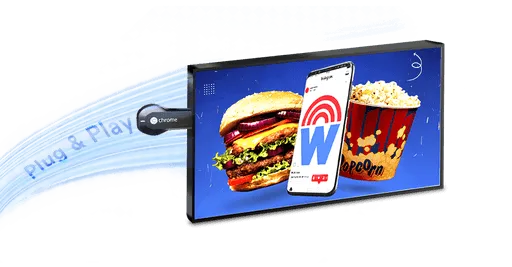
Plug and Play
Start effortlessly with Wilyer's Chromecast digital signage software. Simply connect your Chromecast device, install the software, and begin deploying content instantly - minimal setup, maximum impact.
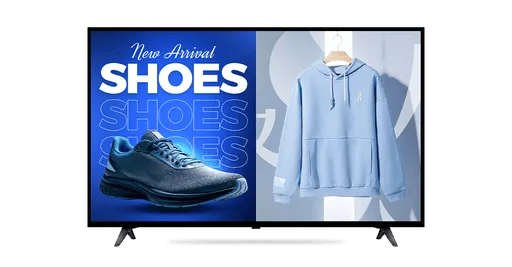
Multi-Video Playback
Create dynamic visual experiences by playing multiple videos in a playlist or side-by-side. Perfect for advertising or storytelling, this feature enhances viewer engagement and delivers a richer experience.

Auto Remote Update
With Wilyer's digital signage software, you'll receive automatic updates regularly, ensuring your system is always equipped with the latest features, security enhancements, and performance improvements.
Real-Time Widgets
Effortlessly sync and display schedules, meetings, and events across your screens with these supported widgets:
- Weather updates.
- AQI monitoring.
- Live streams.
- RSS feeds.
- YouTube video integration.
Get Started in 3 Simple Steps
Effortless digital signage software setup & deployment.

Download & Pair
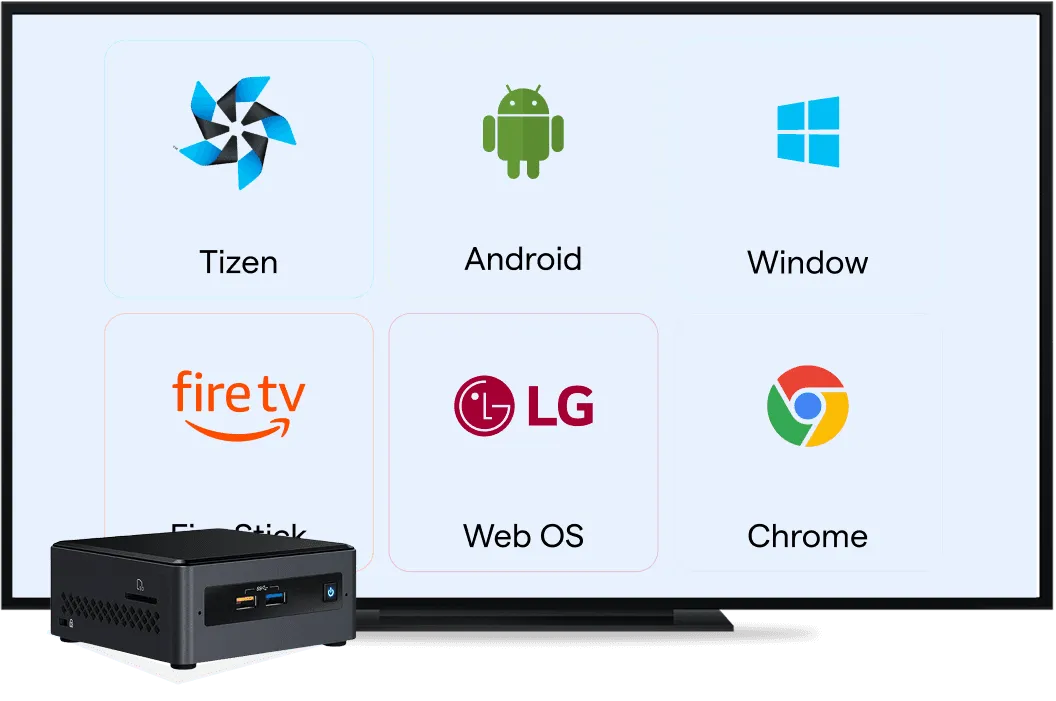
Connect your screen with our dedicated multi-OS compatibility app.

Play Content
Upload and schedule engaging media instantly.

Effortless Digital Signage with Chromecast
Stream digital signage content from the cloud to any Chromecast-enabled display.
See Guide
Explore Digital Signage Apps for Other Platforms
Android Digital Signage
Run digital signage on Android TVs, tablets, and media players with flexible app support.
Explore Android Digital Signage
Windows Digital Signage
Power digital signage using Windows PCs for advanced control and customization.
Explore Windows Digital Signage
Amazon Firestick Digital Signage
Turn any TV into a digital signage screen using a Firestick device.
Explore Firestick Digital Signage
Samsung Tizen Digital Signage
Deploy signage directly on Samsung commercial displays without external players.
Explore Samsung Tizen Digital Signage
LG webOS Digital Signage
Deploy digital signage directly on LG webOS commercial displays.
Explore LG webOS Digital SignageFrequently Asked Questions
Have more questions? Visit our complete digital signage FAQs page.