
HDMI-In Capture Software Solution for Digital Displays
Seamlessly capture and distribute high-definition content from HDMI sources across your digital signage network. Whether you're broadcasting a live event or TV feed, Wilyer's HDMI-In Capture Solution ensures crystal-clear content delivery with low latency and centralized control.
Join businesses worldwide using Wilyer for seamless digital signage management.
























What Is HDMI-In Capture?
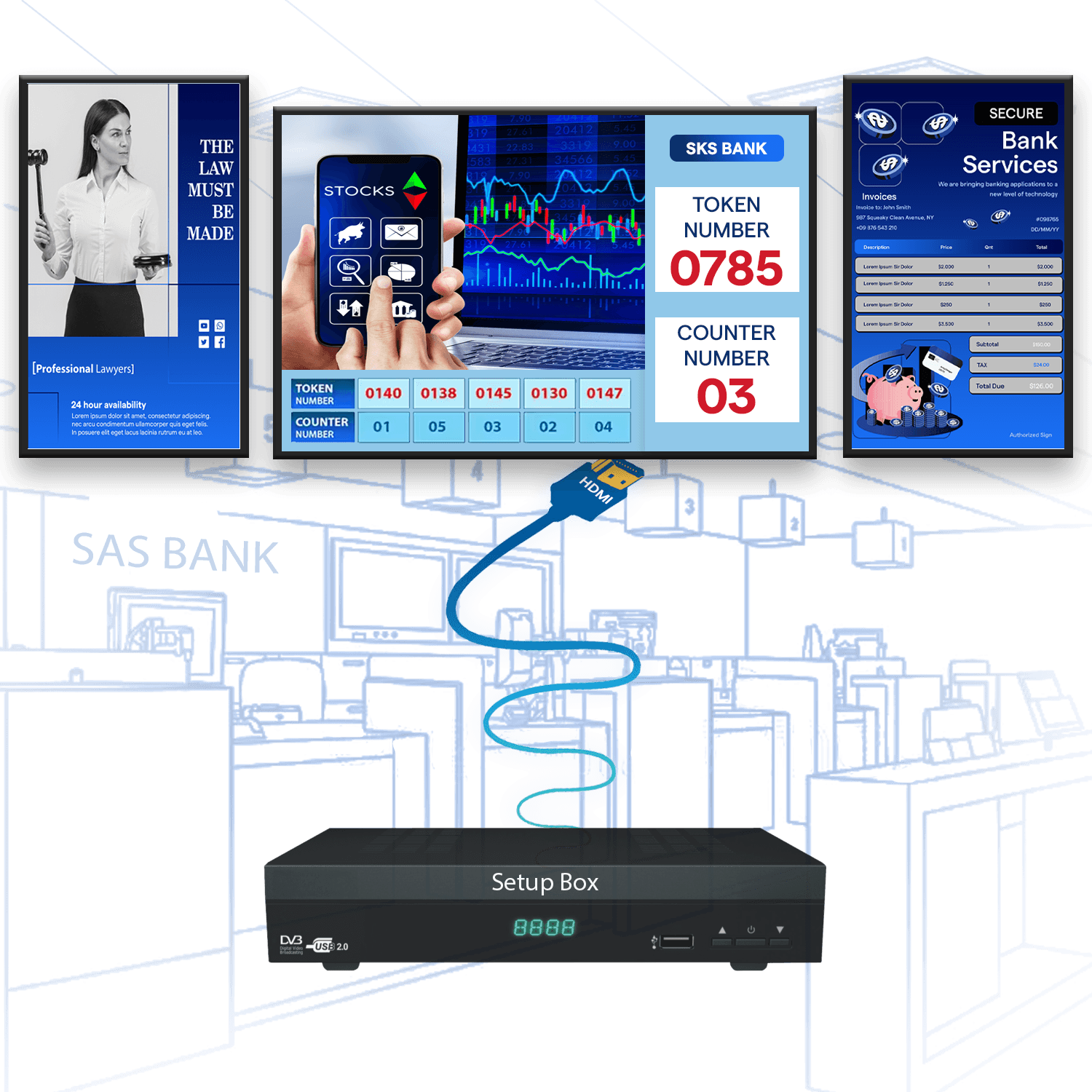
HDMI-In capture takes whatever is coming out of an HDMI device, a set-top box, a camera, a laptop or a media player, and turns it into a source your signage network can play. The feed is encoded on the spot and sent to the screens you choose, rather than being wired point to point.
That means one live source can reach a whole building without a matrix switcher or a cable run per screen. Wilyer handles the capture, routing and playback: pick which zones receive the feed, mix it with scheduled content, and switch it on or off from the same dashboard that drives the rest of your screens.
Why Choose Wilyer HDMI-In Capture?
Capture any HDMI source and broadcast it instantly across your network with minimal setup and maximum clarity.
Plug-and-Play Integration
Connect any HDMI-enabled device (set-top box, camera, laptop) and instantly start streaming to your signage network - no complicated setups required.
Full HD & Low Latency
Stream high-definition content (up to 1080p) with ultra-low latency, ensuring real-time viewing without delays.
Content Versatility
Capture content from live TV, laptops, cameras, or external media players - perfect for a wide range of scenarios.
Centralized Content Distribution
Distribute captured content to specific zones or screens using Wilyer's CMS - ideal for targeted messaging, monitoring, or engagement.
Compatible Across Systems
Integrates smoothly with digital signage, emergency alert systems, and existing systems.
Cloud or On-Premise Ready
Choose between cloud-based or local deployment based on your IT policy, ensuring flexibility and control.
Tailored Solutions for Every Industry
Hospital
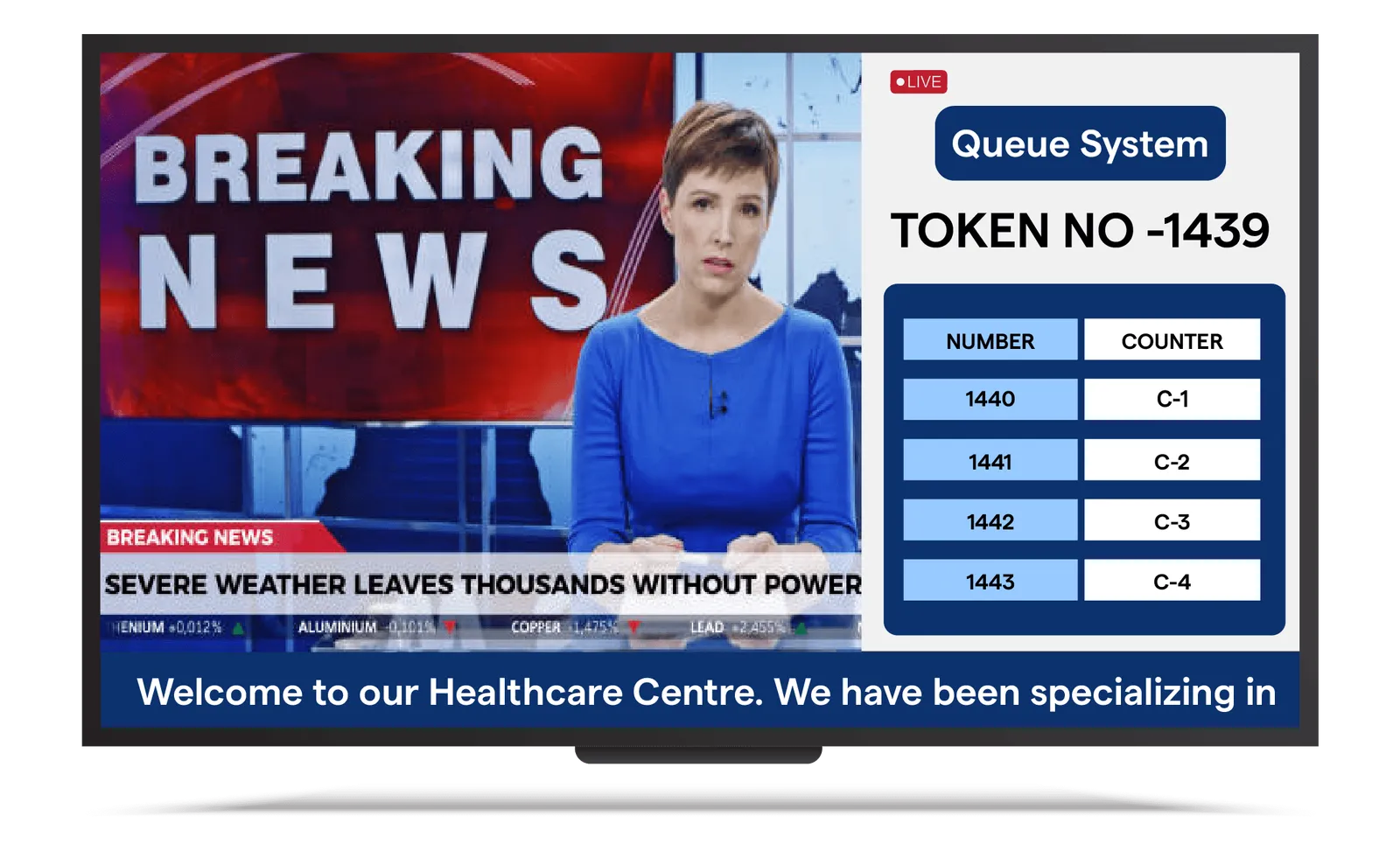
Enhance patient engagement by displaying hospital promotions, health education videos, or live TV content directly to in-room displays using HDMI sources like set-top boxes. In lobbies and cafeterias, the same can be used to show real-time content - such as awareness campaigns, facility updates, or live events - creating a more informative and comforting environment for patients and visitors.
How to Get Started
Unlock the potential of Wilyer's Cloud Digital Signage in 3 easy steps:
Sign Up & Access Wilyer
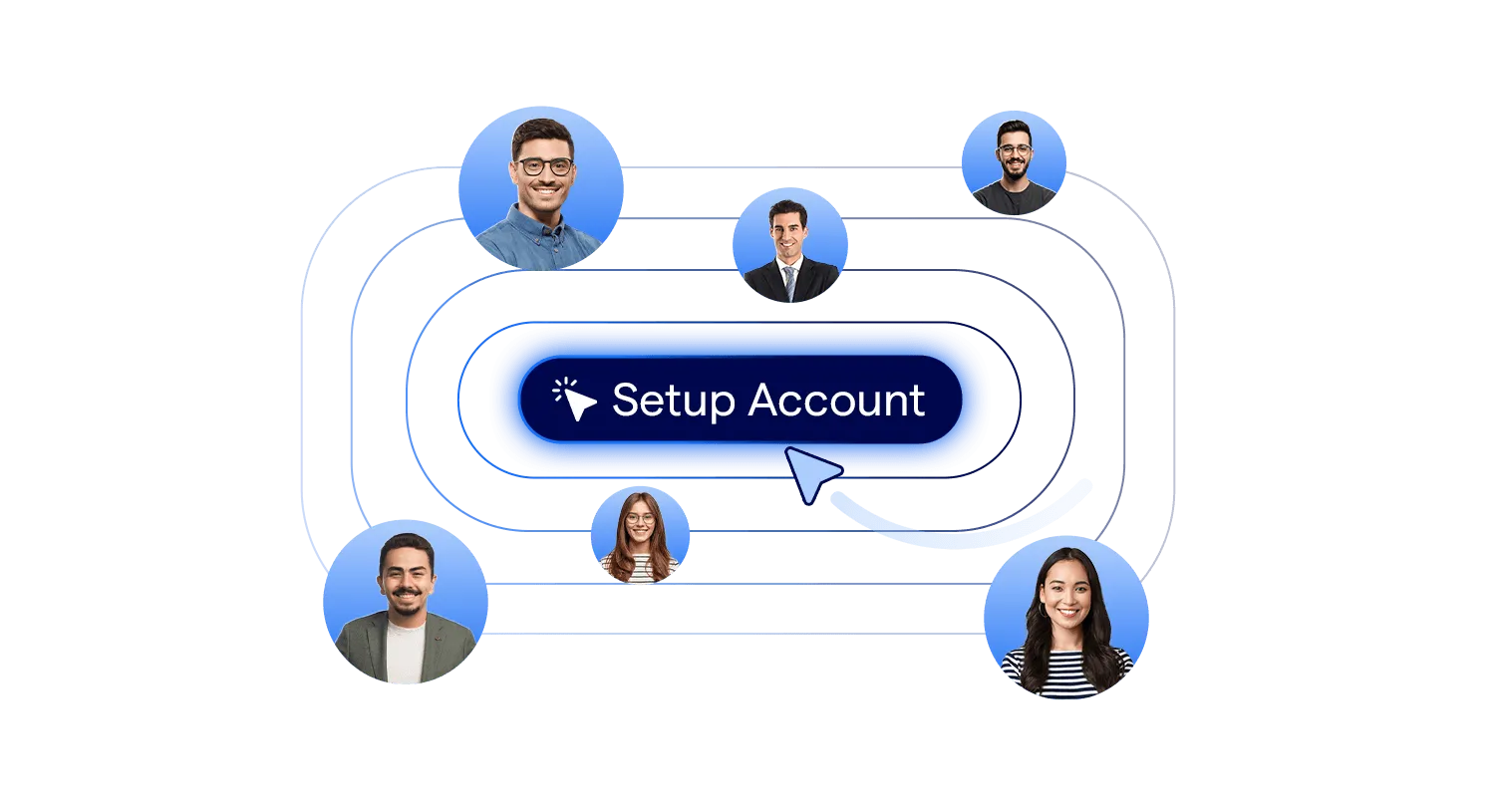
Create a free account, then download the Wilyer app or use it directly in your browser.
Connect Your Screens
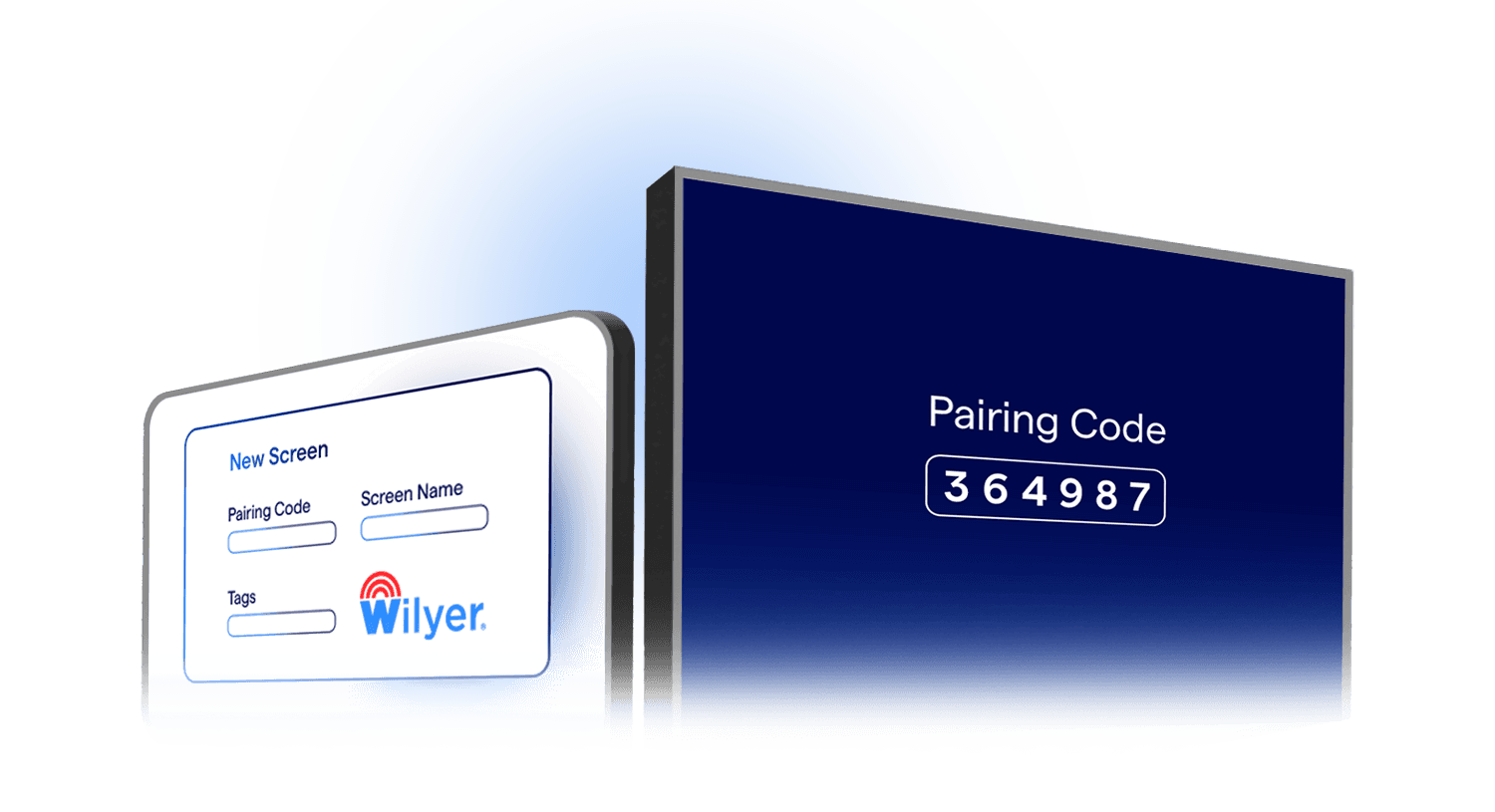
Link up to 15 screens free for 14 days.
Create, Plan, & Experience
Easily create, schedule, and manage your content while experiencing Wilyer's powerful features.
Frequently Asked Questions
Have more questions? Visit our complete digital signage FAQs page.
It is a tool that lets you take video/audio input from HDMI devices (like cameras, laptops, set-top boxes) and broadcast that content across your digital signage network with very low latency.
You can use things like cameras, laptops, media players, set-top boxes, and other HDMI-enabled devices.
Yes, it supports up to 1080p and is designed for ultra low latency so viewers see content in real time.
Once captured, you can use Wilyer's CMS to send the content selectively to zones or specific screens. This lets you control which displays show which HDMI feed.
Yes, it integrates smoothly with your existing signage system, emergency alert setups, and other systems you already use.
You can choose between cloud deployment or on-premise deployment, depending on your IT needs and policies.
Explore Other Digital Signage Solutions
Digital Notice Board Software
Display notices, updates, and announcements across offices, campuses, and government buildings.
Explore Notice Boards
Queue Management System
Cut wait times in hospitals, banks, restaurants, hotels, and government offices.
Explore Queue Management
Room Display Management
Simplify meeting room bookings, eliminate conflicts, and improve workplace efficiency.
Explore Room Display
IP Broadcast System
Deliver real-time audio and video across your whole facility from one central point.
Explore IP Broadcast
Digital Menu Board Software
Upgrade your restaurants and QSRs with real-time, personalized digital menu boards.
Explore Menu Boards