












Wilyer

Raspberry Pi Digital Signage Software

Run powerful digital signage on Raspberry Pi with easy setup, remote control, and scalable screen management for any business or location.

raspberry pi digital signage software

Join businesses worldwide using Wilyer for seamless digital signage management.

Yashoda Hospitals
Delhi Indira Gandhi International Airport
GD Goenka World School
WOW! Momo
Cashify
Joyalukkas
Jaquar
Frido
Hindware
NTPC
Hyatt
Taco Bell
Kempegowda International Airport
Audi
Taj
OM Sweets & Snacks
Indian Bank
Airtel
Bank of Baroda
Fortis
Sanar International Hospitals
ISKCON
Canon
GSK
Lifestyle
M3M
DreamFolks
Yashoda Hospitals
Delhi Indira Gandhi International Airport
GD Goenka World School
WOW! Momo
Cashify
Joyalukkas
Jaquar
Frido
Hindware
NTPC
Hyatt
Taco Bell
Kempegowda International Airport
Audi
Taj
OM Sweets & Snacks
Indian Bank
Airtel
Bank of Baroda
Fortis
Sanar International Hospitals
ISKCON
Canon
GSK
Lifestyle
M3M
DreamFolks

Raspberry Pi Digital Signage Software Overview

Turn Any Screen into Smart Digital Signage

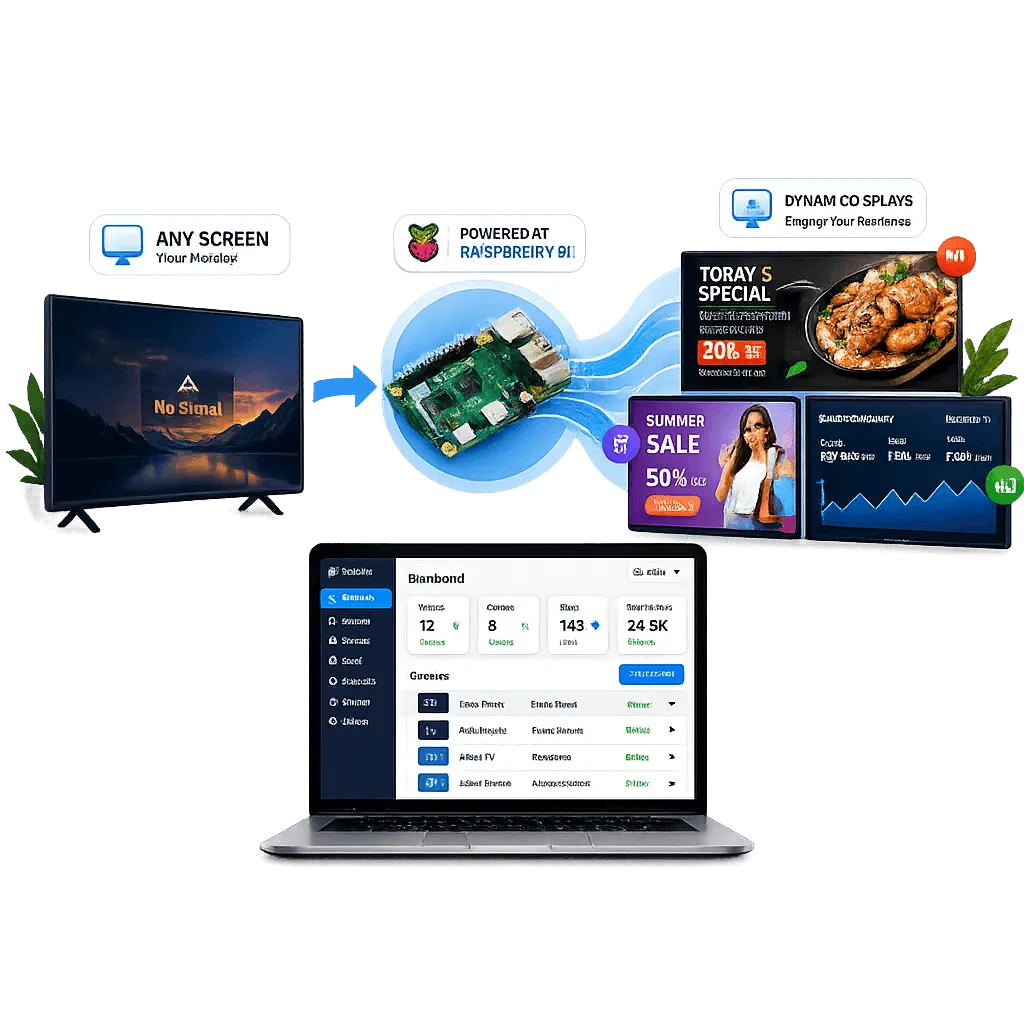
Raspberry Pi digital signage software turns any screen into a dynamic display using affordable hardware from the Raspberry Pi Foundation. Share promotions, menus, updates, and dashboards across one or multiple screens.

Manage everything from a single dashboard and scale easily across locations, making it ideal for both small businesses and enterprises.

Raspberry Pi digital signage software overview

What Is Raspberry Pi Digital Signage Software

Raspberry Pi digital signage software turns your device into a dedicated media player connected to your screen and controlled through cloud software. It bridges your content and displays, allowing remote management from anywhere.

Upload images, videos, and HTML content, create playlists, schedule campaigns, and control screens in real time. It removes the need for complex hardware or on-site management, making it ideal for modern businesses.

Raspberry Pi self-hosted digital signage software

Why Use Raspberry Pi for Digital Signage

Businesses searching for Raspberry Pi signage software want a solution that balances cost, performance, and scalability. Raspberry Pi delivers on all three, and when paired with the right platform it can help increase sales and engagement.

Cost-Effective Digital Signage Solution

Raspberry Pi significantly reduces the upfront and operational cost of running digital signage networks.

  • Low hardware cost compared to commercial players
  • Minimal maintenance requirements
  • No need for bulky external devices
Flexible and Scalable Deployment

It adapts to different business needs and grows with your network.

  • Works with TVs, kiosks, and professional displays
  • Supports single-screen and multi-screen setups
  • Easy to deploy across multiple locations

Reliable for Continuous Use

When paired with the right software, Raspberry Pi can run signage smoothly for long hours.

  • Low power consumption for 24/7 usage
  • Stable playback performance
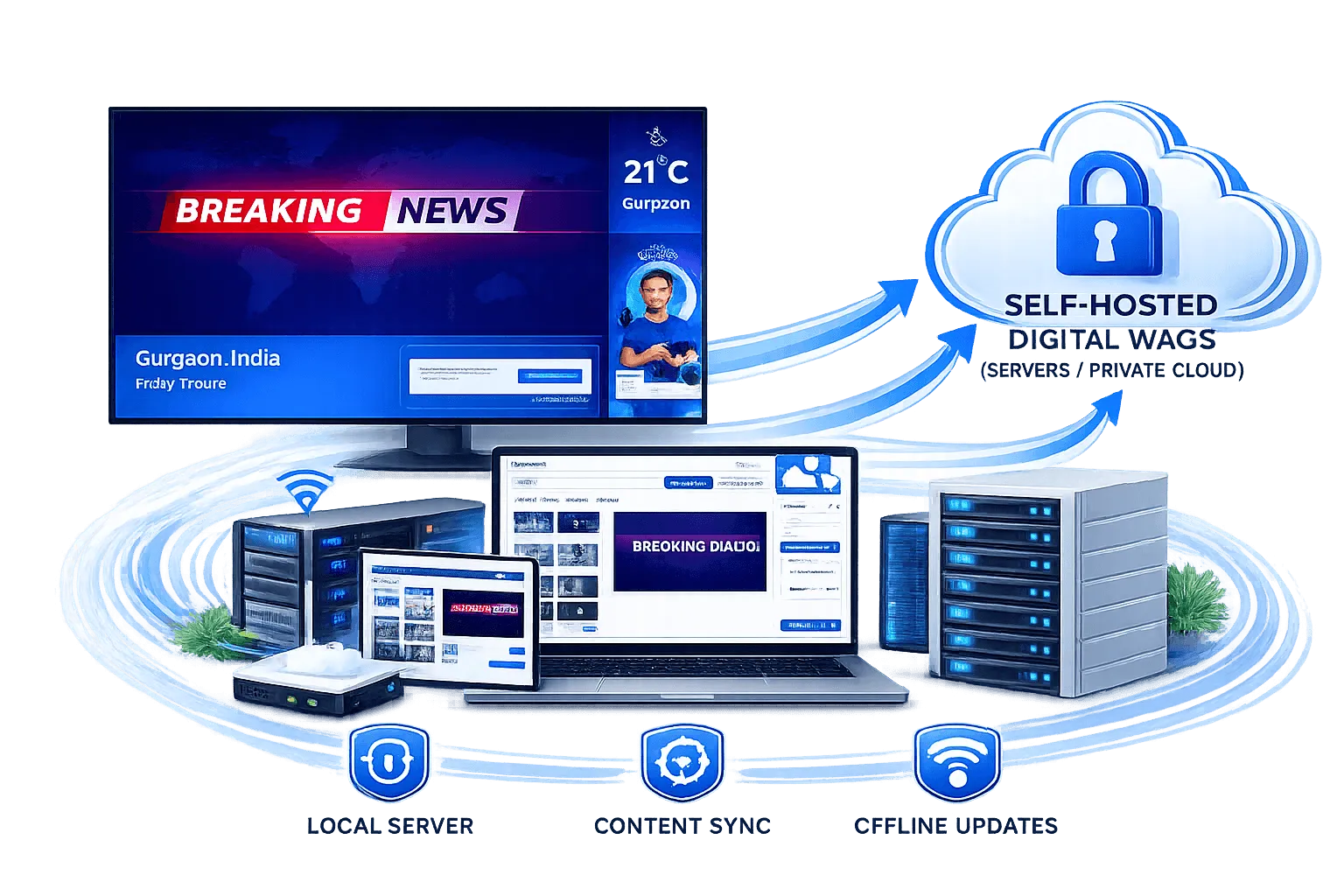
  • Offline playback when internet is unavailable

Why Choose Wilyer for Raspberry Pi Digital Signage

Wilyer is designed to make Raspberry Pi digital signage simple, powerful, and scalable for any business.

Quick and easy Raspberry Pi signage setup

Quick and Easy Setup

Get your Raspberry Pi signage up and running in minutes with easy setup and quick onboarding.

Cloud-based dashboard for Raspberry Pi signage

Cloud-Based Dashboard

Manage all your screens from a single cloud-based dashboard with full control over content, scheduling, and devices.

Real-time Raspberry Pi signage content updates

Real-Time Content Updates

Push content updates instantly to all connected Raspberry Pi devices without waiting or manual intervention.

Secure and stable Raspberry Pi signage infrastructure

Secure and Stable Infrastructure

Built with enterprise-grade security to keep your content and devices protected at all times.

Raspberry Pi multi-screen signage environment

Built for Multi-Screen Environments

Designed to manage multiple screens across different locations from one centralized platform.

No technical expertise required for Raspberry Pi signage

No Technical Expertise Required

Built for every industry and scale, with an intuitive and easy-to-use interface anyone can use.

Use Cases for Raspberry Pi Digital Signage

Raspberry Pi signage is versatile and works across multiple industries. Here are the most common use cases for businesses using Raspberry Pi digital signage software.

Industries where we can use:

Explore Industries
Wilyer

Key Features of Raspberry Pi Digital Signage Software

Choosing the right Raspberry Pi digital signage software is critical for performance and ease of use. A complete solution should provide all the essential digital signage software features you need to manage your screens efficiently.

Raspberry Pi digital signage centralized content management

Centralized Content Management

Cloud-based CMS accessible from anywhere. Drag and drop media uploads with support for images, videos, and web content.

Raspberry Pi digital signage advanced scheduling

Advanced Scheduling

Playlist creation and time-based scheduling. Dayparting for targeted content delivery with automated content rotation.

Raspberry Pi digital signage multi screen control

Multi Screen and Multi Location Control

Remote monitoring of screen status. Device grouping for bulk updates with real-time control and troubleshooting.

Raspberry Pi digital signage playback and performance

Playback and Performance

Smooth high-resolution playback with offline playback support and secure content delivery to all connected devices.

Cloud-Based Digital Signage Vs. USB Digital Signage

Discover the best Digital Signage Software for your business

FeaturesTraditional PlayersRaspberry Pi Digital Signage
CostHighVery low
Hardware SizeBulkyCompact
Setup TimeModerateQuick and simple
Power ConsumptionHigherLow
ScalabilityLimitedEasy and fast
FlexibilityModerateHigh

Choosing the Right Raspberry Pi Digital Signage Software

Not all solutions offer the same level of performance and usability. Selecting the right platform is important for long-term success.

What to Consider

Focus on software that simplifies management while offering flexibility.

  • Easy installation and onboarding
  • User-friendly dashboard
  • Strong scheduling capabilities
  • Reliable device management
  • Scalable infrastructure

Mistakes to Avoid

Avoid these pitfalls when selecting Raspberry Pi digital signage software for your business.

  • Choosing software without offline support
  • Ignoring scalability for future growth
  • Selecting complex systems that require technical expertise

How to Get Started

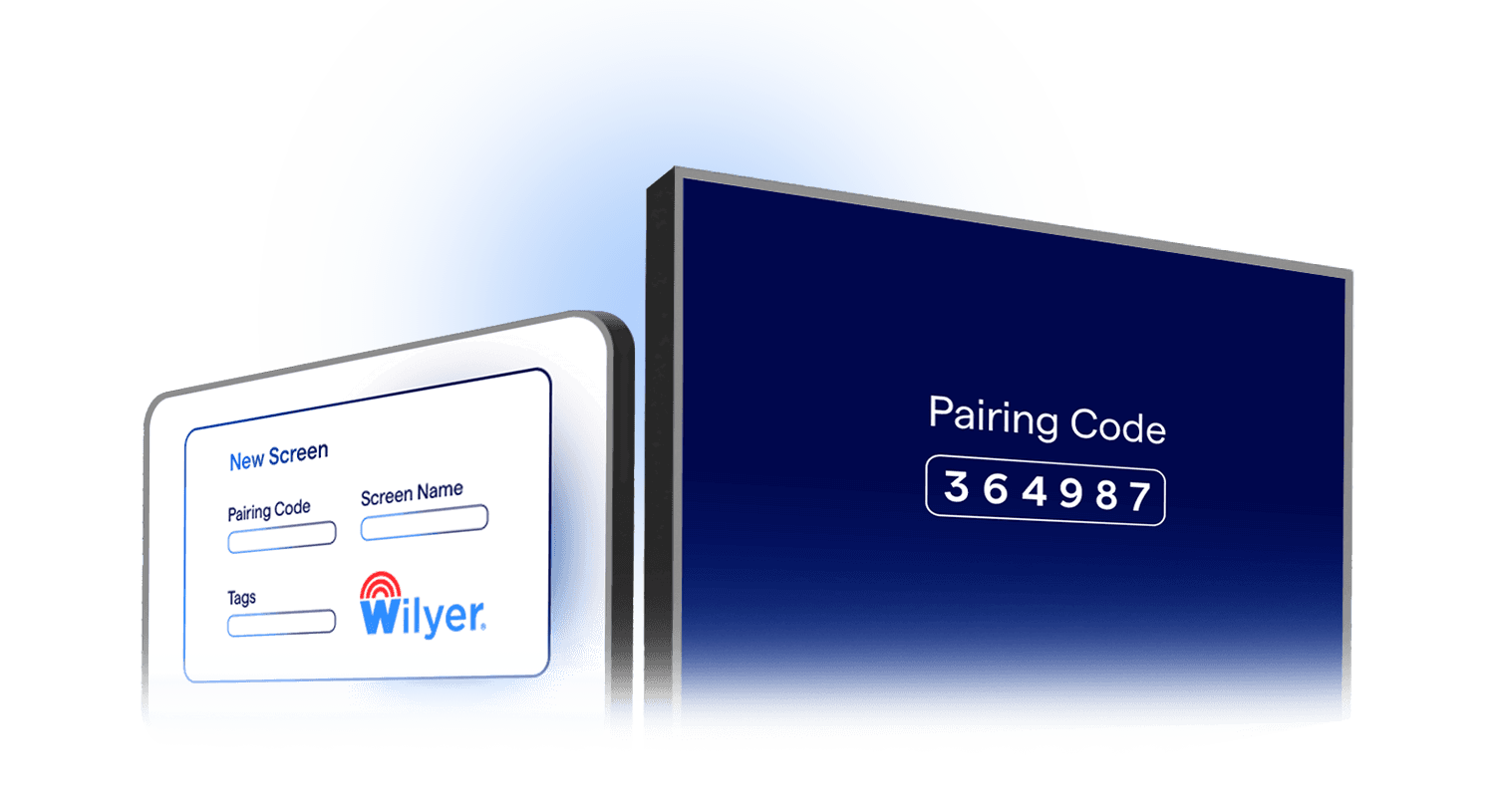
Unlock the potential of Wilyer’s Cloud Digital Signage in 3 easy steps:

Three-step guide to getting started with Wilyer cloud digital signage platform01

Sign Up & Access Wilyer

Create a free account, then download the Wilyer app or use it directly in your browser.

Connect up to 10 digital signage screens with Wilyer free 15-day trial02

Connect Your Screens

Link up to 10 screens and enjoy a 15-day free trial.

Create, schedule, and manage digital signage content with Wilyer platform03

Create, Plan, & Experience:

Easily create, schedule, and manage your content while experiencing Wilyer's powerful features.

FAQ

Frequently Asked Questions

Have more questions? Visit our complete digital signage FAQs page.

Yes, Raspberry Pi is one of the most popular choices for digital signage due to its affordability, flexibility, and ease of deployment. It offers a cost-effective way to run professional signage across any number of screens.
Yes, it supports dedicated signage players that enable smooth playback and remote content management. Platforms like Wilyer provide optimized players specifically designed for Raspberry Pi hardware.
Internet is required for uploading and updating content, but screens can continue playing content offline once it is downloaded. This ensures uninterrupted playback even during connectivity issues.
Yes, with optimized software and proper configuration, Raspberry Pi can run continuously for long durations. Its low power consumption and stable performance make it well-suited for always-on signage deployments.
Raspberry Pi 4 and newer models are recommended for better performance and smoother playback. They offer improved processing power, better graphics capabilities, and support for 4K displays.
Yes, you can manage multiple screens across different locations using a centralized cloud dashboard. Wilyer allows you to group devices, push content in bulk, and monitor all screens from one place.
Yes, it is widely used by retail stores, restaurants, offices, healthcare facilities, and educational institutions for professional signage management.