
Interactive Touch Screen and Kiosk Software
Turn a touch display into a self-service point: ordering, wayfinding, product lookup or feedback capture, published from the same console that drives your passive screens.

Join businesses worldwide using Wilyer for seamless digital signage management.
























One Estate, Touch and Passive Together
A kiosk is a screen your customer touches rather than one they only read. The content still has to match the boards beside it, still has to be scheduled, and still has to keep working when the connection drops.
Wilyer treats kiosks as part of the same estate as your menu boards and lobby screens. The same console publishes to both, the same licence covers both, and the same reporting shows both, so a self-service rollout does not introduce a second system to run.
What You Can Build
Touch journeys assembled in the console, with no app to commission.
Touch Journeys
Multi-step flows for browsing categories, filtering products or stepping through a request.
Wayfinding and Maps
Interactive directories and floor-by-floor maps for campuses, hospitals, malls and public buildings.
Self-Service Ordering
At-counter and order-ahead journeys, drawing menu content from the same source as your boards.
Feedback Capture
Short prompts at the point of experience, where response rates are highest.
Scheduled Journeys
Switch the flow by hour or day, so breakfast and dinner are one kiosk on a schedule.
Reporting
Screen health and playback logs, exportable alongside the rest of the estate.
Kiosks That Solve a Real Queue
The deployments where self-service pays back fastest.
QSR Self-Ordering
Take peak-hour orders without adding counter staff, with the kiosk menu identical to the boards above it.
Retail Product Lookup
Browse the full range, check sizes and try virtual fitting when the shelf cannot hold every variant.
Hospitality Concierge
Local attractions, directions and check-in support on a lobby kiosk, freeing the front desk.
Hospital Wayfinding
Department directories at entrances, cutting the number of people asking reception for directions.
Government Service Points
Counter allocation and document checklists, so citizens reach the right window prepared.
Campus Directories
Building maps, timetables and event information at entry points.
Frequently Asked Questions
Have more questions? Visit our complete digital signage FAQs page.
You need a touch-capable display or a kiosk enclosure with a touch panel. The Wilyer player itself runs on the same platforms as your passive screens, so the software side does not change.
Yes, and that is usually the point. Menu, pricing and promotional content can come from one source, so the kiosk cannot drift out of step with the boards beside it.
The journey is cached on the device and keeps working. Any change you published while it was offline applies when it reconnects.
Yes. Playback is locked to what you published, and role-based access controls who on your team can change a given screen.
Licensing is per screen and platform-agnostic, so a kiosk bills the same as any other screen in the estate.
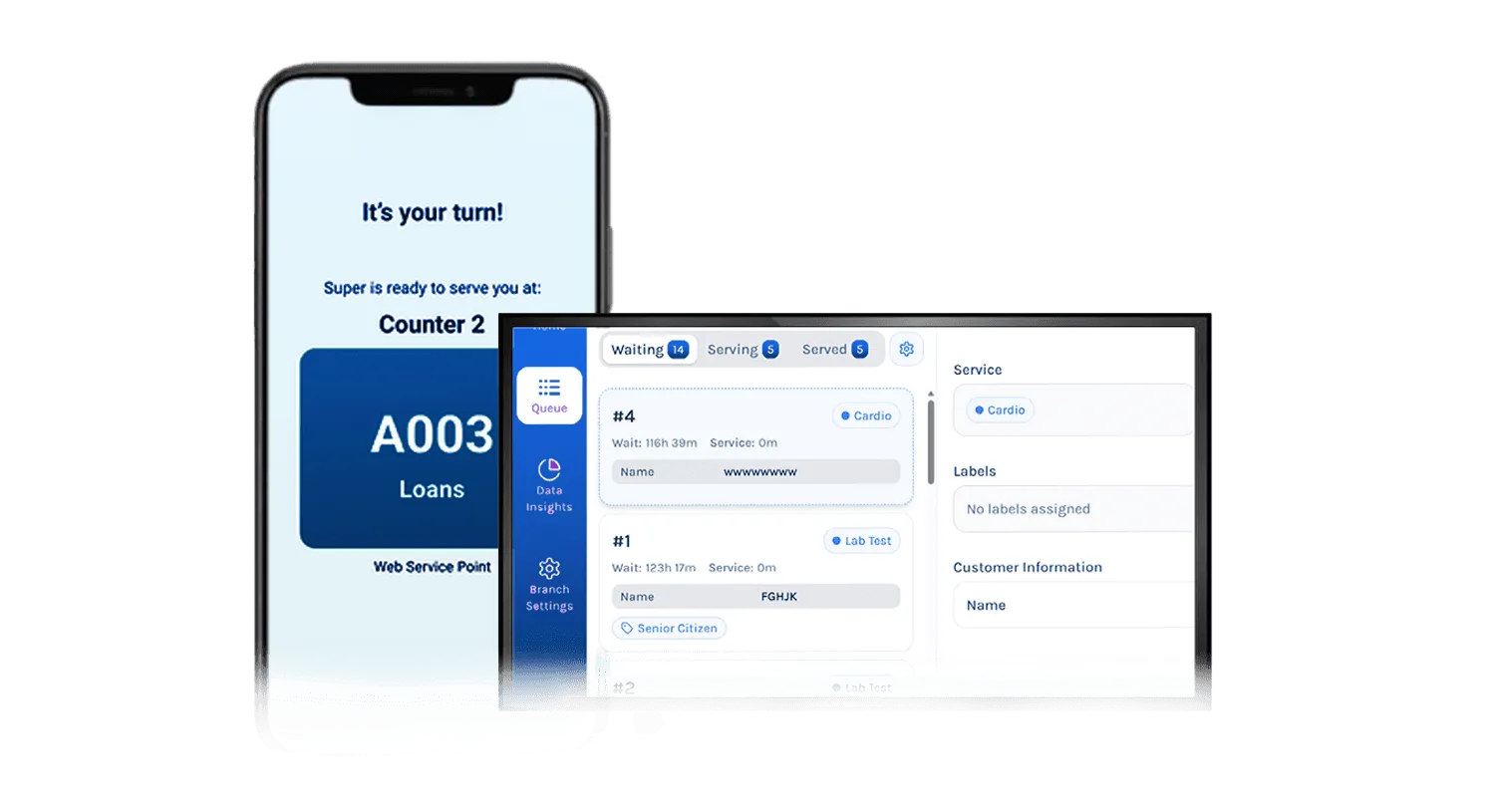
Yes. Token issue and counter routing are covered by the queue management solution, and a kiosk is a common place to issue the token.
Explore Other Digital Signage Solutions
Digital Menu Board Software
Upgrade your restaurants and QSRs with real-time, personalized digital menu boards.
Explore Menu Boards
Digital Notice Board Software
Display notices, updates, and announcements across offices, campuses, and government buildings.
Explore Notice Boards
Queue Management System
Cut wait times in hospitals, banks, restaurants, hotels, and government offices.
Explore Queue Management
Room Display Management
Simplify meeting room bookings, eliminate conflicts, and improve workplace efficiency.
Explore Room Display
IP Broadcast System
Deliver real-time audio and video across your whole facility from one central point.
Explore IP Broadcast
HDMI-In Capture
Capture and distribute HD content from any HDMI source with low latency and central control.
Explore HDMI Capture