
Wilyer Digital Signage Software For Android TV
Wilyer's Digital Signage CMS is designed to power Android devices into dynamic, high-performance signage displays. Whether you're using Android TVs, media players, or commercial-grade screens, Wilyer ensures seamless compatibility, flexibility, and superior content delivery.
The Pro plan costs ₹1,200 + GST or $15 per screen a month after the 14-day free trial. See pricing
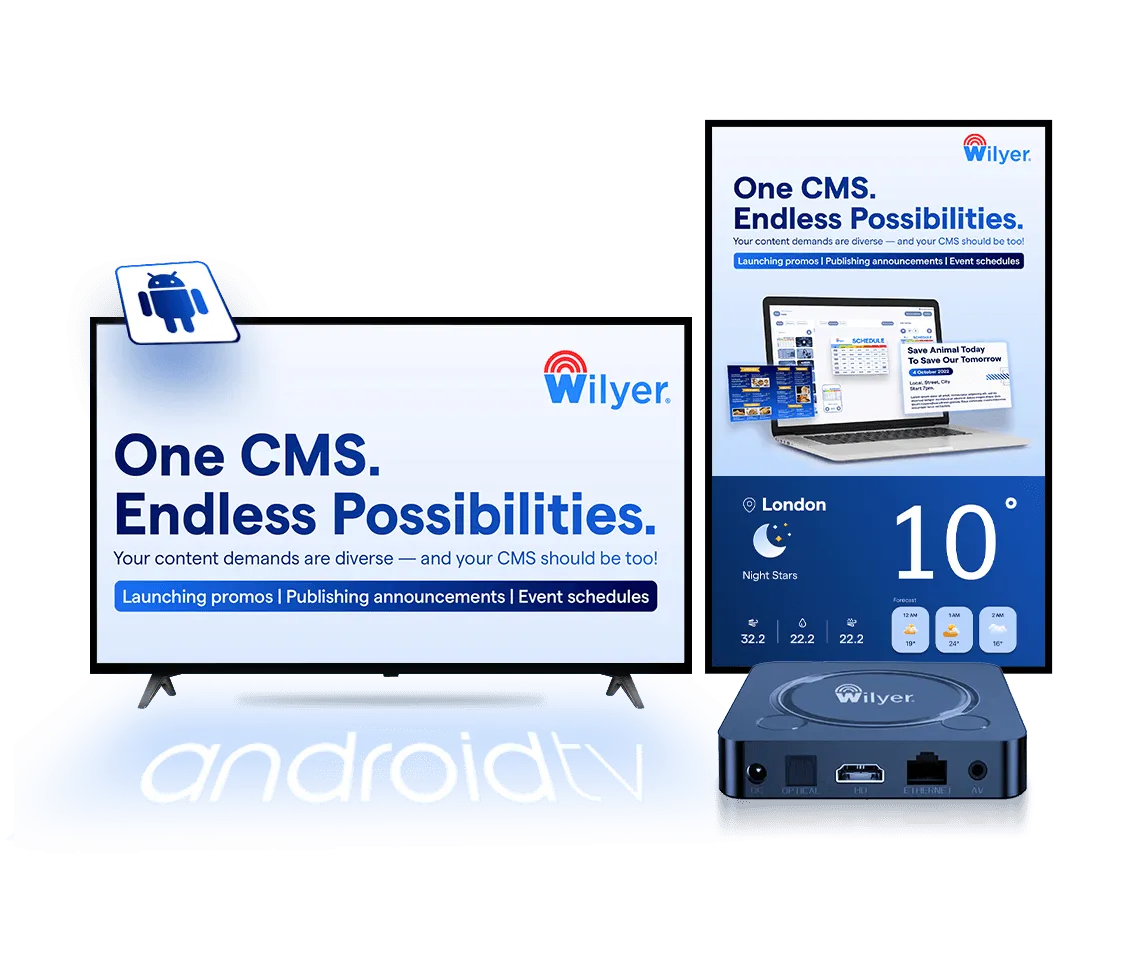

Join businesses worldwide using Wilyer for seamless digital signage management.
























Single Ecosystem for All Android Devices
Android Media Player Devices
These are robust devices designed which are specifically for high-performance digital signage operations and management. These are compact yet powerful units that are compatible with a wide variety of screens, ensuring smooth playback and effortless scalability.
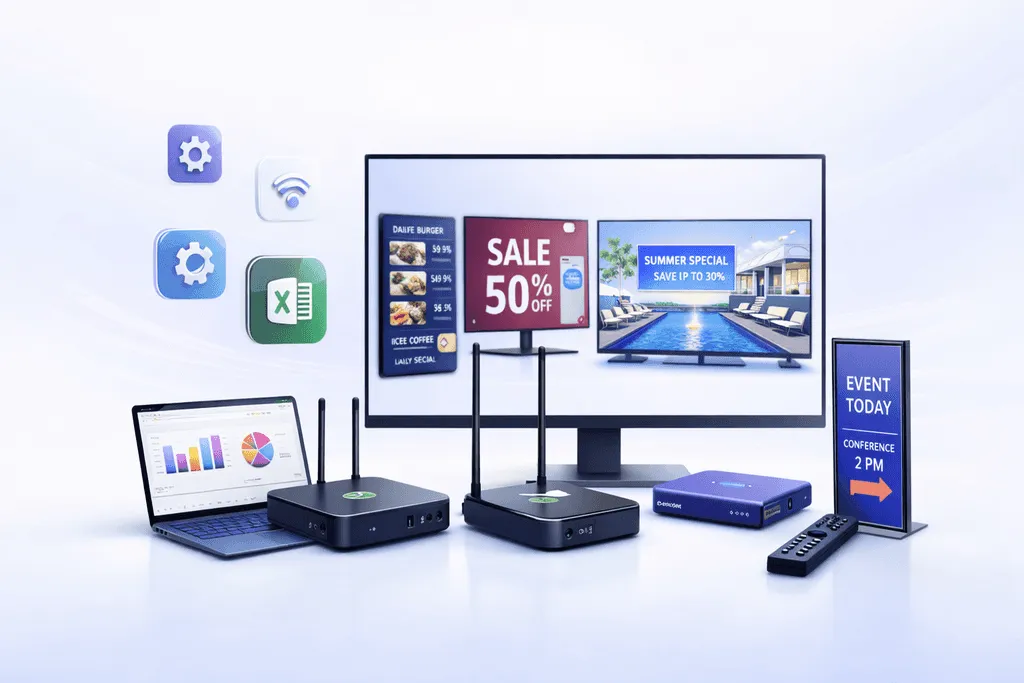
Android TV and Commercial Displays
Convert your Android TVs and commercial-grade displays into dynamic digital signage solutions. With built-in Android OS, these devices offer plug-and-play functionality for hassle-free deployment and management.
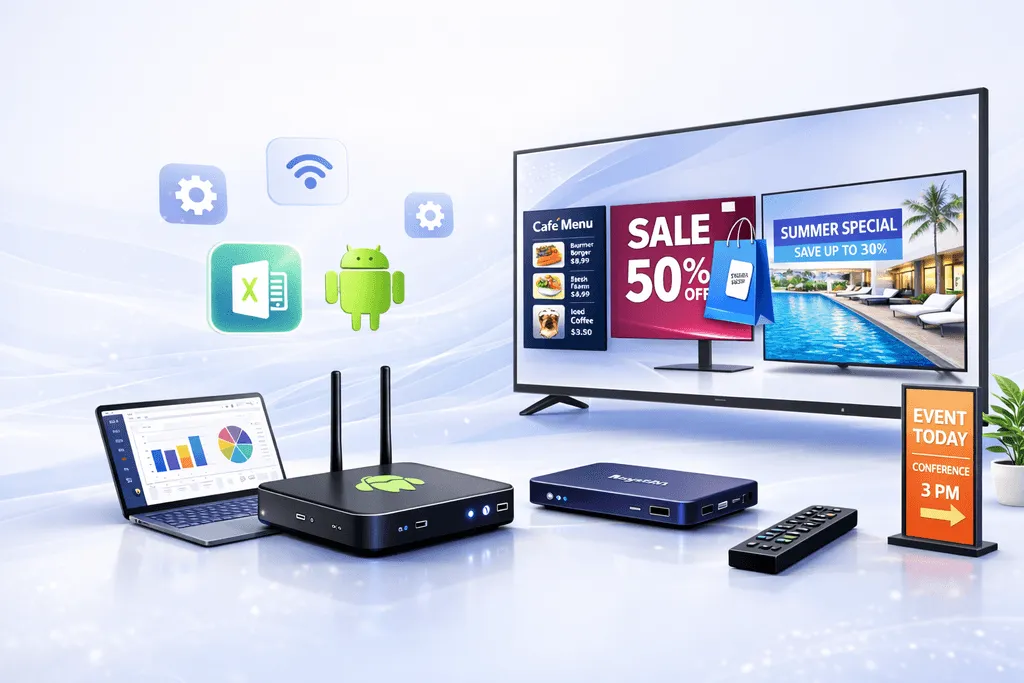
Android Mobile Phones and Tablets Kiosks
Utilize your Android mobile devices and tablets to power interactive kiosks. These are perfect for customer feedback, self-service kiosks, or to display real-time updates. With the help of these devices, you can add flexibility to your signage ecosystem.
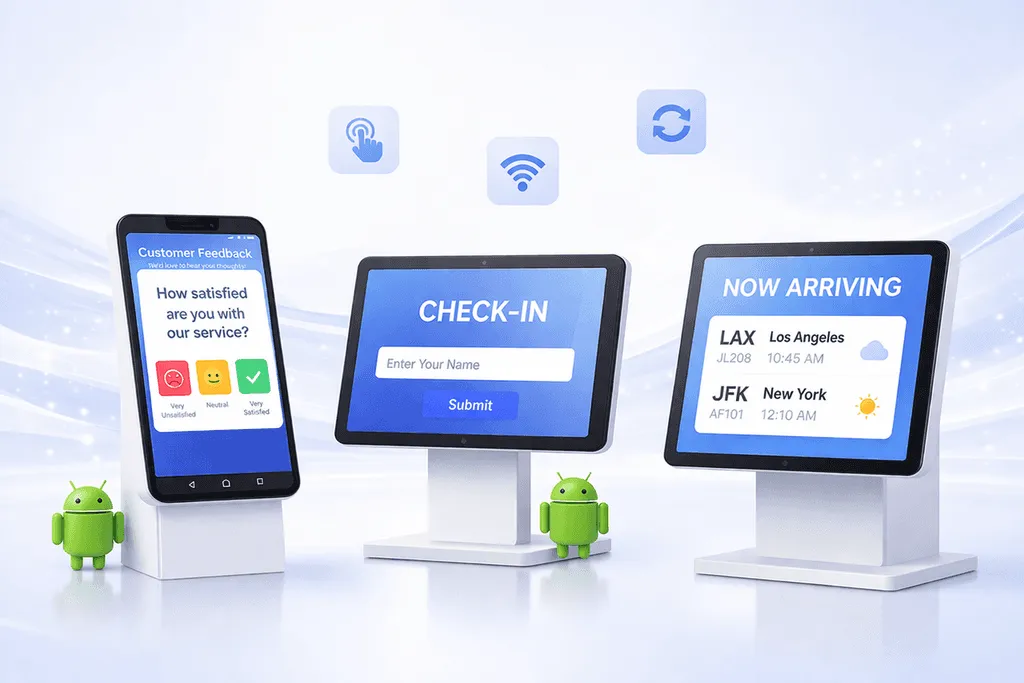
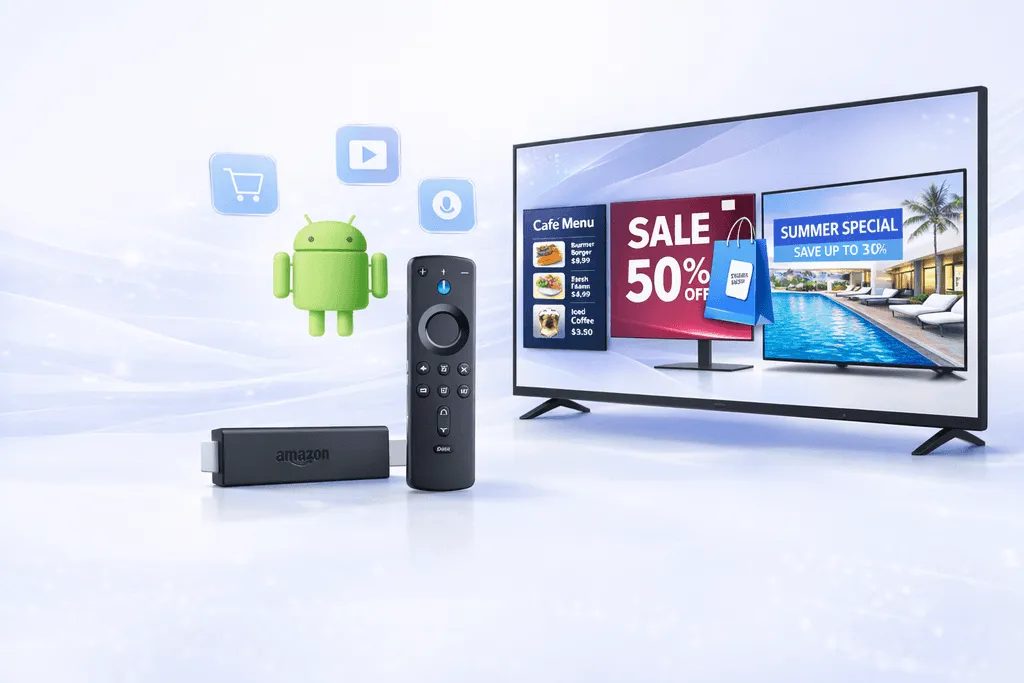
Amazon FireStick - Android OS
Leverage Amazon FireStick devices running Android OS for an affordable and effective digital signage solution. This is Ideal & best for small businesses or startups. FireStick allows easy access to a wide range of signage applications and that too being cost efficient.
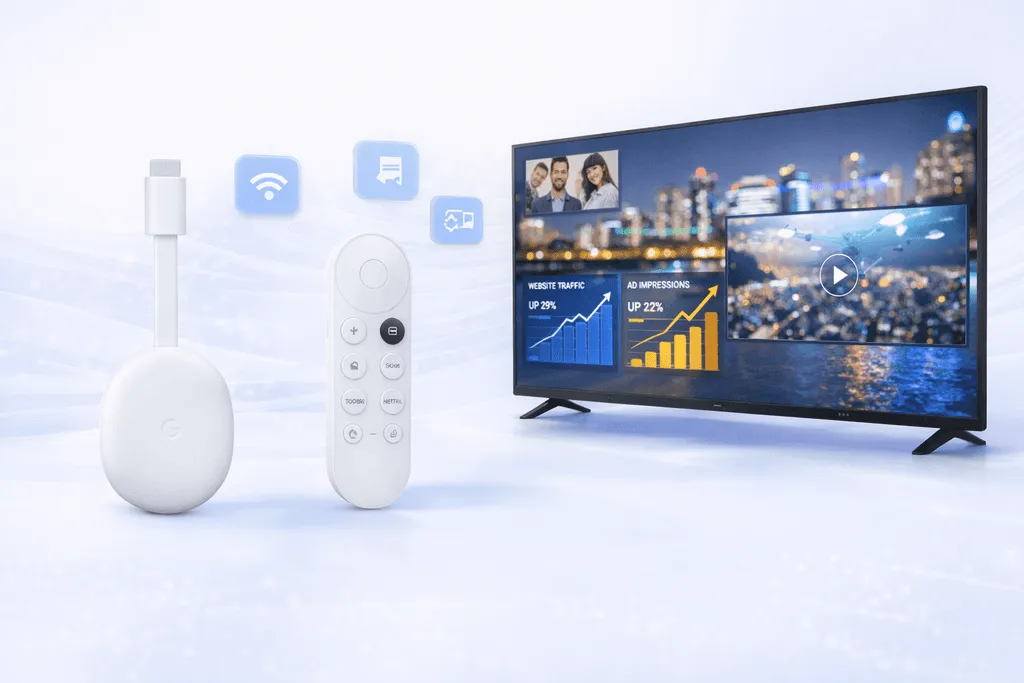
Google Chromecast Android Device
Simplify your digital signage operations with Google Chromecast. Its Android OS enables you to have the functionality of wireless screen mirroring and content streaming, which is perfect for ad-hoc presentations or dynamic displays.
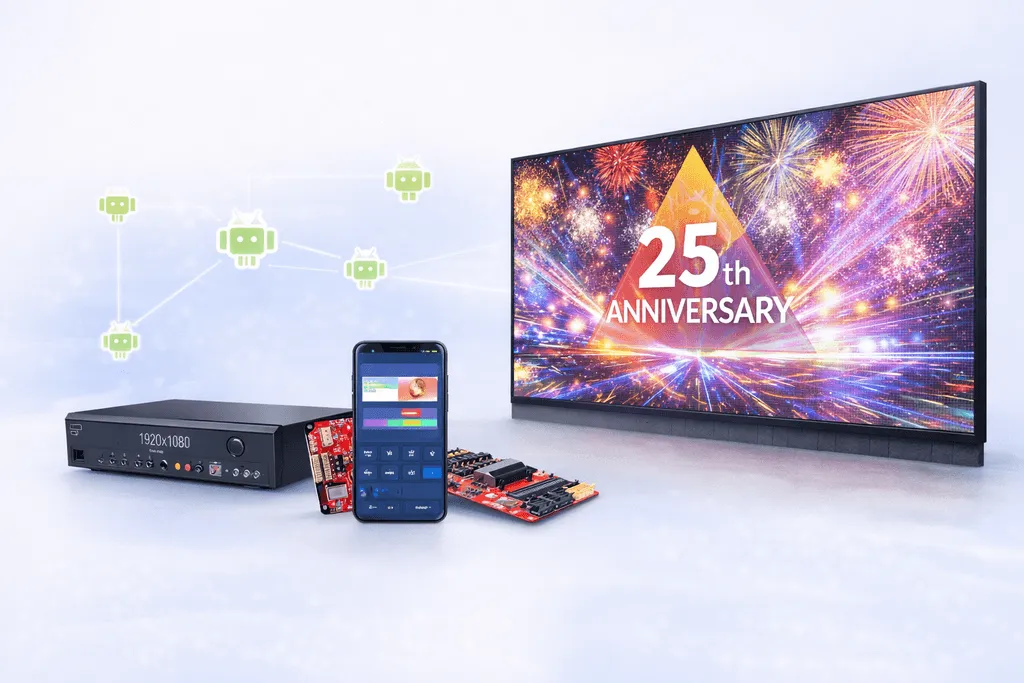
LED Board Media Controllers
Power LED displays with advanced Android SDK-enabled media controllers. These devices allow precise customization and seamless control of large-format LED boards, ensuring visually stunning signage for events, retail, outdoor advertising, or video walls.
Seamless Support for Android Commercial SoC and Consumer Android TV Displays
Android Digital Signage Software redefines how businesses manage their digital displays, offering a perfect balance of performance, versatility, and ease of use. Here's why it's the ideal choice for your digital signage network:

Why Choose Android Digital Signage Software?
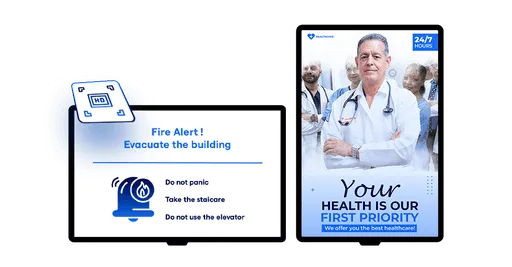
Hi-Resolution Smooth Playback
Deliver stunning visuals with crystal-clear resolution and zero lag. From ads to interactive content, Wilyer ensures smooth playback that grabs and holds your audience's attention.
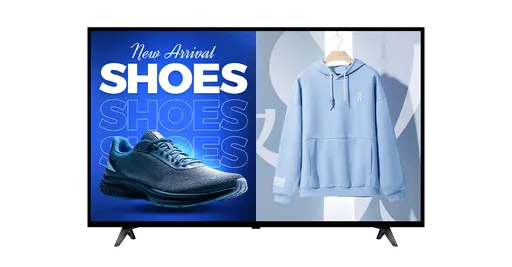
Multi-Video Support
With this feature, you can stream multiple videos on a single screen using screen partitioning. Showcase different content - like promos, product highlights, or event updates.
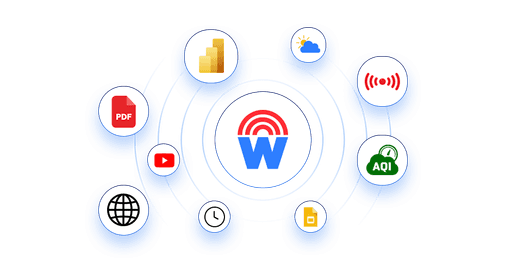
Dynamic Widgets
Bring your screens to life with Wilyer's dynamic widgets. Show live broadcasts, weather, social feeds, AQI, and more to keep your audience constantly informed and engaged.
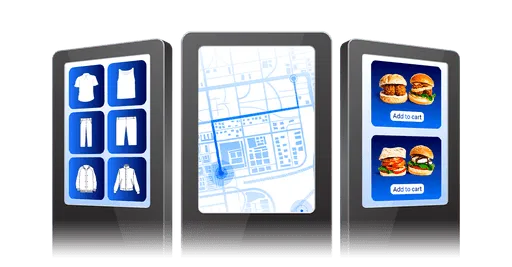
Versatility
Wilyer's Android digital signage software works seamlessly on both touch and non-touch displays, giving you maximum flexibility. Use touch-based kiosks for interactive catalogs, self-ordering & more.
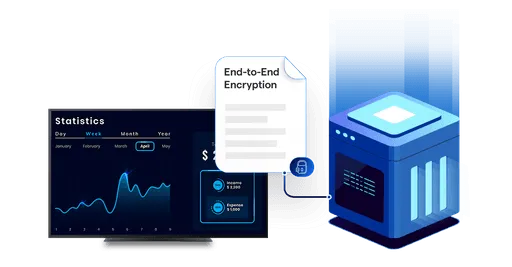
Best for On-Premise
On-premise setups, giving businesses full control over data and operations. Perfect for banks, government offices, and healthcare institutions where security and data privacy are top priorities.
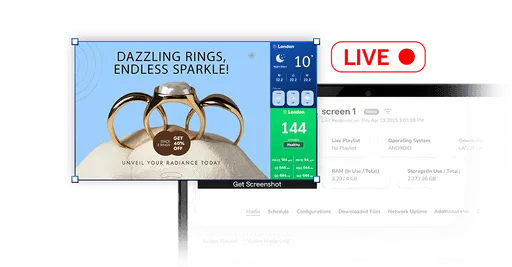
Live Screenshot Capture
Monitor your screens in real-time with Wilyer's live screenshot capture feature. Instantly verify content playback, troubleshoot issues remotely, and ensure consistent display performance.
CASE STUDY
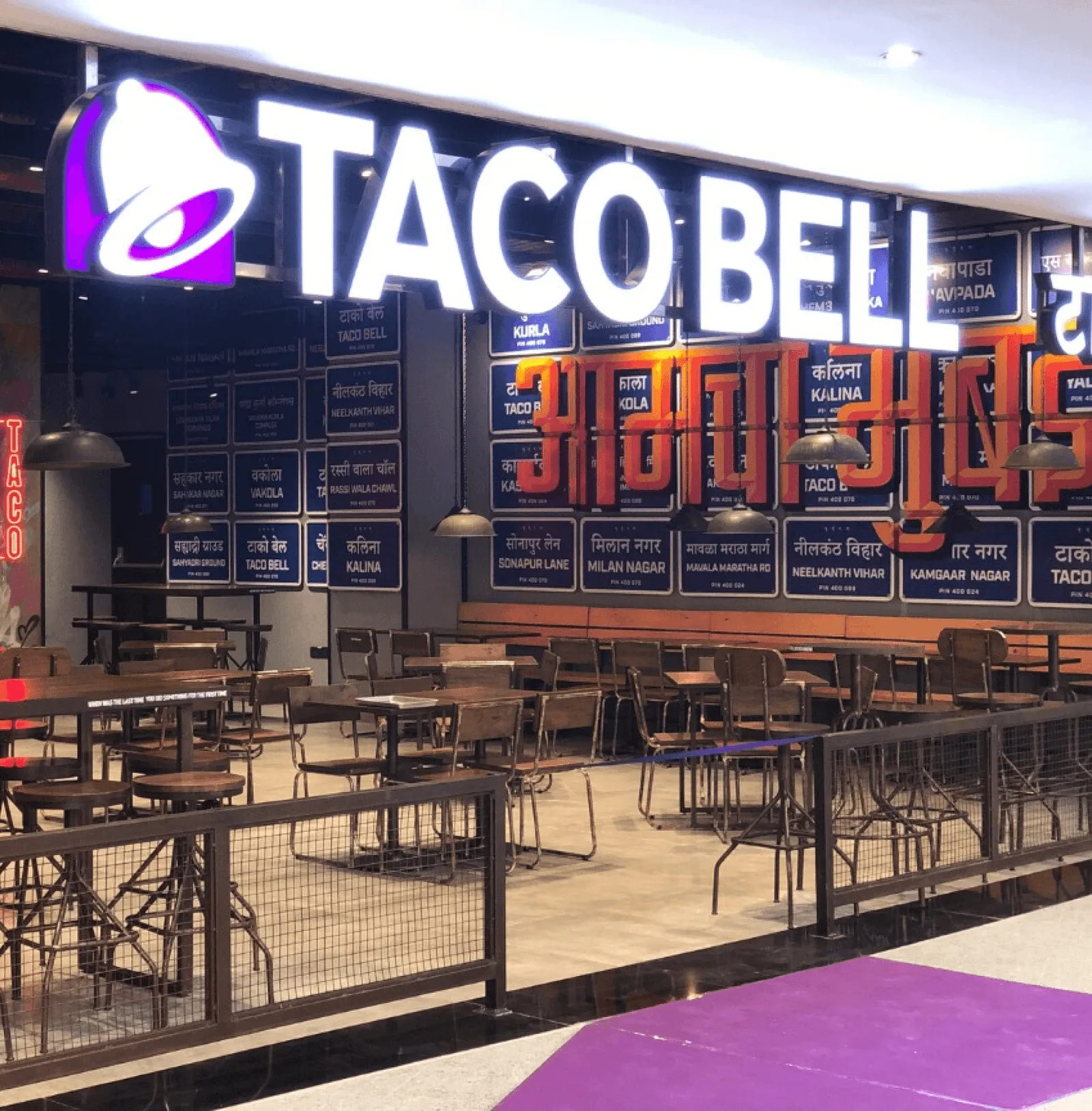
Reshaping TacoBell Malaysia With Wilyer: Enriching branding and customer engagement across 50+ stores.
Wilyer Software has revolutionized our digital menu boards at TacoBell Malaysia. Their intuitive platform allows real-time updates and customizable designs, enhancing our restaurant's ambiance. With excellent support, the process is smooth and efficient. Highly recommended for any restaurant looking to upgrade their digital signage game.
Anish Trivedi,
IT Infra Management Head at TacoBell Malaysia
Enterprise-Grade Kiosk Mode Mobile Device Management (MDM)
Efficiently manage your Android-powered displays with our enterprise-grade Mobile Device Management (MDM) solution. This is basically designed for large networks and mission-critical applications. Our MDM capabilities provide robust control, enhanced security, and seamless operations for businesses of all sizes.
Remote Updates
Easily update your Android-powered displays with remote functionality, pushing updates across your entire network from a centralized dashboard. Keep all devices secure and up-to-date with the latest software and patches.
Audio Controls
Take control of audio levels across your network. Adjust sound settings remotely to maintain an optimal experience for your audience, whether in a quiet corporate lobby or a bustling retail environment.
Device Reboots
Enable auto-start functionality to automatically boot up displays with pre-configured content, ensuring consistent operation even after power interruptions. Your screens stay on, always displaying relevant content without manual setup.
Touch Screen Locks
Protect your devices with touch screen lock functionality, preventing unauthorized access or accidental changes. Ideal for sensitive environments like government offices, financial institutions, restaurants, and retail chains, ensuring reliability and efficiency.
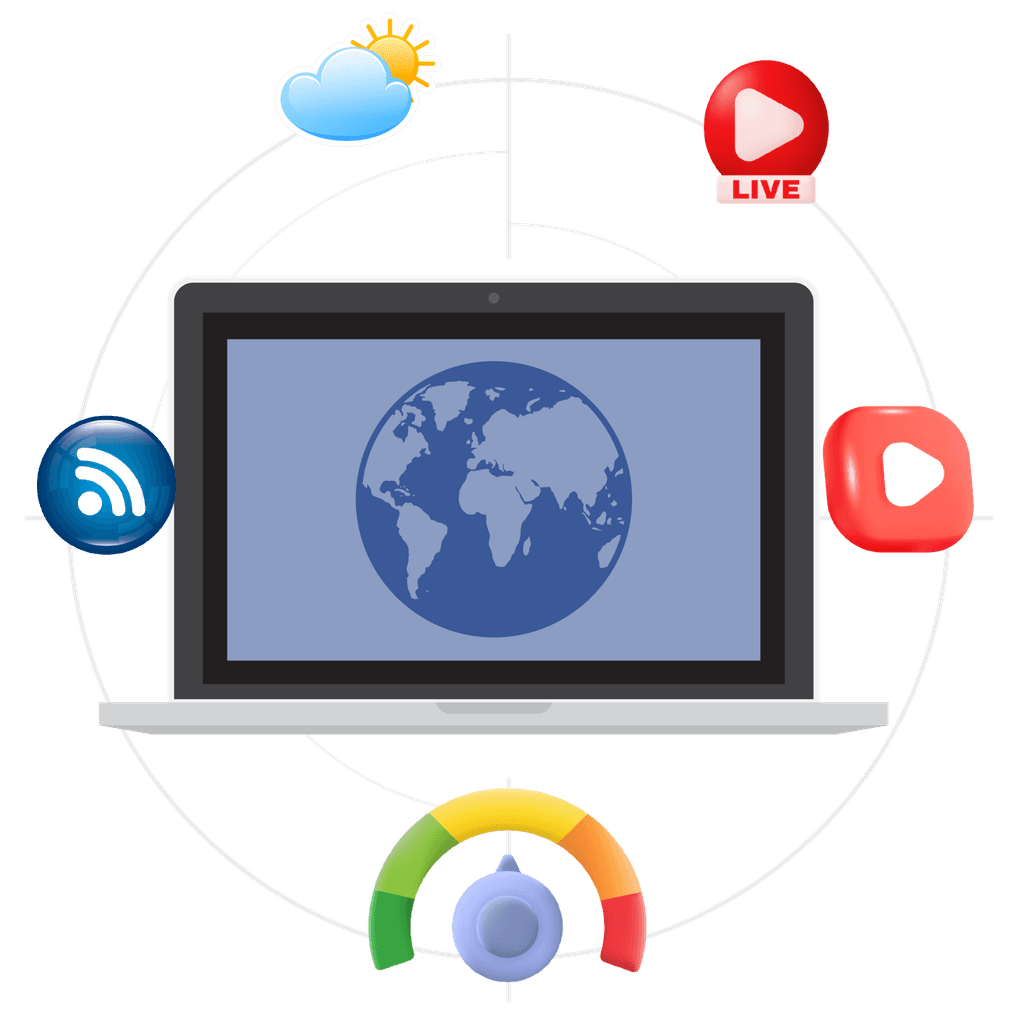
Real-Time Widgets
Effortlessly sync and display schedules, meetings, and events across your screens with these supported widgets:
- Weather updates.
- AQI monitoring.
- Live streams.
- RSS feeds.
- YouTube video integration.
How to Get Started
Unlock the potential of Wilyer’s Cloud Digital Signage in 3 easy steps:
 01
01Select Hardware
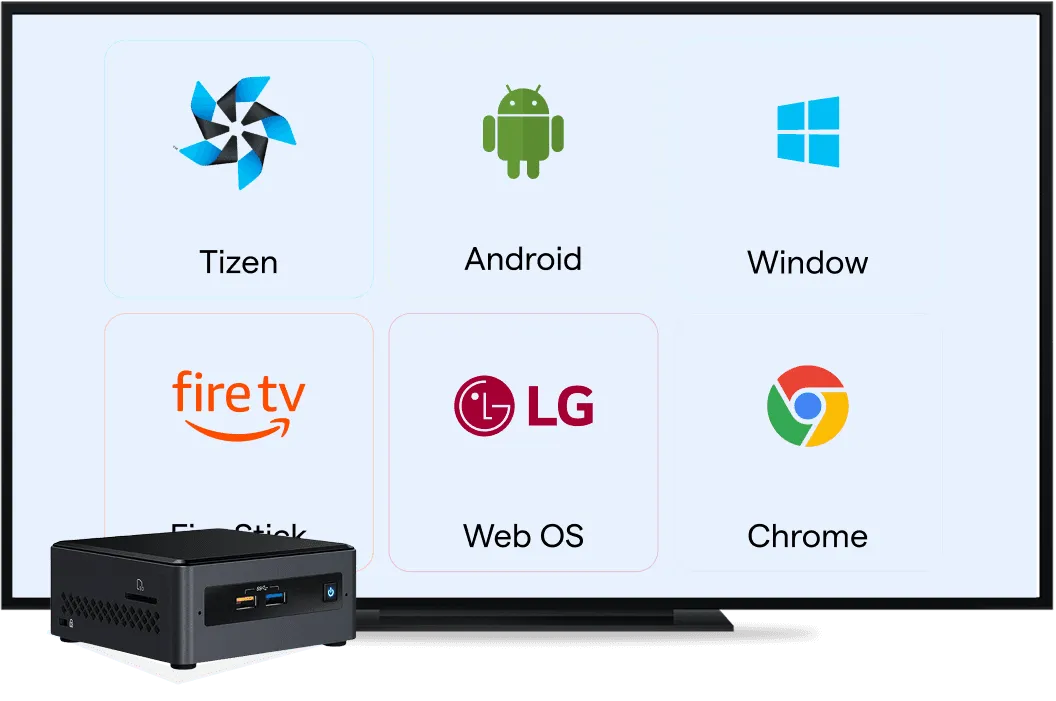
Choose your preferred type of hardware such as a Smart TV, Digital Billboard, or Digital Screen.If you are using a non-smart display prefer using Android Media Player or Windows Mini PC.
 02
02Install the Wilyer App
Download and install our app on your preferred device from the Google Play Store or USB Stick. From smart TVs to media players, the installation is a quick one-time hassle-free process
 03
03Pair & Publish Content
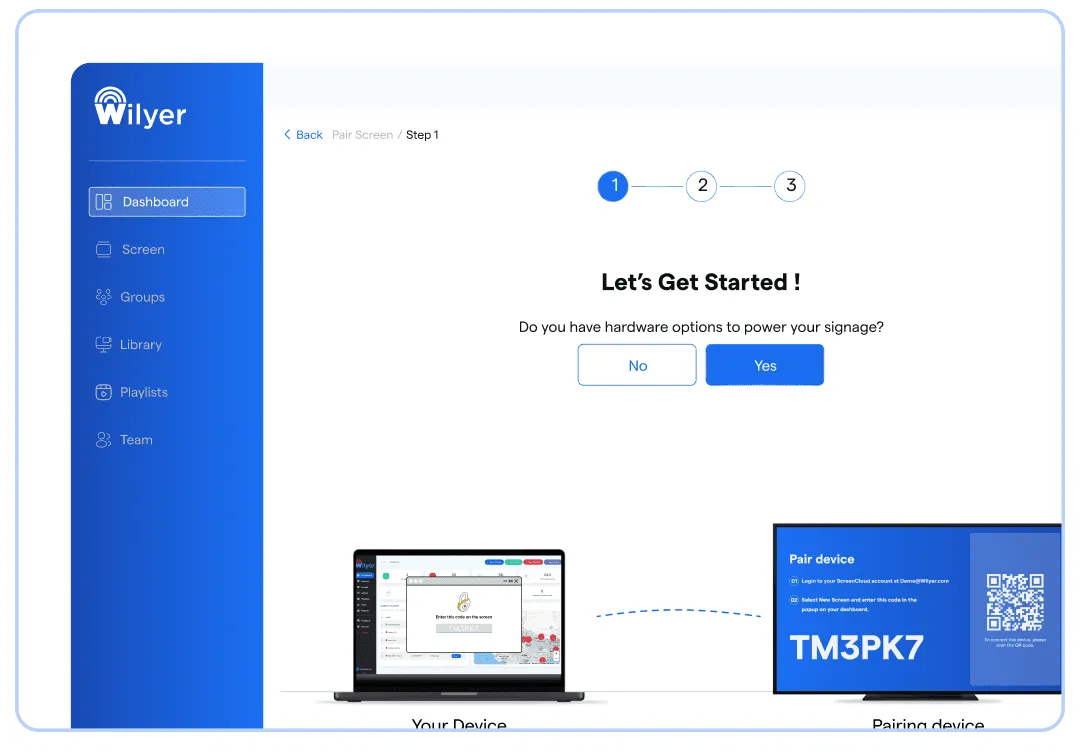
Connect your screens to the app via a unique pairing code, upload your content, and publish with a single click. Your screens will be live and ready to engage your audience
Digital Signage Software Features Compatibility on Rooted and Non-Rooted Android Devices
| Features | Non-Rooted Android | Rooted Android |
|---|---|---|
| Description | Android/Google Certified Android OS Devices which have locked direct access to administrative commands | Android devices with full administrative access, allowing advanced customization and control. |
| Remote Content Screenshot | Requires user permission or additional apps, making remote screenshots less seamless. | Allows screenshots to be captured remotely without interruptions, ensuring better monitoring. |
| Remote OTA Auto-Install | Updates and app installations depend on manufacturer tools or third-party apps; user action may be required. | Updates and app installations can be done remotely and silently, ensuring seamless setup and maintenance. |
| Remote Device Restart | Requires user involvement or third-party apps to initiate a restart. | Devices can be restarted remotely with full control, ensuring minimal downtime. |
| Android Kiosk Mode and DeviceSettings Locking | Supported via USB ADB Setup and device management tools, but users might bypass certain settings. | Full kiosk functionality with complete lock on system settings, preventing unauthorized changes. |
| Update Device Settings & Date time | Limited control; may require network time sync or manual intervention. | Full remote control to adjust system settings, including date and time, without user involvement. |
Seamless Digital Signage on Android
Transform any Android device into a dynamic digital signage display. Manage content effortlessly with Wilyer's cloud-based solution.
See Guide
Platform-Based Digital Signage Options
Google Chromecast
Run digital signage on Chromecast devices with centralized cloud control.
Explore Chromecast Digital Signage
Windows Digital Signage
Deploy secure, cloud-managed signage on Chrome OS devices.
Explore Windows Digital Signage
Amazon Firestick
Turn any TV into a digital signage screen using Firestick.
Explore Firestick Digital Signage
Samsung Tizen
Native digital signage app for Samsung commercial displays.
Explore Samsung Tizen Digital Signage
LG webOS
Deploy signage directly on LG webOS displays without extra hardware.
Explore LG webOS Digital SignageFrequently Asked Questions
Have more questions? Visit our complete digital signage FAQs page.