
Room Display Management System for Seamless Scheduling
Simplify meeting room bookings, eliminate conflicts, and improve workplace efficiency with Wilyer's intuitive room display software.


Join businesses worldwide using Wilyer for seamless digital signage management.
























What Is a Room Display Management System?
A room display management system is the small screen mounted outside a meeting room, driven by your calendar. It shows whether the room is free, who booked it and until when, so nobody has to open a laptop or interrupt a meeting to find out.
Wilyer reads availability straight from Google Workspace or Microsoft 365, so the panel always matches the calendar people already use. Staff can book the room from the screen itself, occupancy is logged for reporting, and the same players that run your signage run the panels, so there is no separate system to maintain.
Why Your Business Needs Room Display Management Software?
Room display software is a necessity in modern workplaces that must be kept organized and productive. Room display software prevents organizations from double-booking, reduces scheduling conflicts, and optimizes use of meeting rooms.
With the integration to well-known calendars like Google and Outlook, employees can view availability quickly, book a room from the display, and save time. Software room display offers a seamless, hassle-free experience for everyone, in a corporate office, shared office, or school.


Benefits Of Wilyer's Room Display Management Software
Room display software keeps modern workplaces organized and productive - preventing double-bookings and optimizing meeting space.
Prevents Overbookings
Check workload against availability and booked calendars. Everyone views real-time room status, and mistake-proof scheduling is assured office-wide.
Complements Current Tools
Reserve a room in seconds from the screen or connected calendars like Google and Microsoft Outlook. No wasted minutes searching for it, meetings begin right on time, every time.
Maximizes Rooms Resource Utilization
Track usage patterns and label unused rooms with in-depth analysis. Take better decisions to use space more efficiently and save resources.
Increases Team Productivity
Reduces scheduling overhead to give teams time to work together, not waste it in coordination. With delays and conflicts eliminated, productivity increases and meetings become easy.
Enhances Visitor Experience
Clear room indicators show status in real time, reducing employee and visitor confusion. This provides clarity and makes a good impression.
Flexible Deployment
Roll out to tablets, computer monitors, or devices of the day. The system may be rolled out to organizations of any size or sector with on-premises and cloud rollouts.
What is the Best Operating System for Running Room Display Management Software
Choosing the right operating system for room display management is essential for smooth operations. With Wilyer, you don't have to worry. Explore the most efficient OS options we support to run your room display software seamlessly.
Android
Android-based SoC tablets and devices are some of the best suited to room display management. They are very value-for-money yet incorporate all the features one needs. Android hardware offers scalability and flexibility for businesses of all sizes. Having an easy-to-use interface and robust multimedia support, it provides hassle-free operations for employees and visitors alike. Android's open-source nature also enables in-depth customization to suit your organization's requirements.
Ideal for small and medium-sized offices, coworking, schools, and healthcare settings looking for intelligent room scheduling without the high cost.

Samsung Tizen & LG WebOS
Samsung Tizen and LG WebOS are great options for room display installations. With their high level of commercial display optimization, they provide high performance, seamless integration, and improved images. The displays are designed to be reliable, meaning less downtime and a quality meeting experience. The displays' bright screens present room availability, calendars, and important updates in an easily understood, visually tangible form.
Best suited for big businesses, corporate buildings, universities, and enterprises that need premium room display solutions with professional features.
Firestick & Chromecast
Firestick and Chromecast offer organizations an inexpensive entrance into room display management. They offer straightforward functionality at a lower cost than normal operating systems. Though cheap, the equipment features stable aspects that can be leveraged by organizations to effectively handle room availability. The plug-and-play installation process makes them easy to integrate with current display equipment, minimizing rollout and disruption.
Ideal for small offices, startups, coworking spaces, and schools that need an easy, affordable solution to deploy room display solutions.
Essential Feature of Room Display Management Software With Wilyer
Discover the best digital signage software for your business.
Microsoft and Google Calendar Sync
Sync straight into Google Calendar and Microsoft Outlook so that conflicts are averted and scheduling is easy. Updates to the calendar show on the room display in real time, so it is never out of date.
Multiple Rooms Management
Control any number of meeting rooms spread over multiple floors or office sites from one platform. Even for big companies, this one place to control makes it easy to monitor availability, allocate bookings, and keep things running uninterrupted.
CMS Content Split
Divide the screen into spaces to use it for communication as well as for reserving rooms. Display meeting information along with announcements, branding, or advertising material, making each screen a multi-purpose communication monitor.
Multi-Department Level Access
Allow role-based access to various departments or groups so that one has greater control. Without infringing on others, administration, IT, or HR can handle their schedules without any hindrance, making operations secure and well-planned.
Multiple Themes for Display Screens
Select a theme, design, and color scheme that resonate with your business. Produce professional, modern, and consistent room environments that will improve the office experience.
Regular Repeating Booking
Automate repeating meetings in an instant. Book in advance for the day, week, or month of utilization by your workforce to reserve and keep rooms reserved at all times.
Applications of Room Displays in Industry
Corporate Offices
Show live meeting-room availability and schedules outside every room, cutting double-bookings and helping teams find free space fast.

How to Get Started
Unlock the potential of Wilyer's Cloud Digital Signage in 3 easy steps:
Sign Up & Access Wilyer
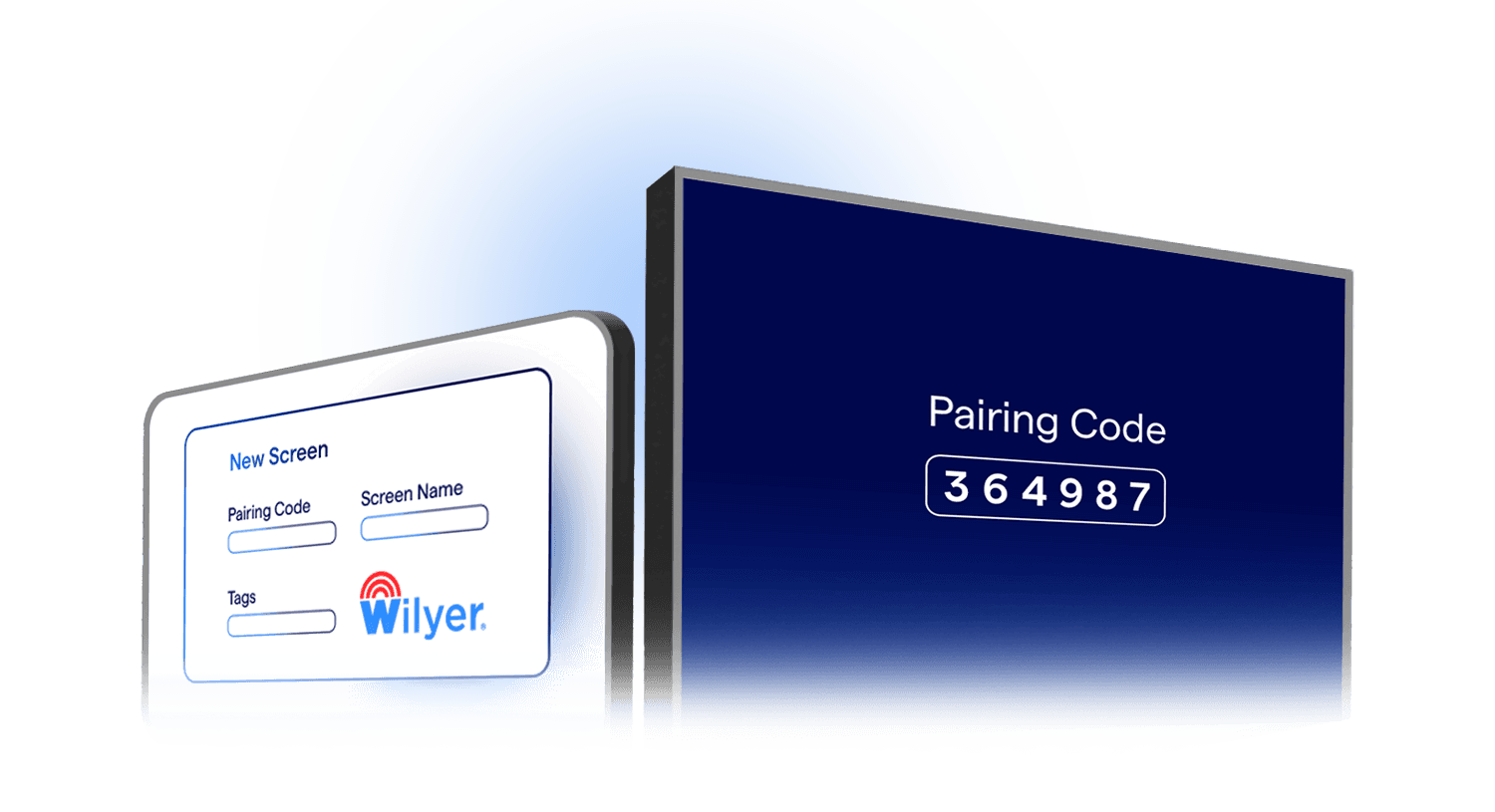
Create a free account, then download the Wilyer app or use it directly in your browser.
Connect Your Screens
Link up to 15 screens free for 14 days.
Create, Plan, & Experience
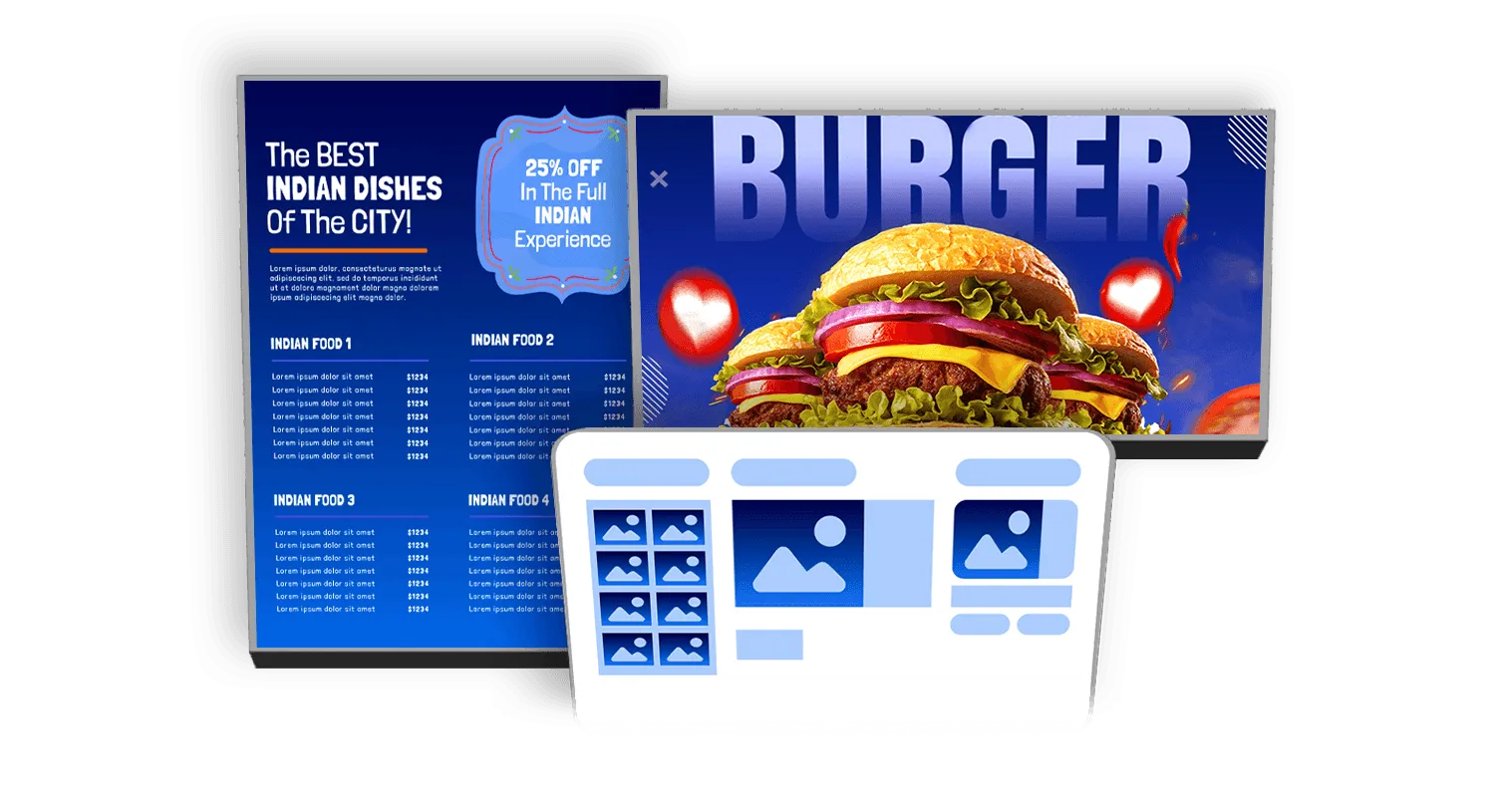
Easily create, schedule, and manage your content while experiencing Wilyer's powerful features.
Frequently Asked Questions
Have more questions? Visit our complete digital signage FAQs page.
Room display management software helps organizations manage meeting rooms with real-time availability, calendar integration, and instant booking.
Wilyer's room display software is Google Workspace and Microsoft Outlook/Office 365 compatible so you can be sure that your schedules are up to date and accurate.
Not really. The software is simply software and is run on tablets, smart TVs, and digital signage, utilizing Android, Windows, Tizen, and WebOS devices.
Yes. From a few rooms to several office locations, the software simply gets larger to accommodate small team needs as well as large corporations.
By not double booking, reducing search time for rooms, and providing accurate room status, it ensures that some meetings start on time and workflow continues uninterrupted.
Explore Other Digital Signage Solutions
HDMI-In Capture
Capture and distribute HD content from any HDMI source with low latency and central control.
Explore HDMI Capture
Digital Menu Board Software
Upgrade your restaurants and QSRs with real-time, personalized digital menu boards.
Explore Menu Boards
Digital Notice Board Software
Display notices, updates, and announcements across offices, campuses, and government buildings.
Explore Notice Boards
Queue Management System
Cut wait times in hospitals, banks, restaurants, hotels, and government offices.
Explore Queue Management
IP Broadcast System
Deliver real-time audio and video across your whole facility from one central point.
Explore IP Broadcast