
Queue Management System with Token Display Screens
Wilyer Queue Management System (QMS) is a smart, scalable, and efficient solution for any place where people wait to be served. Whether you run a hospital, bank, restaurant, hotel, or government office, our system manages visitor and customer flow, minimizes wait times, and improves the overall experience. Wilyer runs more than 20,700 screens in 350+ cities.
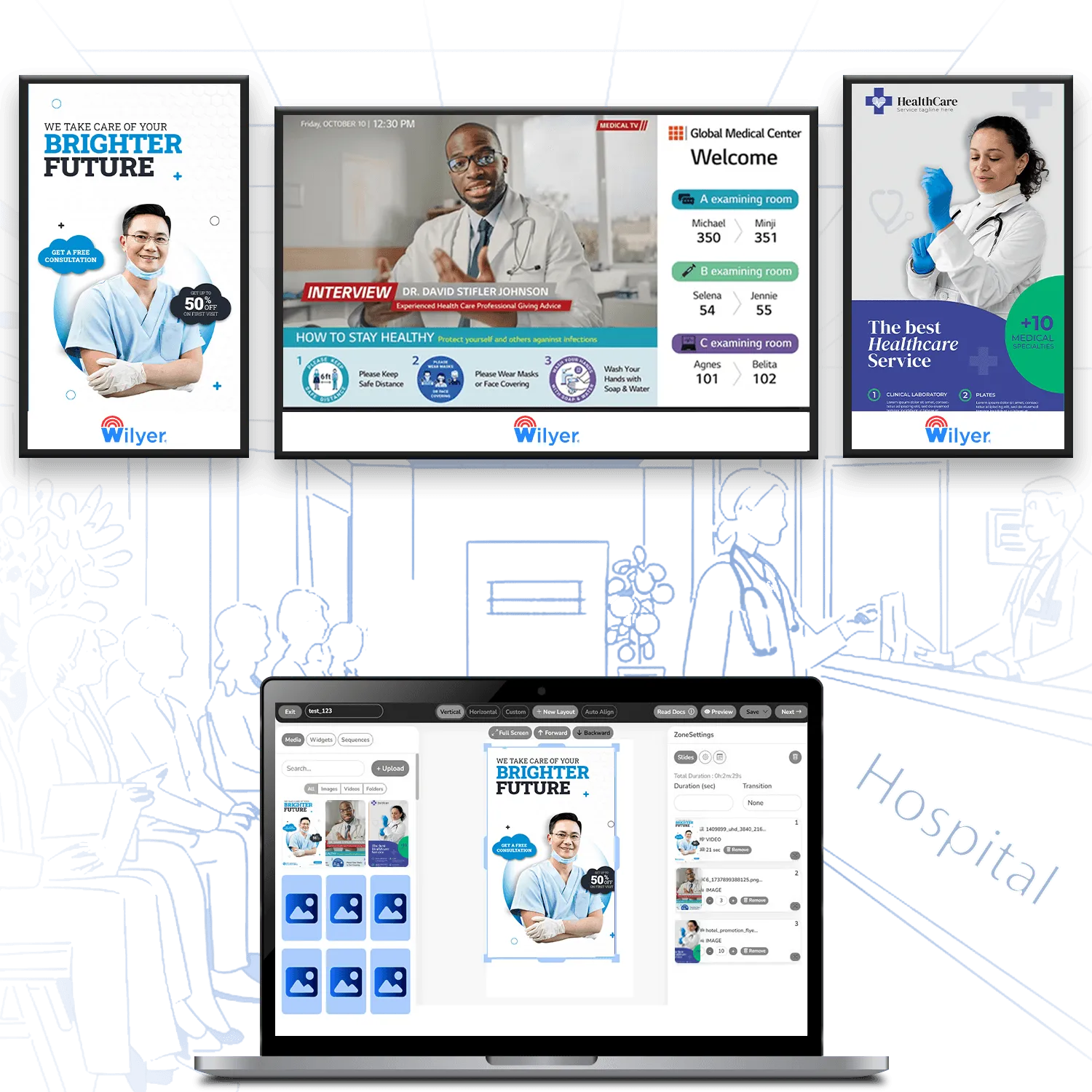
Join businesses worldwide that use Wilyer to manage their digital signage.
























What Is a Queue Management System?
A queue management system replaces the physical line with a numbered token, and a screen calls each visitor to the right counter or room. Wilyer QMS runs those token screens on your digital signage and shows every counter in every branch on one dashboard, from hospital OPDs to bank branches.
For the types and costs in India, read our guide to what a queue management system is.
How Wilyer QMS Works
One visit in four steps, from the counter to the screen.
Token
Visitors get a token at the counter, at a self-service kiosk or on their own phone.
Wait
They sit where they like while the token screen shows who is waiting and who is being served.
Call
Staff call the next token with one tap on a tablet or phone, and a voice announces it.
Serve
The visitor goes to the counter or room shown on the screen, and every token is kept for reports.
Eco-System for Queue Management
To deploy and operate on-premise signage effectively, businesses need the following things ready at their end:
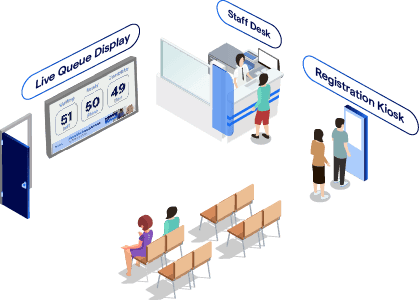
Smart Queue Management
Manage customer flow efficiently with smart queue management to reduce wait times and improve service.
Reservation and Booking Integration
Integrate reservations and bookings to streamline customer flow and ensure smooth service management.
Queue Optimization
Optimize queues to improve service speed, reduce wait times, and enhance the overall customer experience.
Total Queue Management Control with Wilyer QMS
Manage customer flow, staff access, real-time updates, and multi-branch operations - all from a single, powerful platform.
Detailed Customer Log
Track every customer interaction from queue entry to service completion. Wilyer QMS maintains a comprehensive log with timestamps, service types, staff involved, and customer feedback. This enables better service auditing and personalized follow-ups, and improves future customer interactions through data-driven insights.
Multi-Branch Management
Easily manage queues across all your locations through a unified dashboard. Wilyer QMS enables centralized control over branches, helping regional managers track performance, allocate staff, and view service metrics for each branch individually or in aggregate.
Sync Queue Status
Display real-time queue information on digital signage in waiting areas. Keep customers informed with live updates, token numbers, estimated wait times, and personalized calls. This not only reduces perceived wait times but also enhances the customer experience.
Desk Staff Access Management
Control and monitor staff access with role-based permissions. Wilyer QMS ensures front-desk staff, managers, and admins access only what they need.
Audio Announcements
Automated voice announcements call the next customer or provide updates in the queue. This helps manage foot traffic smoothly, especially in noisy or busy environments like hospitals, government offices, and clinics.
Export Detailed Reports
Generate and export real-time or historical data on queue performance, wait times, customer flow, and staff efficiency. Wilyer QMS allows exporting reports in multiple formats for internal reviews, audits, or compliance purposes.
Key Features
Explore the capabilities that power Wilyer QMS - from smart queueing and reservations to optimization, guest engagement, and multi-venue control.
Smart Queue Management
Real-Time Queue Updates
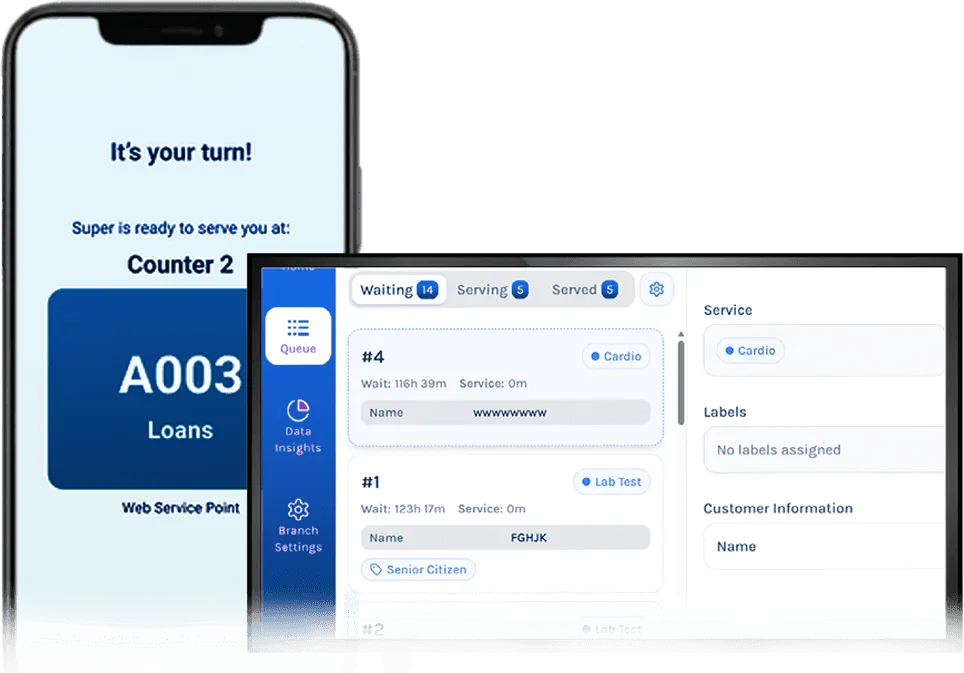
Guests can view their position in the queue in real time through digital displays or mobile apps, reducing uncertainty and enhancing transparency.
Dynamic Wait Time Estimates
Based on real-time data, the system provides accurate wait time predictions for guests, helping them plan their next steps (e.g., take a seat, visit amenities, etc.).
Automated Queue Notifications
Guests receive instant alerts via SMS, mobile apps, or digital signage when their turn is approaching, improving convenience and reducing overcrowding in waiting areas.

Reservation and Booking Integration
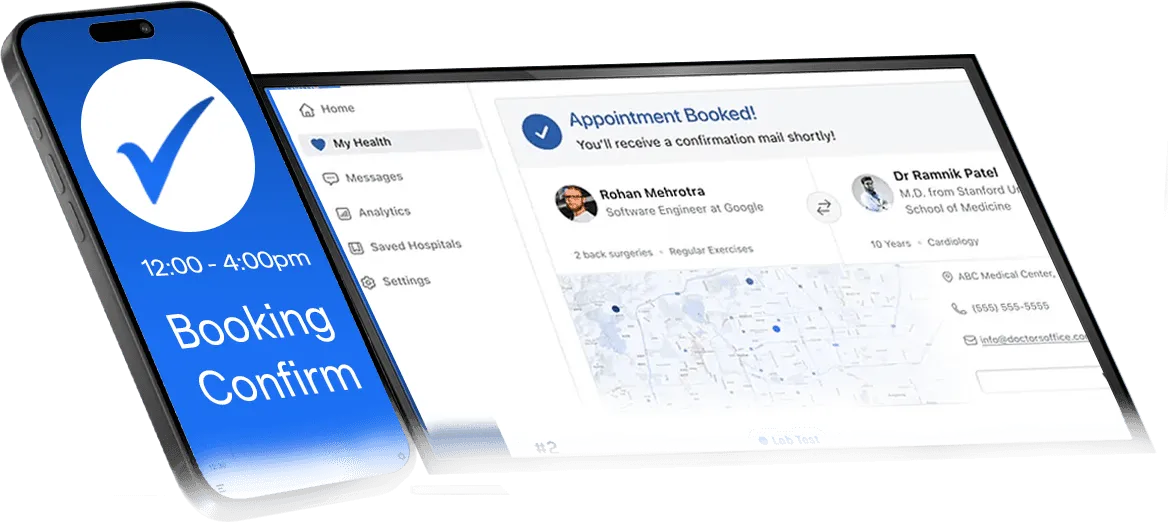
Real-Time Booking Updates
Any reservation changes, cancellations, or walk-ins are instantly reflected in the queue system, helping staff manage seating efficiently and avoid scheduling conflicts.
Automatic Reservation Management
Wilyer QMS integrates with your reservation system, automatically organizing incoming guests based on available time slots and capacity.
Priority Bookings and VIP Management
VIP guests or priority bookings can be assigned top priority in the queue, ensuring they are served quickly without disrupting other guests.

Queue Optimization
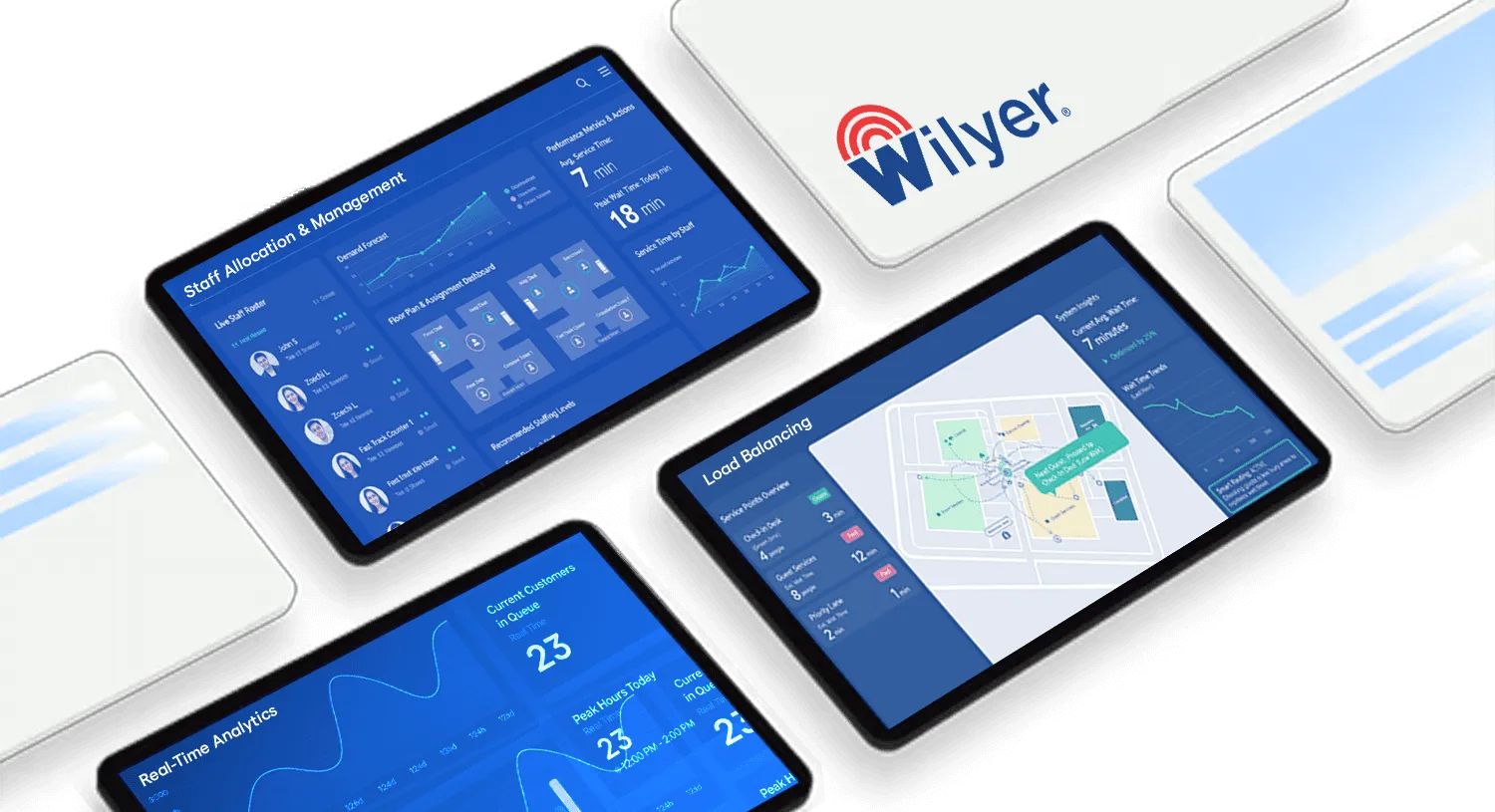
Load Balancing
The system intelligently manages queues to prevent bottlenecks by directing guests to less busy areas, and optimizing wait times across the property.
Staff Allocation & Management
Allocate staff dynamically to various queue points based on guest volume. This ensures that the right number of staff is present at peak times to maintain operational efficiency.
Real-Time Analytics
Track guest flow in real-time and get insights into queue lengths, wait times, and peak periods, enabling you to make informed decisions to optimize operations.

Guest Engagement and Communication
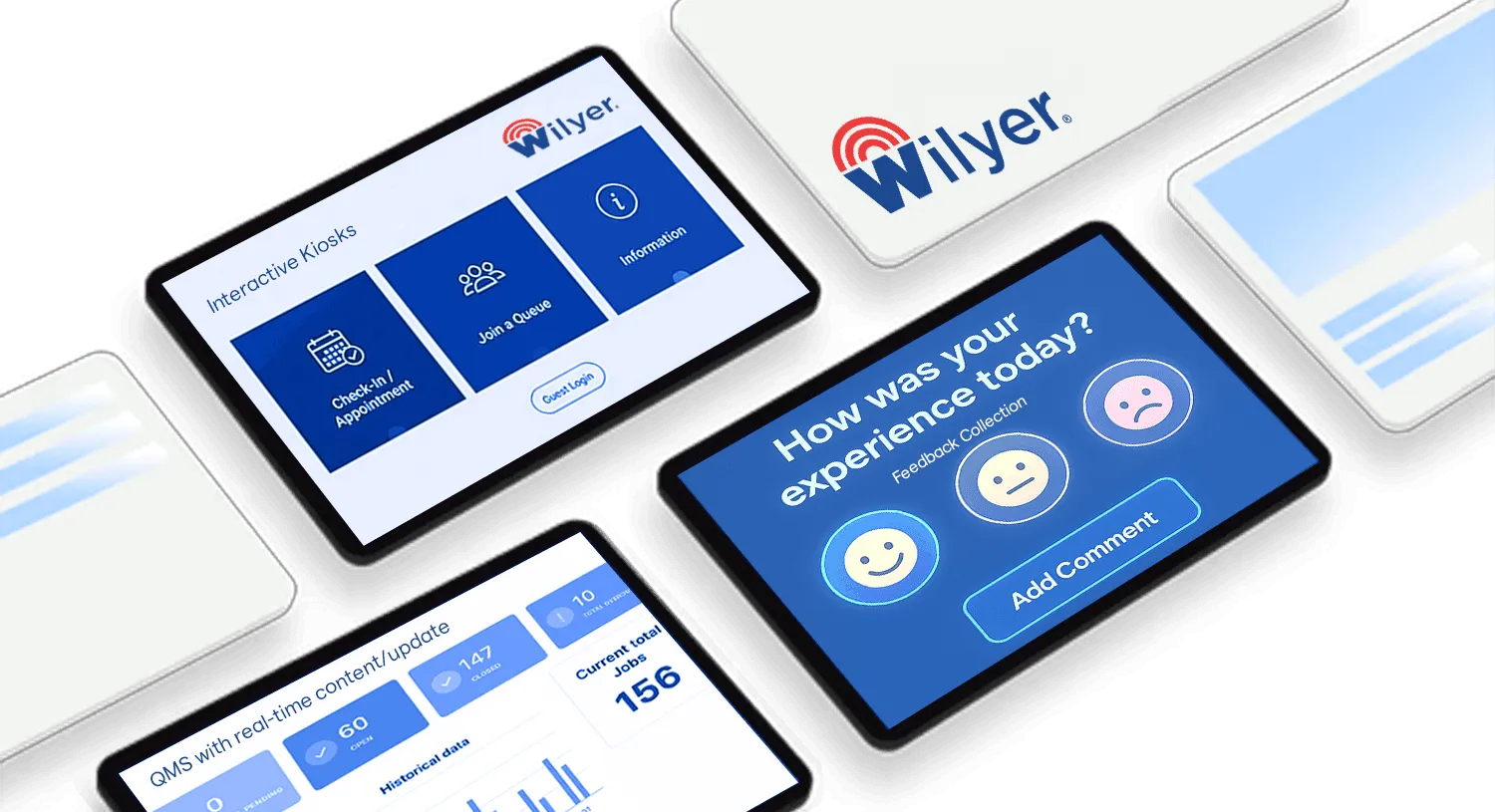
Interactive Kiosks
Allow guests to check themselves in or join a queue via interactive self-service kiosks, providing a more autonomous experience and reducing the need for staff intervention.
Feedback Collection
After the queue process, collect guest feedback automatically, helping you understand customer sentiment and areas for improvement.
QMS with Real-Time Content/Update
Wilyer's Queue Management Software is designed to deliver a live experience for both customers and staff. By using real-time data updates, the system ensures that everyone is informed and engaged at every stage of the service journey.
Multi-Venue Management
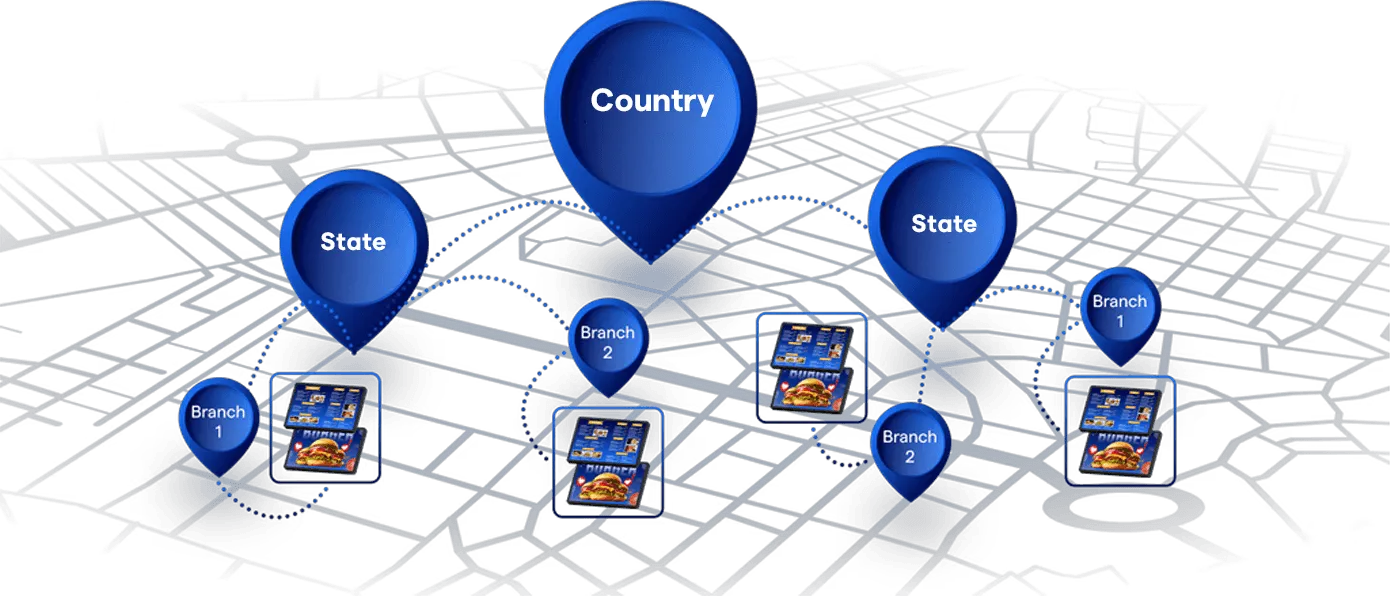
Cross-Venue Integration
If you are managing multiple hospitality venues (e.g., a hotel with multiple restaurants), Wilyer QMS can synchronize queues and bookings across various locations.
Unified Dashboard
A centralized dashboard allows you to manage and monitor queues across all venues in real time, ensuring efficient operations and a consistent guest experience throughout your property.
Wilyer QMS Integration Capabilities
Wilyer QMS integrates with a variety of systems.
Digital Signage Integration
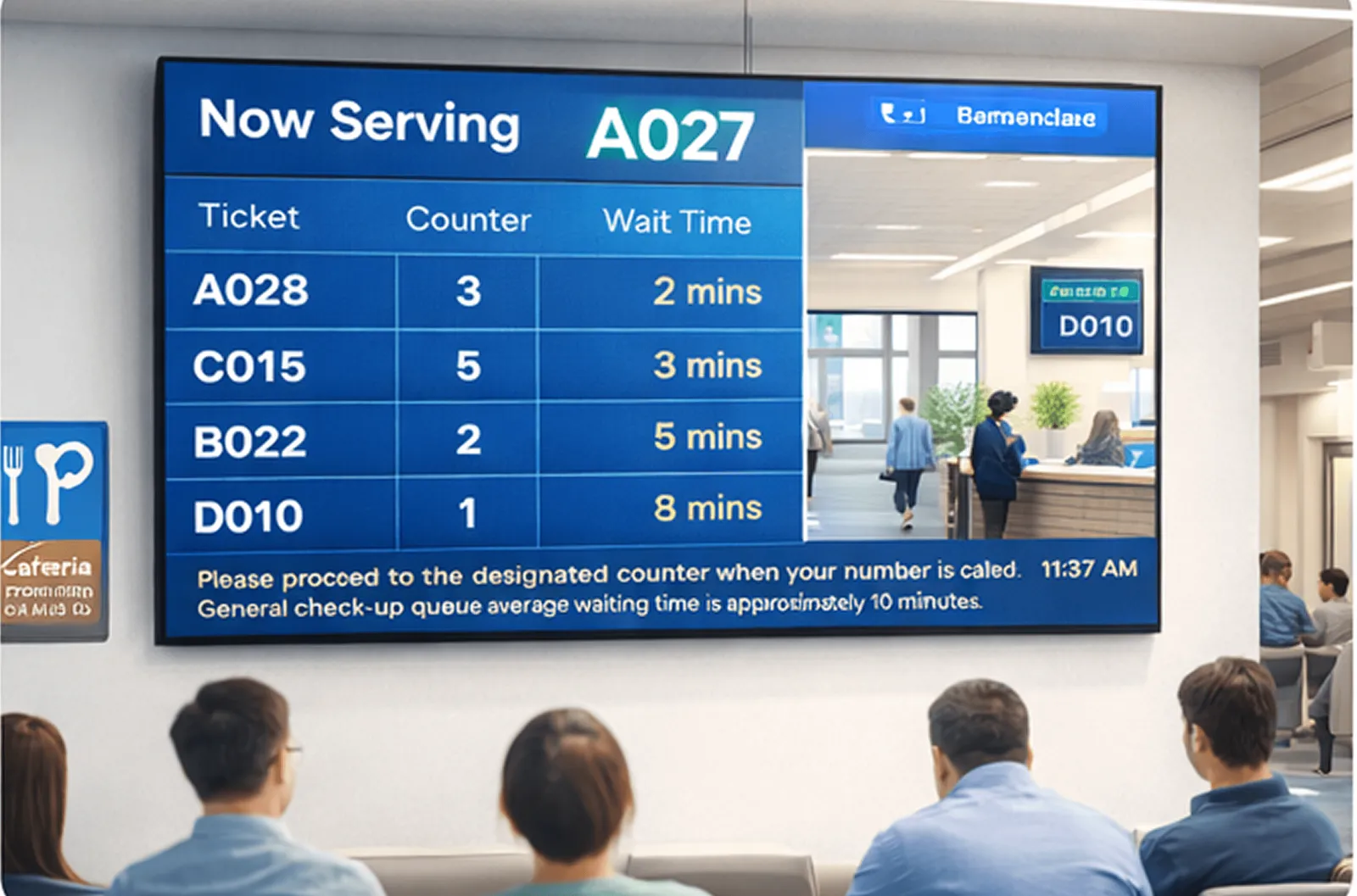
Wilyer QMS syncs in real time with your digital signage network to display live queue updates, token numbers, wait times, service counters, and announcements across multiple screens. This improves visibility and reduces perceived wait times while guiding visitors efficiently through your premises.
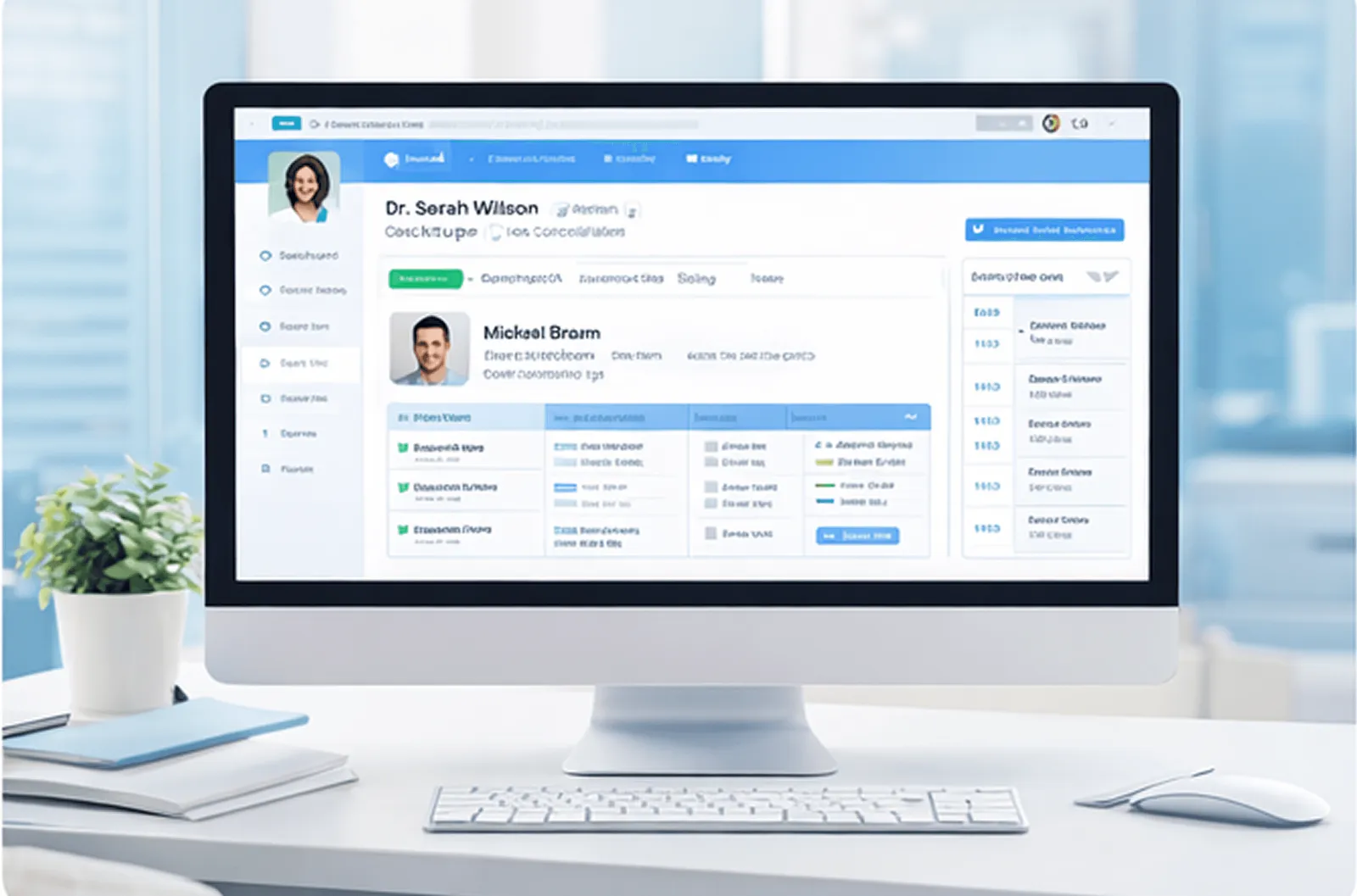

Hospital Information System Integration
Wilyer QMS integrates with leading HIS (Hospital Information System) platforms for healthcare providers to create a unified patient experience. From registration to consultation and billing, patient flow is managed effortlessly while syncing with clinical schedules and doctor availability.
Benefits of QMS for Hospitals, Banks, Restaurants, Hotels, and Government Offices
Designed for businesses that cater to diverse customer needs.
Improved Customer Experience
Wilyer QMS enhances the guest experience by reducing physical wait times and providing real-time queue updates. Automated notifications keep guests informed and engaged, while transparent queue visibility ensures a smoother, more predictable, and stress-free waiting process.
Operational Efficiency
Boost operational efficiency by optimizing staff allocation based on real-time queue data, ensuring smooth service delivery. It empowers managers with actionable insights for better decision-making and reduces overcrowding by intelligently directing guests to less busy service areas, enhancing both safety and flow.
Scalability and Flexibility
Wilyer QMS is built for growth, thanks to its cloud-based infrastructure that scales effortlessly with expanding locations, increasing guest volume, or evolving tech needs. Its customizable architecture adapts to diverse hospitality environments - from boutique hotels to large-scale resorts, restaurants, or hospitals - ensuring a perfect fit for any operation.
Applications of QMS in Industry
Restaurant Waitlist Management
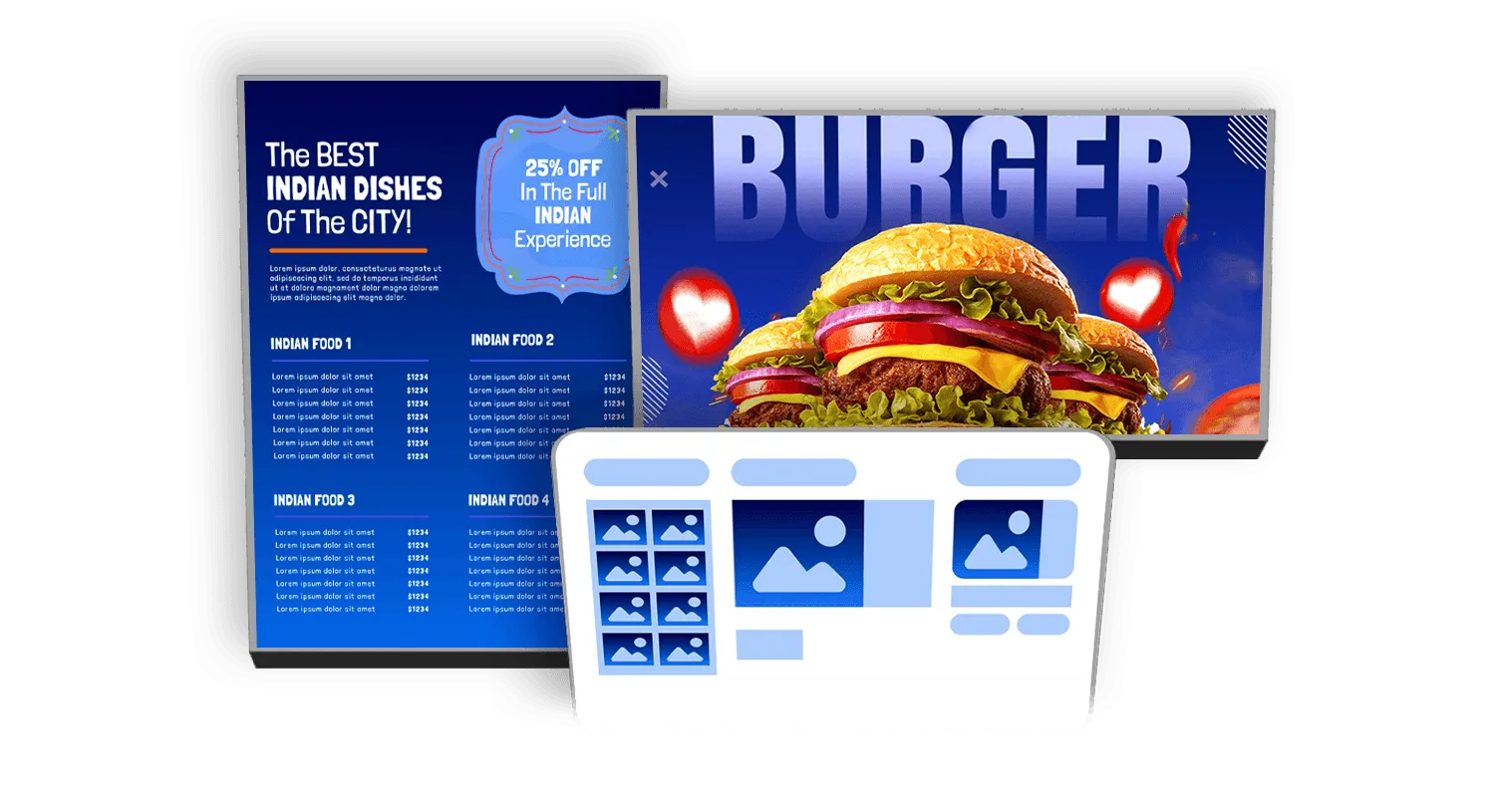
Improve guest experience and front-end efficiency for restaurants, cafes, and food courts. It offers dynamic waitlists, live order tracking, and real-time reservation updates - ensuring smoother operations, reduced walkaways, and happier guests.

Book a Demo for a Quote
Priced on request: it depends on your counters, branches and any integration.
Book a Demo
Tell us how many counters and branches you run and how visitors arrive, and we show you the token screens, calling and reports.
Get Your Quote
We price the setup for your counters, branches and any integration you need.
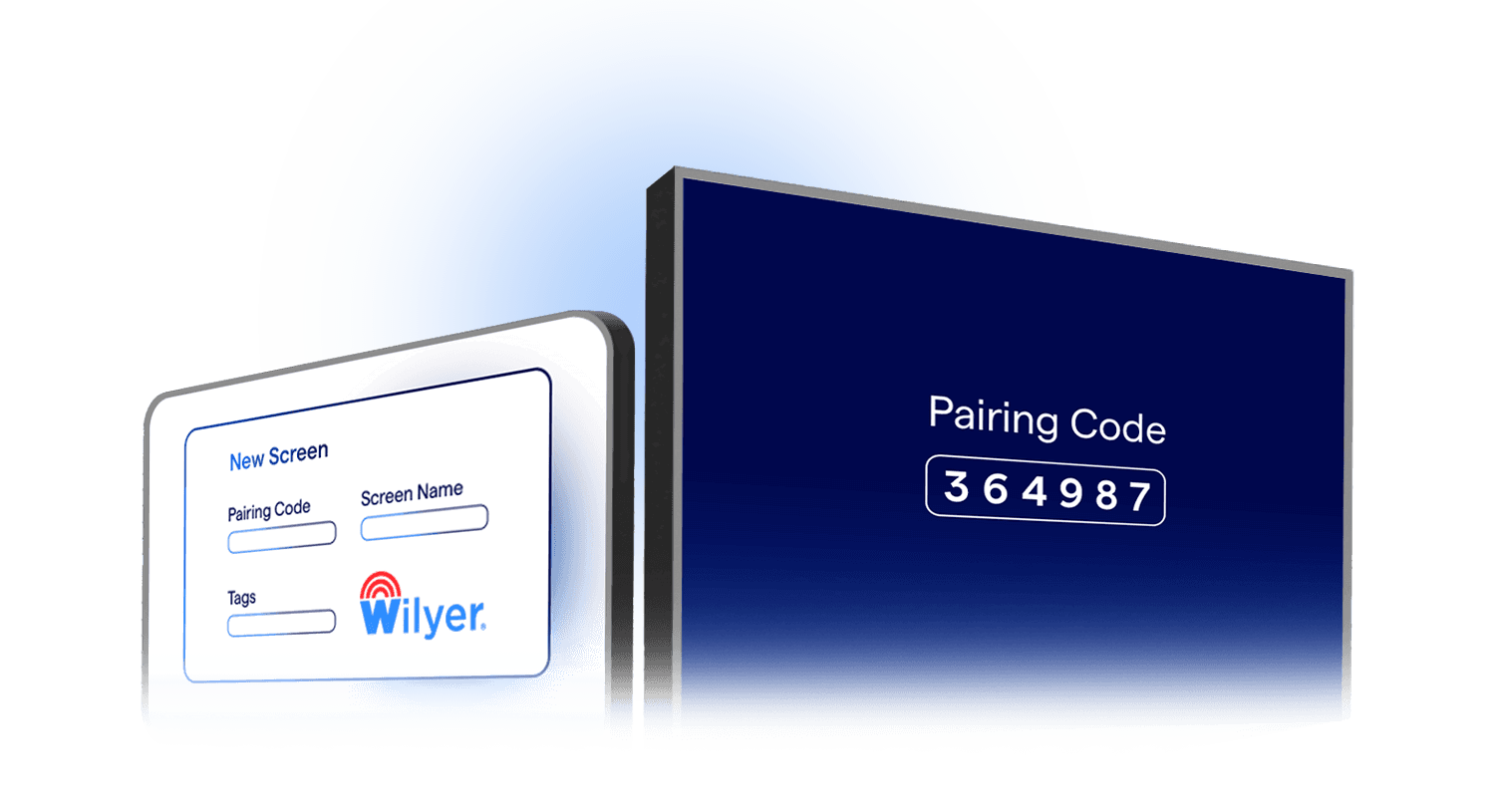
Go Live
Start with the standard setup on the screens you already have or on new ones, and add integrations later.
Questions Buyers Ask
Frequently Asked Questions
Have more questions? Visit our complete digital signage FAQs page.
It is priced on request, because the cost depends on your counters, branches and any integration. Book a demo and we will quote for your setup.
At the counter with a printed slip, at a self-service kiosk, or on their own phone, with an SMS when the token is created.
Yes. A doctor or counter can call and complete the next token from their own tablet or phone, and a voice announcement reads it out.
Yes. Voice announcements can play in more than one language, and screens can show text in Hindi or your state language next to English.
A missed token can be marked as a no-show, an emergency can be moved to the front, and a token can be transferred to another counter or branch.
Yes. The token display runs on your digital signage screens, so you can use the screens you have or add new ones.
Explore Other Digital Signage Solutions
IP Broadcast System
Deliver real-time audio and video across your whole facility from one central point.
Explore IP Broadcast
HDMI-In Capture
Capture and distribute HD content from any HDMI source with low latency and central control.
Explore HDMI Capture
Digital Menu Board Software
Upgrade your restaurants and QSRs with real-time, personalized digital menu boards.
Explore Menu Boards
Digital Notice Board Software
Display notices, updates, and announcements across offices, campuses, and government buildings.
Explore Notice Boards
Room Display Management
Simplify meeting room bookings, eliminate conflicts, and improve workplace efficiency.
Explore Room Display