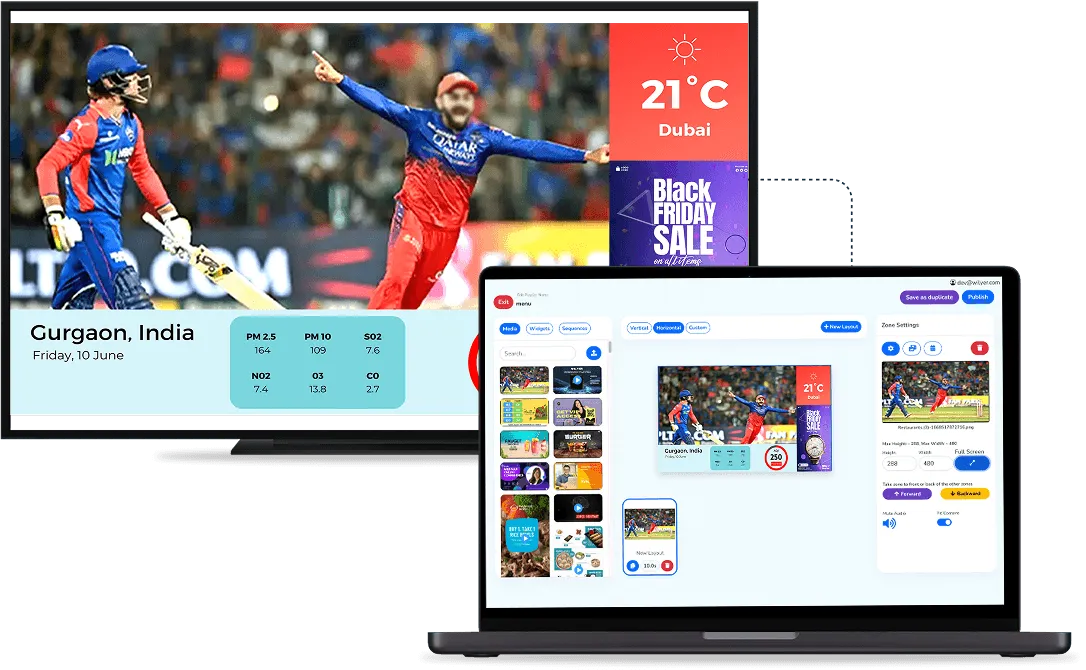
The gap between a counter freeing up and the next person reaching it is where queues quietly lose time. Calling tokens is how queue management software closes that gap: one tap at the counter, and the whole waiting area hears and sees who is next. If you are new to the idea, read what a queue management system is first. This page covers only the calling step.
Who Calls the Next Token?
- Counter staff: call the next number from the queue dashboard as soon as they finish with a visitor.
- Doctors: call or complete the next token from their own tablet or phone, so they do not have to step out of the room or ring the front desk.
In a hospital, the trigger is a doctor becoming free. In a restaurant, it is a table being ready, and the guest's number lights up on the screen. The person serving decides when the next call goes out, so nobody is called to a counter that is still busy.
What Happens the Moment a Token Is Called?
- The number moves from waiting to calling on the token display and flashes.
- The token is announced aloud, and announcements can be made in more than one language.
- The visitor is directed to the specific counter or room, not just "to the front".
- The record on the dashboard updates, so every call is kept in the history.

Naming the room is the part that saves the most time in practice. A number called into the air leaves people guessing which door to try, and someone ends up redirecting them. Calling the number and the destination together removes that step, and the screen and the voice always say the same thing.
What If the Queue Cannot Run in Strict Order?
Real queues are messy, and the calling step handles the common exceptions:
- No-shows: if the person called does not arrive, staff mark the token as a no-show and call the next one.
- Priority: an emergency or priority case can be tagged and fast-tracked ahead of the regular order.
- Transfers: a token can be sent to another counter, or to another branch, in one tap, for example when a doctor refers a patient on.
What Should You Set Up for Clear Calls?
- Audio coverage: place speakers so the announcement is heard everywhere people sit, including any overflow seating.
- Noise: busy counters and full dining rooms are loud, so the screen has to carry the same information for anyone who misses the call.
- Room names: the destinations announced should match the signs people actually see on the doors.
- Who presses "next": agree whether doctors call from their own device or a staff member calls for them, so the same token is never called twice.
Because every call is recorded, the dashboard also builds up daily, weekly and monthly visitor numbers and a record of past tokens, which shows how each day really ran.
To try the calling flow with your own counters and rooms, book a demo.