Booking and billing systems are the ones nobody wants to touch. They hold years of records, staff already know them, and replacing one is a project with its own budget. A queue system that demanded that would cost far more than the queue problem it solves. This is usually the first question a buyer asks, and the answer decides whether the project is small or large. For what the queue layer does on its own, see what a queue management system is.
What Does the Queue System Do, and What Stays Where It Is?
| The queue system handles | Your existing software keeps |
|---|---|
| Check-in at a kiosk, the front desk or the visitor's phone | Bookings and reservations |
| Tokens, calling and announcements | Bills, payments and receipts |
| The token board in the waiting area | Customer or patient records |
| Daily, weekly and monthly visitor reports | Your accounts |
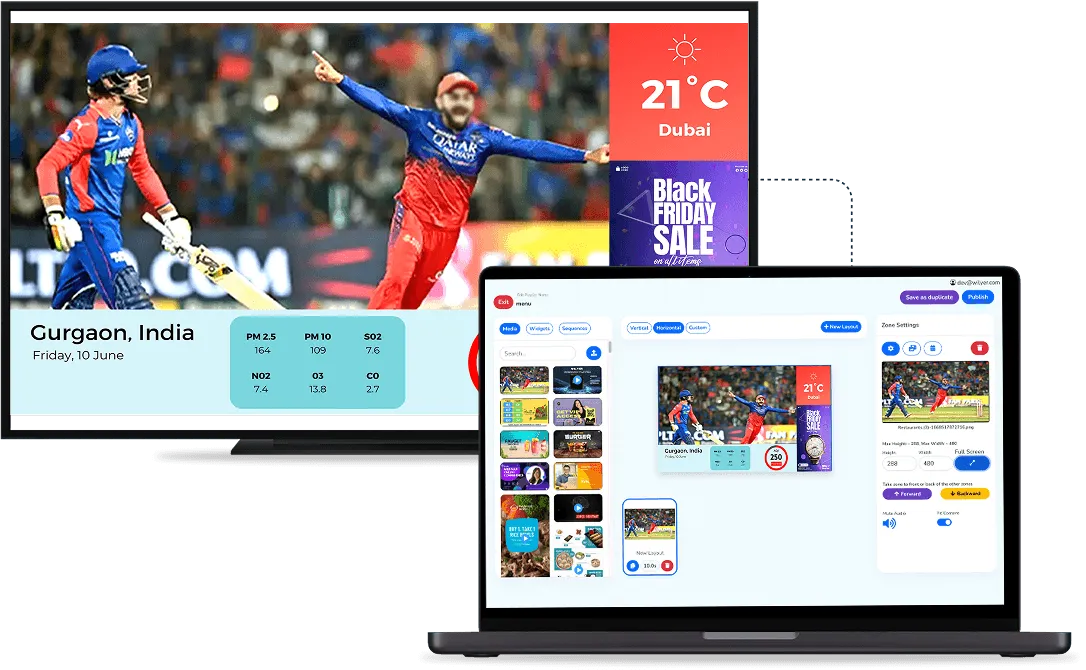
The change lands at the counter and in the waiting area, not in the back office. Staff keep the systems they know for everything except the queue, so there is less to go wrong at go-live and less to train.
Can the Queue Be Linked to Your Booking or Billing Software?
Yes. The queue system can connect to existing booking, reservation and POS (billing) software through an API, so the two can share what they need. With a reservation system linked, for example, changes, cancellations and walk-ins show up in the queue, so front-of-house staff are not working from two lists. The link matters most where a booking exists before the visitor arrives, such as a table reservation or a doctor's appointment.
Two practical points decide how easy this is:
- An API on your side: the link depends on your current software offering an API, so ask your software vendor before you plan around it.
- Set up per business: every site starts with the standard queue setup, and integration with your own software is added on request, with the supplier doing the integration work.

Do You Have to Link Them at All?
No. Many sites start with the queue on its own: visitors check in, staff call tokens from the dashboard and billing carries on exactly as before. Visitors still take a token at a kiosk, the front desk or their own phone, and the waiting-area screen still shows every number, so the queue works fully without the link. Starting with the standard setup and adding integrations later keeps the first step small. Once the queue is running, you will know where staff are typing the same thing twice, and that is the place to link first.
What Should You Confirm Before You Sign?
- Your exact systems: tell the supplier what you run and ask them to walk through how the two would work together in your setup.
- Where data is typed: find out whether staff will key anything twice, because duplicate entry is where these setups usually go wrong.
- The master record: decide which system keeps the main copy of each visitor's details, so the two never disagree.
- Day one: agree what changes at go-live, because the front-desk routine changes even when the back office does not.
If you have held back because a queue system looked like a replacement project, it is worth another look. See how our queue management system fits beside the software you already have, or book a live demo with your own booking and billing setup in mind.