Both versions do the same basic job: give visitors a token, call it on a screen and keep a record. The difference is where the software runs and who looks after it, and that decides your running costs, the work for your IT team and where your visitor records are kept. Neither option is better for everyone: the right one depends on your branches, your IT team and your rules for visitor data. If you are new to queue systems, start with our guide to what a queue management system is.
What Is the Difference Between Cloud and On-Premise?
- Cloud: the provider runs the system online. The queue and the records are kept online, the counters, kiosks and screens connect over the internet, and you can manage every branch from anywhere through a web browser.
- On-premise: the system runs on a server you own, in your building or your own data centre. Your IT team installs it, keeps it updated and backs it up, and the records stay on that server. Free open-source queue systems also run this way, on your own server.

When Is Cloud the Better Choice?
Cloud usually suits you if:
- You have several branches and want one view of all of them, without connecting them to a central server yourself.
- You have no team to run a server, or would rather they worked on something else.
- Every branch has a steady internet connection, because a cloud system needs one at its counters, kiosks and screens.
- You expect to add branches, since a cloud system grows with more locations and more visitors.
When Is On-Premise the Better Choice?
On-premise usually suits you if:
- Your organisation's rules say visitor records must stay on its own servers.
- You already run servers and have an IT team that can host, update and back up one more system.
- You want the queue system inside the same network as your other software, under your own security rules.
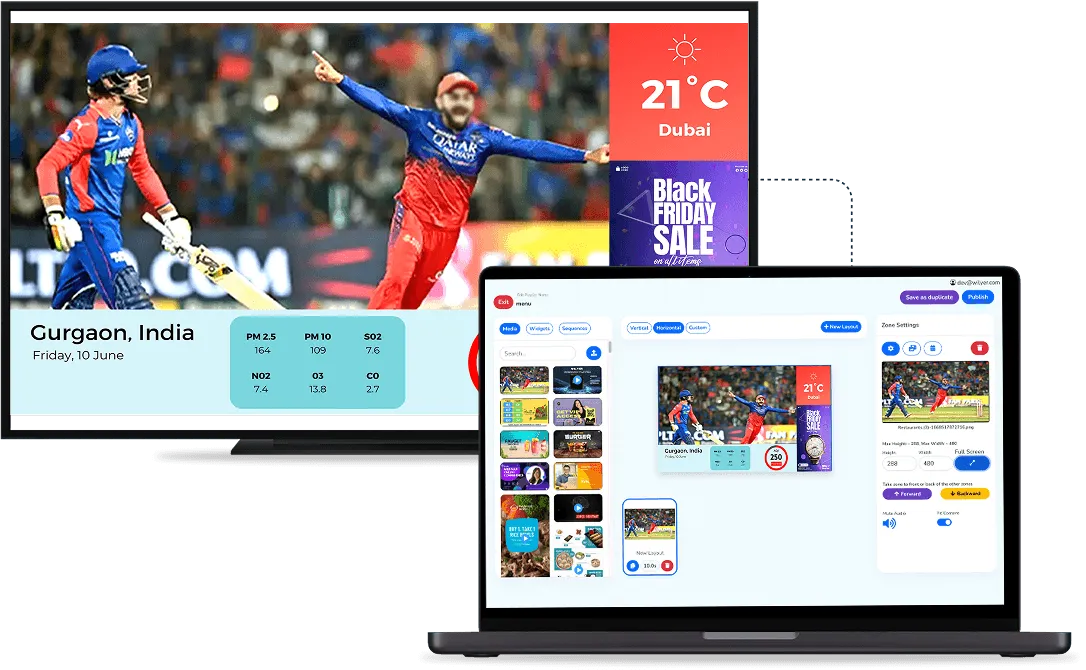
The screens around the queue can follow the same choice. Wilyer's digital signage also runs on-premise, on a server inside your own network.
What Should You Ask Before You Decide?
- Features: does every feature you need work the same way in both versions, such as SMS, phone tokens and multi-branch reports?
- Outages: what happens at the counters if the internet connection or the server goes down?
- Updates: who installs new versions, and how often do they come?
- Backups: where are backups kept, and how quickly can the system be restored?
- Branches: with on-premise, how do the branches connect to the central server?
- Integration: if the queue has to link with hospital information software or a booking system, how does that link work in the version you choose?
- Cost: is it a subscription or a licence, and what does each one include over three years?
Which One Does Wilyer Offer?
Both. Wilyer's queue management system runs in the cloud or on your own server. Visitors take a token at the counter, at a kiosk or on their phone, staff call the next token from a tablet or phone, and a voice announces it.
Pricing is on request for either version, because it depends on your counters, branches and any integration. A demo on your own setup is the quickest way to see which version fits, and the queue management system page lists every feature. Bring a list of your branches, your counters and any software the queue has to link with, so the demo matches your own setup.