A crowd at one registration counter is the most familiar sight in an outpatient department (OPD). Everyone wants to be next, staff spend their time sorting out who came first, and the patients least able to stand are often the ones standing longest. A queue management system takes that line away. If you want the basics first, start with what a queue management system is. This page follows one patient through a visit.
How Do Patients Check In?
Hospitals usually offer three routes, because patients differ:
- Self-service kiosk: placed near the entrance or reception, for patients who are happy to tap through a short form.
- Front desk: a receptionist registers the patient, which suits senior citizens and anyone who would rather not use a kiosk.
- Their own phone: the patient generates a token, or books an appointment with a doctor, without going to a kiosk at all.

Registration asks for a few details the hospital chooses, such as name, mobile number and the reason for the visit. The patient gets a printed slip with their token number, the same record appears on the staff dashboard, and if SMS is switched on, a text message confirms the token.
What Happens While Patients Wait?
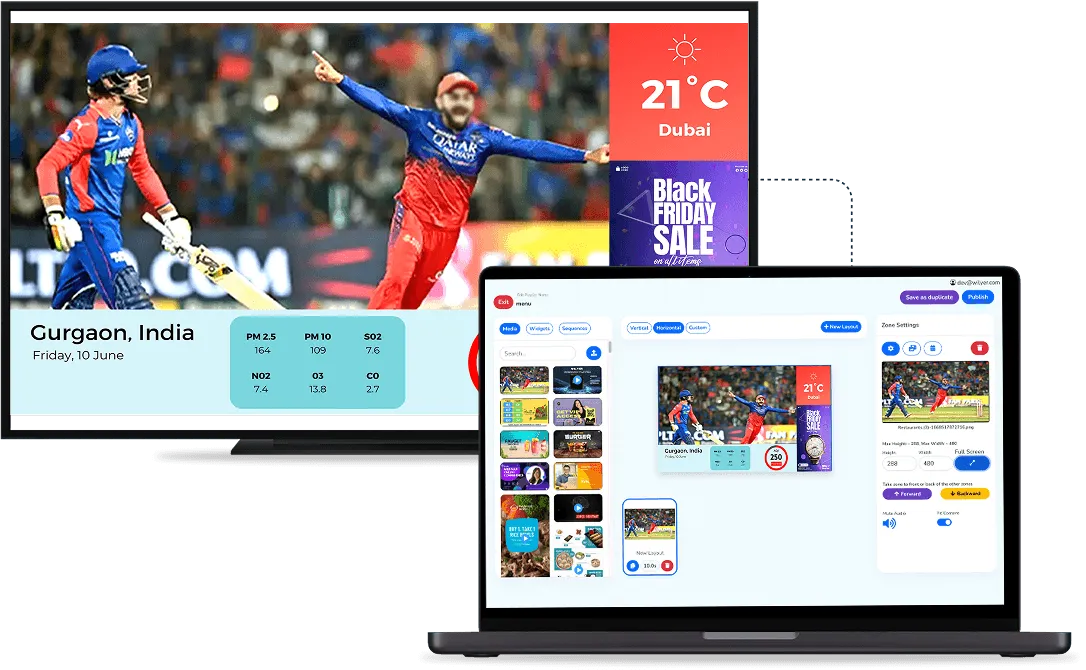
The screen in the waiting area has two sides: tokens waiting and tokens being served. Patients can see how many people are ahead of them, so they do not need to keep asking at the desk. Because the token holds their place, they can sit down, look after a family member or step away for a few minutes without losing their turn.
How Does the Doctor Call the Next Patient?
When a consultation ends, the doctor marks that token complete and calls the next one from their own tablet or phone, or a staff member does it from the dashboard. The number moves to "calling" on the screen, flashes, and is announced aloud, and the patient is directed to the right room. Announcements can be made in more than one language.
The system also handles three everyday exceptions:
- No-shows: if a patient does not come when called, the token is marked as a no-show and the next patient is called.
- Emergencies: an urgent case can be given a priority tag and fast-tracked ahead of the regular queue.
- Referrals: a token can be transferred to another counter, or to another branch, in one tap.
What Does the Hospital Get From It?
Every token is recorded, so administrators can see daily, weekly and monthly visitor numbers and look back at past records. Because registration captures the reason for the visit, the hospital can also see what patients most often come in for, and use that to improve its services. Hospitals with several branches can run them all under one account and give each branch user access to their own queue and records only.
What Should You Plan Before You Start?
- Arrival mix: estimate how many patients would really use a phone, and keep the kiosk and the front desk for everyone else.
- Kiosk position: it needs a spot near the entrance where people notice it on the way in.
- Screens: you can use the displays you already have or buy new ones, but each waiting area needs a screen patients can read from their seats.
- Front desk load: if most patients will still register at the desk, the system tidies the queue rather than cutting the staff you need there.
To see check-in, calling and the waiting-room screen working with your own departments, book a demo.
For a full walk-through of OPD token screens, read our guide to the queue management system in hospital.