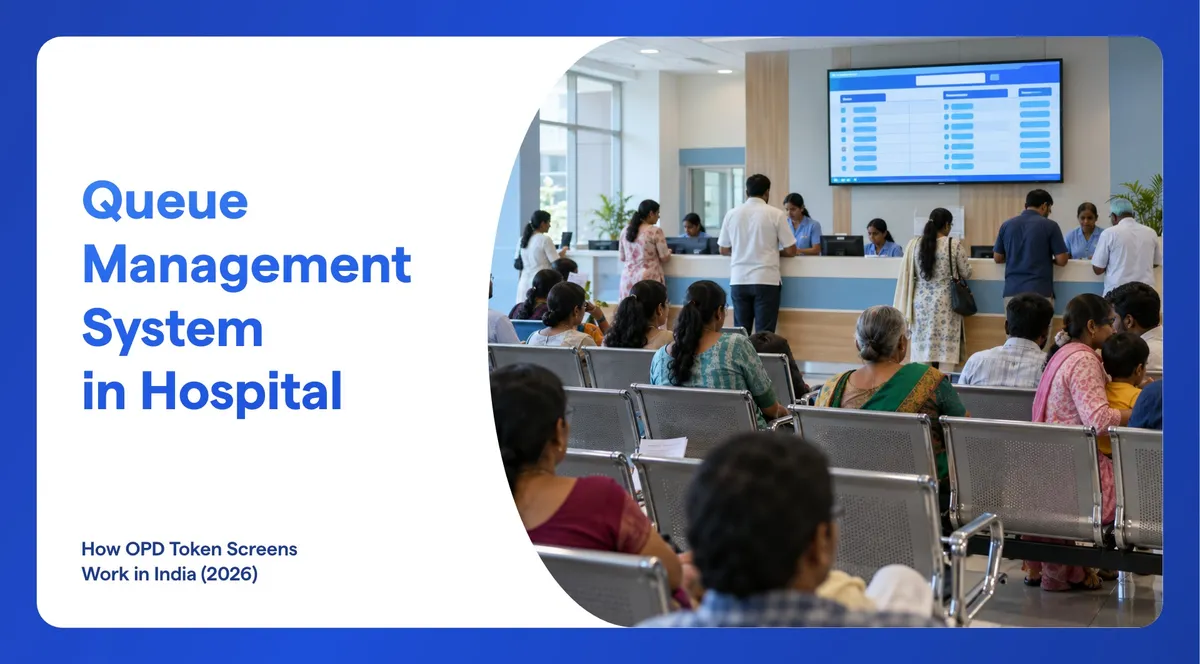
A queue management system in hospital OPDs replaces the standing line with a token. The patient gets a number at registration, waits where they like, and is called to the right counter or doctor while screens show who is being served. In India it now often starts with ABDM's Scan and Share at the registration counter, and it works best when registration, consultation, lab, pharmacy and billing run as one connected queue.
What Is a Queue Management System in a Hospital?
A queue management system replaces the physical line with a tracked one. Each patient gets a token, the system decides who is called next and to which counter or room, and the screens in the waiting area show the live position. It has four parts:
- Token: created at the registration counter, at a self-service kiosk or on the patient's own phone, with a printed slip and an SMS.
- Call: the doctor or counter staff calls the next token with one tap, and a voice announcement reads it out.
- Display: screens show which tokens are waiting and which are being served, at every counter and doctor's room.
- Records: every token is logged with its times, so you can see waiting time by department and by hour.
Why Are OPD Queues So Long in India?
Because the wait is mostly for queues, not for the doctor. The National Health Authority's Scan and Share playbook says waiting for OPD registration "may extend from a couple of hours to the whole day at times", with people joining queues "as early as 4 am". It names the causes: manual data entry, noise that leads to wrong entries, and too few staff at the counters.
Studies at individual hospitals put numbers on it. At a medical college hospital in Kolkata, 432 patients waited 98.6 minutes on average from registration to the doctor's chamber, for a consultation of 6.5 minutes (IJCM, 2024). At a tertiary hospital in Pune, 80 patients waited 59 minutes on average (IJCMPH, 2023). At Kasturba Hospital in Udupi, registration alone took 17 minutes 25 seconds (BMC Health Services Research, 2026). These are single hospitals, not national averages, but the pattern is clear.
The volumes explain why. AIIMS New Delhi alone handled more than 50 lakh outpatient visits in a year, its Director said in September 2026 (UNI).
How Does a Hospital Queue System Work, Step by Step?
Follow one patient through an OPD visit and you find five queues in a row: registration, consultation, lab, pharmacy and billing.

- Registration and token. The patient gets a token at the counter, at a kiosk or from their own phone. A receptionist can register patients who cannot use a kiosk, such as senior citizens. The token comes on a printed slip, and an SMS confirms it.
- Waiting. The waiting-area screen lists waiting and serving tokens, so the patient sees how many are ahead and can sit down.
- The call. When the doctor finishes a consultation, they mark the token done and call the next one from their computer, tablet or phone. The token moves to "calling" on the screen and a voice announcement reads it out.
- Exceptions. A patient who does not turn up is marked as a no-show so the queue keeps moving. An emergency case can be fast-tracked, and a token can be transferred to another counter or department, for example a referral from general medicine to cardiology.
- The next queue. Lab sample collection, pharmacy and billing each run their own queue and display, so the patient is called again at each stop.
Wilyer QMS is built this way for hospitals: digital registration, OPD and lab queues from a phone or kiosk, priority for critical cases, and separate pharmacy and billing queues, all shown on the hospital's existing screens.
What Is ABDM Scan and Share, and What Does It Change for Your Screens?
Scan and Share is part of the Ayushman Bharat Digital Mission. At the registration counter, the patient scans a QR code with a health app and shares their ABHA profile. The hospital's HMIS then creates a token. It goes to the patient's app and is "displayed on the screens placed at the OPD registration counters", as the Press Information Bureau described the first pilot, in New Delhi in October 2022.
By August 2026 it had crossed 25 crore OPD registrations at 30,800 health facilities, with nearly 4 lakh patients using it every day, according to the Ministry of Health and Family Welfare (All India Radio). In September 2024, the government said it had cut waiting times from one hour to half an hour.

The playbook is specific about screens. A hospital must have enough displays to show a consolidated list of counters and the tokens being processed, plus small displays near each counter showing the current token. It adds that the displays "could be smart so that they can simply be used to open up a web page showing the counter and token details".
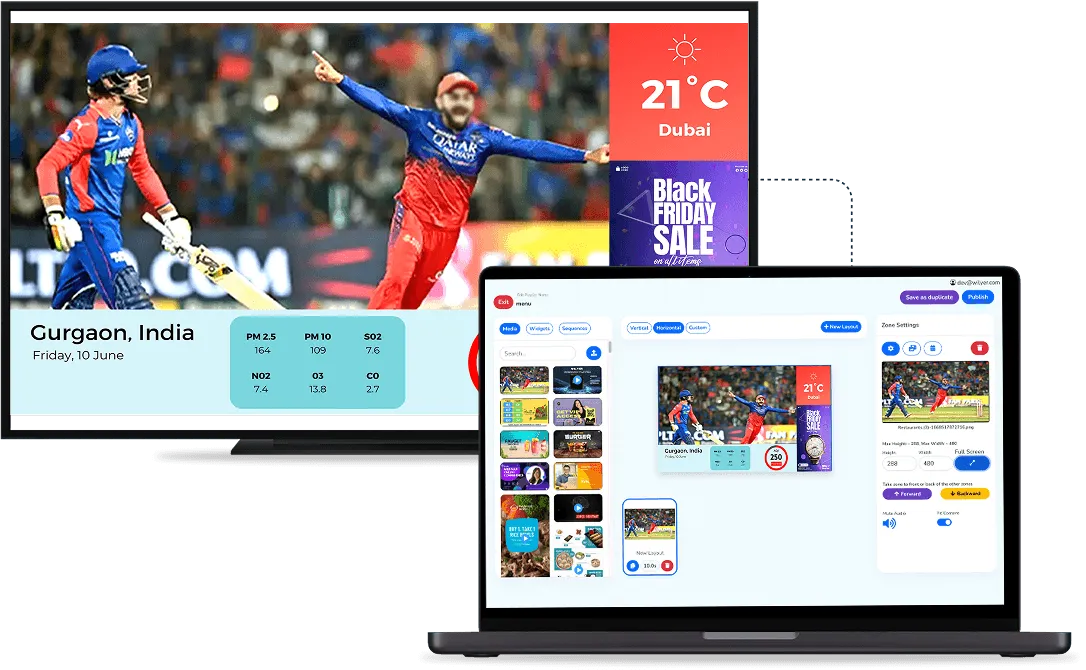
So any smart screen that can open a web page can show your HMIS token page. On Wilyer, one zone of the screen can show that web page while other zones play health tips and announcements. The tokens still come from your hospital's ABDM-enabled HMIS: the signage displays them, it does not replace the HMIS.
Where Should Token Screens Go in a Hospital?
Put a screen wherever patients wait for a call.
| Area | Screen | What it shows |
|---|---|---|
| Registration hall | One large board, 55-inch or bigger | Every counter and the token it is serving |
| OPD waiting area | A board for each department or floor | Waiting and serving tokens for each doctor, with health tips between calls |
| Outside each consultation room | A small screen, 24 to 32 inches | The current and next token for that doctor |
| Lab sample collection | A board in the waiting area | Sample-collection tokens and the counter to go to |
| Pharmacy | A board above the counters | The token being served and prescriptions that are ready |
| Billing and insurance desks | A board or a small screen per counter | The token and the counter number |

GMCH-32 in Chandigarh, which sees 3,000 to 4,000 OPD patients a day, uses this pattern: large boards in each OPD's main waiting area and smaller screens outside consultation rooms showing the current and next token (The Tribune, 2025). Add voice calls everywhere, because many patients will not be looking at the screen when their number comes up. For the rest of the building, from the lobby to the wards, see our guide to digital signage for hospitals.
What Should a Token Screen Show Besides Numbers?
Split the screen into zones and keep the token list fixed on one side.
- Tokens first: large, high-contrast numbers readable from the back row, in a list that never scrolls away.
- Health information: short tips and videos on vaccination, diabetes or hand hygiene in the other zone.
- Announcements: OPD timings, doctor availability and directions to the lab or pharmacy.
- Languages: on-screen text in Hindi or your state language next to English, and voice calls in the languages your patients speak.
- Emergency alerts: one message on every screen at once.
Show token numbers, never patient names. A public screen is not the place for medical information.
Same Screens, More Jobs: IPTV and Patient Information
Hospital screens can do more than show tokens. In one project, L&T built an on-premise IPTV and signage network of 75 screens across the hospitals of the Patna Medical College and Hospital project, with Wilyer media players running the non-smart TVs. The screens show patient information, health tips and emergency alerts, and staff update all of them in one go (read the L&T case study).
With an IP broadcast system, the TVs in wards and rooms receive the same IPTV stream with health tips, appointment schedules and cafeteria menus, and audio or video messages can guide patients to the OPD, lab or billing. Waiting time is worth using. In a trial with 217 patients in the emergency waiting area of an urban tertiary hospital in India, those who watched a short video about heart attacks answered more questions correctly: 27.0 against 20.0 (Dhawan et al., 2008).
Cloud or On-Premise for a Hospital Queue?
Wilyer QMS runs in the cloud or on your own server (on-premise). In the cloud it runs in the browser and scales across departments and branches from one dashboard. The digital signage around it can run on-premise, with the server hosted inside the hospital network on a perpetual licence, as in the L&T project. See on-premise digital signage for how that works.
Either way, plan for a steady connection at registration and at every display. The NHA playbook asks Scan and Share hospitals for "proper internet connectivity (preferably fiber-based) and a reliable power supply".
What Does a Hospital Queue Management System Cost in India?
Most of the cost is screens. Typical prices in October 2026:
| Item | Typical price | Where it goes |
|---|---|---|
| 55-inch 4K smart TV | ₹31,999 to ₹41,999 | Registration hall board |
| 43-inch 4K smart TV | ₹21,499 to ₹31,999 | Waiting area board |
| 32-inch smart TV | ₹11,999 to ₹19,999 | Outside a consultation room |
| Player for a TV that is not smart | ₹1,999 to ₹3,697 (Android TV box) | Any existing TV |
| 80 mm thermal slip printer | About ₹8,099 | Registration desk |
| Self-service token kiosk with printer | ₹50,000 to ₹1,15,000 | Registration hall |
| Signage software (Wilyer Pro) | ₹1,200 per screen a month, or ₹12,000 a year, plus GST | Every screen |
| Queue management software | On request | Depends on counters, departments and integrations |
Prices as of 12 October 2026: TVs and players on Flipkart and Amazon.in, the TVS RP 3230 token printer at an Indian retailer, and kiosks from sellers on IndiaMART. Ask each seller whether GST is included.
A worked example for a small OPD with three doctors: one 55-inch board, three 32-inch door screens and a slip printer cost about ₹76,000 to ₹1,10,000 in hardware. Signage software for the four screens is ₹4,800 a month plus GST. Screens in areas that run 16 to 24 hours a day are better as commercial displays, which cost more: see smart TV or commercial display. Full plans are on the pricing page.
How to Roll Out a Queue System in a Hospital: 6 Steps
- Map the queues. List every place patients wait and how many patients each sees a day.
- Choose how patients get tokens. Counter, kiosk or phone, with a staffed counter for those who need help.
- Place the screens. Use the table above.
- Set departments, counters and priority. Decide who is fast-tracked (emergencies, senior citizens) and how referrals move a token between departments.
- Train staff and start small. Show doctors how to call the next patient from a tablet or phone and how to mark no-shows, then run one OPD first, as GMCH-32 did with its ENT pilot.
- Measure and adjust. Use the waiting-time and peak-hour reports to add counters or change timings.
Frequently Asked Questions
What Is a Token Display System in a Hospital?
It is the screen that shows which token is being served at each counter or doctor's room, usually with a voice call. In a full queue management system it updates the moment a doctor or counter calls the next patient.
Can a Queue Management System Work With Our HIS?
Yes. Wilyer QMS integrates with hospital information system platforms, so the queue follows the patient from registration to consultation and billing. Name your HIS during the demo so the integration can be confirmed.
Can Patients Get a Token on Their Phone?
Yes. With Wilyer QMS a patient can register from their own phone and get a token without a kiosk, and an SMS arrives when the token is created.
Can the Queue Be Announced in Hindi?
Wilyer's voice announcements support more than one language, so tokens can be called in Hindi or your state language as well as English. Check that your languages are on the list during the demo.
How Many Screens Does an OPD Need?
Plan one large board in the registration hall, one board for each waiting area and a small screen outside each consultation room, which matches what the National Health Authority asks of Scan and Share hospitals.
Can the Same TVs Show Health Videos?
Yes. Split the screen into zones: the token list stays on one side while health tips or videos play on the other.
How Much Does a Hospital Queue Management System Cost?
Hardware for a small OPD starts at about ₹76,000: one 55-inch board, three 32-inch door screens and a slip printer. Signage software is ₹1,200 per screen a month plus GST on Wilyer Pro, and queue management software is priced on request, based on your counters, departments and integrations.
Getting Started
Start with one OPD and one consolidated board, and measure the waiting time before and after. To see the queue, the calls and the token screens working together, book a demo of Wilyer QMS. To try the screens first, the free trial gives you 15 screens for 14 days with all Pro features and no card.