
Samsung Tizen Digital Signage Software
Wilyer's Tizen Digital Signage Software seamlessly integrates with Tizen-powered devices for smooth content delivery. Ideal for managing displays across retail, corporate, or large venues.
The Pro plan costs ₹1,200 + GST or $15 per screen a month after the 14-day free trial. See pricing
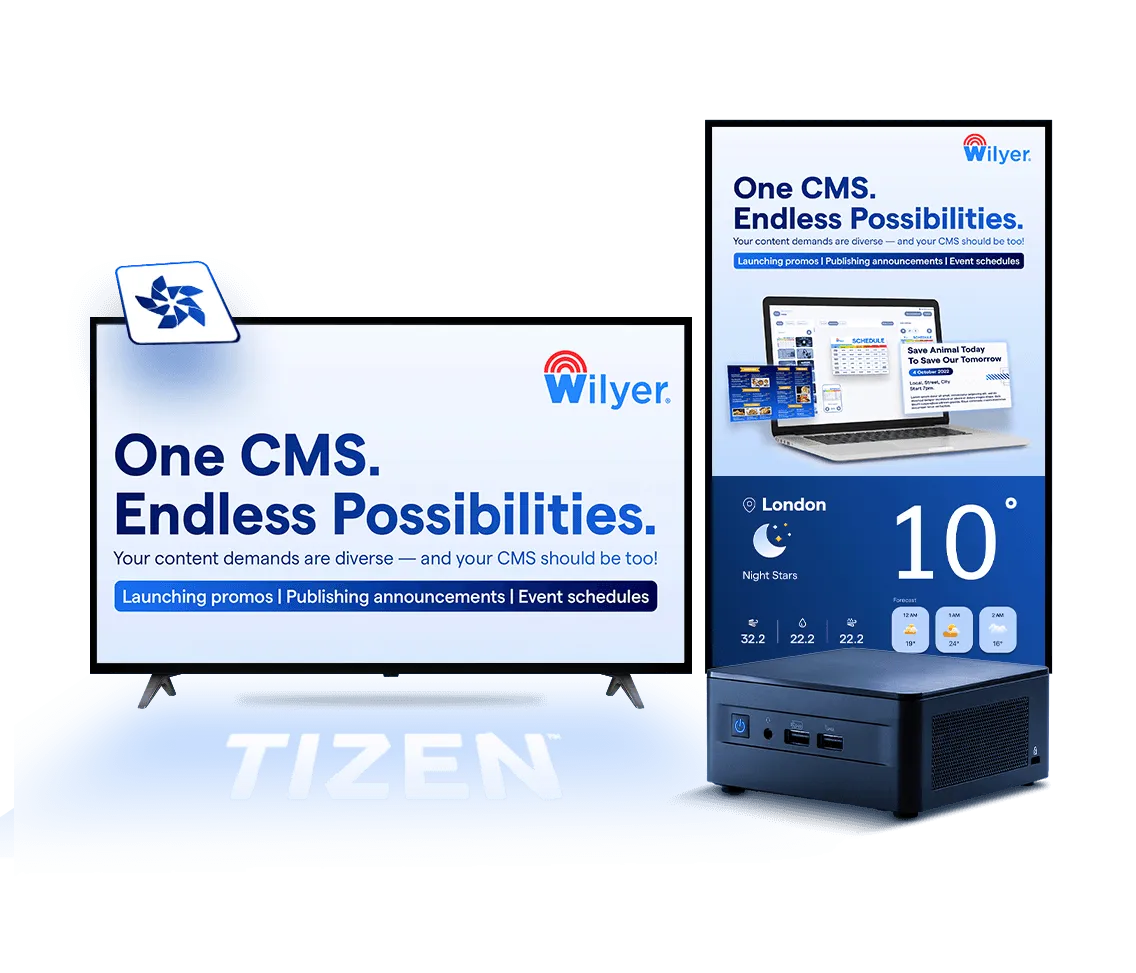

Join businesses worldwide using Wilyer for seamless digital signage management.
























Single Ecosystem for All Tizen Devices
Simplify your operations with a single ecosystem that integrates Tizen-powered TVs & media players
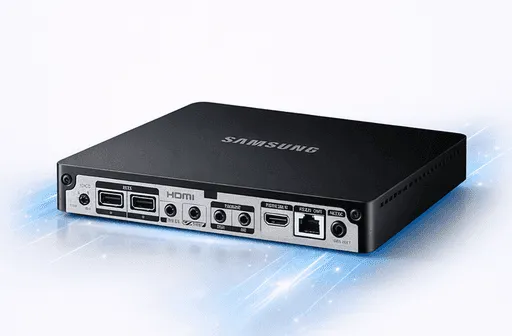
Tizen Media Player Devices
Our compact yet powerful Tizen Media Player Devices are specifically designed for high-performance operations. They deliver smooth playback, ensure scalability, and integrate effortlessly with various screen types, making them ideal for all digital signage needs.
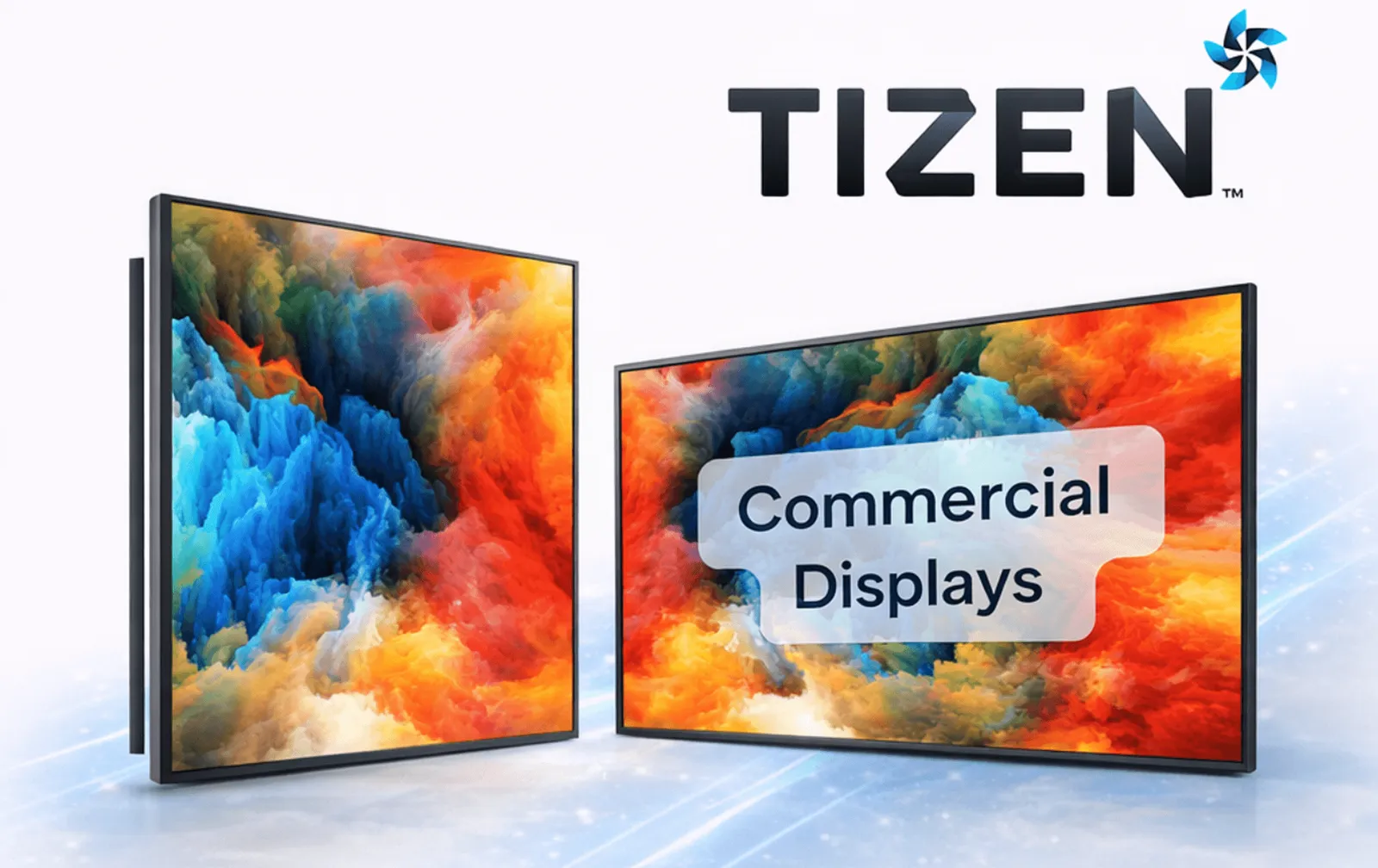
Tizen TV and Commercial Displays
Transform your Tizen TVs and commercial-grade displays into vibrant, dynamic digital signage systems. With built-in Tizen capabilities, these displays offer plug-and-play functionality, simplifying deployment and reducing setup time.
Seamless Support for Android Commercial SoC and Consumer Android TV Displays
Android Digital Signage Software redefines how businesses manage their digital displays, offering a perfect balance of performance, versatility, and ease of use. Here's why it's the ideal choice for your digital signage network:

Why Choose Tizen Digital Signage Software?
Tizen Digital Signage Software redefines how businesses manage their digital displays, offering a perfect balance of performance, versatility, and ease of use. Here's why it's the ideal choice for your digital signage network:
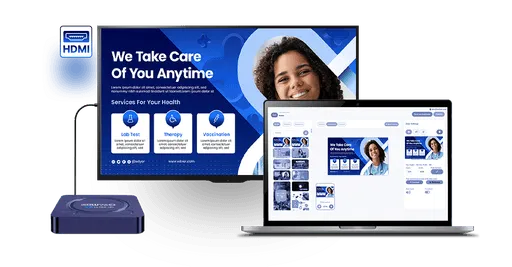
HDMI Support for Flexible Connectivity
Unlike Samsung's native software, Wilyer offers HDMI media player compatibility - letting you connect external devices for added flexibility and enhanced performance.
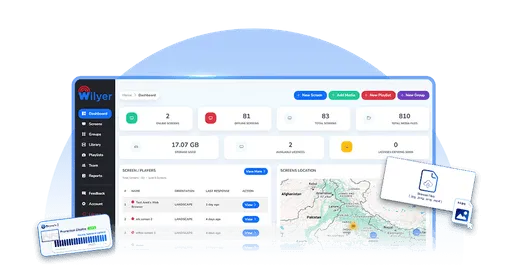
Smooth and Intuitive UI
Wilyer's intuitive UI offers drag-and-drop content creation, easy scheduling, and multi-location screen management - helping users focus on delivering content, not figuring out the software.

IOT Integrable Sensors
Enhance your digital signage with IoT sensor integration. Connect motion, temperature, AQI, and other sensors for smarter, real-time, data-driven content delivery.
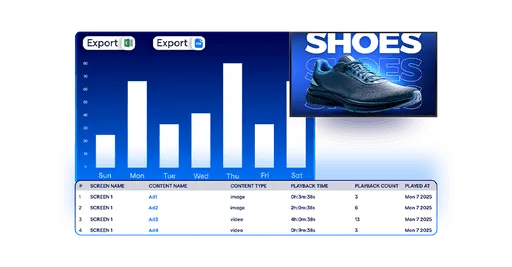
Detailed Analytics and Reporting
With advanced analytics track content performance, audience engagement, and display uptime. Gain access to customizable dashboards and automated reports.
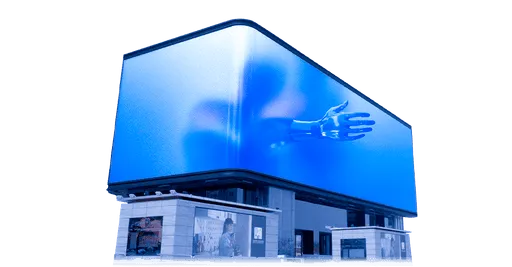
Supports Hi-Res 3D Video Wall
Create stunning, high-resolution immersive video walls with Wilyer. Easily configure and sync content across screens for a seamless, unforgettable viewing experience.
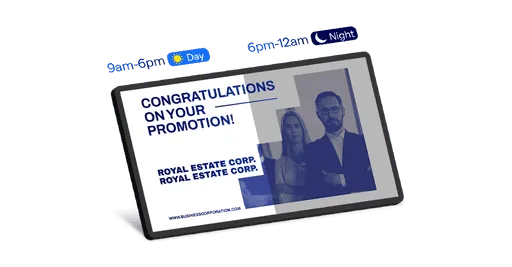
Advanced Brightness Control for Any Environment
Wilyer provides advanced brightness controls that auto-adjust with time or ambient light - ensuring clear visibility and energy savings, unlike Samsung's basic settings.
Hi-Res Smooth Playback
Deliver stunning visuals with unmatched clarity and zero lag.
Dynamic Widgets
Bring your displays to life by using dynamic widgets. (Such as AQI, weather & more)
Versatility
Works effortlessly on both touch and non-touch-based displays, offering the flexibility to meet unique business needs.
Live Screenshot Capture
You can monitor your screens in real time with live screenshot capture.
Enterprise-Grade Signage Management Features for Tizen Digital Signage
Efficiently manage your Tizen-powered displays with our enterprise-grade management solutions. This is designed for large networks and mission-critical applications. Our enterprise-grade signage management provides the following features
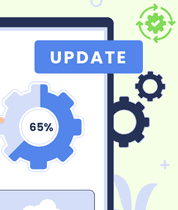
Silent Remote Updates
Keep your Tizen-powered displays secure and up to date with remote update functionality. Push new features and security patches across your entire network from a centralized dashboard - no manual effort required.
Audio Controls
Take full control of audio levels across all your displays. Remotely adjust sound settings to suit different environments, from serene lobbies to lively retail floors, for a consistently great audience experience.
Device Reboots
Eliminate manual startups with auto-start functionality - your displays automatically boot with pre-set content, ensuring they're always active and consistent, even after power interruptions. No more blank screens.

Screen On/Off Scheduled
Automate display power with on/off scheduling - set screens to turn on before business hours and off after closing. Boost energy efficiency, cut operational costs, and extend your display lifespan effortlessly.
Real-Time Widgets
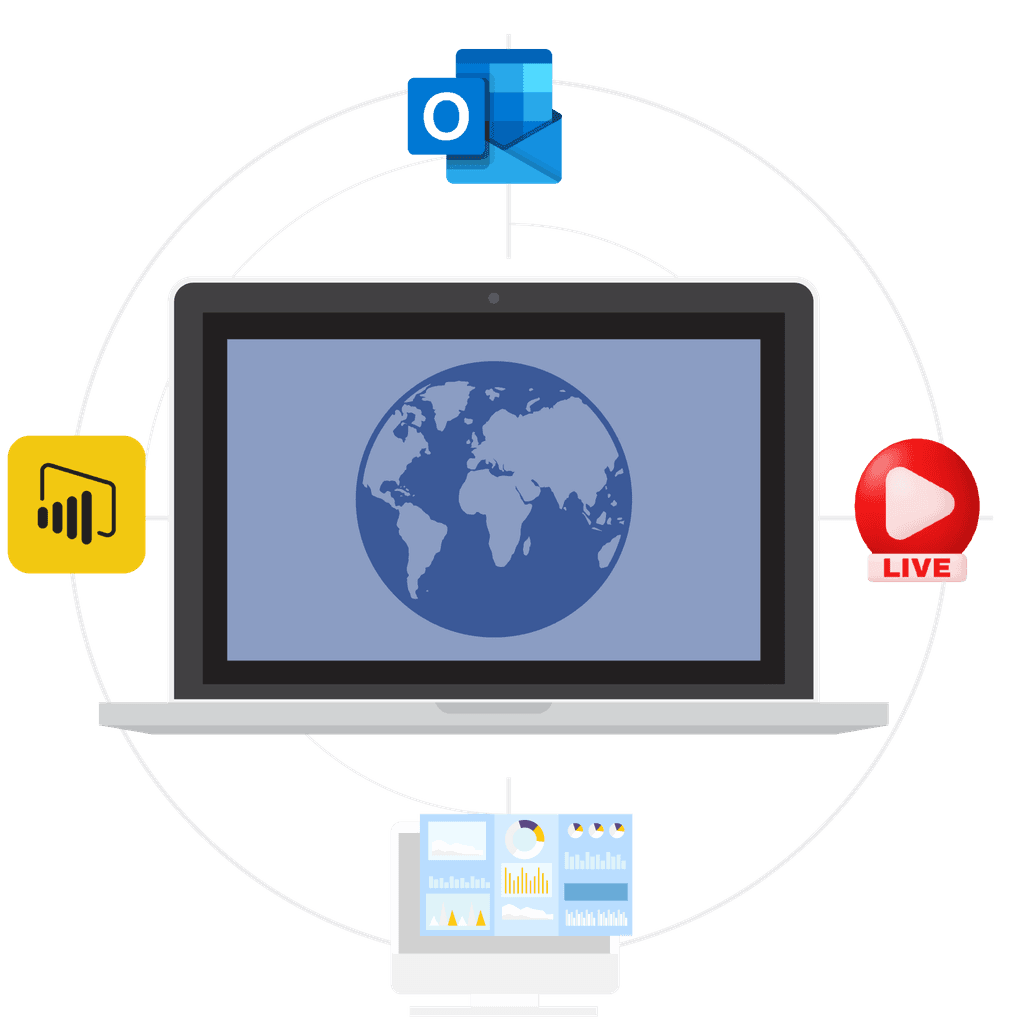
Effortlessly sync and display schedules, meetings, and events across your screens with these supported widgets:
- Meeting Room Displays: Bookings from Microsoft calendars (with Wilyer's room display system).
- Power BI Dashboards: Display actionable insights directly on your screens.
- Live Streams: Broadcast live content for immediate impact.
- Corporate Dashboards: Keep teams informed with real-time updates.
- AQI Monitoring: Show live air-quality readings on your screens.
How to Get Started
Unlock the potential of Wilyer’s Cloud Digital Signage in 3 easy steps:
 01
01Select Hardware
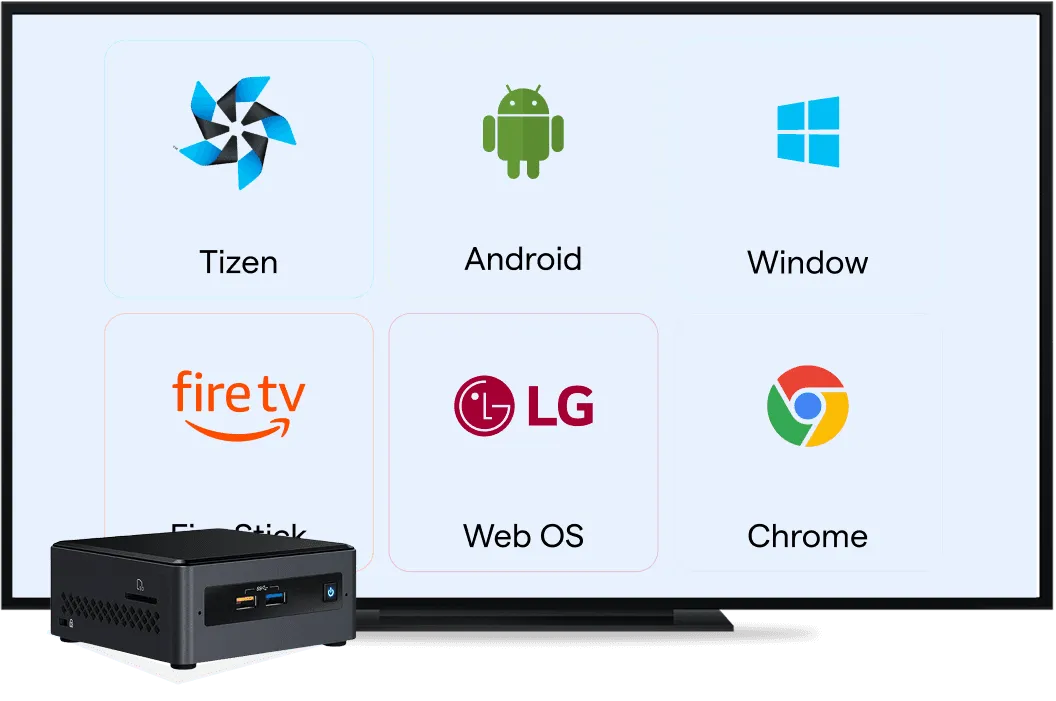
Choose your preferred type of hardware such as a Smart TV, Digital Billboard, or Digital Screen.If you are using a non-smart display prefer using Android Media Player or Windows Mini PC.
 02
02Install the Wilyer App
Download and install our app on your preferred device from the Google Play Store or USB Stick. From smart TVs to media players, the installation is a quick one-time hassle-free process
 03
03Pair & Publish Content
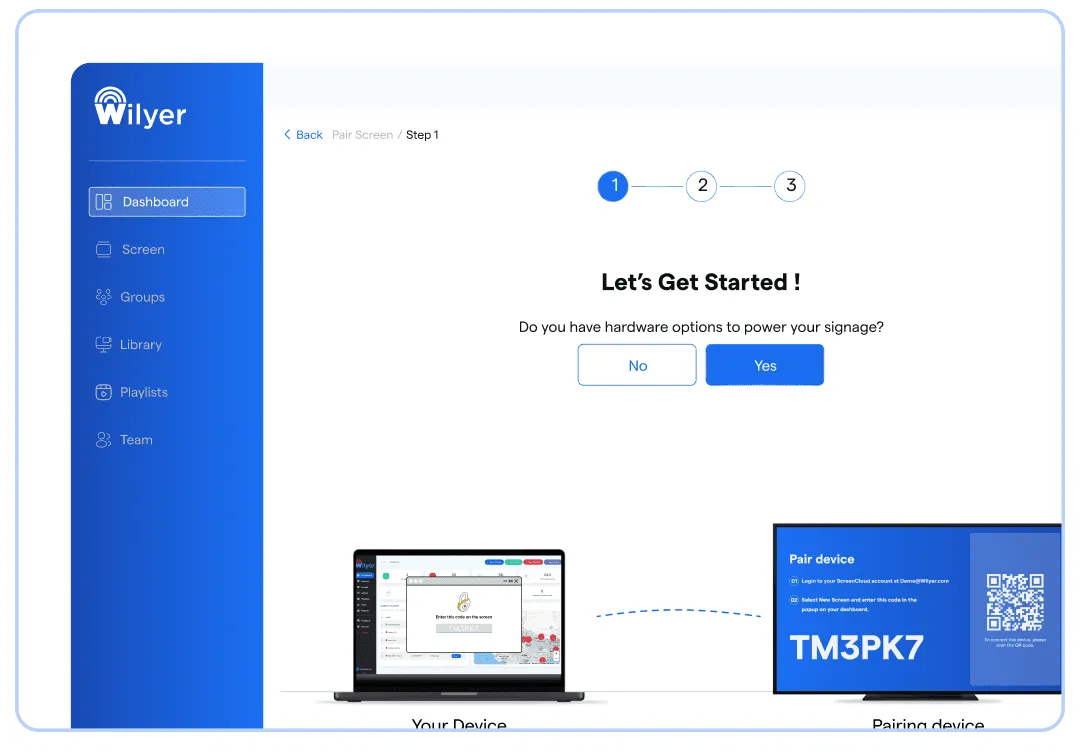
Connect your screens to the app via a unique pairing code, upload your content, and publish with a single click. Your screens will be live and ready to engage your audience
Wilyer Digital Signage Software vs Samsung MagicInfo
| Features | MagicInfo | Wilyer |
|---|---|---|
| Description | Primarily designed for Samsung devices with limited customization and flexibility. | Flexible, cloud-based platform for seamless digital signage management across various devices. |
| Remote Device Management | Limited to Samsung devices with less flexibility in device management. | Easily manage devices, updates, and reboots from a single dashboard. |
| Content Scheduling | Basic scheduling with predefined templates, less flexibility. | Fully customizable scheduling with an intuitive interface. |
| Kiosk Mode & Device Locking | Basic kiosk mode, focused on Samsung hardware with limited device locking. | Advanced kiosk mode with complete device access control. |
| Analytics & Reporting | Reporting Basic analytics, mainly tailored for Samsung devices. | Real-time, advanced analytics for content performance and device health. |
| Remote Updates & Auto-Install Apps | Remote updates are Samsung-specific, with fewer options for other devices. | Seamlessly update and install apps remotely across devices. |
Smart Digital Signage for Samsung Tizen
Unlock the full potential of Samsung Tizen-powered displays with Wilyer's native app. No additional hardware needed!
See Guide
More Digital Signage Platform Options
Android Digital Signage
Run digital signage on Android TVs, tablets, and media players with flexible app support.
Explore Android Digital Signage
Google Chromecast Digital Signage
Deploy secure, cloud-managed digital signage on Chromecast devices.
Explore Chromecast Digital Signage
Windows Digital Signage
Power digital signage using Windows PCs for advanced control and customization.
Explore Windows Digital Signage
Amazon Firestick Digital Signage
Turn any TV into a digital signage screen using a Firestick device.
Explore Firestick Digital Signage
LG webOS Digital Signage
Deploy digital signage directly on LG webOS commercial displays.
Explore LG webOS Digital SignageFrequently Asked Questions
Have more questions? Visit our complete digital signage FAQs page.