A busy branch serves very different visits at once. One customer needs a passbook update, the next wants to discuss a loan, and both often end up in the same line. A queue management system replaces that line with numbered tokens, sorted by service, so every customer waits for the right counter and nobody has to guard a place.
How Does a Customer Get a Token?
The customer picks the service they came for, and the system issues a token from that service's own series. Cash, loans and account services can each keep their own series, so a quick deposit is not stuck behind a long loan meeting.
- At the counter: staff issue the token and hand over a printed slip. This suits senior citizens and anyone who wants help.
- At a self-service kiosk: the customer chooses the service on a touch screen and takes the slip.
- On their own phone: the customer registers and gets an SMS when the token is created.
What Happens While Customers Wait?
Customers sit wherever they like. The token screen in the waiting area shows who is waiting and who is being served, along with estimated waiting times. Customers can also follow their place on a mobile app or get an SMS when their turn is close.
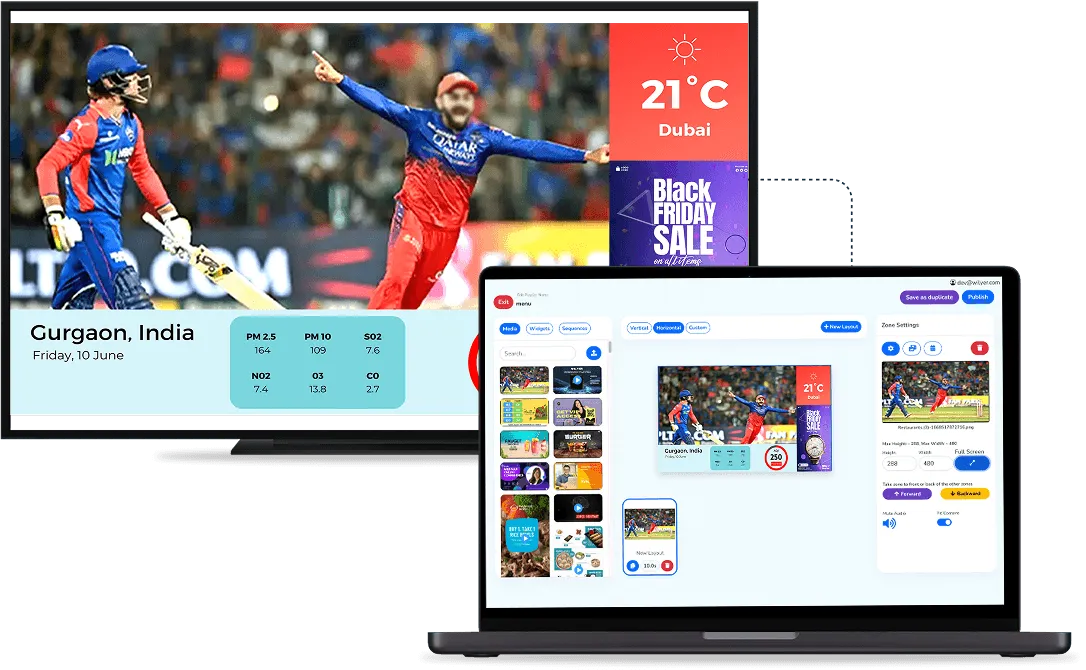
Each call is read out by a voice announcement, which can play in more than one language, so customers do not need to watch the screen the whole time. The token screen does not have to show numbers only: it can share its space with branch timings or notices, managed like any other digital signage for banks.

How Do Counter Staff Call the Next Customer?
Each counter calls the next token from its own series with one tap on a tablet or phone. The voice announcement and the screen tell the customer which counter to go to. Three situations come up every day in a branch, and the system handles each one:
- No-shows: if a customer does not come forward, the counter marks the token as a no-show and calls the next one.
- Priority: a senior citizen or a customer who needs urgent help can be moved to the front without breaking the order for everyone else.
- Transfers: a customer sent from account services to the cash counter is transferred there, instead of starting again at the back of the line.
Staff accounts can be limited by role, so counter staff, branch managers and administrators each see only what they need.
What Do the Branch Manager and Head Office See?
Every token is kept in a customer log with its time, the service, the staff member who handled it and any feedback the customer left. Reports show queue performance, waiting times, customer flow and staff efficiency, and they can be exported for internal reviews and audits.
A bank with many branches can see each branch on its own or all of them together on one dashboard, which helps when deciding where to add staff at peak hours. Our answer on whether queue management software supports multiple branches explains how branches are set up.
What Should a Bank Plan Before It Starts?
- The services and counters: list each service, the counters that handle it and the token series it will use.
- The rules for no-shows and priority: decide how long a counter waits before marking a no-show and who gets priority, and give every staff member the same rule.
- The languages: choose the languages for the announcements and the screen, based on the customers who visit the branch.
- The screens: decide where customers sit and where the token screens go, so they can be seen from every seat. TVs or displays the branch already has can show the tokens, and a TV that is not smart needs a small media player.
Our guide to what a queue management system is covers the types and the costs in more detail. Wilyer's queue management system is priced on request, because the cost depends on your counters, branches and any integration, so the simplest next step is a demo on your own branch layout.