Linux Digital Signage Software for Any Distribution
Install the Wilyer player on the Linux boxes you already run. Schedule content, monitor playback and push updates from the same console that drives every other screen in your network.
Join businesses worldwide using Wilyer for seamless digital signage management.











Why Run Digital Signage on Linux
Full Control of the Host
Linux gives IT complete control of the operating system, packages and update window, which is what regulated environments usually need before signage is approved.
Low Hardware Cost
A small Linux mini PC is one of the cheapest ways to drive a commercial display, and it keeps working on hardware that is a few generations old.
Offline Playback
The player caches its schedule locally, so screens keep playing through a network outage and resync as soon as the connection returns.
Fits Existing Provisioning
Deploy the player with the tooling you already use for Linux fleets, so signage does not need a separate provisioning process.
Full Control of the Host
Linux gives IT complete control of the operating system, packages and update window, which is what regulated environments usually need before signage is approved.
Low Hardware Cost
A small Linux mini PC is one of the cheapest ways to drive a commercial display, and it keeps working on hardware that is a few generations old.
Offline Playback
The player caches its schedule locally, so screens keep playing through a network outage and resync as soon as the connection returns.
Fits Existing Provisioning
Deploy the player with the tooling you already use for Linux fleets, so signage does not need a separate provisioning process.
Full Control of the Host
Linux gives IT complete control of the operating system, packages and update window, which is what regulated environments usually need before signage is approved.
Low Hardware Cost
A small Linux mini PC is one of the cheapest ways to drive a commercial display, and it keeps working on hardware that is a few generations old.
Offline Playback
The player caches its schedule locally, so screens keep playing through a network outage and resync as soon as the connection returns.
Fits Existing Provisioning
Deploy the player with the tooling you already use for Linux fleets, so signage does not need a separate provisioning process.
Full Control of the Host
Linux gives IT complete control of the operating system, packages and update window, which is what regulated environments usually need before signage is approved.
Low Hardware Cost
A small Linux mini PC is one of the cheapest ways to drive a commercial display, and it keeps working on hardware that is a few generations old.
Offline Playback
The player caches its schedule locally, so screens keep playing through a network outage and resync as soon as the connection returns.
Fits Existing Provisioning
Deploy the player with the tooling you already use for Linux fleets, so signage does not need a separate provisioning process.
Get Started in 3 Simple Steps
Effortless digital signage software setup & deployment.
Download & Pair
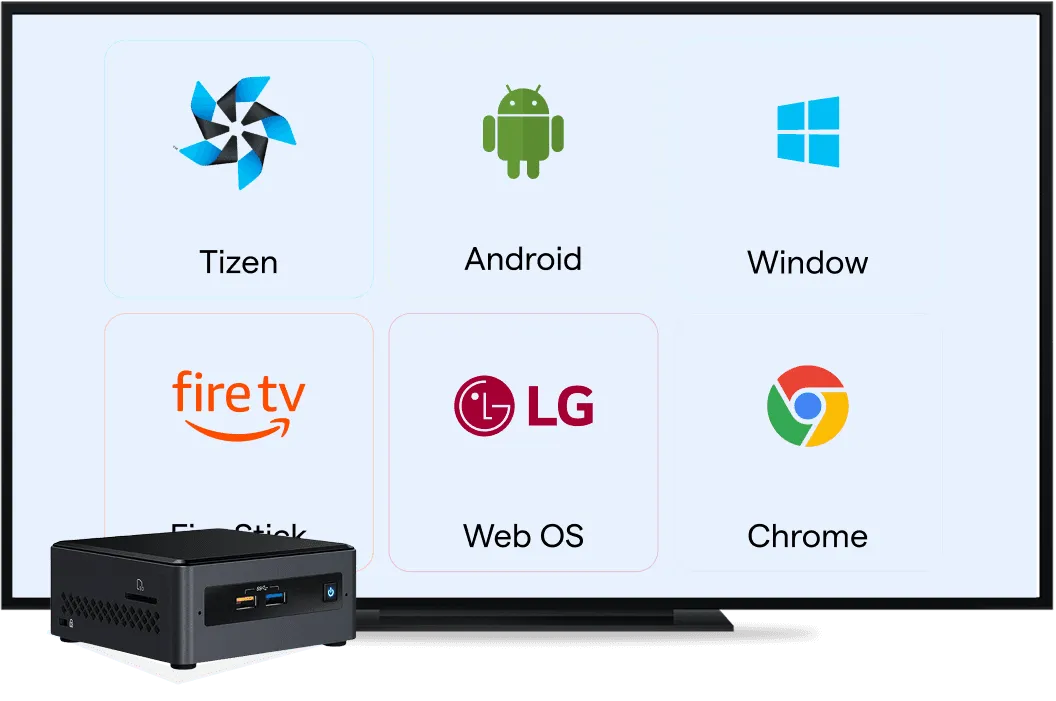
Connect your screen with our dedicated multi-OS compatibility app.
Play Content
Upload and schedule engaging media instantly.

Linux Digital Signage FAQs
Have more questions? Visit our complete digital signage FAQs page.