
Digital signage has rapidly emerged as one of the strongest weapons at a business's disposal to engage customers, drive sales, and deliver a contemporary brand experience. When looking for options, you are probably presented with two options: free digital signage software and paid digital signage software .
At face value, free would seem to be the way to go every time. Why pay when you can get something for free? In reality, it really is all about your business objectives, how many monitors you intend to use, and what kind of features you will require. Let's dissect so that you can make an informed decision.
What You Get with Free Digital Signage Software
Typical free digital signage software is indeed more of a ‘starting-out’ service, which provides the bare minimum to get the user operating screens without an initial investment. It generally includes:
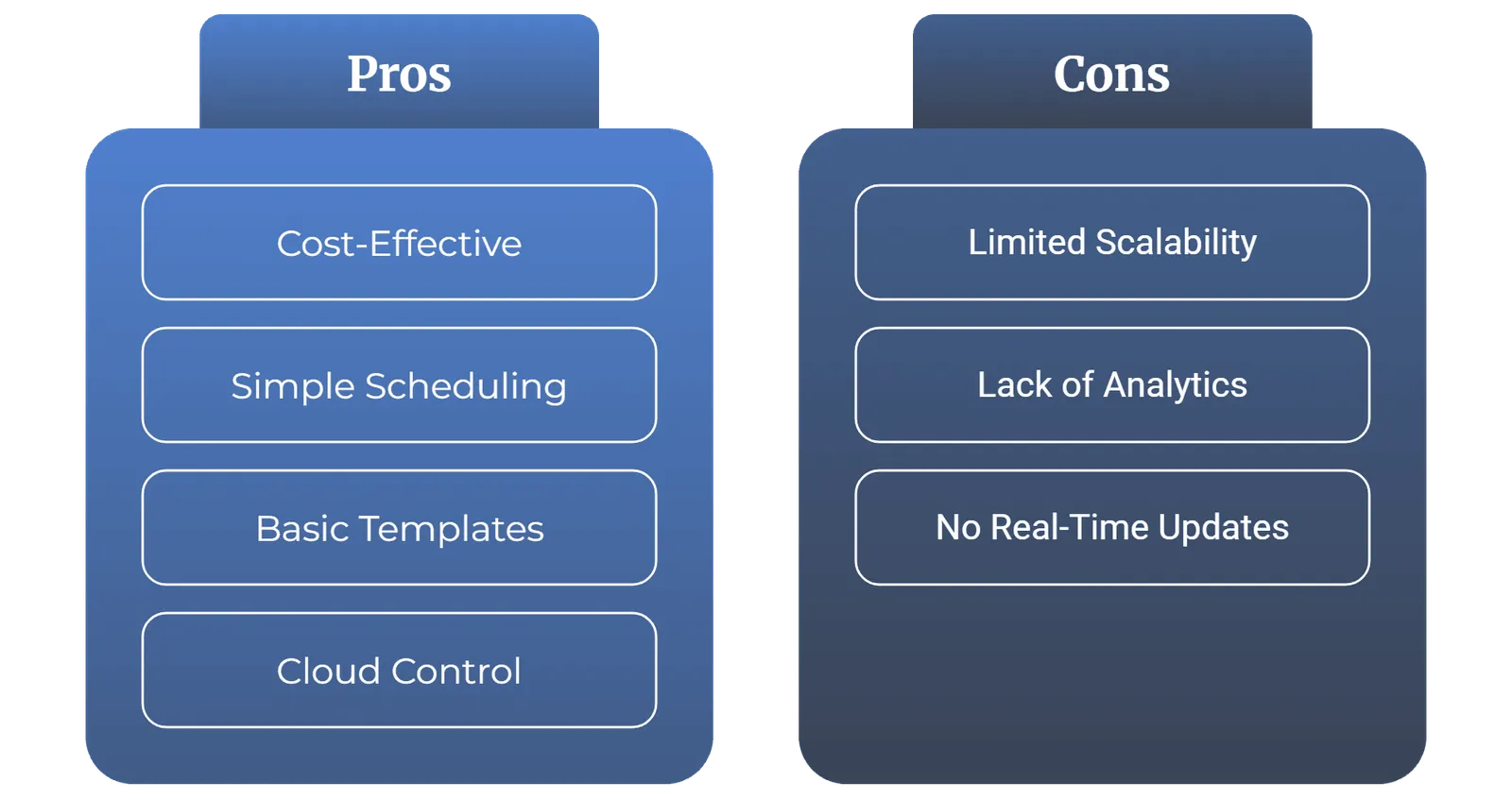
- Simple content scheduling for images, videos, or slideshows.
- Support for one or two screens only.
- A few standard templates for quick setup.
- Basic cloud control with some usage limits.
Hence, very small businesses like a cafe, salon, or local shop that may only require displaying menus, promotions, or announcements find free tools very handy.
Drawback: Free plans are generally not scalable. They often do not include deep monitoring, real-time updates, analytics, etc. So very quickly you hit a wall when you try expanding beyond a few screens.
What Paid Digital Signage Software Offers
Signage software comes with a business class commercial grade. It means you are not paying for the software as such but paying for the features that give you reliability, control, and scalability in terms of a paid license or subscription. Some benefits include:
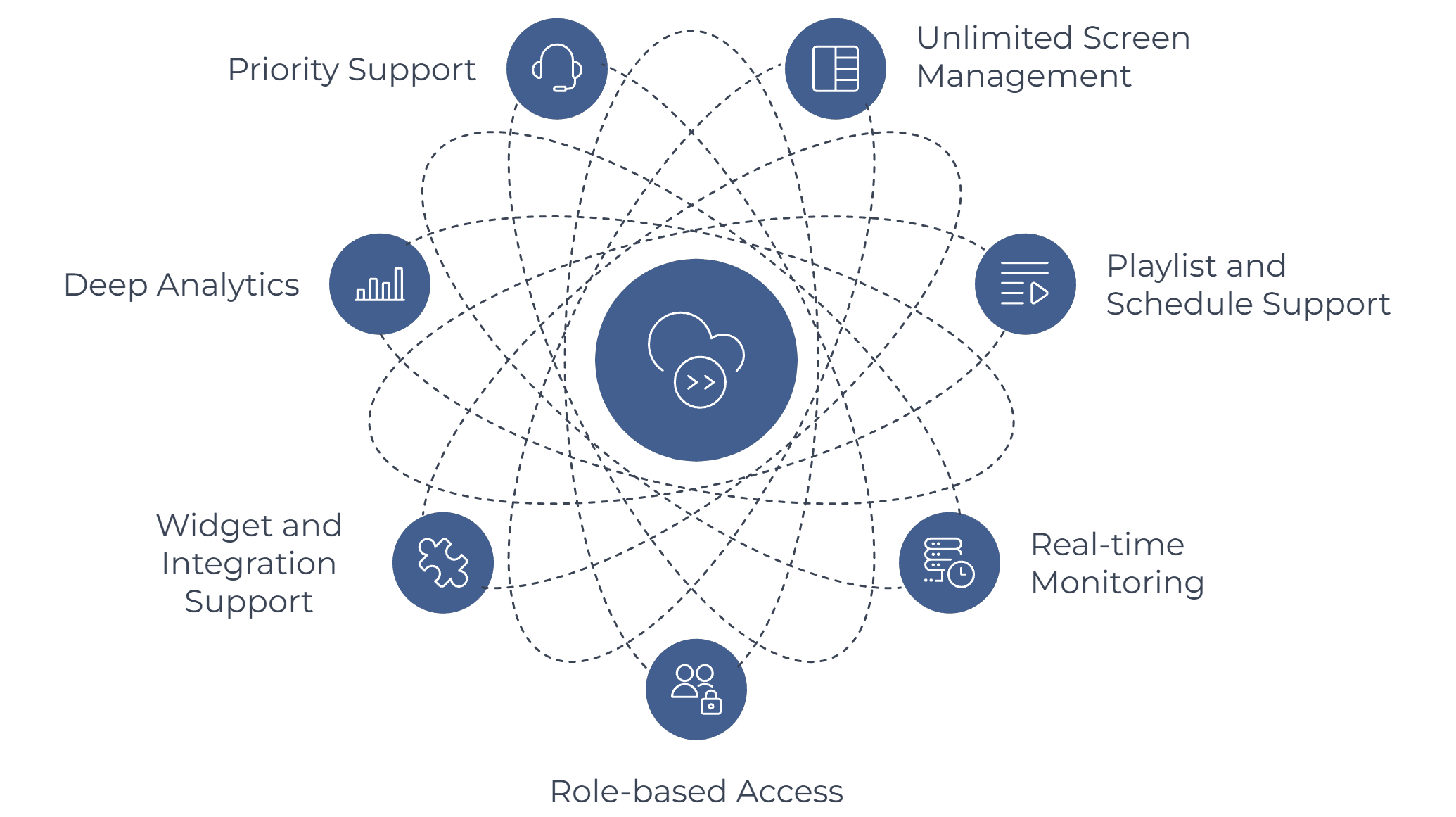
- Unlimited screen management from any location.
- Solid playlist and schedule support for personalized campaigns.
- Real-time monitoring inclusive of screenshot reports on uptime.
- Role-based access whereby the team can work together with preconfigured permissions.
- Wide widget, and integration support like weather, social media, YouTube, or RSS feeds.
- Deep analytics, proof of play reporting on campaign performance metrics.
- Priority support whenever you need it.
This is a solution fit for retail, corporate offices, healthcare buildings, schools, and ad networks where the uniformity of performance and scalability cannot be sacrificed.
Free vs Paid: A Quick Comparison
| Feature | Free Digital Signage Software | Paid Digital Signage Software |
|---|---|---|
| Cost | Free but limited | Subscription or one-time fee |
| Screens Supported | Usually 1 to 2 | Unlimited and scalable |
| Content Options | Basic images and videos | Widgets, live data, third-party apps |
| Monitoring | Rare or very limited | Real-time screenshots and reports |
| Team Access | Single user only | Multi-user with role-based permissions |
| Analytics/Reports | Minimal or none | Full proof-of-play and detailed reports |
| Support | Community forums if available | Dedicated 24/7 support |
Which Option Delivers More Value
It costs on where you're at in your digital signage. If you're just starting out and you'd like to try out the concept on one screen, there's free software that is within your budget. It gives you an idea of what digital signage can do without tying up your budget.
But if you really want to grow your business, manage multiple screens, or measure campaign success, then paid software is the solution. Multiple screens, automated content management, and end results tracking do not only save time, but uncover revenue streams. Bottom line, free testing tools and paid growth tools.
Final Thoughts
When comparing free and paid digital signage software, the problem is never about keeping costs down, but about maximizing value. Free software is a stepping stone, but companies needing reliable performance, cutting-edge features, and a better ROI will always fare better with paid software.
Bring your signage into the modern age with Wilyer’s Digital Signage Software. Learn how our flexible plans can help you reach customers, boost sales, and easily manage screens.
FAQs
1. What can one do with digital signage software? One can manage and display content such as images, videos, promotions, live feeds, etc. on screens using Digital Signage Software. Commonly used for marketing, internal communication, and customer engagement purposes.
2. Can free digital signage software be trusted? Yes, Free digital signage software is indeed trustworthy only if limited to one or two screens and under small scale usage. Nevertheless, astonishing features are not up for grabs like analytics; live monitoring, multi-user etc.
3. When should I upgrade to paid digital signage software? You should upgrade as soon as you are ready to begin managing multiple screens and scheduling advanced campaigns since most of these digital signage applications have features such as proof-of-play reports and team collaboration tools.
4. Can free digital signage software handle outdoor displays? Most of the free tools out there really can’t support too much, especially huge outdoor displays or LED video walls. For professional use, it’s better to go in for a paid digital signage software.
5. Which generates more ROI: free software or paid software? Free software costs less in the short term, but higher-ROI paid software drives customer engagement, minimizes downtime, and facilitates growth in many places.


