

Yes, schools and offices can extensively use digital notice board software (digital signage software) to enhance communication, streamline operations, and engage their respective audiences.
The digital signage platform offers features and dedicated use cases specifically tailored for both corporate and educational environments, which effectively utilize the software as a digital notice board.
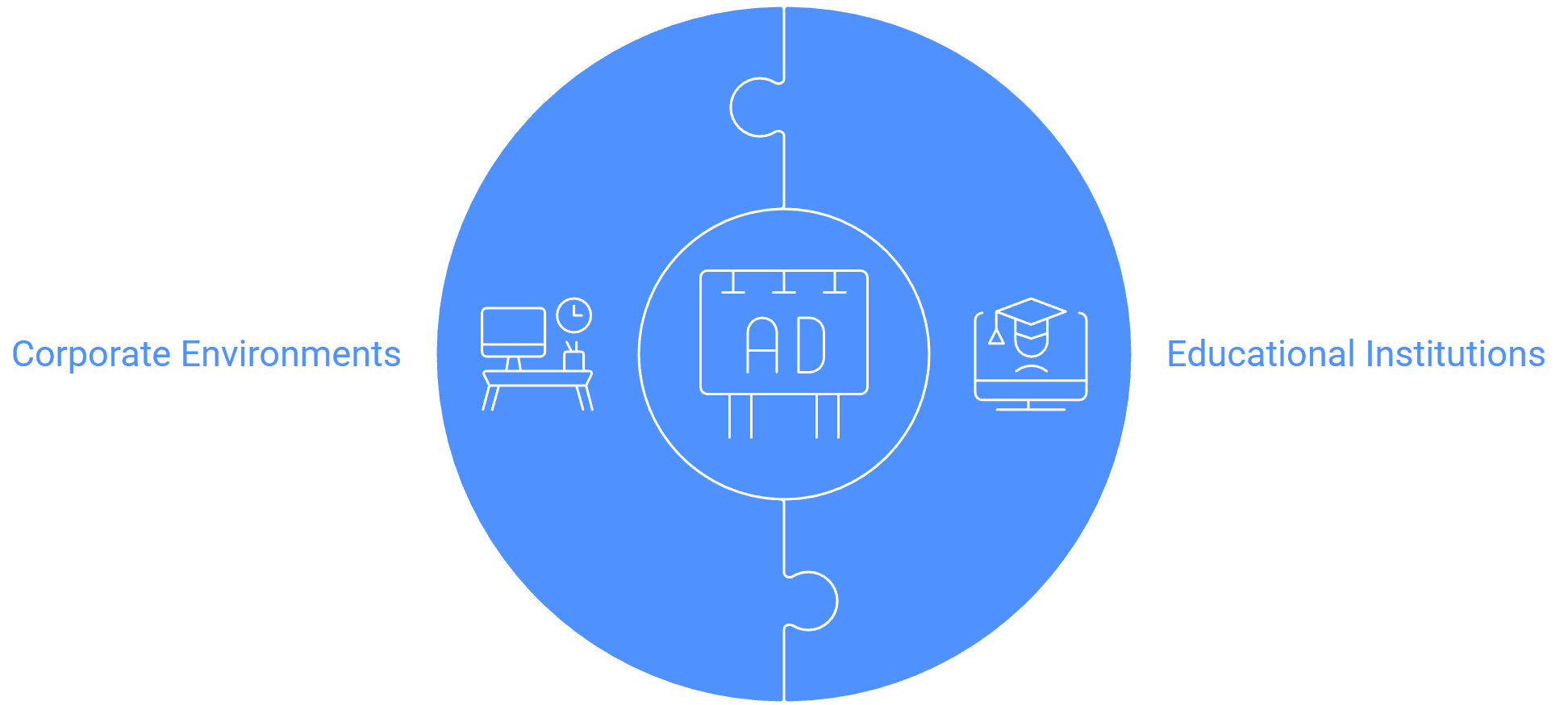
Here is a breakdown of how the software is used in these two settings:
Digital Signage in Schools and Educational Institutions
Digital signage is used to transform campus communication and enhance the learning environment. Educational institutions are listed as an industry where the software provides solutions.
| Use Case | Features and Benefits |
|---|---|
| Campus-Wide Announcements | Displaying schedules, events, and important notices across the campus. This replaces static notice boards with dynamic content. |
| Safety and Emergency Alerts | Publish an urgent notice to every screen at once for security issues and emergencies across the campus. |
| Team/User Access Management | The platform supports Team Access Management and Sub-user Access . This is vital for schools to create profiles for administrators and operators, ensuring seamless content management and user permissions. |
| Screen Grouping and Scheduling | Features like Screen Grouping help in scheduling playlists efficiently, saving valuable time. Screens can be grouped logically (e.g., Country > State > City > Area > Outlet 1 > Screen 1, Screen 2) for faster, controlled access to specific areas. |
| Interactive Learning & Wayfinding | Digital boards can be used for enhanced classroom experiences, and the software provides Wayfinding Solutions to help students and visitors navigate the campus. |
Digital Signage in Offices and Corporations
Corporations utilize digital signage for effective internal communication and streamlining operations, providing a single solution to manage various displays. The software offers solutions for Corporate Communication .
| Use Case | Features and Benefits |
|---|---|
| Internal Communication Hub | Content can be published to the office lobby, cafeteria, meeting rooms, conference room, reception, or hallway from a one-stop solution . This display can include important announcements, meeting schedules, company news, and current trends in technology, news, weather, and sports. |
| Employee Engagement & Culture | Digital signage can be used for celebrations like festivals, introducing new joiners, or bidding farewell to outgoing employees. It promotes company culture and values and features like Dynamic Team Birthday Celebrations are available. |
| Performance and Metrics | Offices can use Dashboard Displays to show real-time business metrics and KPIs. Power BI dashboards can be shown as a web page with the web page widget, and Google Slides can be added straight from the CMS. |
| Meeting Room Management | The system offers Real-time updates on meeting schedules and room availability, and a dedicated Meeting Room Display Management solution is listed. |
| Security and Control | Corporate environments often require high security, which the software supports via On-premise Digital Signage Software for enhanced security within local networks, and features like the Maker and Checker Approval System for content changes to be approved by managers before deployment. |
Analogy: Using digital signage software in a school or office is like replacing a bulletin board and a PA system with a single smart messaging system. Instead of pinning up a faded memo or making an announcement that might be missed, you can instantly push bright, attention-grabbing content, whether it is an emergency alert, a team's sales metrics, or today's lunch menu, to every screen so the right message reaches the right person at the right time.


