

On-premise and cloud-based digital signage can both deliver content to screens, but the main difference lies in where the system is hosted and how it's accessed.
On-premise digital signage runs within the local network of your organization. This includes the server, database, and software installed on your own IT infrastructure, generally in a secure server room. Screens connect directly through your private network; data never leaves your premises. Companies that manage highly sensitive information, like banks, hospitals, and government offices, rely on this type of arrangement due to its privacy and data protection.
On the other hand, cloud-based digital signage is deployed over public infrastructures like AWS or Microsoft Azure. All media files, data, and schedules are maintained online, hence accessible from any location around the world using the internet. It works best for companies that require scalability and easy management across multiple locations.
Key differences include:
- Hosting: On-premise uses a local server, while cloud signage runs on public cloud infrastructure.
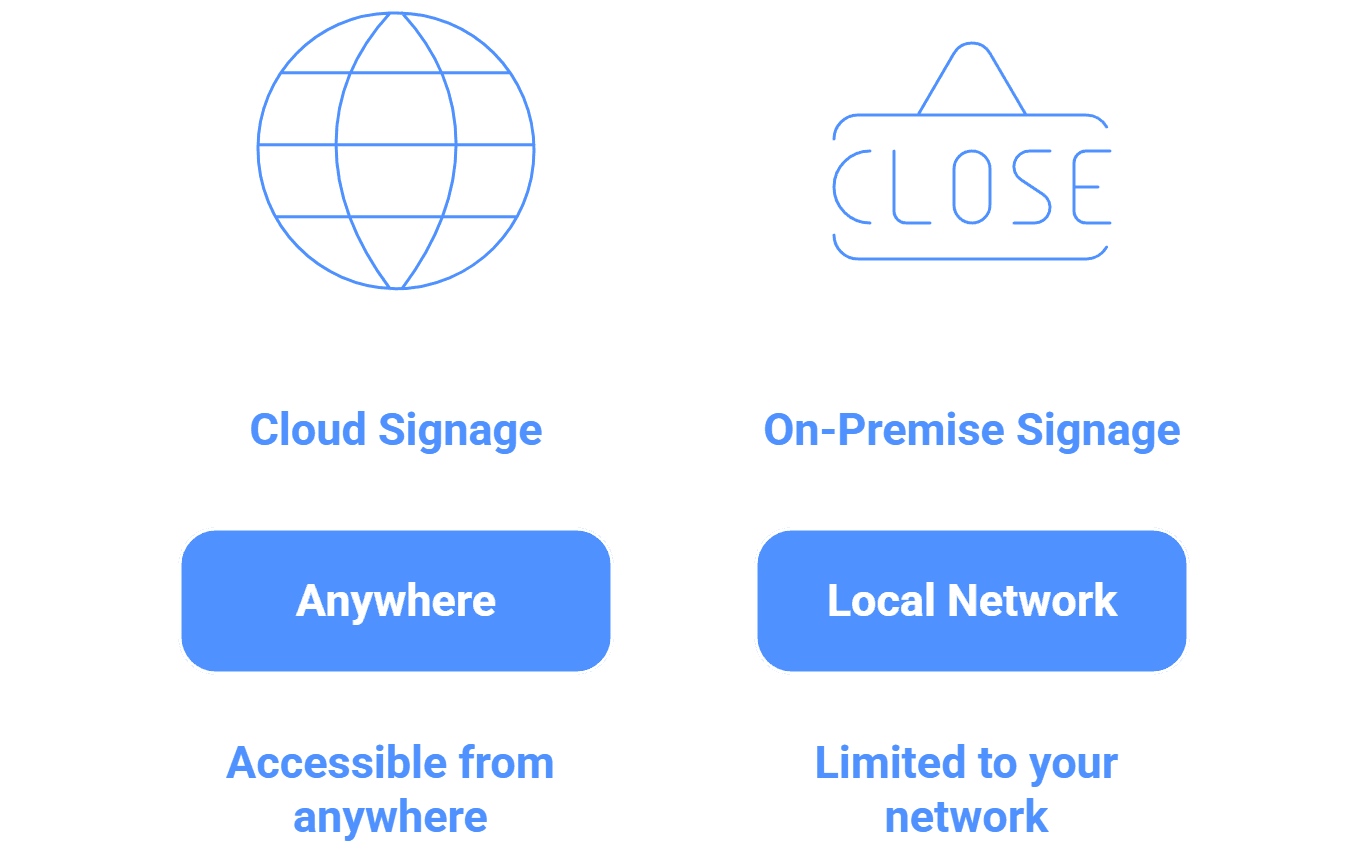
- Accessibility: On-premise is limited to your network, whereas cloud can be accessed from anywhere.
- Security: On-premise keeps all data private, whereas cloud utilizes encryption and secure cloud storage.
- Scalability: Cloud signage can scale quickly, whereas on-premise requires additional hardware and network setup.
- Maintenance: On-premise systems are maintained by your IT team, while cloud systems are maintained by the vendor.
In a nutshell, on-premise signage is best for organizations that handle sensitive data and require maximum control, while cloud-based signage is better for those requiring flexibility and access from anywhere around the globe.


