Yes, the digital signage software is compatible with Samsung Tizen Smart TVs . (Only Commercial-grade ) The compatibility with Samsung Tizen is a key feature of the software, particularly as it supports System on Chip (SoC) devices.
Here is a breakdown of the compatibility and usage details:
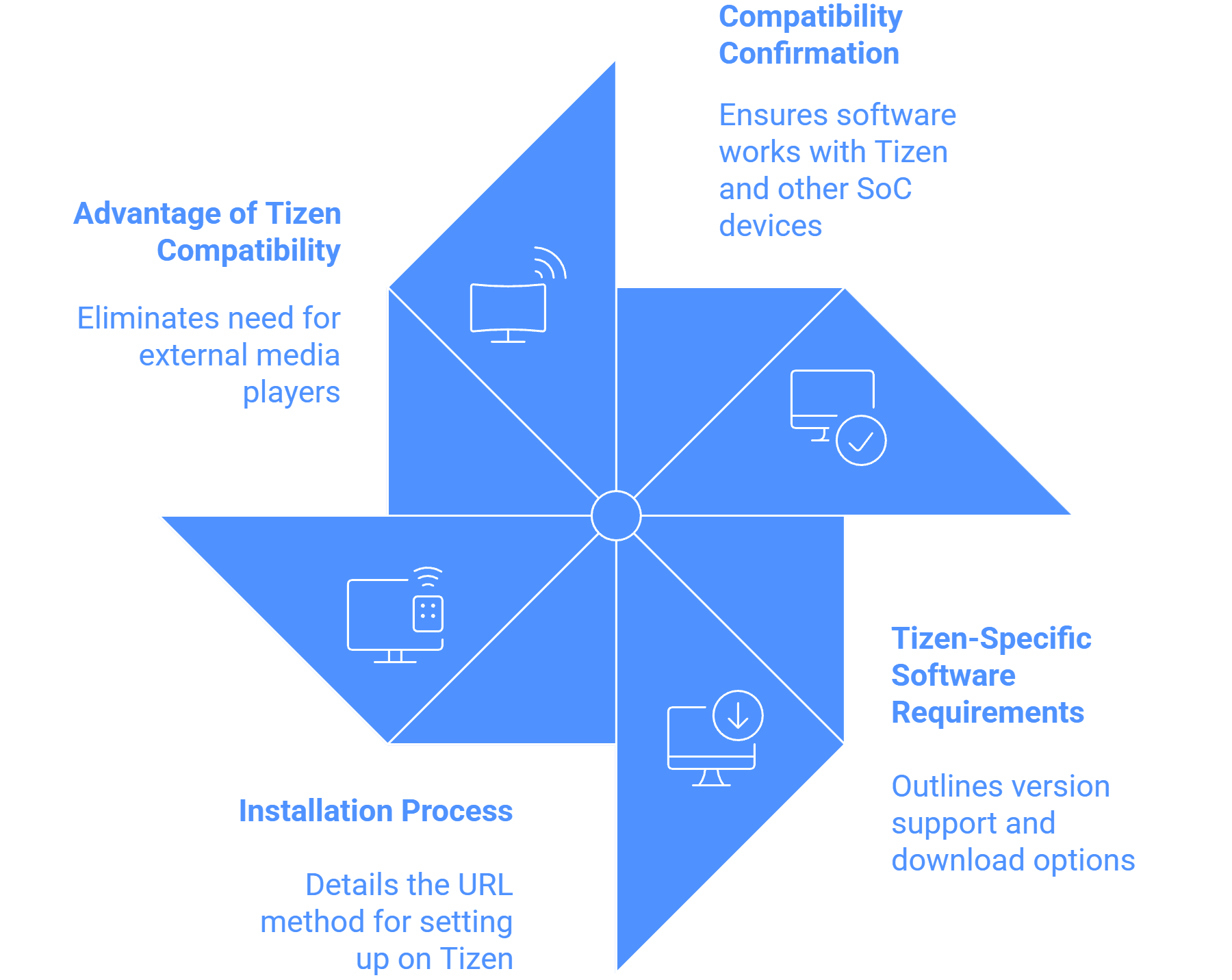
Compatibility Confirmation
- The Player Application Compatibility specifically lists Samsung Tizen as a supported operating system.
- The software is also compatible with other Systems on Chip (SoC) Devices like LG WebOS .
- This Seamless OS Compatibility allows the software to work across various devices and operating systems, which is ideal for large-scale deployments or diverse IT landscapes.
Tizen-Specific Software Requirements
- The Wilyer Digital Signage software Supports Tizen OS-enabled Screens/Displays from Tizen Version 3.0 Onwards .
- There is a dedicated Samsung Tizen Digital Signage Software download available for Commercial SSSP Series from Tizen 2.4 Onwards.
- Tizen is also listed among the OS Compatibility options for the software.
Installation Process on Tizen Displays
To set up the display on Tizen OS, a specific URL method is used:
- After booting up the Samsung Smart Signage Platform (SSSP), the user selects the "URL Launcher" from the toolbar.
- The user then selects "Install Web App" .
- The specific URL https://app.wilyer.com/tizen/ is typed in.
- Once the Wilyer Player App is downloaded and installed, a pairing CODE appears, allowing the user to connect and manage the screen with their account. The user should also check the toolbar to ensure the Wilyer Player App icon is present.
Advantage of Tizen Compatibility
The ability to run the software directly on Samsung Tizen Smart TVs (SoC devices) eliminates the need for an external media player box (like an Android box or Windows PC) for those screens, streamlining hardware setup and maintenance.