Partial branding is common, and it undermines the point. A platform that shows your logo on the login page and the vendor's name inside is not really your product, and clients notice in the first week. The test is simple: could a client use the platform every day for a month without learning who built it? Our page on white label digital signage software shows the full setup; this page covers where the branding reaches.
What Can Carry Your Brand?
- Your web address: clients and your own team log in at your domain, so even the login is branded rather than a vendor page.
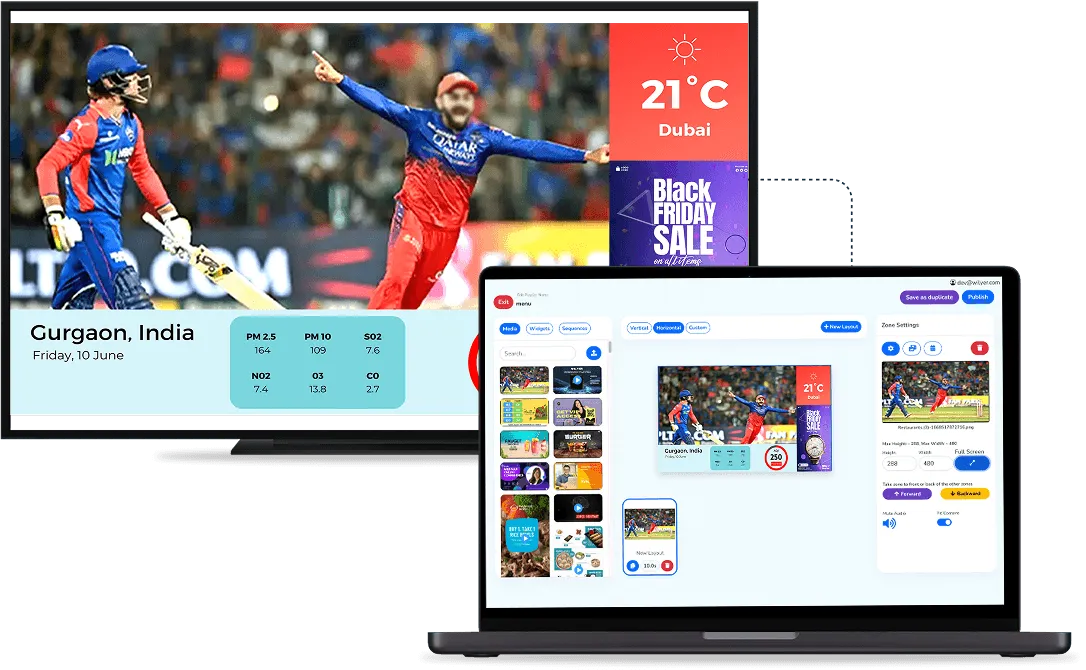
- The CMS: your logo, your platform name and your brand colours sit on the dashboard where clients manage their content, screens, users and permissions.
- The player apps: rebrandable player apps run on Android devices and commercial screens, so the device in the client's building carries your name too.
- Your demo: a fully branded demo environment lets you show prospects the platform as yours before they sign.
In our white label setup, the CMS, the domain and the player apps are all brandable, with no visible vendor branding. Each client also gets a completely separate account, so one client never sees another client's screens or content, while you see all of them from one place.

What Stays in the Background?
Branding changes what the client sees, not who runs the platform. The provider keeps hosting the servers, including your private domain, and keeps shipping updates. You hold the brand, the clients and the price each one pays. That split is what makes white label workable for a business that sells and installs screens rather than software.
Why Does Partial Branding Cost You?
When the vendor's name shows up inside the platform, the client learns who really makes the software. At renewal or at the next site, they can go straight to that vendor or compare prices without telling you. Full branding keeps every touchpoint, from the login to the screen in their lobby, pointing at you, which is the commercial position you wanted to protect in the first place.
What Should You Check in a Branded Walkthrough?
- See it end to end: ask for a walkthrough from your login page to a live screen, not a branded screenshot.
- List every surface: write down everywhere a client will look, including the screens themselves, and confirm each one carries your brand.
- Choose the domain early: the web address goes into the branding setup and your clients will use it for years, so settle it before setup starts.
- Test more than one account: if you will run many clients, check that the branding looks the same in each account.
Is Full Branding Always the Right Choice?
Not always. If you are happy to sell the platform under its own name, the standard reseller route involves less setup. White label is an add-on within the reseller program and usually carries an annual fee for the servers and resources behind it. If you already sell screens under your own name, full branding is the piece that lets the software match the rest of what you sell.
Our digital signage partner program page explains both routes, or you can book a demo and see the branded version from login to screen.