Branded versions of software are sometimes trimmed, and a partner who finds a missing feature in the middle of a client demo is in a poor position. So it is the right question to ask before you sign. Our page on white label digital signage software lists what the branded version includes.
What Comes With the Branded Version?
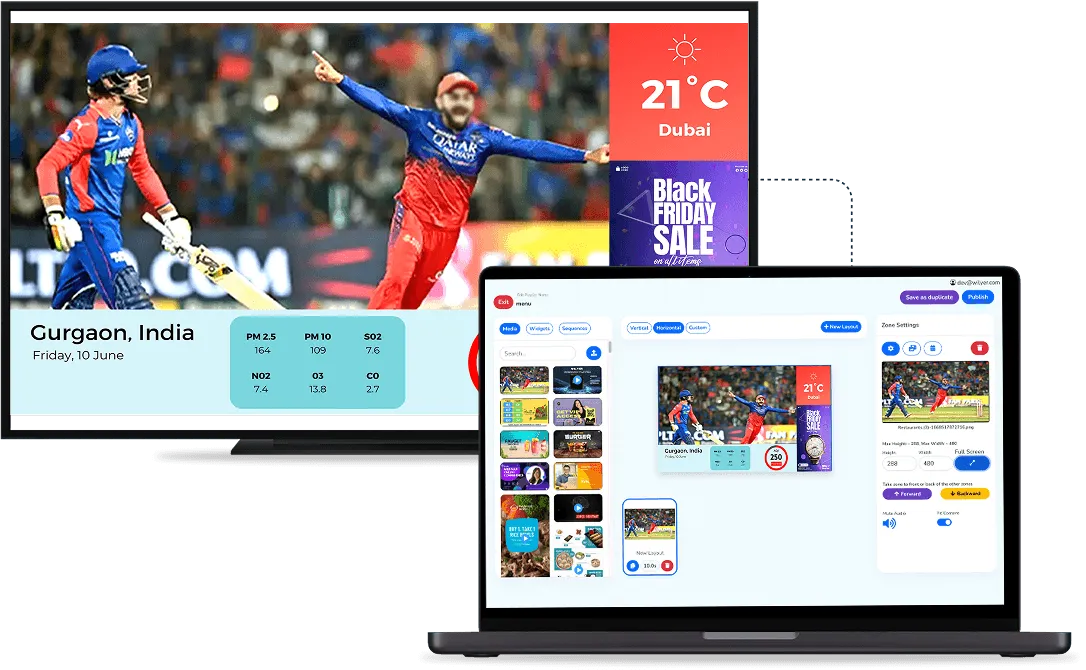
- The full CMS under your brand: content, screens, users and permissions, all managed under your logo and platform name.
- Separate client accounts: a multi-tenant design, so each client sees only its own screens while you see all of them.
- Remote control: remote screen and content management, plus analytics and reporting.
- Branded player apps: for Android devices and commercial screens.
- Wide hardware support: Android media players, Android TV, SoC commercial displays, commercial LED, video wall controllers and Windows mini PCs.
- Offline playback and branch access: content keeps playing when the internet drops, and branch managers can get their own access.

The branded version is also built for larger deployments: the white label page describes the platform as designed for enterprise and commercial use, with stability, access control and uptime as priorities.
Does the Branding Change How the Software Works?
No. Only the surfaces clients see change: the domain, the logo, the platform name, the brand colours and the player apps become yours. The way content is uploaded, scheduled and published stays the same, so what you learn in a demo is what your clients will use.
What Is Added for Partners?
The partner side adds tools a single business would not need: a client management portal to onboard and manage clients yourself, a dedicated support and relationship manager, and free demo licences so prospects can try the product before they buy. For enterprise and custom projects, there is also specialised support for larger rollouts.
From the partner side you can also allocate licences to each client, set different licence durations and handle renewals in one place.
Who Needs Feature Parity Most?
Partners who sell to chains and multi-site clients need it most, because those clients compare platforms closely and use more of the features, such as separate branch access, scheduling across sites and reports. A partner selling single screens to small shops may never touch the deeper features, but still gains from knowing they are there when a bigger client asks.
What Should You Verify Yourself?
- The branded build: ask to see the version you would actually receive, not the provider's own.
- Your toughest client: test the features against the most demanding account you would put on it.
- New features: ask how new features reach branded platforms, so your version stays current.
- Your hardware: check the players and displays you already sell against the supported list.
Also confirm the player runs on the systems your clients use: Android, Windows, Tizen, webOS, ChromeOS, Raspberry Pi, Linux and BrightSign are all supported.
Feature parity matters commercially as well as technically. If you sell against established platforms, any gap in your version becomes the reason you lose a deal, and it is not a gap you can close yourself. Checking it before you sign costs one demo; finding it after costs a client.
Our digital signage partner program page explains the partner tools, or you can book a demo of the branded version.