

Choosing the correct provider is an important decision for the success in the long run. Below are factors to make choices:
For hardware:
- Is the display commercial grade (made for 24x7 use)?
- Also, check for brightness (very important in "outdoor" or sunny-windy environments).
- Ensure they allow installing third-party apps. Some providers lock you into their own software.
For software (CMS):
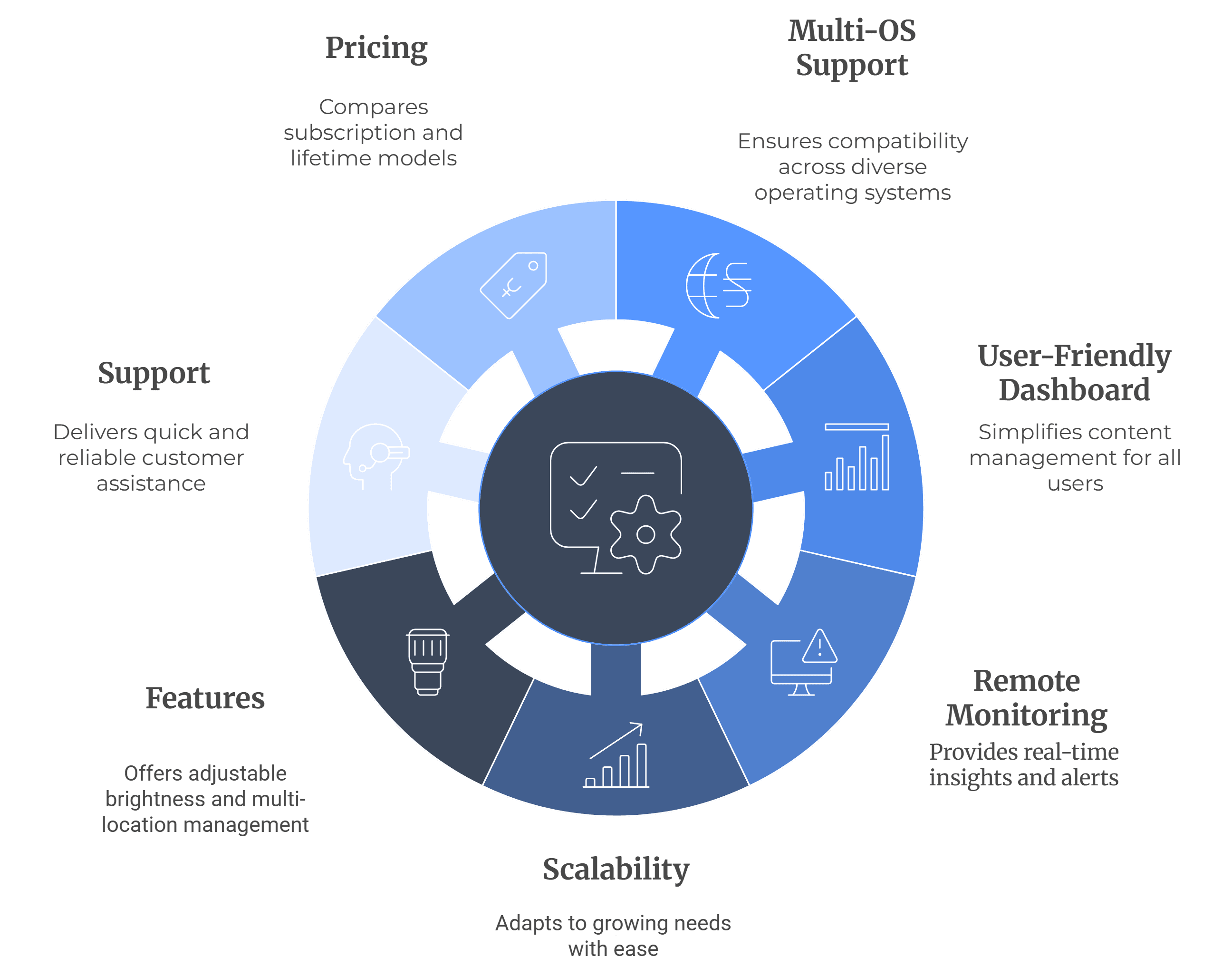
- Multi-OS support: It should be compatible with Android, Windows, LG webOS, Samsung Tizen, etc.
- User-friendly dashboard: It should be easy to upload contents as well as scheduling even to a non-technical individual.
- Remote monitoring: Screenshots, uptime reports, and alerts.
- Scalability: Can it support 10 screens today with a future 1000?
- Features: Adjustable brightness, sub-user access, multi-location management.
- Support: Quick and reliable customer support is critical.
- Pricing: Compare subscription vs. lifetime models.
For service/integration:
- Does the provider help with installation?
- Do they offer after-sales service and training?
In short, choose a provider who offers you flexibility, support, and long-term scalability instead of binding you to one type of screen or system.
Before investing, it’s worth understanding how to choose the right digital signage software to ensure long-term success.


