

Managing content is easy once you have the right software. Here’s how it works:
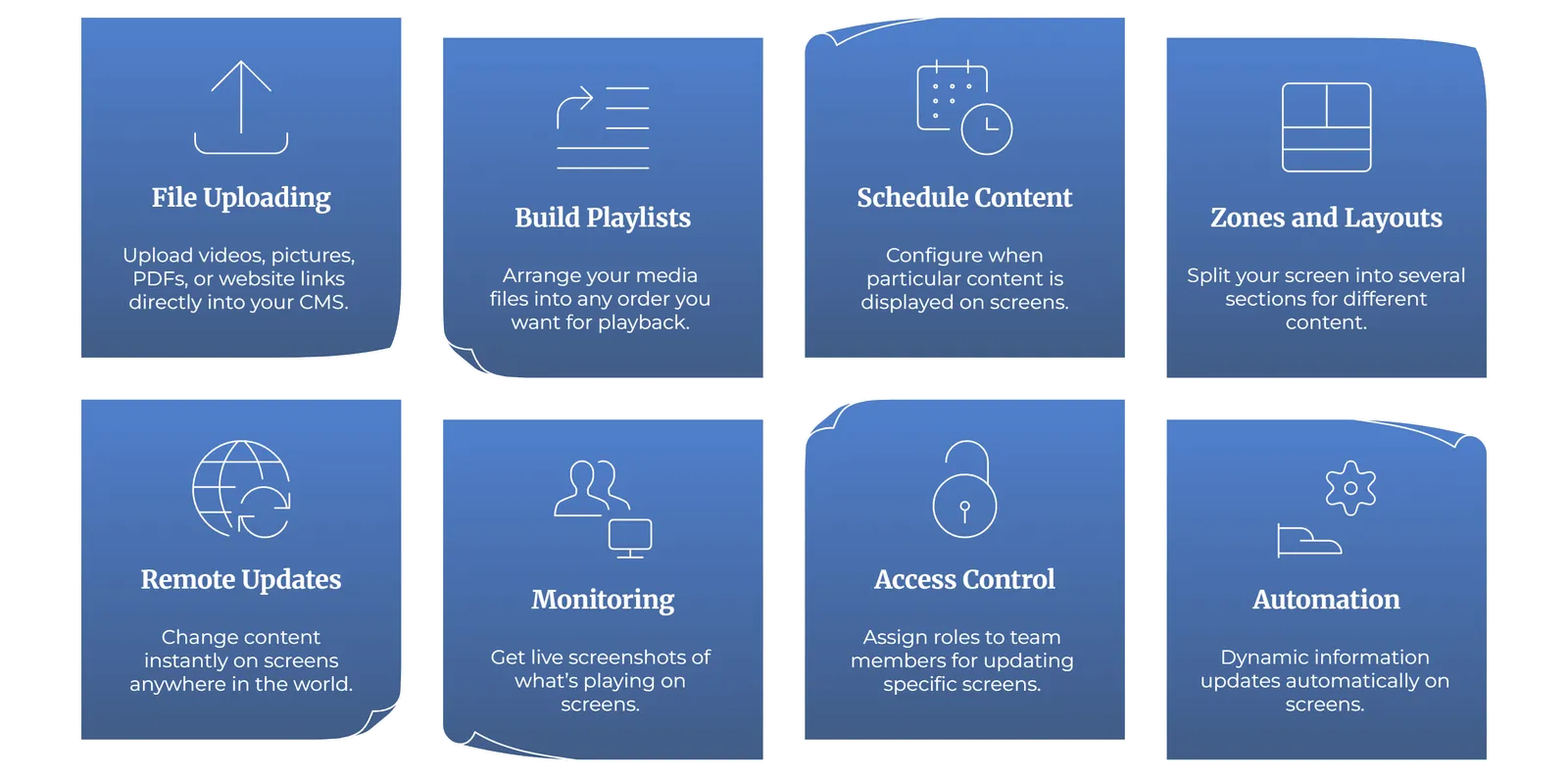
- File uploading - You can upload videos, pictures, PDFs, or links to a website directly into your CMS with your laptop.
- Build playlists - Arrange your media files into any order you want for playback.
- Schedule content - Configure when particular content is displayed. Your morning meals can be displayed in the morning and dinner menus can be displayed later in the evening.
- Zones and layouts - Split your screen into several sections. Add a video to one side, a ticker along the bottom, or an image to one side.
- Remote updates - Change content instantly on screens anywhere in the world.
- Monitoring - Get live screenshots of what’s playing. Also, see whether screens are online or offline.
- Access control - If you have multiple team members, you can assign roles so that only specific people can update certain screens.
- Automation - Most systems allow dynamic information such as live scores or news feeds to be updated automatically.
In brief terms, Content management is laying out your media, scheduling to perfection, and using software applications to make things unfold according to schedule.


