

Yes, digital signage software is specifically designed to manage multiple screens across different locations. This is one of its most important features, particularly for organizations operating at scale such as retail chains, corporate offices, transportation hubs, or restaurants .
How it works:
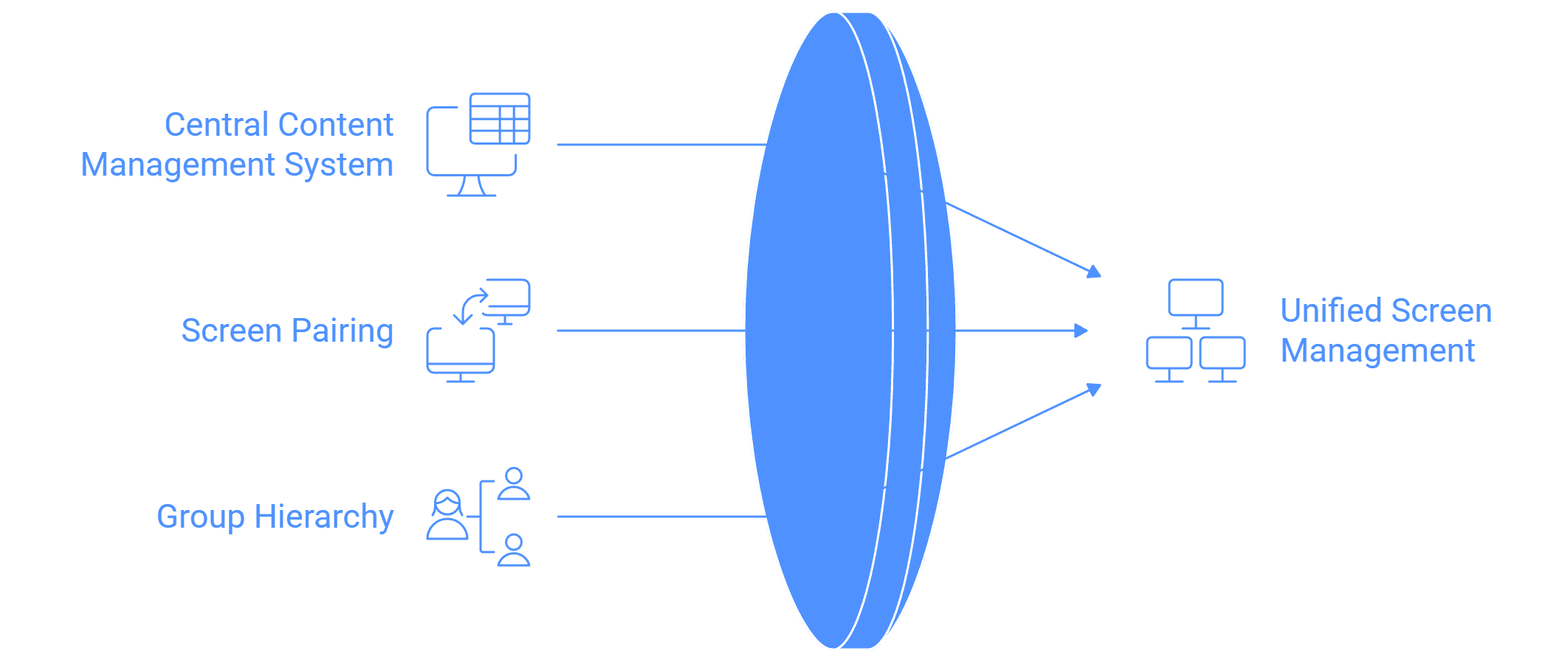
- Screens in different locations are paired with a central content management system (CMS).
- The CMS allows administrators to control, schedule, and monitor all displays from a single dashboard.
- Many software tools support a "group in group" hierarchy to manage thousands of screens logically.
Grouping and hierarchy examples:
- By geography: country → state → city → area → outlet.
- By business type: corporate office → department → floor → meeting room.
- By retail: brand → region → store → section.
Benefits of multi-location support:
- Centralized control: Easily update campaigns and messages across hundreds of screens.
- Content localization: While central management ensures consistency, local teams can also push regional content.
- Monitoring: Network uptime and performance can be tracked for each location.
- Scalability: Suitable for small businesses with 5 screens or enterprises with 5,000.
Additional features:
- Ability to tag screen locations with GPS or Google Maps for easy identification.
- License transfer options if one screen fails, making screen replacement simple.
- Hourly network uptime logs and device health reports to monitor remote screens.
In summary, digital signage software not only supports multiple locations but also provides the flexibility to organize, manage, and monitor them efficiently. This makes it possible for businesses to maintain brand consistency while adapting content to local needs.


