Digital signage software supports a wide variety of media formats, ensuring flexibility for different industries and use cases. These include traditional image and video formats as well as live data widgets and advanced advertising standards.
Commonly supported formats:
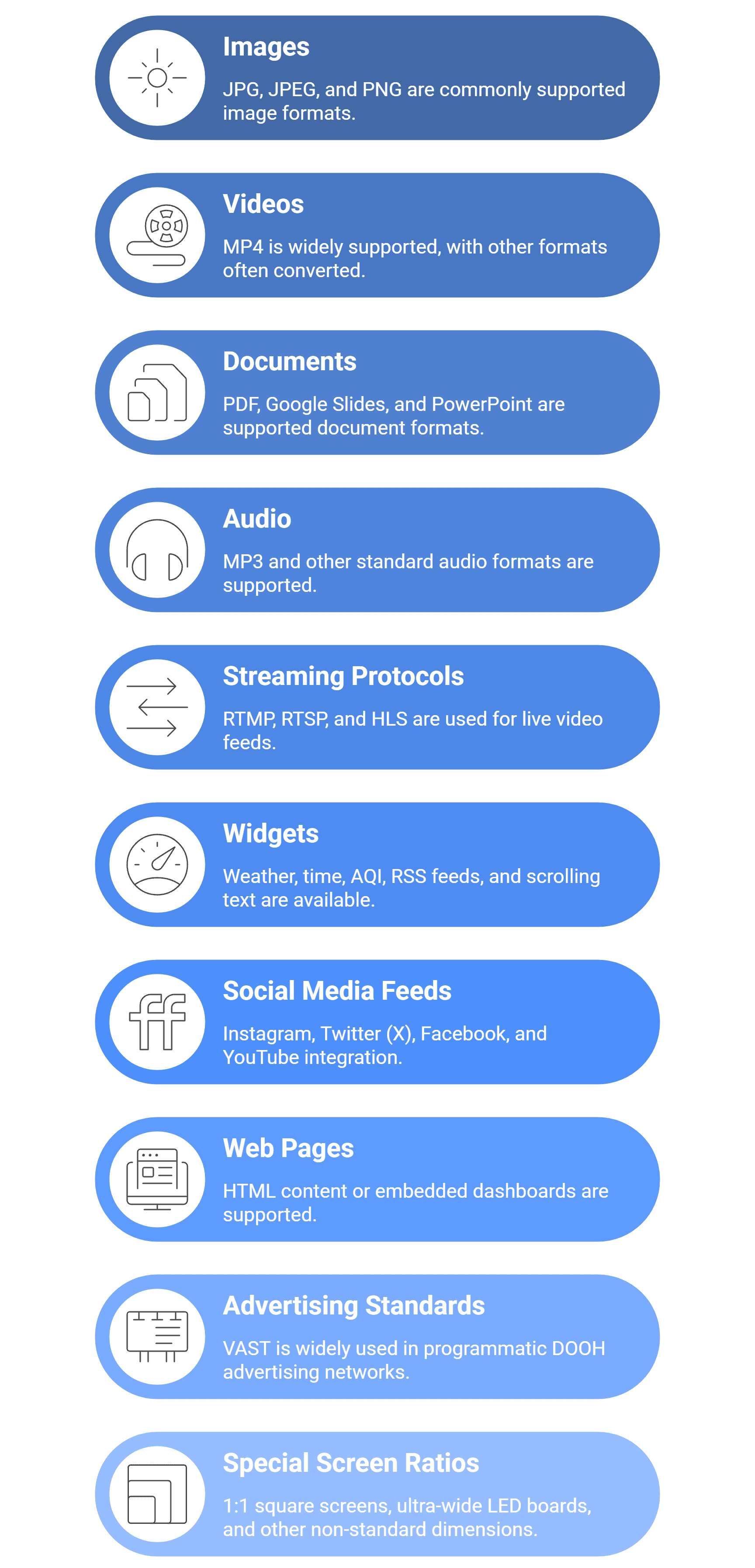
- Images: JPG, JPEG, PNG.
- Videos: MP4 is the most widely supported, though other formats are often auto-converted to MP4.
- Documents: PDF, Google Slides, PowerPoint (via cloud integration).
- Audio: MP3 and other standard audio formats.
Live and dynamic content:
- Streaming protocols: RTMP, RTSP, HLS for live video feeds.
- Widgets: Weather, time, AQI, RSS feeds, scrolling text.
- Social media feeds: Instagram, Twitter (X), Facebook, and YouTube integration.
Enterprise and advanced formats:
- Web pages: HTML content or embedded dashboards (e.g., Power BI, Google Sites).
- Advertising standards: VAST (Video Ad Serving Template), widely used in programmatic DOOH advertising networks.
- Special screen ratios: 1:1 square screens, ultra-wide LED boards, and other non-standard dimensions.
Adaptation features:
- Automatic adjustment of content for portrait and landscape orientations.
- Support for stretch LED displays or custom aspect ratios.
- Brightness and resolution optimization for different screen types.
Benefits of broad format support:
- Businesses can reuse existing media files without costly conversions.
- Real-time content like live scores, stock tickers, or news feeds keeps screens engaging.
- Advanced integrations make it possible to run dashboards and interactive data alongside traditional ads.
In short, digital signage software covers everything from simple images and videos to dynamic real-time data and advertising standards, making it adaptable to a wide range of industries and applications.