

Yes, integration with social media feeds and live data widgets is one of the most valuable features of digital signage software. This makes screens more engaging, dynamic, and relevant to viewers.
Social media integrations:
- Instagram: Businesses can display posts, stories, or hashtag-based feeds through API authorization.
- Twitter/X: Display tweets filtered by hashtag, account, or mentions in real time.
- Facebook and YouTube: Stream live content or curated posts directly on the signage.
Live data widgets:
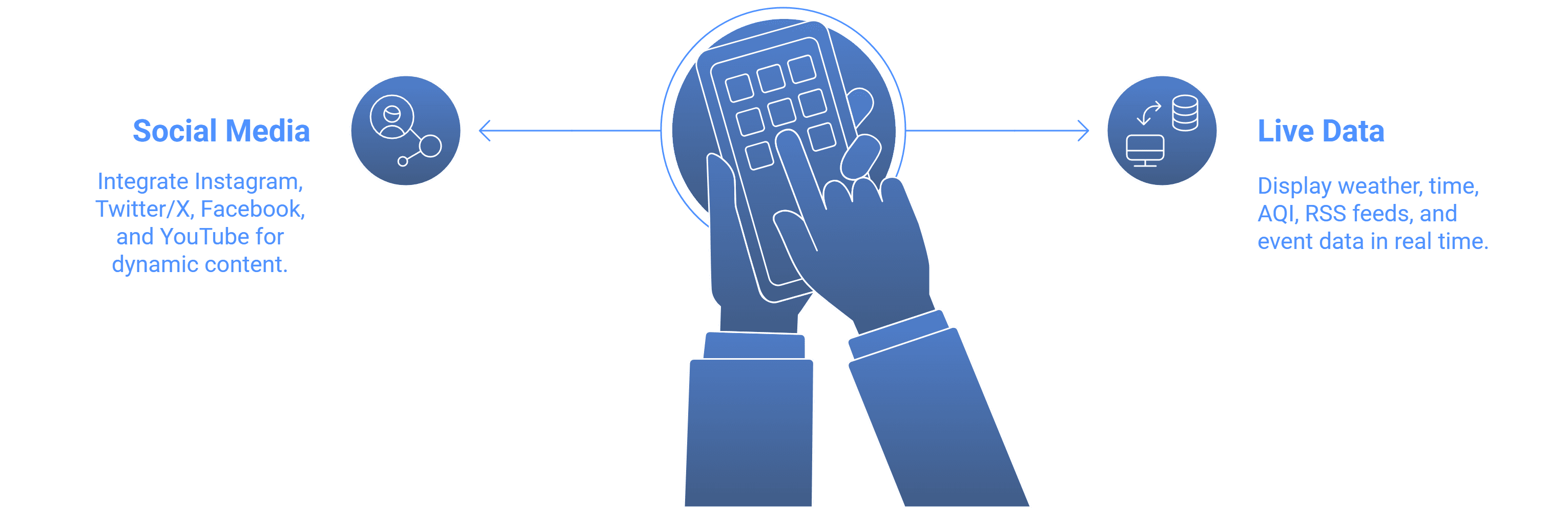
- Weather and time: Displayed with location-specific updates.
- AQI (Air Quality Index): Useful for outdoor displays or health-focused environments.
- RSS feeds: For news, sports updates, or stock market tickers.
- Event data: APIs can feed live event scores, schedules, or countdowns.
Enterprise integrations:
- Dashboards from Power BI or Google Sites can be displayed on large corporate screens.
- HTML and custom widgets can be embedded to display live metrics like inventory levels, logistics updates, or customer queue times.
Advantages:
- Keeps screens fresh and automatically updated without manual input.
- Helps businesses engage audiences with real-time and interactive content.
- Supports promotional campaigns that combine branded messages with trending social content.
Use case example:
- In a retail store, a digital signage screen can display live Instagram posts tagged with a campaign hashtag alongside promotions.
- In a hospital, real-time queue management and doctor schedules can run side by side with live TV through HDMI capture.
In conclusion, digital signage software can seamlessly integrate live feeds, APIs, and widgets, making displays more interactive, informative, and suitable for real-time communication.
Explore digital signage software built for modern, data-driven displays.


