

With the aid of real-time data, you make the signs timely, contextual, and up-to-date for your visitors. Following is the list of common integration type and usage:
Useful data integrations & widgets
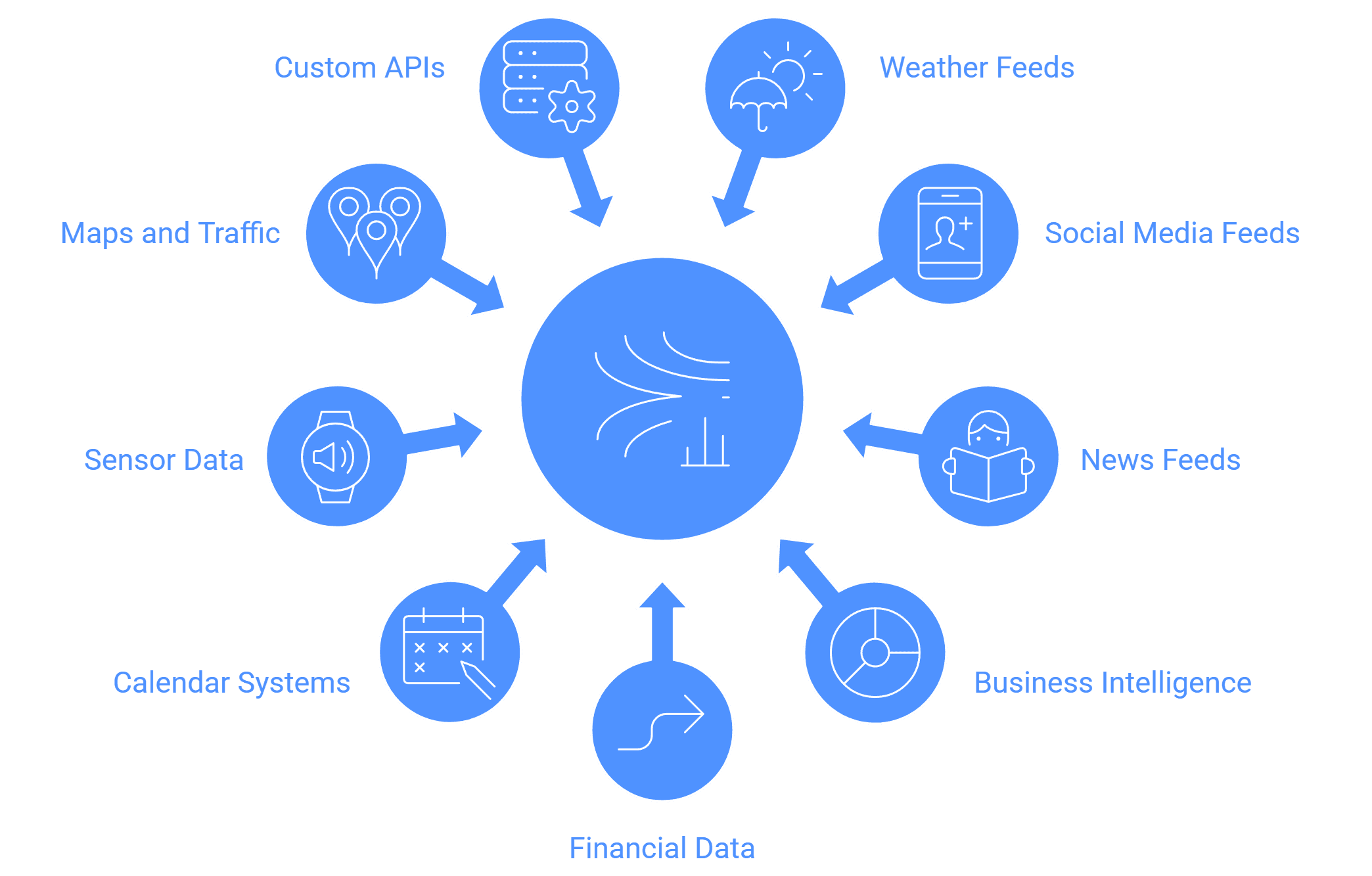
- Weather / forecast feeds : These come in handy in transit hubs, stores, and other places; they provide the current circumstances or anticipated weather conditions (temperature, rain, etc.).
- Social media feeds : Import posts from Facebook, Instagram, and Twitter to display up-to-date interaction, promotions, hashtags, or reviews.
- News / RSS / ticker feeds : Up-to-date news tickers or headlines maintain the screen current.
- Business intelligence / dashboards : Display key metrics (sales, footfall, production stats) pulled from internal systems (via APIs)
- Stock / financial data : Display stock tickers or financial indicators.
- Calendar / appointment / queue systems : Display schedules of the meeting rooms, the queues, or the waiting times.
- Sensor / IoT / environmental data : Occupancy sensors, temperature sensors, foot traffic, or digital signage responding to triggers (e.g. movement).
- Maps / traffic / transport : For transit hubs, showing maps, ETA, traffic overlays.
- Custom API / webhooks : For any bespoke system your business uses (CRM, inventory levels, promotions).
Many cloud signage platforms support embedding HTML / widget modules so you can embed third-party content. Wilyer’s cloud signage supports “widgets / live updates” in their demos.
When you choose software, check:
- What data sources are supported out-of-box
- Whether you can plug in custom APIs
- How often data refreshes (latency)
- Failover behavior (if external data feed fails)
To explore how these integrations enhance engagement, check out how cloud digital signage works, it breaks down how live widgets and APIs connect within the system.


