

It all depends on your use case, your industry, and your required level of security. On-premise digital signage software has strengths, as does the cloud. Neither is ever "better" than the other across the board.
Cloud-based signage is typically more convenient where businesses operate scattered locations. Chain retail stores, food chains, hotel chains, and ad networks gain much from the versatility of the cloud. You don’t install the servers locally. You instead host everything on servers like AWS or Azure, and screens communicate across the internet. It’s also easier to scale whether it’s five screens or fifty-five hundred, they’re controlled through a single console. It also minimizes maintenance since there are no IT people running local servers.
On-premise signage, conversely, resides on a local private server, typically inside an organization’s secure network. This is a more appropriate option among businesses where data security is paramount, i.e., banks, hospitals, governments, or big businesses. Since the system resides locally within their own network, it provides more control, as well as evasion of the public cloud infrastructure.
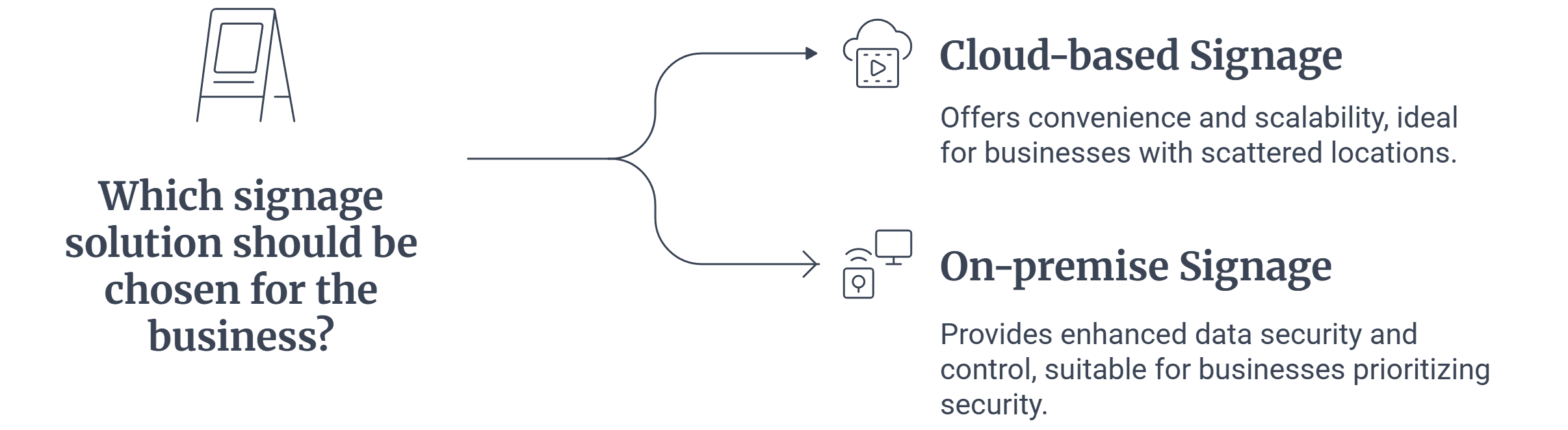
To simplify:
- Select cloud if you require flexibility, scalability, and off-site access.
- On-premise if your focus is on more control, security, and compliance.
Cloud is the preferred place to begin for most small- and midsized-businesses since it is affordable as well as simpler to deploy. It’s the preferable option as the better alternative is called for where the security guidelines or compliance dictates.
As such, both are not necessarily completely awesome, period. Rather, it’s about aligning the appropriate option to your industry as well as your company requirements.
Still unsure which setup suits your business? Read our detailed guide on Cloud vs On-Premise Digital Signage .


