

Selecting the appropriate features guarantees that your signage system is not merely "good enough" now, but is prepared for the future. Below is a list of traits that are both essential and desirable:
Must-have features
- Remote content management / scheduling : Playlist scheduling, content rotation, and push updates ought to be possible from any location.
- Multi-zone layouts / templates / design tools : Ability to divide your screen into zones (video, ticker, images) with drag-and-drop UIs.
- Offline playback or caching : If internet fails, your screen should still run stored content. Many cloud signage tools support this.
- Access control / multi-user roles : Different users (e.g. marketing, store operations) can have restricted permissions.
- Security / encryption : Data in transit and at rest should be secure; role-based controls, two-factor authentication, etc.
- Analytics / proof-of-play : You need to know what content played, when, and where. (More on that later.)
- Device / screen management & health monitoring : The system should let you monitor which screens are up, snapshot their display, push firmware updates, etc. Wilyer describes screen resilience and remote control.

Nice-to-have / advanced features
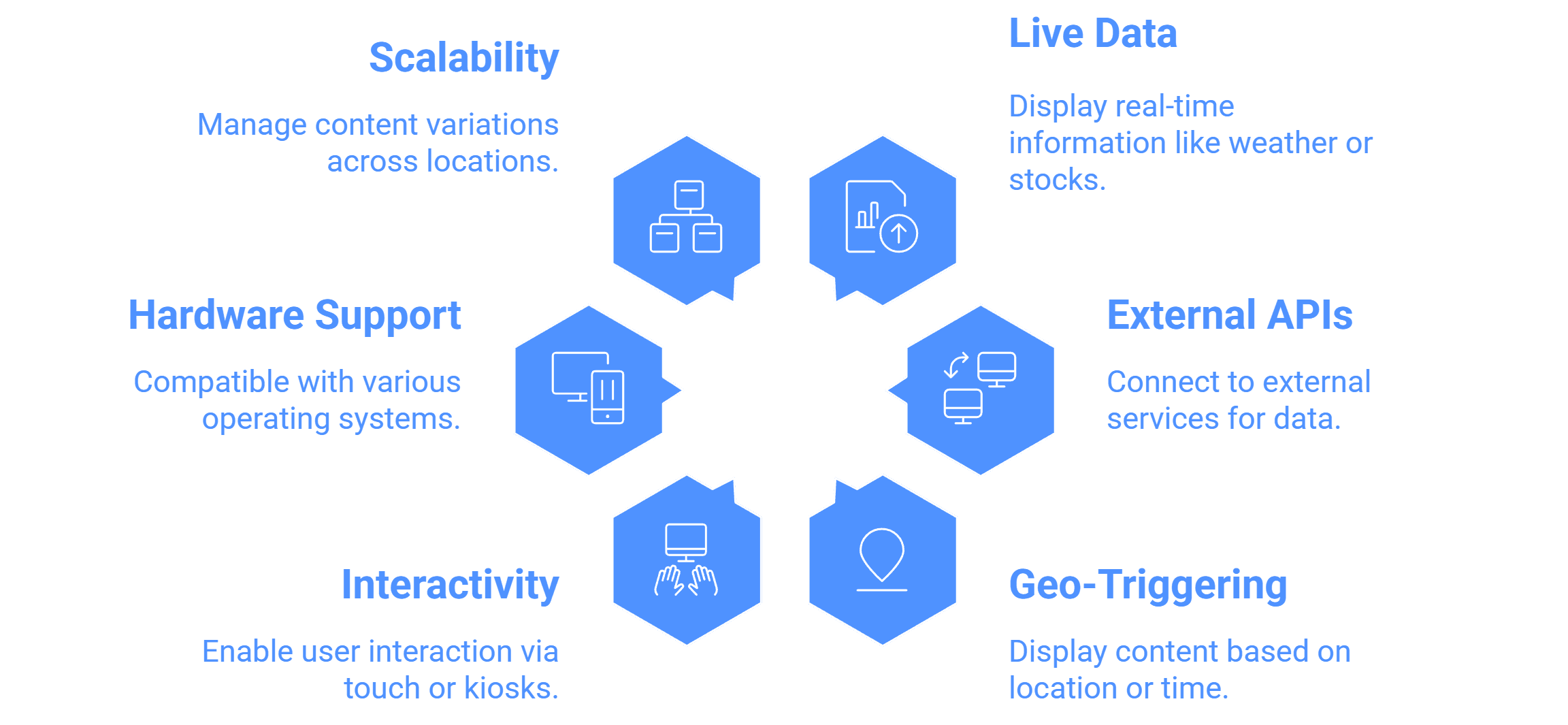
- Live data widgets / integration : Weather, social media, news tickers, RSS, stock or dashboards.
- APIs / external integrations for custom dashboards or data pipelines.
- Geo-triggering / location logic : Show specific content in specific locations or times.
- Interactivity / touch / kiosks : If you ever want interactive use.
- Support for mixed hardware / OS : Android, Windows, Linux, etc.
- Scalability and content versioning : Ability to push variant content per location or hierarchy.
By lining up these features against prospective software, you’ll avoid “feature surprises” later. See how a cloud digital signage platform handles scalability, security, and remote control.


