

Cloud-based digital signage operates such that it links three key elements together:
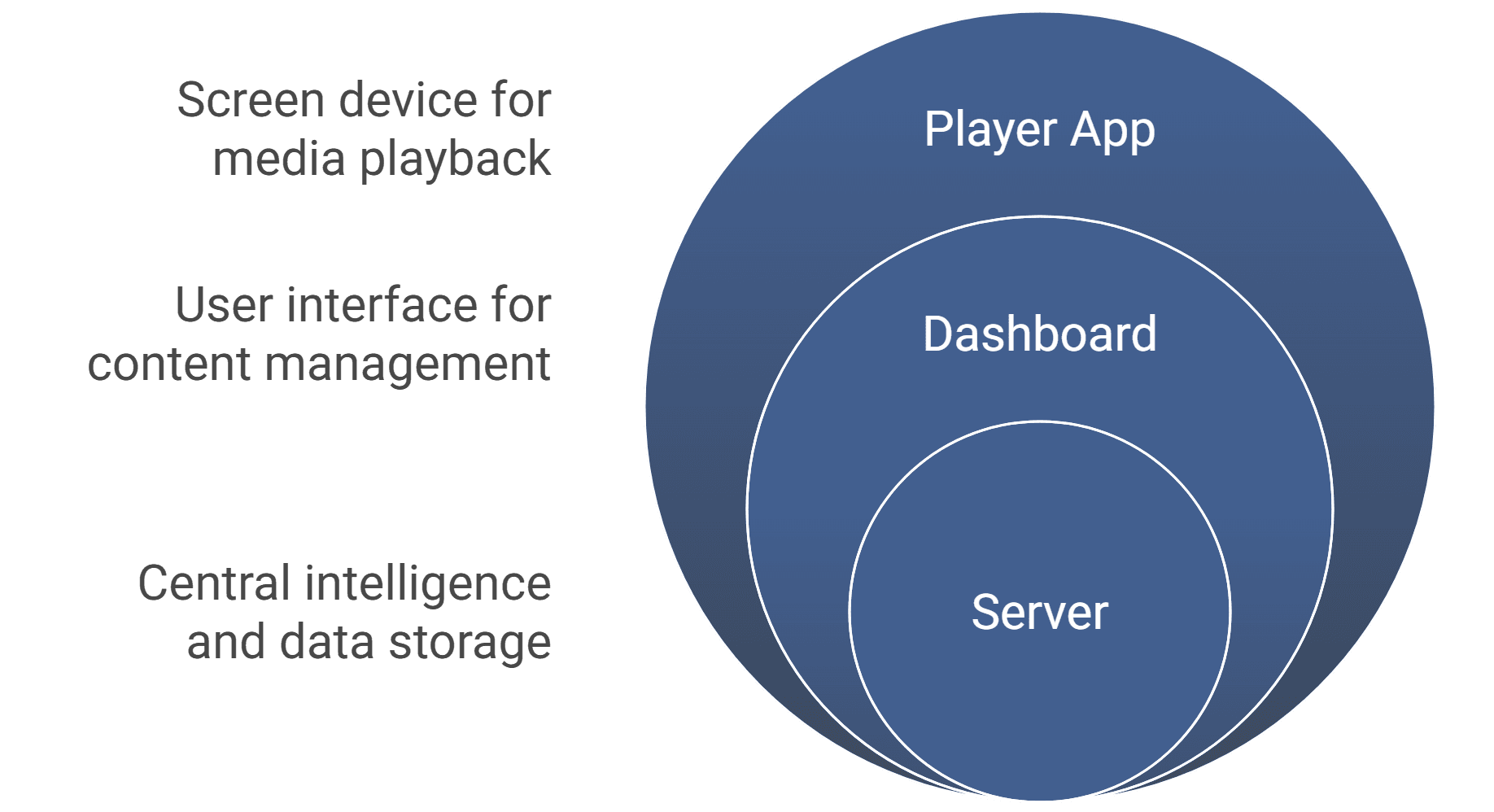
- Server - It is the central intelligence of the system. It holds the content files, the schedules, and the logic that determines which screen plays which.
- Dashboard - A very easy-to-use panel where you upload videos, photos, or PDFs, arrange playlists, and control your screens.
- Player App - Residents install the screen’s device. It retrieves instructions, as well as media, from the server, stores them locally, and plays them according to schedule.
When you upload the new content to the dashboard, the server stores the content. The player device downloads the content across the internet and plays the content. To keep this all running, most current systems employ the use of WebSectors, which keep open communication between the server as well as the screens.
This process ensures that updates are quick, content is reliable, and screens don’t depend on streaming everything live. They store it locally after download.
So, in simple terms, cloud signage works like this: you upload your content online → it’s stored in the cloud server → the player devices fetch and play it offline → and whenever you update something, the new instructions are pushed instantly.
If you’d like to see how cloud signage compares with local server setups, check out our detailed guide on cloud vs on-premise digital signage .


