

When you're a small business, the ideal cloud digital signage software should balance simplicity, affordability, and enough power to grow with you. You don’t need enterprise complexity on day one, but you want to avoid being boxed in.
When businesses compare digital signage solutions, names like Yodeck, ScreenCloud, NoviSign, OnSign TV, and OptiSigns often come up. Wilyer stands out as a cloud-based solution that works seamlessly across multiple platforms and makes remote screen management simple and efficient.
Some advantages of Wilyer (and what you should look for) include:
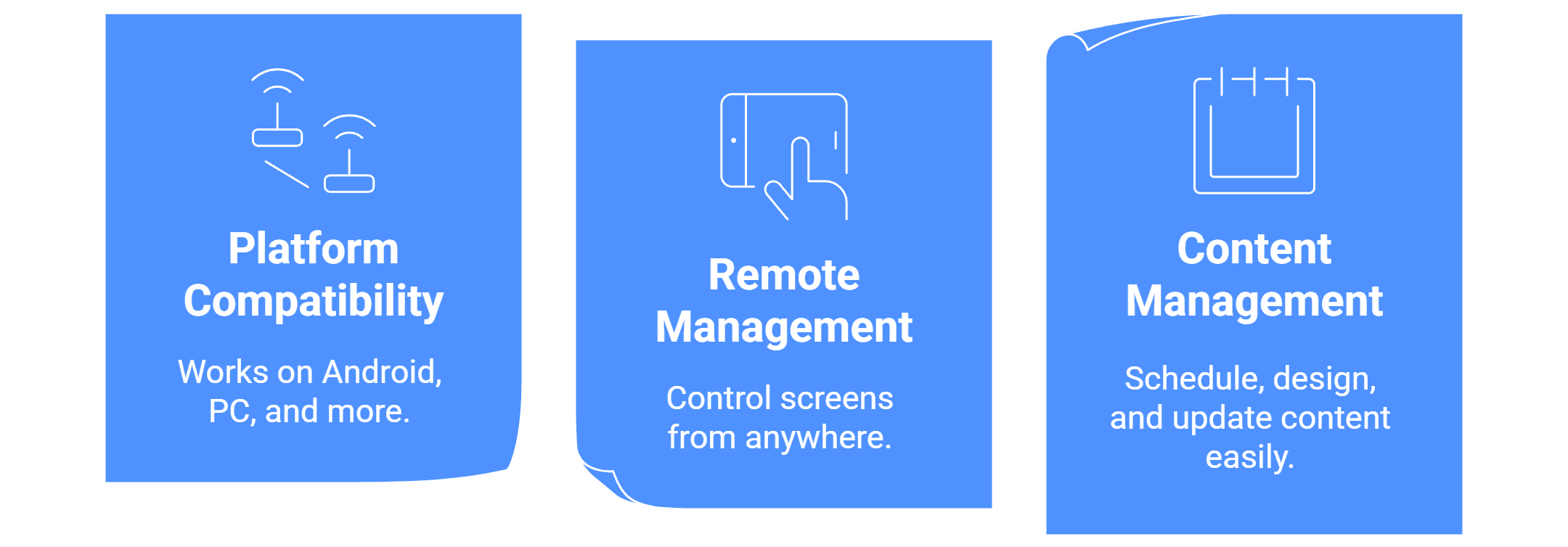
- Multi-platform compatibility (Android, PC, etc.) so you’re not tied to one hardware stack.
- Remote management of screens, even when they’re spread across locations.
- Scheduling, layout templates, and live updates.
That said, “best” depends on your priorities. For a small company, you may want to consider:
- A more flexible pricing structure or a reduced cost per screen.
- Good onboarding and assistance, as well as an intuitive interface that allows non-technical workers to change information.
- Enough features and connectors (such as data feeds and widgets) to allow for future growth.
Wilyer is an excellent choice for small businesses, especially if you value prompt local support and operate in or near our core markets in India and Asia. We recommend exploring two or three options, testing your screens, and comparing flexibility and cost to ensure you find the solution that best fits your needs.
Try a demo of our cloud digital signage software to see how easily you can control your screens from anywhere.


