

Yes, cloud signage is designed to scale. That’s one of its principal advantages over on-premise or USB solutions. But as with all systems, you’ll want to be mindful of architecture, costs, and operations.
Why it scales well
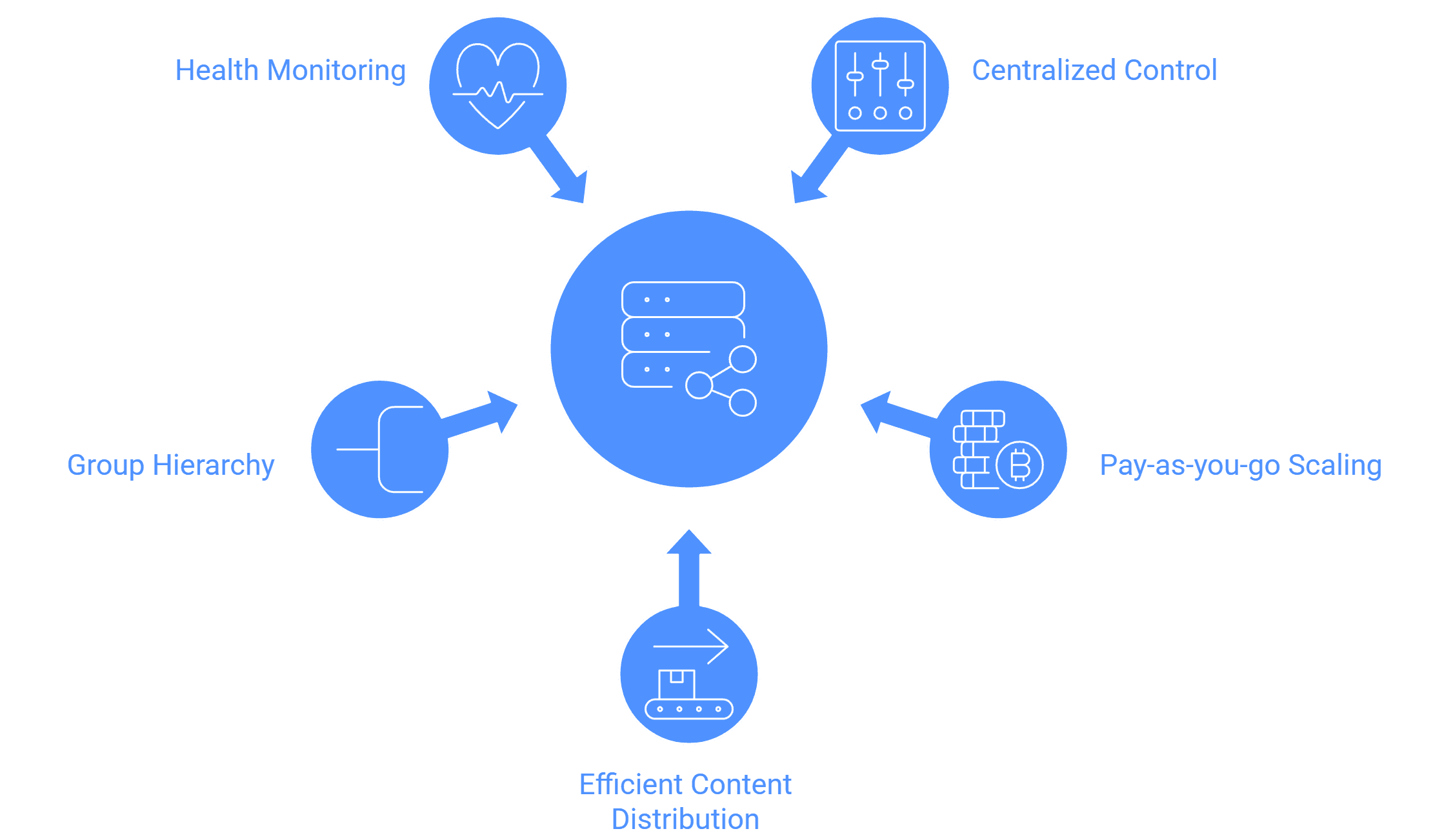
- Centralized control : In a cloud model you control many screens from a single dashboard. Maintaining servers in each branch is not necessary.
- Pay-as-you-go / subscription scaling: You can add screens over time without having to make a sizable upfront expenditure.
- Efficient content distribution : Adding more screens won't disrupt your productivity because the program manages caching, push distribution, and incremental updates.
- Group / hierarchy features : Screens can be grouped by floor, branch, or region, and content can be pushed to groups.
- Health monitoring & error recovery built in : The system can identify offline screens, auto-restart, or queue material until it is back online.
Things to watch out for / best practices
- Bandwidth & caching : Your network may become overloaded if you stream large videos to numerous displays at once. You should use staggered downloads or local caching.
- Device compatibility and firmware : As you scale, hardware variations could cause incompatibilities.
- User access management : Strong role-based permissions are required when numerous locations and supervisors are involved.
- Cost per screen : The price per extra screen must stay affordable even if the software grows.
- Content orchestration complexity : Your workflow must remain manageable when hundreds of screens are displaying various pieces of content (either through templates, automation, or dynamic rules).
- Support & SLA : The vendor should offer good support if many screens are mission-critical.
To see how scalable deployment works in practice, explore Wilyer’s cloud digital signage software, designed for multi-location screen management and effortless growth.


