

Yes, digital signage software can absolutely work in offline mode. The way it’s designed makes it reliable even when internet access isn’t available. Most modern digital signage platforms download the assigned content first onto the local storage of the device. These devices can run on Windows, Android, Samsung Tizen, or webOS, all of which provide storage for files. Once the content is saved locally, the player simply runs it directly from the device. This means the screens won’t stop working or show blank displays if the internet drops.
The types of content that play smoothly offline include:
- Videos
- Images
- PDFs
As they are already pre-downloaded, they play without buffer or lag. It keeps replaying the playlist until fresh content is pushed over the server once the internet reconnects.
But there are some types that cannot be used offline. They include:
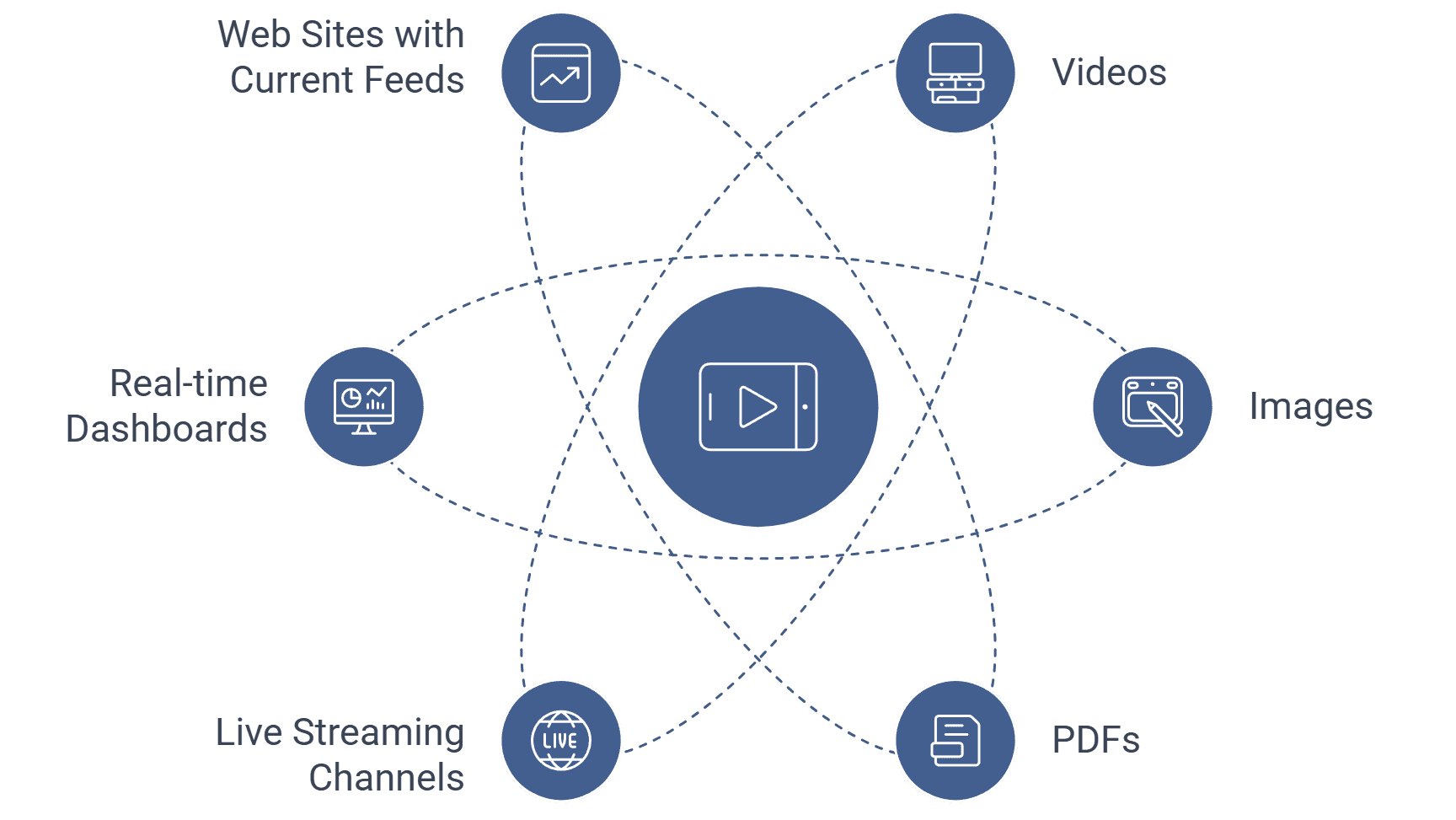
- Live streaming channels
- Real-time dashboards
- Web sites that pull current feeds
These need to be active internet as they draw data continuously on a real-time basis.
This offline feature comes in handy in situations such as shops, restaurants, or rural areas, where internet connectivity might be insecure. For example, a shop in a rural area can still show promotional videos or product images throughout the day, even if the network is down for hours. The cached files will continue to play until the system reconnects.
So, in simple terms, digital signage software is very dependable. It doesn’t require internet all the time. As long as you stick to preloaded videos, images, or PDFs, the screens can run indefinitely offline. The internet is only required when you want to update content or stream live data.
Discover why on-premise signage solutions are ideal for secure, always-on playback.


