

Yes, most digital signage software is designed to work offline through a feature called offline playback . This ensures that once content is downloaded to the media player or the screen’s internal storage, it can continue running without requiring an active internet connection.
How offline functionality works:
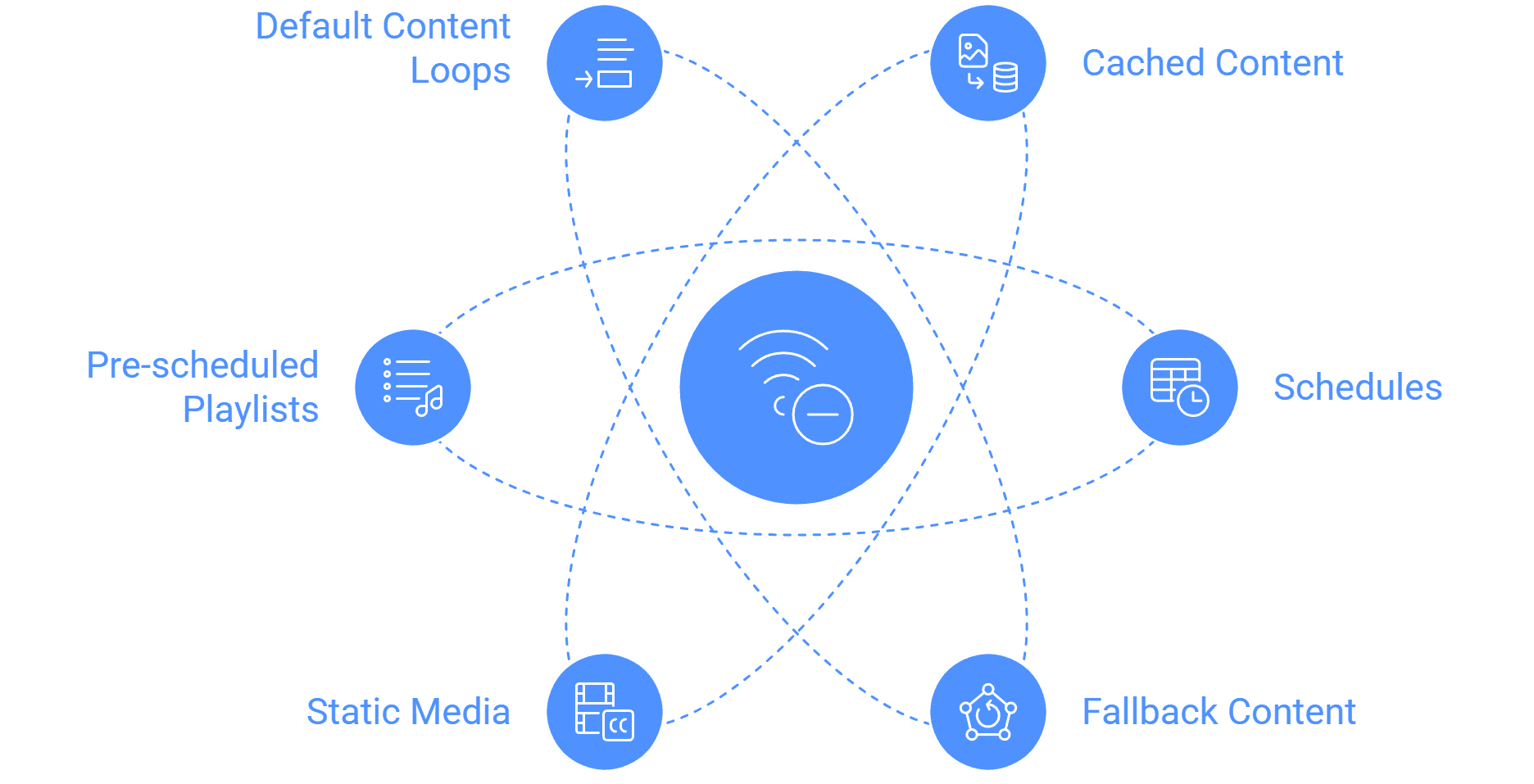
- Cached content: Images, videos, and PDFs are stored locally on the device, allowing uninterrupted playback even if the network is unavailable.
- Schedules remain intact: Most devices have a real-time clock (RTC) that keeps time-based schedules running without internet access. This means daily, weekly, or special campaigns still display as planned.
- Fallback content: If no internet connection is available for new updates, default or backup content can run to prevent blank screens.
What works offline:
- Static media such as images (JPG, PNG), videos (MP4), and documents (PDF, PPT via Google Slides).
- Pre-scheduled playlists and campaigns.
- Default content loops that continue until new content is pushed.
What requires internet:
- Live streaming (RTSP, RTMP, HLS).
- Social media feeds (Instagram, Twitter, YouTube).
- Real-time data widgets like weather, AQI, and stock updates.
- Remote management features such as live screenshots, network health reports, or remote device reboot.
Benefits of offline support:
- Reliability: Ensures content never stops playing, even in areas with poor internet connectivity.
- Security: Cached playback reduces dependency on constant server communication.
- Scalability: Ideal for retail chains, transportation hubs, and restaurants where some screens may experience network interruptions.
In conclusion, digital signage software is not entirely dependent on the internet. While live data and updates need connectivity, offline playback ensures that core content keeps running smoothly, making it reliable for critical use cases.
Want to know which systems handle offline playback best? Check compatible devices and OS support .


