

The need for special hardware depends on the type of screen being used and the operating system it supports.
When special hardware is not needed:
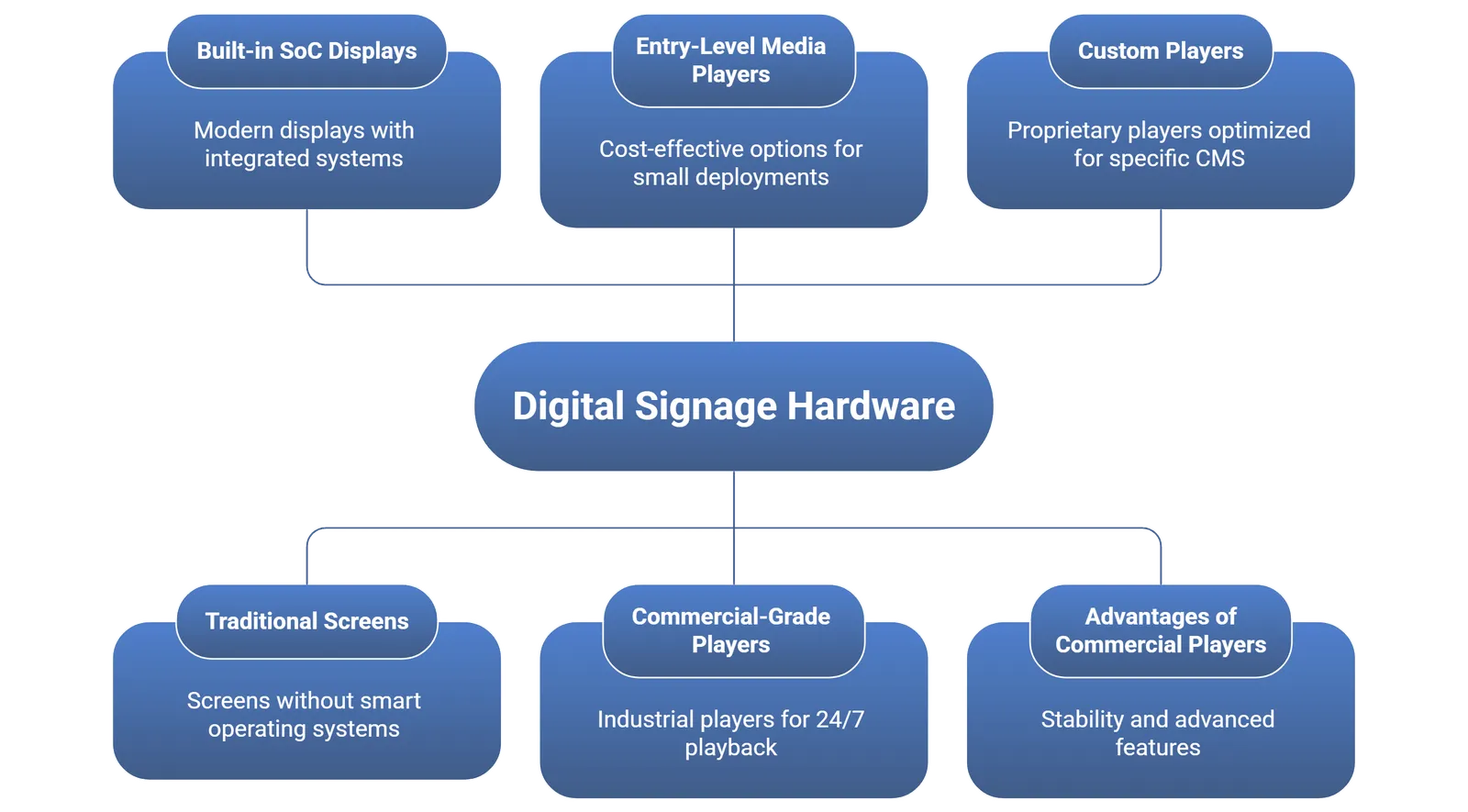
- Many modern commercial displays come with built-in system-on-chip (SoC) platforms.
- Examples: Samsung Tizen, LG WebOS, and Android-based smart displays.
- On these screens, the signage app can be directly installed, eliminating the need for an external media player.
When special hardware is needed:
- For traditional screens or LED boards without smart operating systems.
- When advanced playback is required (e.g., 4K or stretched LED formats).
- For enterprise-grade reliability where 24/7 operation is critical.
Types of hardware/media players used:
- Entry-level options: Raspberry Pi, Amazon Fire Stick, Google Chromecast (cost-effective for small deployments).
- Commercial-grade players: BrightSign, Assured Systems, and other industrial players designed for 24/7 playback.
- Custom players: Some software vendors also provide proprietary players optimized for their CMS.
Advantages of using commercial media players:
- Stability for long-duration playback.
- Better support for advanced formats and multiple screen outputs.
- Remote management features such as reboot, screenshot capture, and software updates.
Recommendation:
- For small businesses with smart TVs, low-cost solutions like Fire Stick may be sufficient.
- For larger enterprises or outdoor LED walls, dedicated media players are strongly recommended to ensure reliability and consistent performance.
In summary, special hardware is not always required. If your display has a compatible smart operating system, the software can run directly. Otherwise, external media players bridge the gap and provide additional stability and features.
Learn more about how digital signage systems work to choose the right setup for your environment.


