

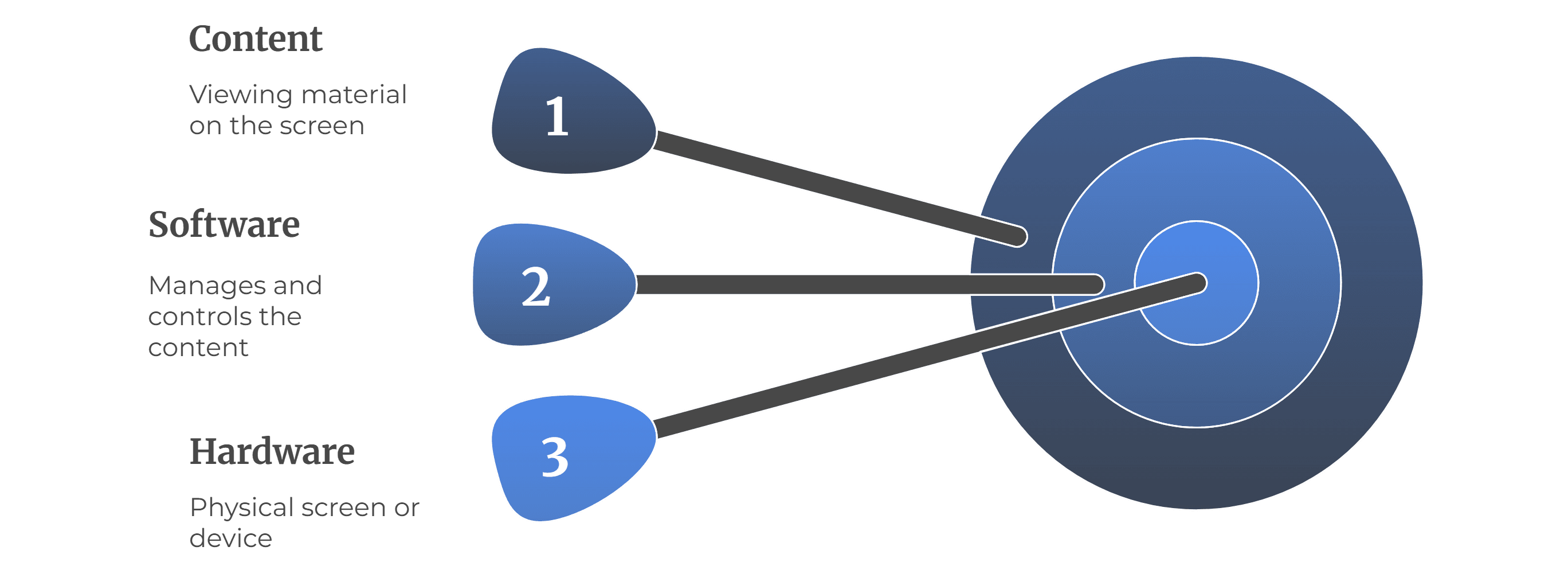
Digital signage works with three main parts: hardware, software, and content .
- Hardware is the actual screen or device, including TVs, LED boards, or kiosks.
- Software controls the screen by managing the content that is viewed and run.
- Content is the actual viewing material on the screen, such as images, videos, advertisements, live events, or messages.
To establish a flow, you upload your content into software (known as a CMS - Content Management System). The software connects to the screen (by either an internet connection, or local network), and will return when to play the content.
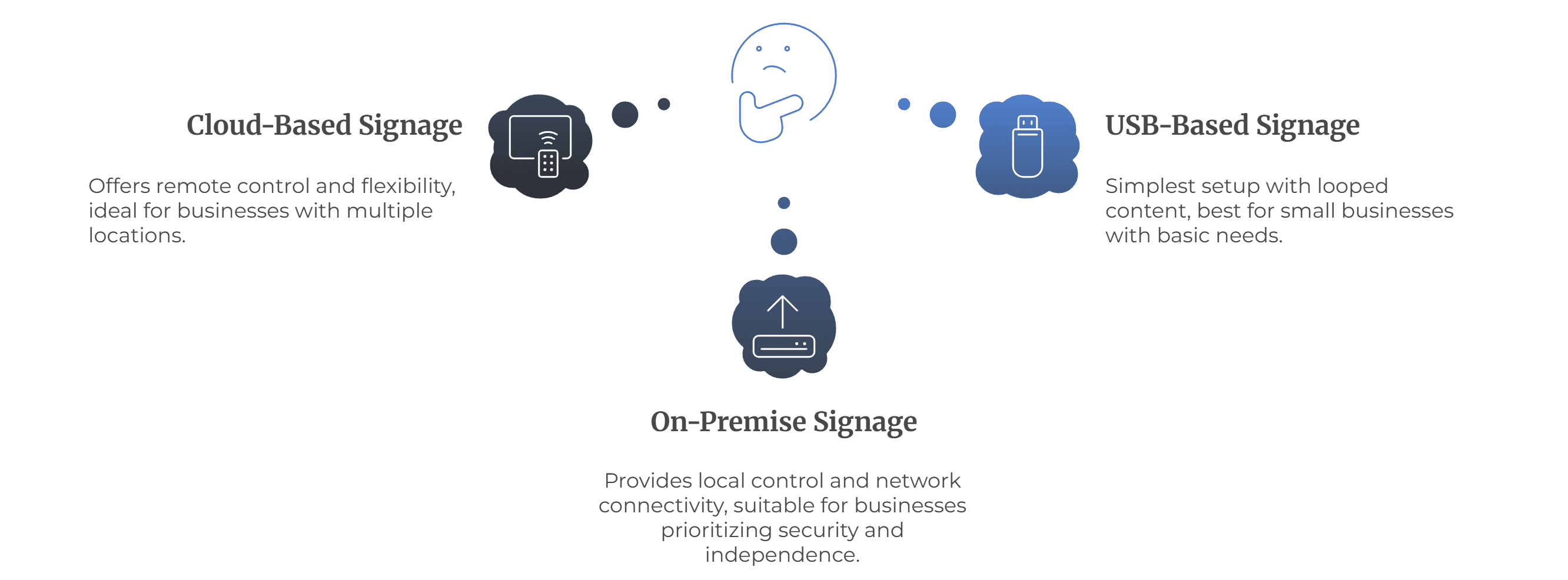
There are three ways this can be accomplished:
- Cloud-based signage - The software that controls the content is hosted online (such as on AWS servers), and you are able to log in anywhere to control the screens remotely.
- On-premise signage - The software is used on a local server (that you keep in your office or location). The screens can connect to one another within the same network. This is an option if the client wants to control everything locally without being internet reliant.
- USB-Based signage - The simplest form, where you copy content onto a pen drive, plug it into the TV, and it plays in a loop.
No matter the setup, the principle is the same. The software sends instructions, the screen receives them, and the audience sees the final content.


