

On-premise digital signage software gives you a level of security, control and performance that’s tough to beat, especially if you’re handling sensitive information.
The biggest strength of an on-premise setup is data security . Everything runs inside your own network, so nothing leaves your hands. That’s a must for companies or organizations that need to keep things private.
Key advantages include:
- Enhanced Security: Your data never leaves your network. It stays behind your firewall, under your rules.
- Total Control: Your IT team runs the show. Servers, users, settings, all managed in-house.
- Custom Integration: It’s easy to hook up with other internal systems you already use, like ERP, SAP, or hospital management software.
- Faster Content Delivery: Because everything runs locally, media updates and streaming happen with minimal latency.
- Cost Efficiency: Operates on a one-time license model, avoiding recurring cloud fees.
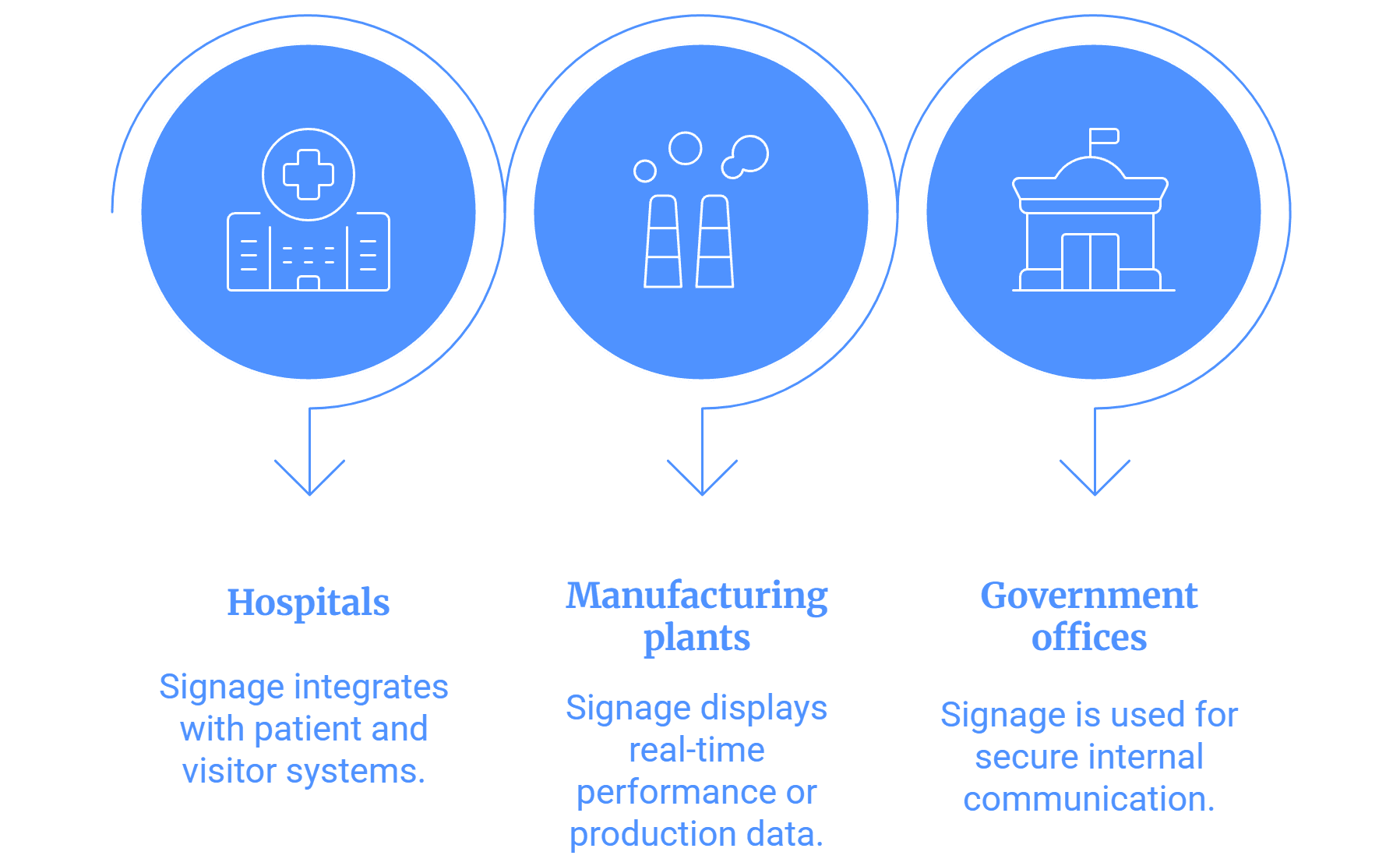
Industry applications:
- Hospitals integrate signage with patient and visitor systems.
- Manufacturing plants display real-time performance or production data.
- Government offices use it for secure internal communication.
Since the entire setup runs locally, the content delivery is faster and more reliable, even without internet access. This makes it perfect for secure environments where uptime and speed matter most.
In short, on-premise signage offers security, flexibility, reliability, and long-term cost savings for organizations that value control over convenience.


