

Maintenance for on-premise digital signage software focuses on keeping the system stable, secure, and responsive. Since the software runs within your internal network, most of the responsibility lies with your IT team rather than the vendor.
Key maintenance tasks include:
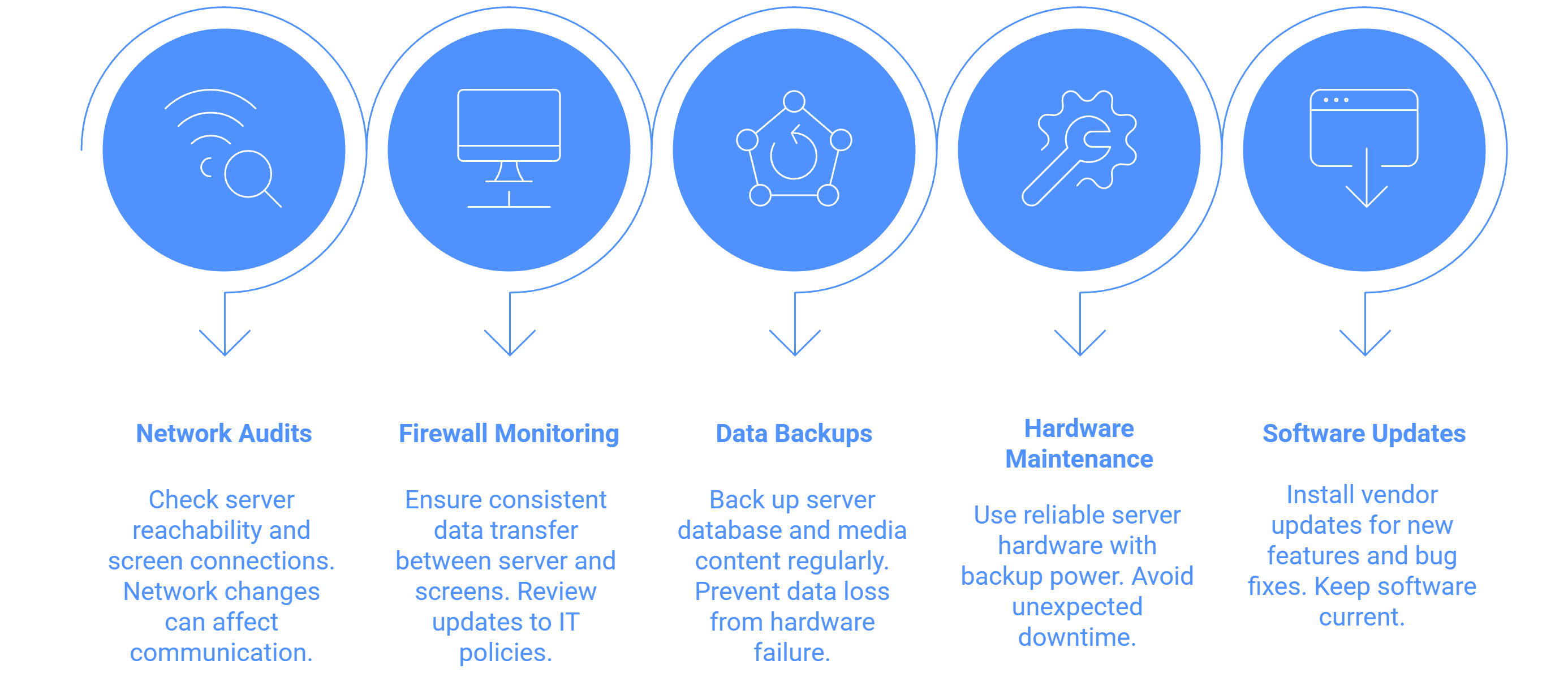
- Regular network audits: Check the reachability of the signage server and all connected screens. Changes in your network, such as new routers or firewalls, can affect communication.
- Firewall monitoring: Ensure the firewall consistently allows data transfer between the server and screens. Any update to IT policies or network security should be reviewed to maintain access.
- Data backups: Periodically back up the server database and media content to prevent data loss in case of hardware failure.
- Hardware maintenance: The server hardware should be reliable and supported by backup power to avoid unexpected downtime.
- Software updates: Occasionally, you may need vendor updates for new features or bug fixes.
In many organizations, on-premise signage maintenance is minimal after the initial deployment. However, keeping a routine check schedule helps maintain performance and connectivity.
The good news is that there are no recurring monthly fees, and maintenance costs typically amount to around 10% of the initial installation cost per year if vendor support is included.
In summary, regular audits, backups, and monitoring are the core of maintaining an efficient on-premise signage setup. With a stable network and proper IT oversight, these systems can operate reliably for many years.


