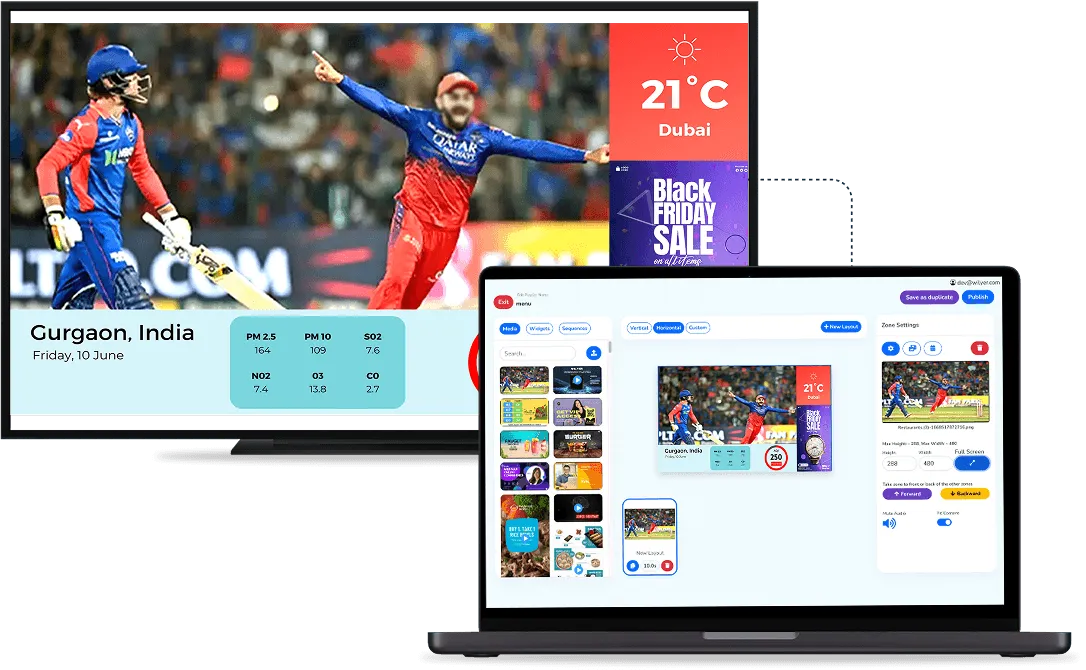
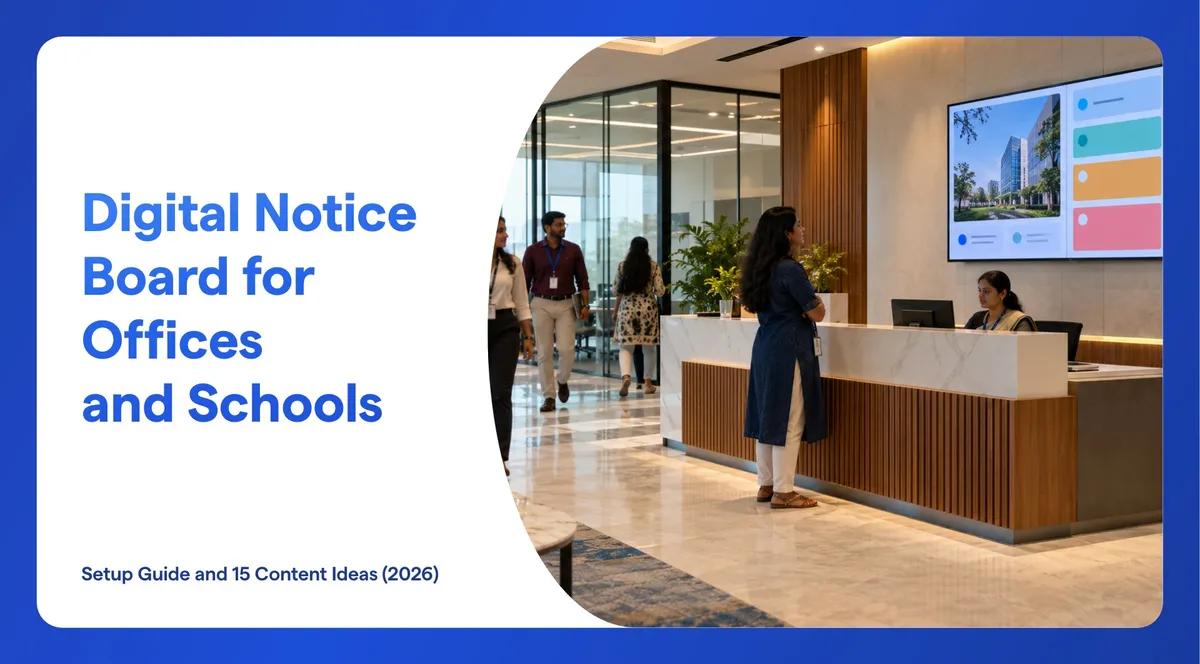
A digital notice board for office or school is a screen that shows the notices you used to pin up: you publish from a dashboard, and every chosen screen updates. In India, a good digital notice board also respects two realities: some notices must stay on paper by law, and every screen has to keep working through power cuts and patchy internet. This guide covers the setup in 5 steps and 15 content ideas for offices, factories and schools.
What Does "digital Notice Board" Mean in India?
Three different products go by the same name, so it helps to know which one you are buying:
- LED scrolling message boards: the red or colour LED boards that scroll a line of text. Listings on IndiaMART range from about ₹1,800 to ₹95,000. They show text only and are usually updated one board at a time.
- Interactive smart boards: touch panels for teaching in classrooms. They are teaching tools, not notice boards.
- A TV or commercial display run by software: a screen in a corridor, lobby or canteen that shows notices, images, videos and a ticker, updated from one dashboard for every building. This is what this guide sets up.
Why Do Offices and Schools Move Notices to Screens?
Paper notices go stale, get covered by newer ones, and only reach people who walk past that one board. The gap is widest for staff without a desk or a company email. In a 2021 Microsoft survey, 65% of frontline workers in India said messages from leadership do not reach them (Microsoft India). For the wider picture, see the benefits of digital signage.
A screen fixes the practical problems: one update reaches every building, notices change by shift or by day, the same notice can run in two languages, and an expired notice disappears on its own. NTPC is one example: it runs internal communication screens across several facilities on its own on-premise server, set up in two weeks with a two-day installation (read the NTPC case study).
Which Notices Should Stay on Paper?
Some notices are required by law or by your board, and the rules say "notice board" or "a conspicuous place". None of them says a screen is enough, so keep these on paper and use the screen to repeat them:
- Offices: the order forming the Internal Committee and the penalties for sexual harassment (POSH Act, section 19).
- Workplaces paying wages: the wage notice with wage rates, wage period and pay day (Code on Wages, section 50). The four labour codes have been in force since 21 November 2025.
- CBSE schools: the grievance, sexual harassment and POCSO committees with contact details, on the school notice board and website (CBSE circular 19/2017).
How Do You Set Up a Digital Notice Board in 5 Steps?

- Plan the board, the owners and the rules. List the screens (reception, canteen, shop floor, staff room, corridors), the categories (HR, safety, events, exams) and who posts and approves in each. Wilyer has role-based access and a maker-checker approval step, so a notice can need a second person's approval before it goes live.
- Choose the screens. A smart TV is enough for a lobby or staff room on during working hours. An existing TV that is not smart needs a small player. For screens that run 16 to 24 hours, such as a 24-hour plant, a commercial display is safer: see smart TV or commercial display.
- Install the app and pair each screen. Install the Wilyer app from the Play Store or a USB stick and pair the screen with the code it shows. Our guide to turning any TV into digital signage walks through it. A site without internet can host the server on its own network: see on-premise digital signage.
- Build the layout and give every notice dates. Split the screen into zones: the main notices, a clock and a ticker for one-line alerts. Give each notice a start date and an end date when you schedule it, so it disappears on time. For a plant, make one playlist per shift. To reuse existing slides, you can show Google Slides on the screen.
- Set roles and languages, then launch. Give each site its own posting rights, add Hindi or the state language where it helps, and walk past each screen to check that the text is readable from where people stand. Keep a UPS on screens that must stay on through power cuts.
15 Content Ideas for Office and School Notice Boards
Offices and Factories
- 1. POSH committee: Internal Committee members and how to reach them, repeating the paper notice.
- 2. Pay day and wage notice: the next pay date and the wage notice, repeating the paper copy.
- 3. Safety and emergencies: evacuation routes, assembly points, emergency numbers and days since the last incident.
- 4. Shift rosters and output: today's shift plan and the production board for the shop floor.
- 5. HR and policy updates: policy changes, the holiday list and leave reminders.
- 6. Recognition: birthdays, work anniversaries, new joiners and farewells.
- 7. Training calendar: upcoming sessions and certification deadlines.
- 8. Canteen menu and visitors: the menu by time of day, and a welcome for visitors at reception.
Schools and Colleges
- 9. Committee directory: grievance, Internal Complaints and POCSO committees with contacts, repeating the notice board copy.
- 10. Mental health helpline: Tele-MANAS on 14416 and 1800-891-4416, with its QR code, which CBSE asks schools to display on common notice boards (CBSE, August 2025).
- 11. Anti-drug helpline: the MANAS-1933 banner, which CBSE asks schools to show at the gate, reception and notice board (CBSE, September 2025).
- 12. Mid-day meal: the daily menu and the number of children served, which government and aided schools are asked to display (Ministry of Education, 2021).
- 13. Exams: datesheets, timetables and room allocations.
- 14. Events and achievements: sports day, annual day and achievements, shown with consent and never as full mark lists.
- 15. Fees and meetings: fee due dates, parent-teacher meetings and holiday notices.
Keep each notice short enough to read in about ten seconds, and rotate no more than eight notices in one loop. For more examples by sector, see our pages for corporate offices and schools and colleges.
How Do You Manage Notice Boards Across Many Buildings?
Group screens by building, floor or campus, and publish a notice to one group or to all of them. Give each site manager the right to post only on their own screens, keep head-office notices under central approval, and use downtime alerts so you know when a screen goes offline. Plants and government offices that must keep data inside their network can run the whole system on their own server, as NTPC does. Comparing tools? See our list of digital notice board software in India, or Wilyer's digital bulletin board software.
What Does a Digital Notice Board Cost in India?
For one corridor screen: a 43-inch smart TV costs about ₹21,499 to ₹31,999, or an existing TV that is not smart needs a player for about ₹1,999 to ₹3,697. Wilyer Pro is ₹1,200 per screen a month, or ₹12,000 a year, plus GST. Our screen cost breakdown adds mounts, installation and electricity. LED scrolling boards cost less, but they show a line of text, not notices with images, schedules and languages.
Frequently Asked Questions
What Is a Digital Notice Board?
A digital notice board is a screen, usually a TV or commercial display, that shows notices you publish from a dashboard instead of printing them. You can change a notice once and every chosen screen updates, schedule when a notice starts and ends, and show the same notice in more than one language.
Can a Digital Notice Board Replace the Paper Notices an Office Must Display?
No. Laws such as the POSH Act and the Code on Wages, and CBSE circulars for schools, ask for notices on a notice board or in a conspicuous place, and none of them says a screen is enough. Keep the required paper notices and use the screen to repeat and remind.
Can a School Use a Digital Notice Board for Exam Timetables and Circulars?
Yes. Exam datesheets, timetables, circulars, events and helpline numbers all work well on a corridor screen. Show toppers and achievements only with consent, and never put full mark lists on a public screen.
Does a Digital Notice Board Need Internet?
Only to receive new notices. The Wilyer app keeps playing what it has already downloaded if the connection drops. Sites without internet, such as some plants and government offices, can run the server on their own network instead.
Can We Show Notices in Hindi or Regional Languages?
Yes. Wilyer supports notices in more than one language. Use a font that includes the script, and check the result on the real screen before you publish to every site.
How Much Does a Digital Notice Board Cost in India?
A 43-inch smart TV costs about ₹21,499 to ₹31,999, and an existing TV that is not smart needs a player for about ₹1,999 to ₹3,697. Wilyer Pro is ₹1,200 per screen a month, or ₹12,000 a year, plus GST, with a 14-day free trial on 15 screens.
Getting Started
Start with one screen in the busiest place, such as reception, the canteen or the staff room, and three categories of notices. Add more screens once the posting routine works. Wilyer's free trial gives you 15 screens for 14 days with all Pro features and no card, or you can book a demo.