

To run digital signage, you need digital signage software . This is usually called a CMS (Content Management System) .
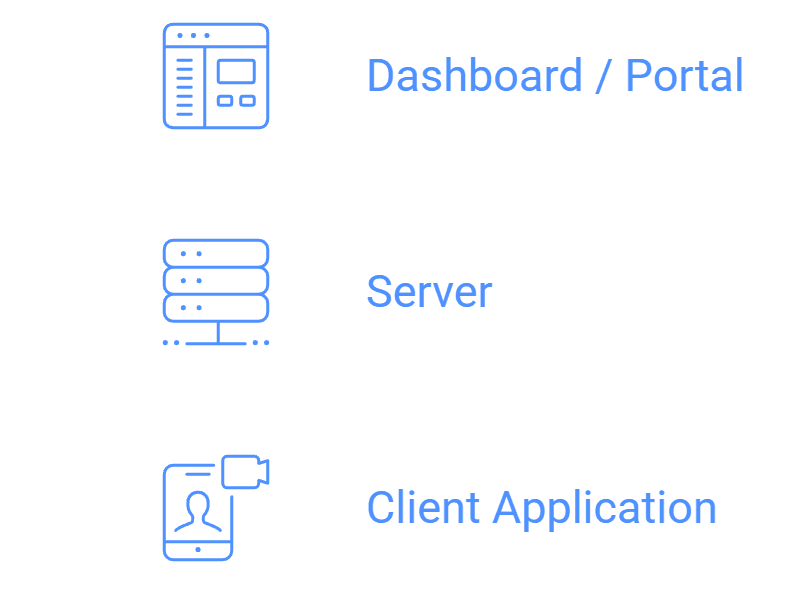
A typical signage software has three parts:
- Dashboard / Portal - The content manager allows the user to create playlists and schedule what plays when via the laptop’s desktop interface.
- Server - Either in the cloud or on-premise, the server holds and delivers content to monitors.
- Client application - The app is installed on the screen’s interfacing device - Android, Firestick, Windows, and also on commercial displays like LG webOS and Samsung Tizen. This app downloads and plays designated content.
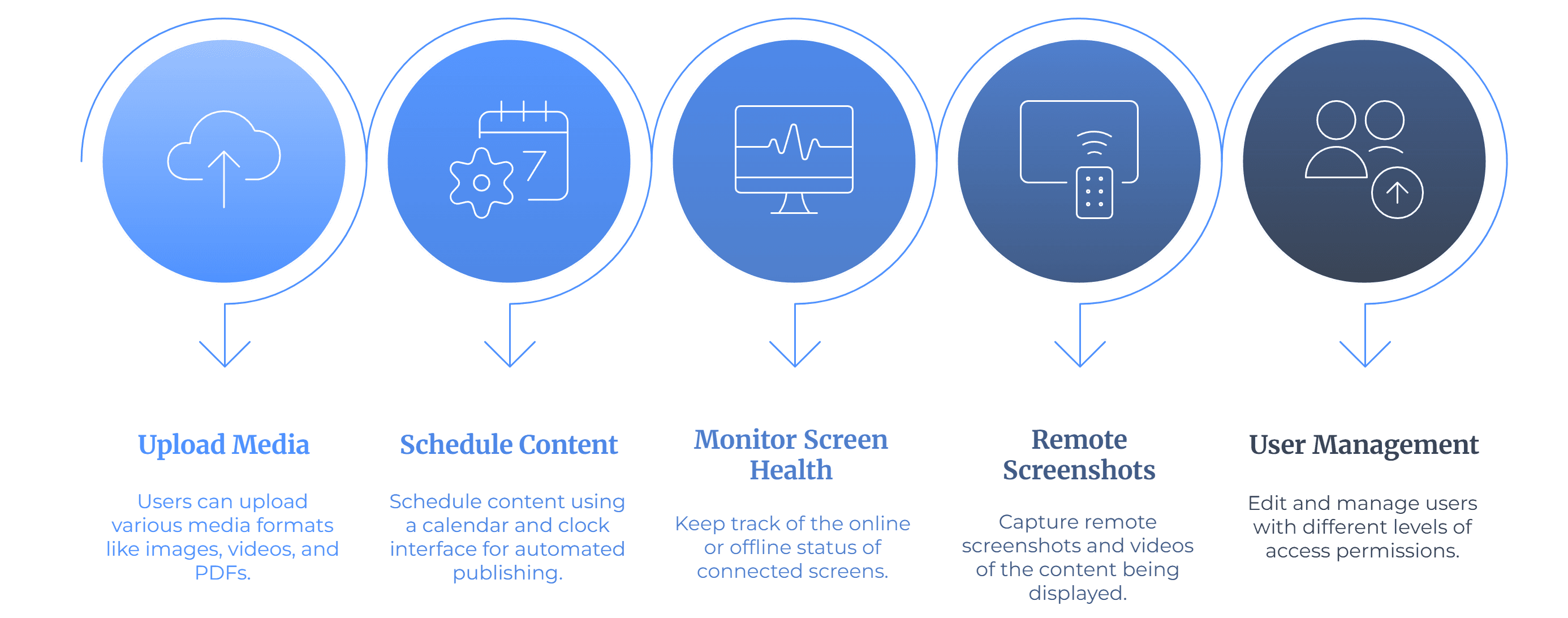
The software lets the user do the following actions:
- Upload images, videos, and PDFs.
- Schedule content via the calendar and clock.
- Monitor screen (online/offline) health.
- Take remote Screenshot videos and screenshots of what’s playing.
- Edit and manage different users in several level access.
Most digital signage platforms are known to operate on several Android, Windows, Linux, Firestick, LG webOS, and Samsung Tizen systems. Learn more about compatible devices .
To conclude, the software is the digital signage system’s head. It connects with every screen in the designated area and eases the users’ workloads, as they must update the screens only from the software’s interface.


